
Website design se lekar final launch tak pura process bahut smooth raha. Team har update time par deti rahi aur support bhi outstanding mila.

Banner design is the process of creating a visual graphic, static or animated, sized for a specific platform such as a website header, Google ad slot, or social media design, to promote a brand, product, or offer. Get it right and it stops a scroll. Get it wrong and it's just another blurry, cropped image nobody notices.
At Hyper Software, we design banners for websites, ad networks, and every major social platform, built to fit the exact pixel dimensions each one demands. Here's everything you need to know before you order one, including real pricing, real sizes, and the mistakes that quietly kill most banner campaigns.
A banner is a rectangular (or occasionally square) graphic design services used to promote something in a specific space online. That space might be the top of your website, a slot inside Google's Display Network, or the cover photo on your LinkedIn page.
Good banner design does three things at once: it grabs attention in under two seconds, it communicates one clear message, and it points the viewer toward a single action. Miss any one of those three and the banner just sits there, taking up space.
There isn't one type of banner. There are dozens, and each has its own rules.
Get Free Consultation Within Minutes
Website Banners
Homepage headers, hero sections, and category sliders. These set the tone for your entire site, so they need to load fast and stay sharp on every screen size, from a phone to a 27-inch monitor.
Social Media Banners
Cover photos and channel art for Facebook, LinkedIn, X (Twitter), and YouTube. Each platform crops these differently, and a banner built for one platform will look wrong dropped straight into another.
Google & Meta Ad Banners
Static image ads sized for the Google Display Network or Meta's ad platforms. These need to follow strict file size and format rules, or the ad network simply rejects them.
Animated HTML5 Banners
Motion-based ad banners that load fast, meet ad network file-weight limits, and still animate smoothly. These cost more to produce because they need front-end coding skill, not just a static image export.
E-commerce Banners
Homepage sliders, sale countdown banners, and category page graphics built to match your store's theme and drive clicks toward specific products.
Print & Event Banners
Vinyl banners for trade shows, storefronts, and events. We can also prepare print-ready files if your campaign needs both a digital and a physical version.
Getting the size wrong is the single most common reason a banner gets rejected by an ad network or cropped badly on a social profile. Here's the current reference table.
| Banner TypeSize (px)Common Use | ||
| Medium Rectangle | 300 × 250 | Highest reach, fits most ad placements |
| Leaderboard | 728 × 90 | Top of a webpage |
| Wide Skyscraper | 160 × 600 | Sidebar placements |
| Mobile Banner | 320 × 50 | Mobile web and app ads |
| Billboard | 970 × 250 | High-impact homepage placements |
| Half Page | 300 × 600 | Sidebar, high visibility |
| PlatformSize (px)Notes | ||
| Facebook Cover | 820 × 312 (desktop), 640 × 360 (mobile) | Design at 820 × 462 to cover both safely |
| LinkedIn Personal Banner | 1584 × 396 | 4:1 aspect ratio |
| LinkedIn Company Page Banner | 1128 × 191 | Narrower than the personal banner, easy to mix up |
| X (Twitter) Header | 1500 × 500 | Safe zone: center 1250 × 400 |
| YouTube Channel Art | 2560 × 1440 | Safe zone: center 1546 × 423, since the rest crops on TV and mobile |
| Open Graph (link preview) image | 1200 × 630 | Appears when your link is shared anywhere, including WhatsApp, Slack, and email |
Keep every logo, headline, and call-to-action inside the safe zone of each size. The outer edges get cropped on some devices, and a chopped-off logo looks careless even when the rest of the design is solid.
A banner is often the first visual impression someone has of your brand before they read a single word of your site. If it looks stretched, pixelated, or off-brand, that impression forms in about two seconds and it's hard to undo.
Beyond first impressions, banners do real work:
Most static banner sets take 3 to 5 business days. Animated HTML5 sets typically take longer, closer to 1 to 2 weeks, since the animation needs testing across ad network file- weight limits.
Banner design pricing varies a lot depending on where you buy it and what you actually need.
| Vendor TypeStatic Banner (per size)Full Set (multiple sizes)Animated HTML5 | |||
| Budget freelance marketplace | $10 - $30 | $50 - $150 | Rarely offered at this tier |
| Mid-range freelancer | $20 - $60 | $150 - $400 | $300 - $600 |
| Design agency | $50 - $250 | $250 - $1,500 | $800 - $4,000+ |
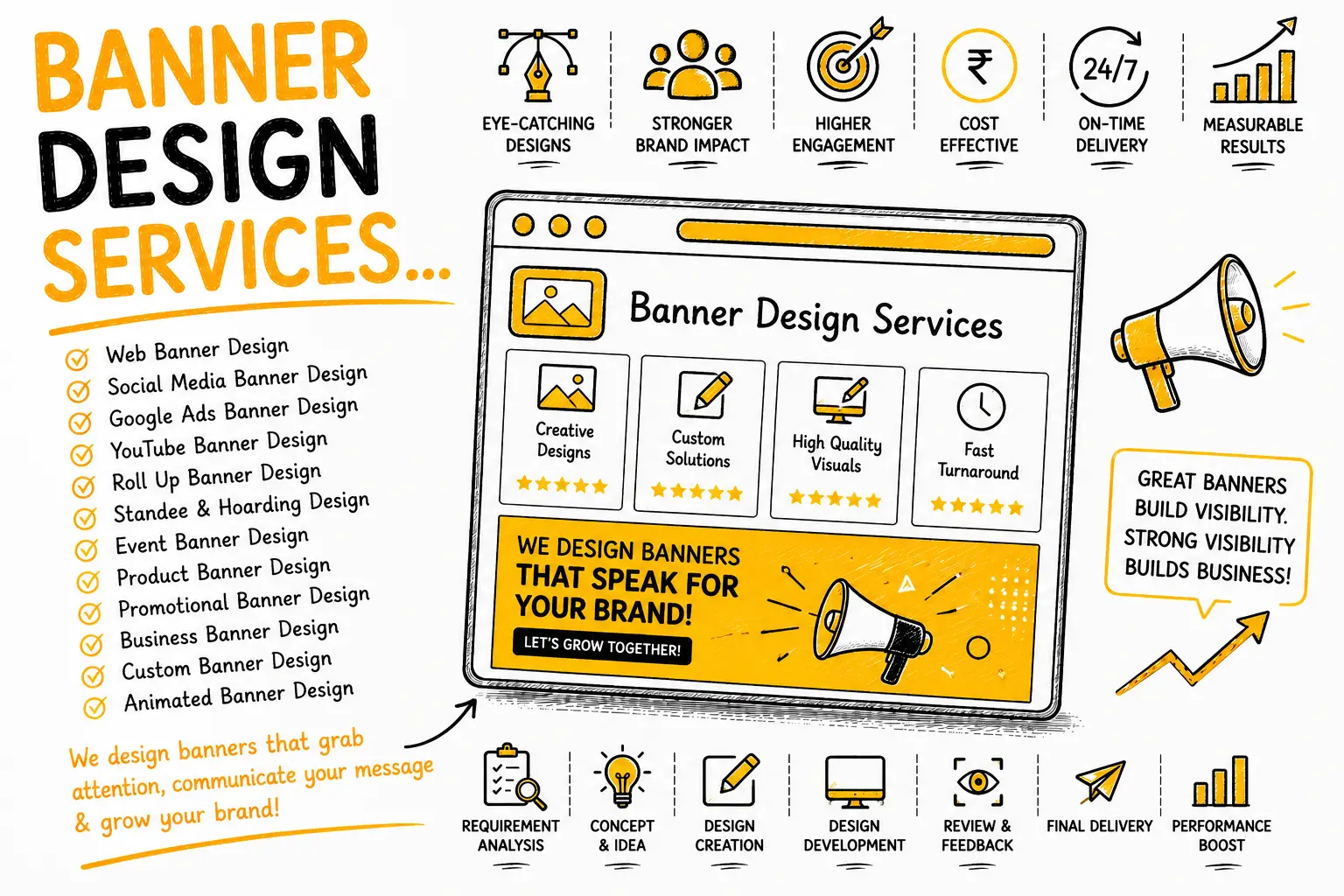
Plenty of businesses start with Canva, and for a single social media cover, that's often fine. It gets harder to justify once your needs grow.
| FactorDIY (Canva / Templates)Professional Design Service | ||
| Best for | One-off social covers, low budget | Ad campaigns, multiple sizes, ongoing brand consistency |
| Typical cost | Free to $15/month subscription | $20 - $1,500+ depending on scope |
| Brand consistency across sizes | Hard to maintain manually | Handled through a master template |
| Animated / HTML5 banners | Not realistically possible without coding | Included as a standard offering |
| Time investment | Hours per banner, more if you're not confident with design tools | Handled for you, you just review and approve |
| What can go wrong doing it alone | Wrong dimensions, cropped logos, inconsistent fonts and colors across platforms, ad rejections due to format issues | Minimal risk if the vendor is experienced with current ad network specs |
If you're a solo founder posting occasionally, DIY tools are a reasonable starting point. Once you're running paid ad campaigns, managing multiple social profiles, or need HTML5 animation, the time you'd spend fighting with templates usually costs more than just hiring it out.
JPG and PNG work for most static placements. GIF supports simple animation. HTML5 is used for interactive ad network campaigns. Always check the specific platform's accepted formats before exporting.
The safe zone is the center area of a banner guaranteed to stay visible across devices and cropping rules. Keeping logos and text inside it prevents them from getting cut off.
A standard static banner set usually takes 3 to 5 business days. Animated HTML5 banners typically take 1 to 2 weeks due to added testing.
Often yes, especially for cover photos like Facebook's, which crop differently on desktop (820 × 312) versus mobile (640 × 360). Designing for both safe zones at once avoids needing two separate files.
The most common and highest-reach sizes are 300 × 250 (Medium Rectangle), 728 × 90 (Leaderboard), and 160 × 600 (Wide Skyscraper). Most campaigns benefit from having all three ready.
A freelancer works well for a single banner or a tight budget. An agency makes more sense for ongoing campaigns needing brand consistency across many sizes and platforms.
A personal profile banner is 1584 × 396 pixels. A company page banner is different and narrower, at 1128 × 191 pixels, a mix-up that happens often.
No, most platforms only support static images for cover photos and channel art. Animation is generally limited to ad placements and video content, not profile banners.
An effective banner combines one clear message, strong contrast, a legible call to action, and correct sizing for its placement. Cluttered banners with multiple messages tend to underperform.
Yes, if a campaign needs both a digital banner and a physical vinyl banner for an event or storefront, print-ready files can be prepared alongside the digital set.
A mid-size e-commerce client came to us with a homepage slider that had been stretched from an old print flyer. It looked pixelated on desktop and completely broke on mobile, with the logo cut off on one side. Their Google Display ads were also getting inconsistent approval because the sizes didn't match current specs.
We started with a full brand and size audit, rebuilt a master banner template in their brand colors, and adapted it across their homepage slider, six Google Display sizes, and their Facebook and LinkedIn covers. Every file was resized and compressed to load fast without losing sharpness.
Within the first month after launch, the client reported a noticeably higher click-through rate on their Display ads and stopped getting size-related ad rejections entirely. Small, specific fix, real result.
Hyper Software has been building websites, apps, and digital marketing assets for clients worldwide since 2020, from our team based in Jaipur, Rajasthan. Banner design isn't a side offering bolted onto our services. It sits alongside our website development, UI/UX design, and digital marketing work, which means your banners get built by a team that already understands how design, code, and marketing fit together.
We work with clients across industries and time zones, and we size every deliverable to the platform's current specifications, not last year's.
Banner design is creating a visual graphic sized for a specific platform, like a website header, a Google ad slot, or a social media cover, to promote a brand, product, or message.
It depends on placement. A homepage hero typically works well at 1280 × 720 up to 1920 × 1080 for full-screen backgrounds, while a header banner is usually narrower, closer to 1200 × 300.
Static banners generally run $20 to $250 per size depending on the vendor, while animated HTML5 sets range from roughly $350 to $1,500 or more for complex campaigns.
A static banner is a single image (JPG, PNG, or GIF). An HTML5 banner includes animation and interactivity, built with code, which is why it costs more to produce.
Yes, tools like Canva work well for a single social cover or basic banner. It gets harder to maintain consistency once you need multiple ad sizes or animated formats.
Have questions or need expert guidance? Our team is ready to help you with the right technology solutions for your business.