
Hyper Software ne hamare business ko online ek nayi pehchan di. Website professional, fast aur SEO optimized hai. Website Design & Development ke liye best company.

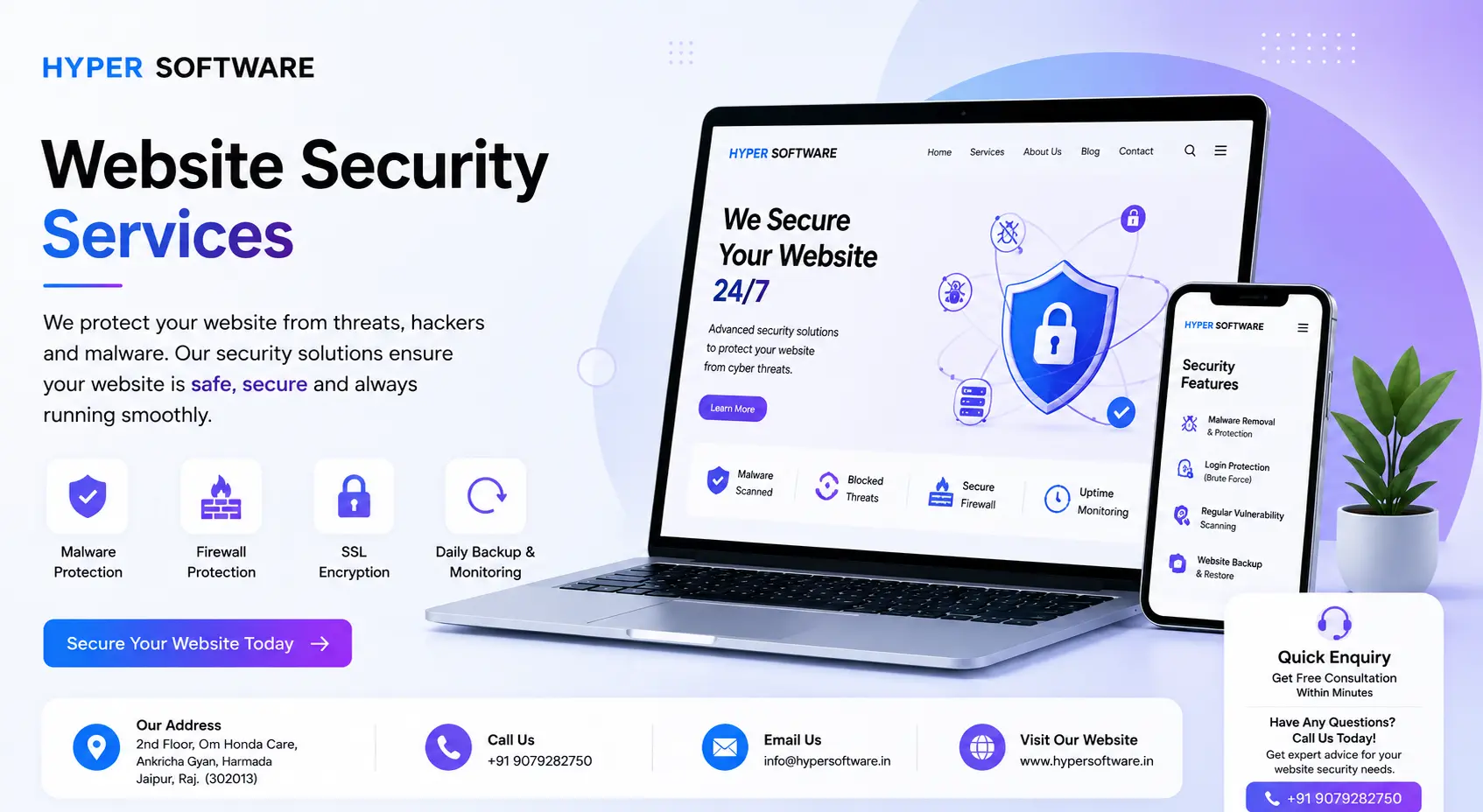
Website security means protecting your site and its data from hackers, malware, and attacks that can take it offline or steal customer information. If your website handles logins, payments, or any customer data, it's a target, whether it gets a hundred visitors a day or a hundred thousand. Hyper Software builds and maintains websites that stay online, stay clean, and stay trusted, backed by a security process we run for real clients every week.
Here's the part most business owners don't realize: a hacked website maintenance rarely announces itself. There's no siren. Your site might be sending spam emails, redirecting visitors to a gambling page, or sitting quietly on a Google blacklist for weeks before anyone notices. By then, you've lost traffic, lost trust, and possibly lost customer data.
This page covers everything you need to know: the real threats, what a proper security service actually includes, what it costs, and how to tell if your current setup is enough.
Website security is the combination of tools, settings, and habits that keep your site from being hacked, defaced, infected with malware, or knocked offline. It covers everything from the SSL certificate that encrypts data between your visitor and your server, to the firewall that filters out malicious traffic before it ever reaches your site.
Think of it in three layers:
1. Prevention — SSL, firewalls, strong passwords, software updates.
2. Detection — scanning, monitoring, alerts.
3. Recovery — backups, malware removal, incident response.
Most websites only have layer one, and even that's often half done. A business that skips layers two and three finds out about a hack from a customer, or worse, from Google.
Why does it matter beyond the obvious "don't get hacked" answer? Three reasons, in order of what actually costs businesses money:
Get Free Consultation Within Minutes
You don't need to be a developer to spot the early warning signs. Watch for:
If two or more of these sound familiar, don't wait for the rest. That's exactly the pattern we see right before a full site compromise.
Attackers don't need to be geniuses anymore. Automated tools do most of the work, scanning millions of sites a day for the same handful of weaknesses. Here's what shows up most in real audits.
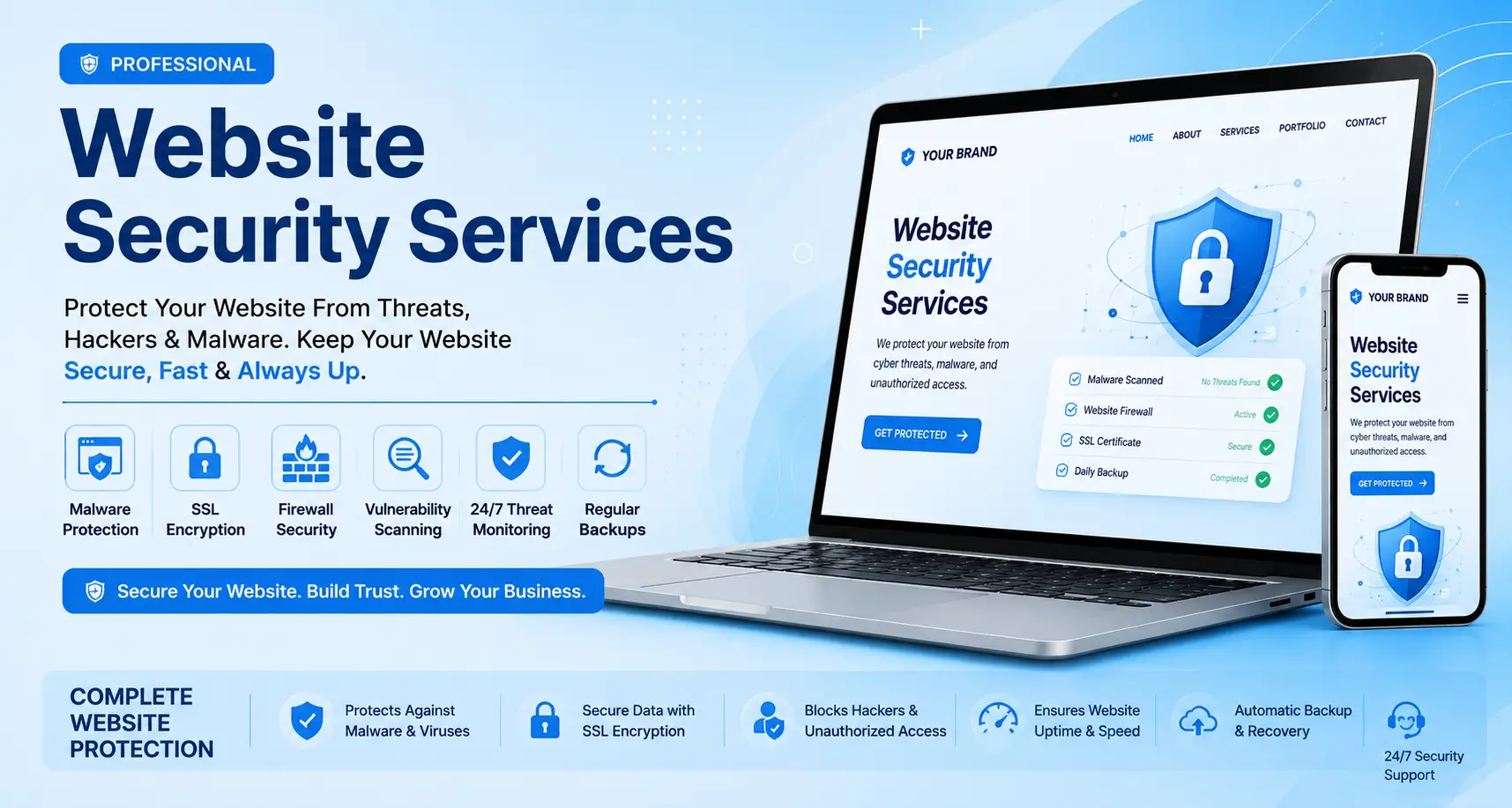
Malicious code gets injected into your files or database, often through an outdated plugin or a weak password. Once it's in, it can steal data, mine cryptocurrency using your server, or quietly add spam links to boost someone else's SEO at your expense.
Hyper Software ne hamare business ko online ek nayi pehchan di. Website professional, fast aur SEO optimized hai. Website Design & Development ke liye best company.

A Distributed Denial of Service attack floods your site with fake traffic until it can't respond to real visitors. Small business sites without any traffic filtering can go down in minutes.
These target the code behind your forms and input fields. SQL injection tricks your database into handing over data it shouldn't. XSS injects a script that runs in your visitor's browser, often to steal session cookies or login credentials. Both are on the OWASP Top 10 list of web application risks for good reason.
Attackers don't always break in through code. Often they just ask nicely. A fake login page or a convincing email tricks an employee into handing over admin credentials, and suddenly the "hack" was really just a stolen password.
Bots try thousands of password combinations against your login page every day. If your admin panel doesn't limit login attempts, this is often the easiest door in.
This is, by far, the most common cause we see. WordPress, Joomla, and other platforms release security patches regularly. If a site skips updates for even a few months, known vulnerabilities become an open invitation.
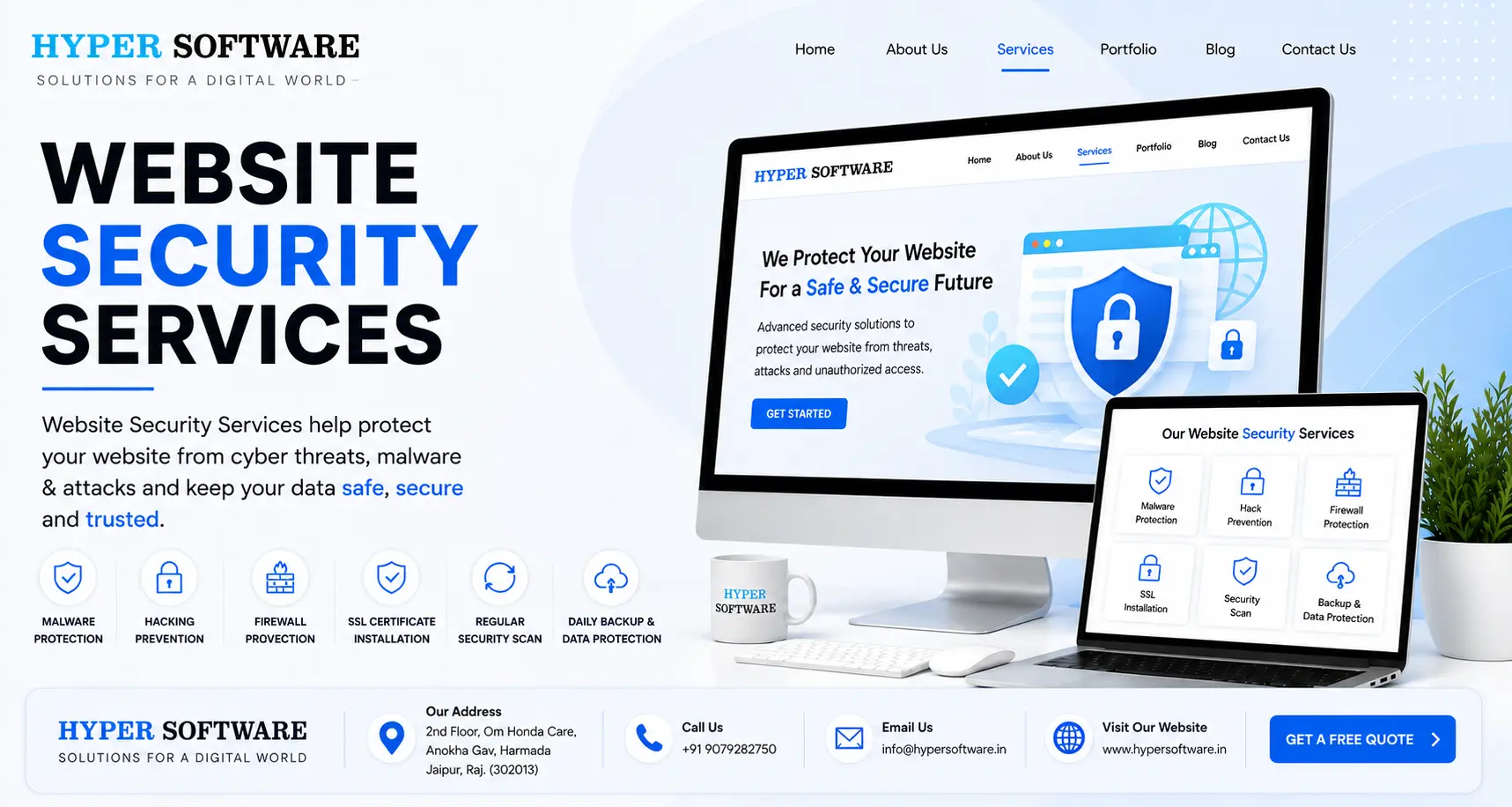
We don't sell a single plugin and call it a day. Our approach covers the full stack, prevention, detection, and recovery, tailored to how your website actually runs.
We install and correctly configure SSL so every connection to your site is encrypted, and we make sure HTTPS is enforced site-wide, not just on the checkout page. Google treats HTTPS as a baseline ranking signal, so this step also protects your SEO.
A Cloudflare WAF sits between your visitors and your server, filtering out malicious requests, bad bots, and known attack patterns before they reach your code. We configure rules specific to your platform instead of relying on generic defaults.
For sites that are already infected, we run a full file and database scan, identify every piece of injected code, remove it, and confirm the site is clean before requesting blacklist removal from Google and browsers.
Before we recommend anything, we check. This includes reviewing your CMS version, plugins, user permissions, server settings, and exposed files, then handing you a plain-English report ranked by actual risk, not a scary list of jargon.
We set up traffic filtering and rate limiting so a sudden traffic spike, malicious or not, doesn't take your site down, along with 24/7 uptime monitoring that alerts our team the moment something looks wrong.
Backups stored on the same server management as your site are almost useless in a real attack. We set up automated, off-site backups with a tested restore process, so if the worst happens, you're back online in hours, not days.
For WordPress specifically, this means disabling file editing from the dashboard, limiting login attempts, enforcing two-factor authentication for admins, and removing unused plugins that only add risk without adding value.
Security isn't a one-time project. We monitor your site continuously and patch new vulnerabilities as they're discovered, so you're not the one googling "is my website hacked" at 11 PM.
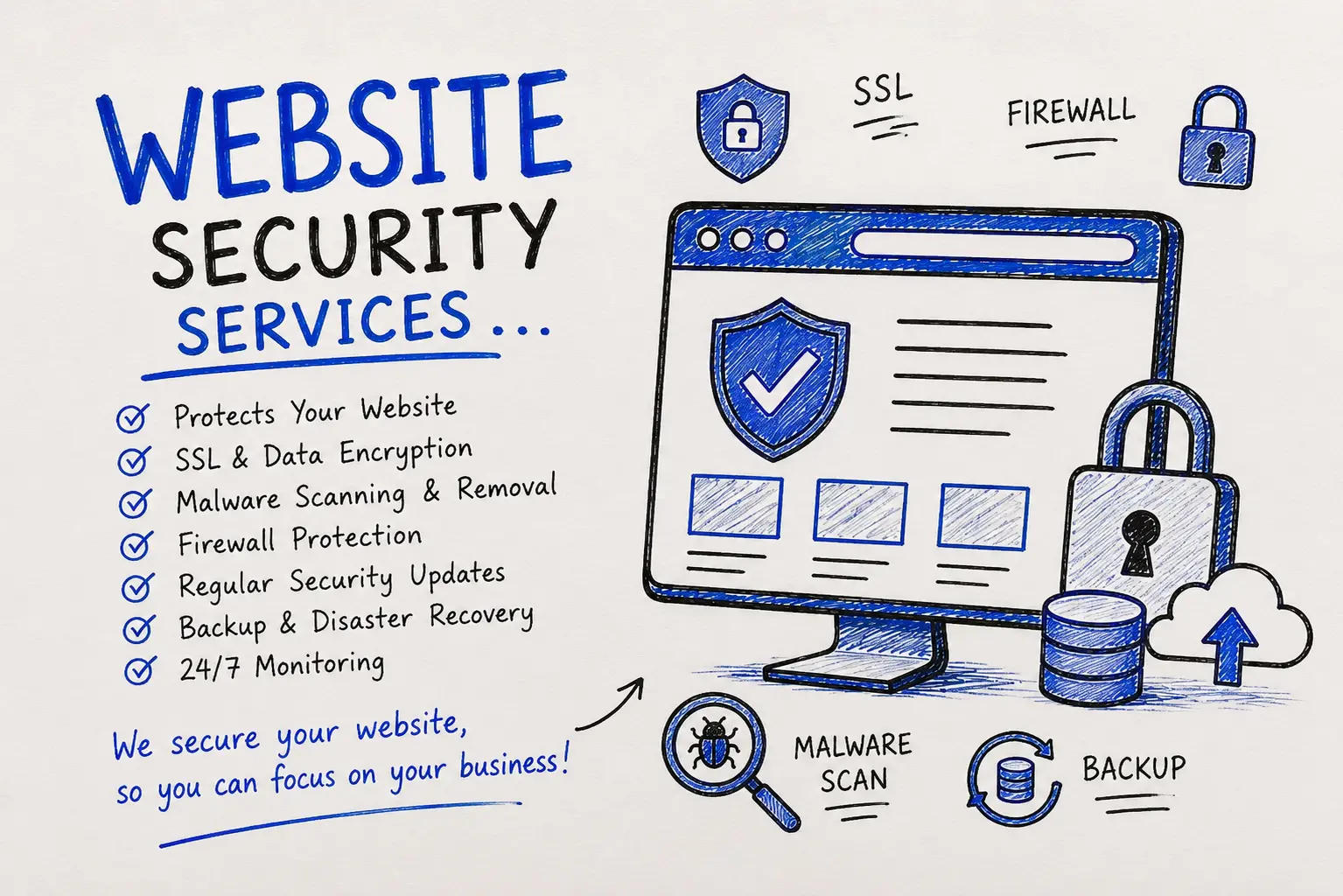
1. Free initial audit — we scan your site and give you a clear, ranked risk report, no obligation.
2. Cleanup (if needed) — if malware is present, we remove it and confirm the site is fully clean.
3. Protection setup — SSL, firewall, backups, and hardening get configured based on your platform.
4. Testing — we run checks to confirm every protection actually works, not just that it's switched on.
5. Ongoing monitoring — continuous scanning, with monthly reports so you always know where you stand.
Plenty of business owners start with a free security plugin. That's fine, up to a point. Here's where DIY tends to fall short, and where it's genuinely enough.
| Factor | DIY (Plugins/Free Tools) | Hiring Hyper Software |
| Setup time |
A few hours, if you know what you're doing |
Same day, handled for you |
| Cost | Free to low-cost, but time- expensive | Fixed monthly or one-time fee, no guesswork |
| Malware cleanup |
Often incomplete, reinfection is common |
Full removal with root-cause fix |
| Firewall tuning | Generic rules, easy to misconfigure | Custom-tuned to your traffic and platform |
| Ongoing monitoring | Manual, easy to forget |
Automated, with a real person watching alerts |
| Best for |
Personal blogs, very small low-risk sites |
Any business site handling customer data or revenue |
When DIY makes sense: a personal blog, a hobby project, a site with no logins or payment data. When it doesn't: anything tied to your income. One missed update on an eCommerce store can cost more in a single breach than years of professional protection.
Costs vary by site size, platform, and current condition, so treat these as a starting range rather than a fixed quote. As a rough guide:
Exact pricing depends on your platform (WordPress, Shopify, custom-built), your traffic volume, and whether you're starting fresh or recovering from an existing hack. Get a free audit and we'll give you an exact number, not a guess.
A Jaipur-based eCommerce client came to us after Chrome started showing visitors a "Dangerous Site" warning. Sales had stopped overnight. Their previous developer had left a plugin unpatched for over a year, and an automated bot found the gap.
We ran a full scan within hours and found injected code across 40+ files and a hidden admin account we didn't recognize. We removed the malicious code, closed the entry point, rebuilt their backup system properly, and submitted a review request to Google. The warning was gone in under 48 hours. We then set up ongoing monitoring so a repeat wouldn't slip through unnoticed. Eighteen months later, that same client hasn't had a single security incident, and their site now loads faster than it did before the hack, thanks to the cleanup itself.
Run this list every month. Most hacks happen in the gap between "we set it up once" and "we never checked again."
Website security is the set of practices and tools, like SSL, firewalls, malware scanning, and backups, used to protect a website from hackers, data theft, and downtime.
Small business sites are frequent targets precisely because they often lack strong protection, making them easier for automated attack tools to compromise.
Common signs include unexpected redirects, a Google "security issue" warning, slow loading, strange new admin accounts, or customers reporting spam emails from your domain.
A proper service includes an audit, malware removal if needed, firewall setup, SSL configuration, secure backups, CMS hardening, and ongoing monitoring.
Costs depend on site size, platform, and current condition. Basic protection setups start affordably, while cleanup for an already- hacked site is priced based on severity. Request a free audit for an exact quote.
Yes. WordPress needs specific attention to plugin and theme updates, login hardening, and file permissions, since its popularity makes it a frequent target.
For very small, low-risk sites, yes, to a point. For anything handling customer data or revenue, professional setup and monitoring significantly reduce risk.
A WAF filters incoming traffic to your website, blocking malicious requests and known attack patterns before they reach your server.
Simple infections can be cleaned within a day. Deeper compromises across many files can take a few days for full removal and verification.
Yes, typically, once the site is clean and Google confirms it through a review request, though full recovery can take a few weeks depending on how long the issue was live.
Google actively checks for malware, phishing content, and unsafe redirects, and it will flag or de-index sites that fail. A "This site may be hacked" warning in search results can cut organic traffic overnight, and recovering rankings after a hack typically takes weeks to months, even after the site is clean. HTTPS is also a confirmed ranking factor, and page speed, which malware often destroys, plays into rankings too. Security and SEO aren't separate conversations. They're the same conversation.
If your website collects personal data, payment details, or serves regulated industries, security overlaps with compliance:
GDPR applies if you have visitors or customers in the EU, regardless of where your business is based.
PCI DSS applies if you process card payments directly on your site.
CERT-In guidelines apply to businesses operating in India, including reporting requirements for certain security incidents.
We build security setups that make these conversations easier, with documentation you can hand to an auditor, a partner, or an enterprise client's IT team without scrambling.
Hyper Software has been building and protecting websites since 2020, out of Jaipur, for clients across India and internationally. We're not a security-only vendor selling one product. We build the website, the software behind it, and the security around it, which means we understand the full picture instead of bolting a firewall onto a system we've never seen.
Call us at +91 9079282750 or visit www.hypersoftware.in to get your free website security audit started today.
small? Yes. Most attacks are automated and don't check site size before targeting it. Small sites are often easier targets because they typically have weaker protection.
In almost every case, yes, if you act quickly. The longer malware sits, the more it can spread and the longer recovery takes.
No. SSL encrypts data in transit, but it doesn't stop malware, brute-force attacks, or vulnerable plugins. It's one layer of many.
At minimum, quarterly for most business sites, and monthly for anything handling payments or large volumes of customer data.
They help with basic protection, but they usually miss custom code issues and rarely include real malware cleanup or 24/7 monitoring.
Have questions or need expert guidance? Our team is ready to help you with the right technology solutions for your business.