
Website design se lekar final launch tak pura process bahut smooth raha. Team har update time par deti rahi aur support bhi outstanding mila.

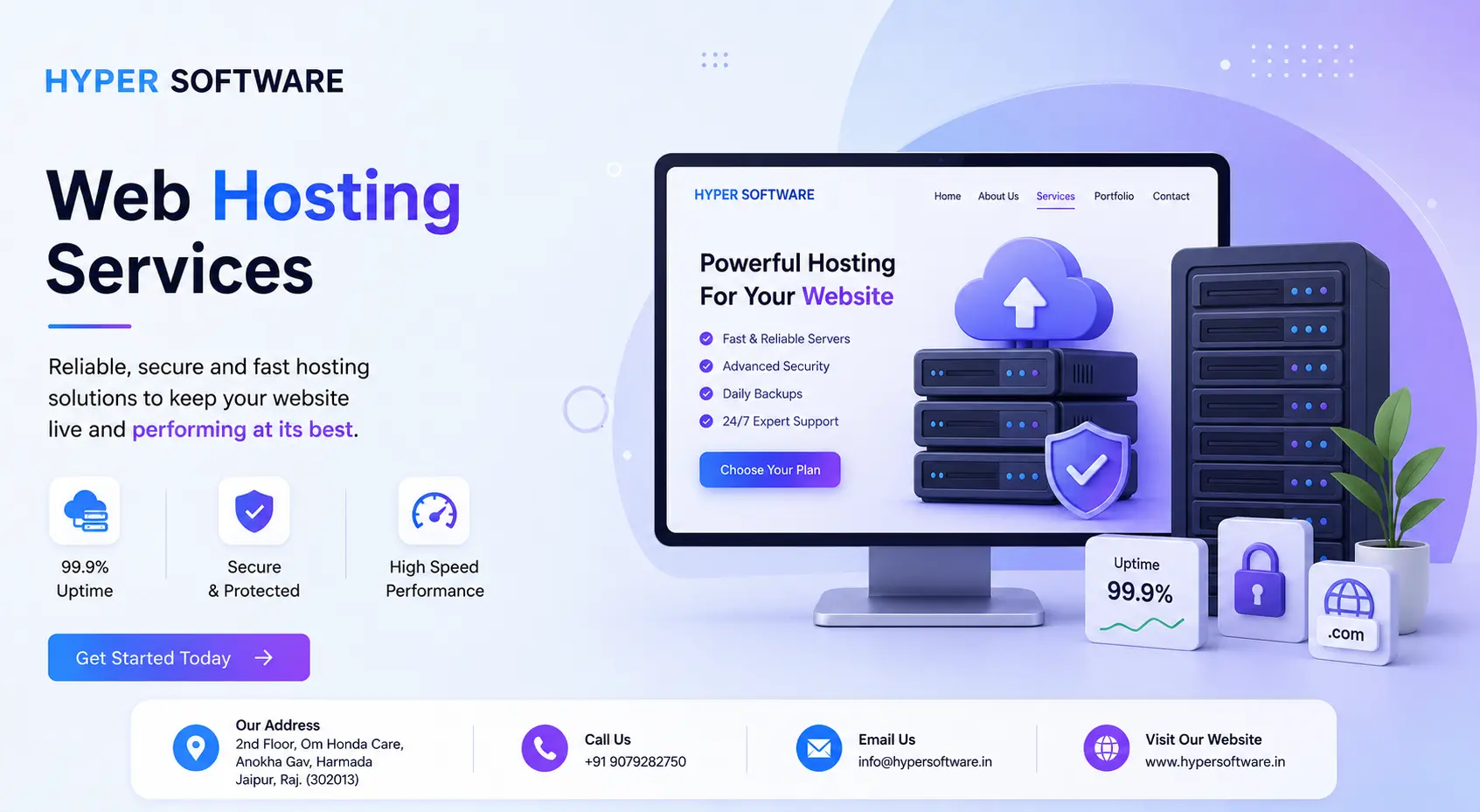
Web hosting is what makes your website visible on the internet. It's the server space where your site's files, images, and code live, so that anyone typing your domain name into a browser can actually see your page. Without it, your website is just a folder sitting on your own computer, invisible to the world.
If you're reading this, you're probably trying to figure out which type of hosting your business actually needs, what it should cost, and whether to set it up yourself or hand it to someone who does this every day. We'll walk through all of it, using real numbers instead of vague promises.
Think of your domain name as your home address and web hosting as the actual house. The domain registration tells people where to find you. The hosting is the physical space, stored on a server, where your website's rooms (pages, images, code, databases) sit.
A hosting company like Hyper Software owns or rents powerful computers called servers. These stay switched on and connected to the internet 24 hours a day. When you buy a hosting plan, you're renting a slice of that server's storage, processing power, and bandwidth. Your website files sit there, ready to load the moment someone visits.
Every hosting plan comes with three core things: storage (how much space your files take up), bandwidth (how much data can move between your server management and visitors), and uptime (how reliably your site stays online).
Get Free Consultation Within Minutes
Not every website needs the same kind of server. Here's how the main types break down, and who each one actually fits.
Shared Hosting Your website sits on the same server as dozens, sometimes hundreds, of other websites, all sharing the same RAM and processing power. It's the cheapest option and works well for blogs, portfolios, and small business sites that don't get heavy traffic. The tradeoff: if another site on your server gets a traffic spike or gets hacked, it can slow your site down too.
WordPress Hosting Built specifically to run WordPress faster, with pre-installed caching, one-click WordPress setup, and staging tools. If your site runs on WordPress (most small business sites do), this usually beats generic shared hosting for speed.
VPS Hosting (Virtual Private Server) Your slice of the server is walled off with guaranteed RAM and CPU, even though you're technically still sharing physical hardware. You get more control, often including root access, without paying for a full dedicated server. Good fit for growing businesses, developers, and sites with moderate but steady traffic.
Cloud Hosting Instead of one physical server, your site runs across a network of connected virtual servers. If one server has an issue, another picks up the load instantly. This makes cloud hosting the strongest choice for eCommerce stores and any site that sees sudden traffic spikes, like during a sale or a viral post.
Dedicated Hosting You get an entire physical server to yourself. Maximum power, maximum control, and the highest price tag. Usually only makes sense for large enterprises or very high-traffic websites.
Reseller Hosting Built for agencies, freelancers, and developers who want to host multiple client websites and resell hosting under their own brand.
| Hosting Type | Best For | Typical Traffic Level | Control Level |
|
Shared |
Blogs, portfolios, small local businesses |
Low | Low |
| WordPress Hosting | WordPress-based business sites | Low to medium | Low to medium |
| VPS | Growing businesses, developers | Medium | Medium to high |
| Cloud | eCommerce, high-traffic sites | Medium to high | High |
| Dedicated | Enterprises, very high-traffic apps | High | Full |
| Reseller | Agencies, freelancers | Varies by client | Medium |
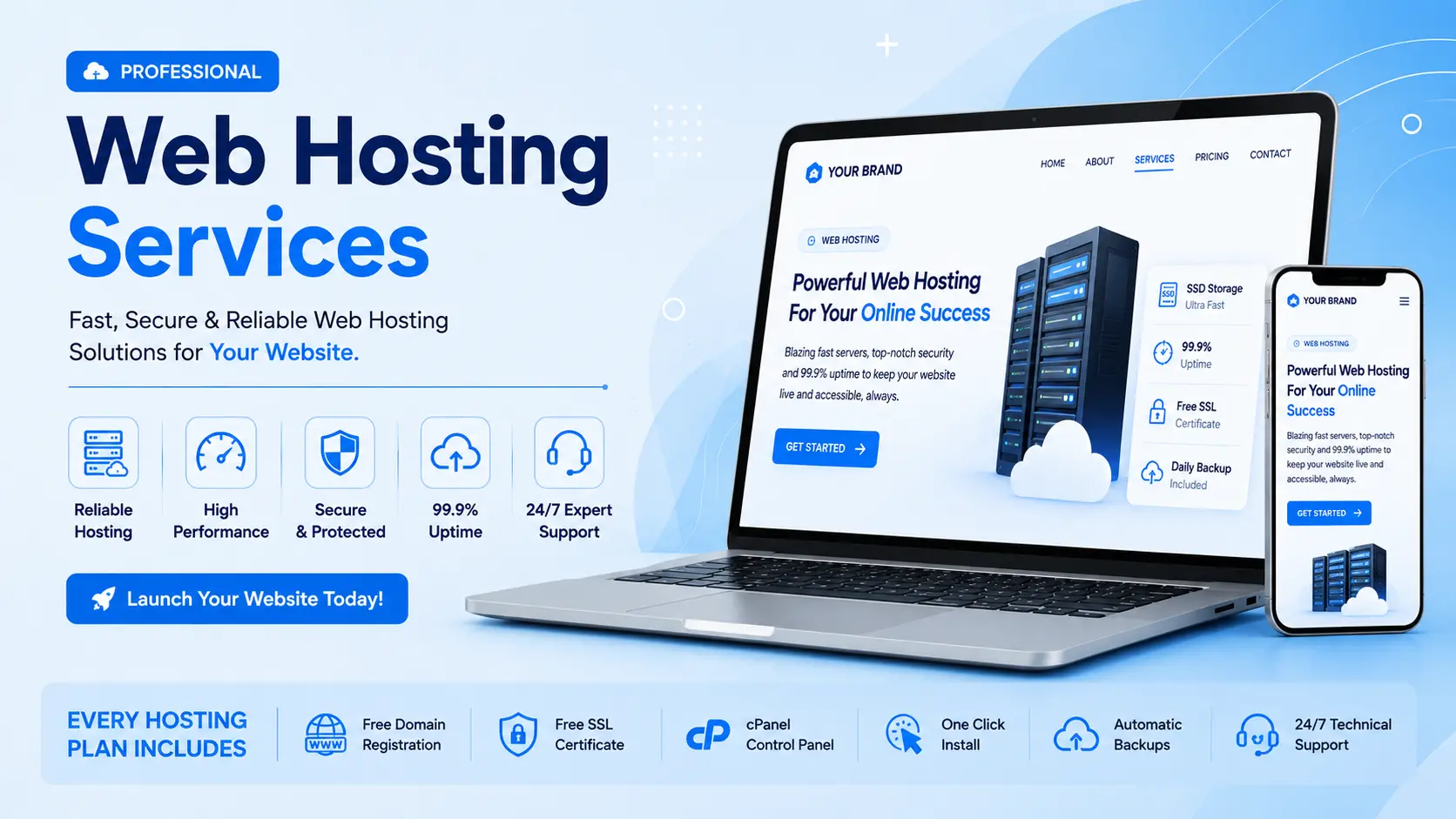
1. You buy a hosting plan and get server space allocated to you.
2. You connect your domain name to the server using DNS (Domain Name System) records.
3. You upload your website files, or install a CMS like WordPress, onto the server.
4. When someone types your domain into a browser, DNS points their request to your server's IP address.
5. The server sends your website's files back to that visitor's browser, and your page loads.
This entire exchange happens in a second or two on a well-configured server. On a poorly managed one, it can take five, ten, or more seconds, and that delay costs you visitors.
A cheap price tag on a hosting plan means very little if the plan is missing what actually keeps a website fast and safe. Before you buy, check for:
Hosting prices vary a lot, and the gap between the cheapest listed price and the price you'll actually pay long-term is often bigger than it looks. Renewal rates are usually higher than the flashy first-year discount, so always check the renewal price before you commit.
| Plan Type |
Typical Price in India |
Typical Global Price (USD) | Good For |
| Basic Shared Hosting | ₹99 – ₹999/year | $2 – $5/month | Personal blogs, single- page sites |
| Business Shared/WordPress Hosting | ₹1,500 – ₹5,000/year | $5 – $12/month | Small business websites |
| Managed WordPress Hosting | ₹3,000 – ₹8,000/year |
$10 – $25/month | Business sites needing speed and support |
| VPS Hosting | ₹450 – ₹2,000/month |
$6 – $30/month | Growing sites, developers |
| Cloud Hosting | ₹700 – ₹3,000/month | $10 – $50/month |
eCommerce, high-traffic sites |
| Dedicated Hosting | ₹15,000+/month | $150+/month | Large enterprises |
These are market ranges, not fixed prices; check the official pricing page of any provider (including ours) for current numbers, since hosting prices change often.
Something worth knowing before you buy: many budget hosts advertise a rock-bottom "first year" price and quietly triple the renewal rate. Read the renewal terms, not just the checkout price.
This is the question almost nobody answers honestly, so here's the real breakdown.
What it typically costs: Managed hosting through an agency in India generally runs ₹3,000–₹15,000/year depending on the plan, often bundled with website maintenance, security monitoring, and support. Compare that against the real cost of even one bad outage during a sale or campaign, and the math usually favors managed hosting for any business site.
Run through this before you buy:
1. What's your expected monthly traffic today, and in a year?
2. Does your site need a database (WordPress, WooCommerce) or is it static HTML?
3. Do you need eCommerce features like SSL for payments and higher uptime demands?
4. What's your actual budget, including renewal pricing, not just the first-year discount?
5. Do you want to manage the server yourself, or do you want someone else responsible for it?
6. Does the provider offer free migration if you already have a live site?
7. What does their support actually look like: phone, live chat, ticket only?
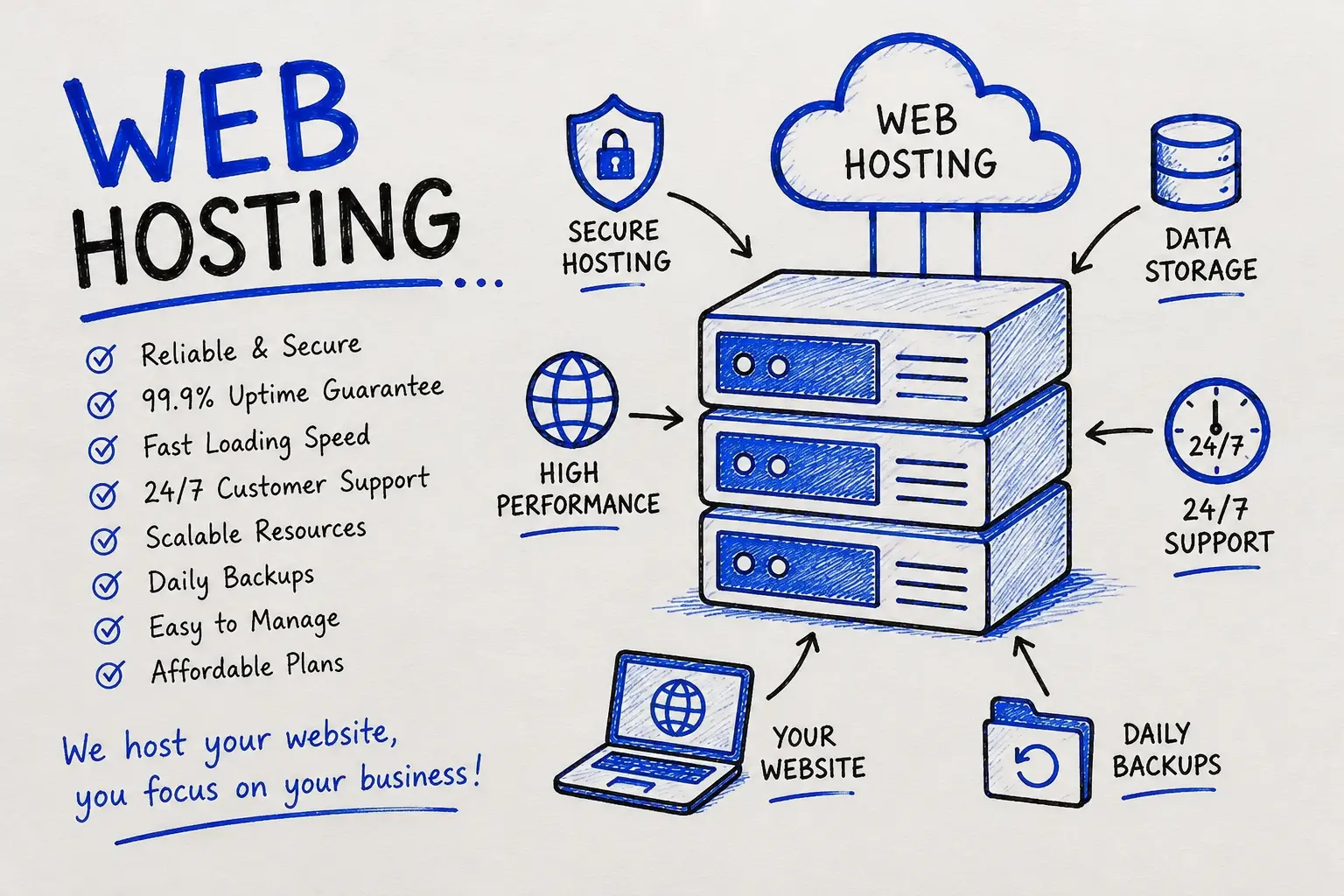
Switching hosts sounds risky, but a properly handled migration shouldn't cause any downtime. Here's what should actually happen:
1. Backup everything on the current host: files, databases, emails.
2. Set up the new hosting account and configure the server environment to match your site's requirements (PHP version, database, etc.).
3. Transfer files and databases to the new server without touching the live DNS yet.
4. Test the site on the new server using a temporary URL or local hosts file, checking every page, form, and plugin.
5. Update DNS records to point your domain to the new server.
6. Monitor for 24–48 hours while DNS propagates globally, watching for any broken links, emails, or missing files.
If a provider offers "free migration," ask exactly which of these steps they handle. Some only move the files and leave DNS and testing to you.
Hosting security isn't optional, and a hacked website can cost far more than the hosting plan itself. Look for:
A Jaipur-based boutique clothing brand came to us with a WordPress store hosted on a ₹99/year budget plan. Their site crashed every time they ran an Instagram promotion, right when traffic (and potential sales) peaked. Checkout pages timed out. Orders were being lost.
We moved them onto a managed cloud hosting plan sized for their actual traffic pattern, set up daily off-site backups, added a web application firewall, and configured caching specific to WooCommerce. We handled the entire migration overnight with zero downtime during business hours.
The result: their site now handles 10x their previous peak traffic without slowing down, checkout failures dropped to zero, and their next promotional sale became their highest- revenue day yet. That's the difference between hosting that just "exists" and hosting that's actually built around how your business uses its website.
Web hosting is a service that stores your website's files on a server and connects them to the internet, so anyone can visit your site by typing your domain name into a browser.
Basic shared hosting in India starts around ₹99–₹999 per year, while a business-grade managed plan with real support typically runs ₹3,000–₹8,000 per year. VPS and cloud plans are usually billed monthly, starting from around ₹450–₹700 per month.
No. A domain name is your website's address (like hypersoftware.in), while web hosting is the actual storage space where your website's files live. You need both, and they need to be connected through DNS, but they're two separate services.
For most small business sites, WordPress hosting or a mid-tier shared hosting plan works well. If you run an online store or expect traffic spikes, cloud hosting is usually the safer choice.
Yes. A properly managed migration moves your files, database, and emails to the new server, tests everything, then updates your DNS, all without your site going offline if it's handled correctly.
Your website can slow down, stop accepting new uploads, or in some cases go offline entirely. Most providers will prompt you to upgrade before this happens, but it's worth monitoring usage yourself.
Yes. SSL isn't just for payments. It encrypts data between your site and visitors, and browsers now flag any site without it as "not secure," which hurts trust and search rankings regardless of whether you sell products.
It depends on what "cheap" includes. Some budget plans are genuinely fine for small, low-traffic sites. Others cut corners on backups, support, or server resources in ways that only become obvious when something breaks. Check what's actually included, not just the price.
Shared hosting means your site shares server resources with many other websites. VPS hosting gives you a guaranteed, isolated portion of a server's RAM and CPU, so your site's performance isn't affected by other sites on the same physical machine.
Yes. Server speed and uptime directly affect page load time and site availability, both of which Google factors into rankings. A slow or frequently down site can lose both visitors and search visibility.
Hyper Software has been helping businesses go digital since 2020, from our base in Jaipur, Rajasthan, to clients across India and worldwide. Web hosting isn't something we bolt on as an afterthought. It sits alongside our website design, custom software, mobile app, eCommerce, CRM/ERP, UI/UX, digital marketing, and business automation work, which means your hosting is set up by people who also understand how your site is built and how it needs to perform.
What that means for you in practice:
If you're not sure which plan fits your business, talk to us before you buy. That conversation is free, and it usually saves people from paying for far more (or far less) hosting than they actually need.
It depends on the plan. Many shared and cloud hosting plans allow multiple websites under one account, while basic single-site plans don't. Reseller hosting is built specifically for managing many separate sites.
matter? Uptime is the percentage of time your website stays online and accessible. A 99.9% uptime guarantee still allows for roughly 8-9 hours of downtime a year; anything lower than that adds up fast for a business that depends on its site.
Basic hosting management (uploading files, installing WordPress, checking email) doesn't need deep technical skill. But handling DNS, server security, and troubleshooting downtime does require some technical comfort, which is why many businesses hand it to a managed provider instead.
First, check if it's a hosting-side issue by contacting your provider's support. If it's a self-managed server, check server logs, recent changes, and DNS status. Having automated backups means you can restore quickly instead of troubleshooting under pressure.
For most small business sites, WordPress hosting or a mid-tier shared hosting plan works well. If you run an online store or expect traffic spikes, cloud hosting is usually the safer choice.
Have questions or need expert guidance? Our team is ready to help you with the right technology solutions for your business.