
Business website bilkul premium quality ki bani hai. Mobile responsive design aur clean layout ki wajah se customer experience bahut achha ho gaya. Highly recommended.

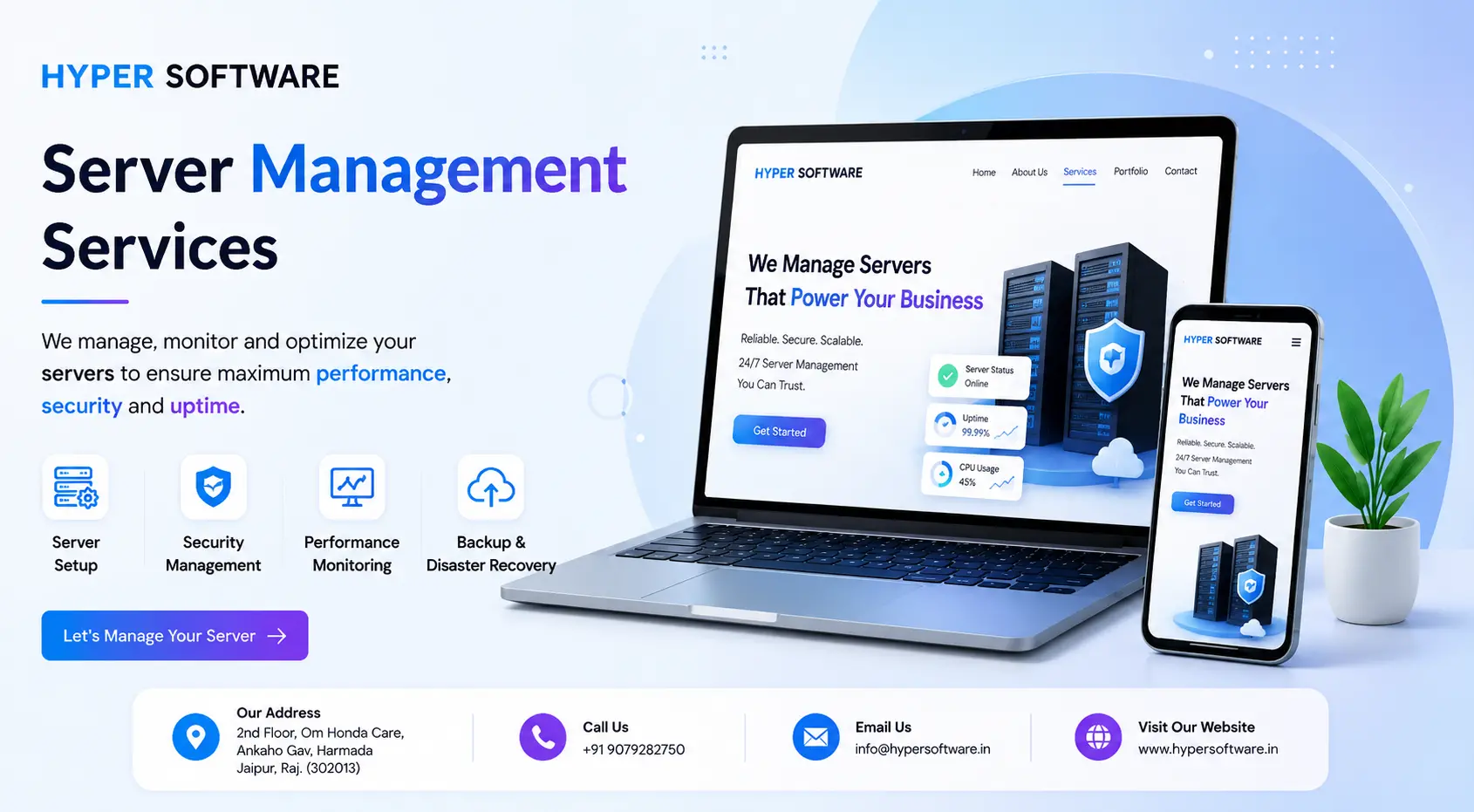
Your website, app, or online store lives on a server somewhere. If that server slows down,gets hacked, or simply stops responding at 2 a.m., you lose money, rankings, and customer trust — often before you even know something's wrong. Server management is the ongoing work of monitoring, securing, updating, and tuning that server so none of that happens on your watch.
At Hyper Software, we handle server management for businesses that would rather focus on running their company than babysitting uptime graphs. This page covers exactly what server management includes, what it costs, when to do it yourself and when to hand it off, and how our team handles it day to day.
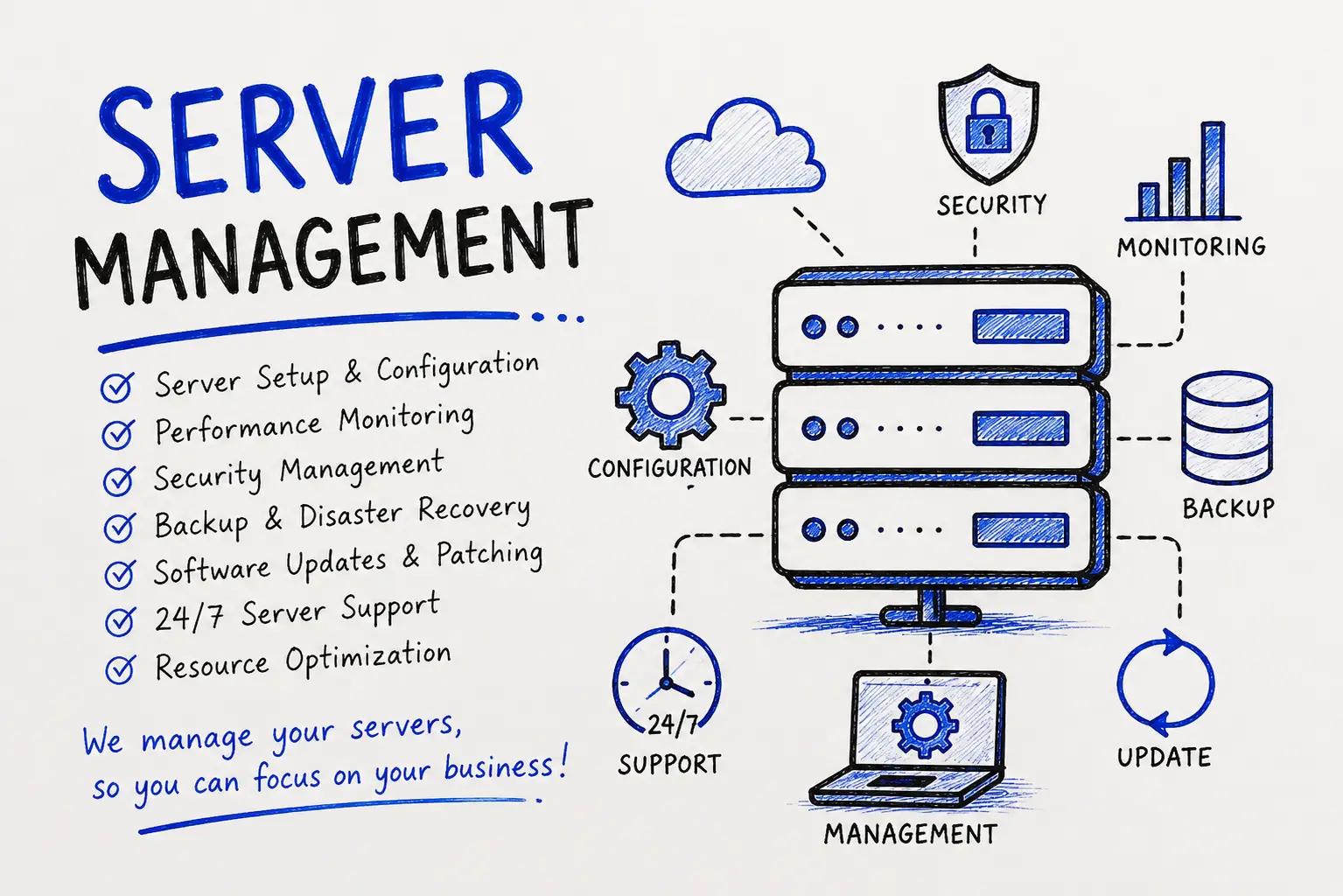
Server management is the continuous process of keeping a server running, secure, and fast. It includes monitoring uptime, applying security patches, taking regular backups,configuring firewalls, and tuning performance so the server can handle real-world traffic without choking.
Think of it like maintaining a car. You don't just drive it until something breaks. You check the oil, rotate the tires, and fix small issues before they become big ones. A managed servergets the same treatment — except the "engine" runs your website, your customer database,or your entire app.
Server management isn't a single task you finish once. It's a routine. Skip it for a few months and small issues — an unpatched vulnerability, a filling disk, an expired SSL certificate — quietly pile up until one of them takes your site down.
Get Free Consultation Within Minutes
Not every provider offers the same scope, and that's exactly where a lot of buyers get burned — they assume "server management" means the same thingeverywhere. It doesn't. Here's what a genuinely complete service should cover:
| Area |
What It Covers |
| 24/7 Monitoring |
Uptime checks, CPU/RAM/disk usage alerts, service-down alerts, response time tracking |
| Security Management |
Firewall rules, malware scanning, intrusion detection, brute-force protection, SSL setup and renewal |
| Patch & Update Management |
OS updates, kernel patches, control panel updates (cPanel/Plesk), software version updates |
| Backup & Disaster Recovery | Scheduled backups, off-site backup storage, tested restore procedures |
| Performance Optimization | Resource tuning, cache configuration, database query optimization, load balancing |
| User & Access Management | SSH key management, user permissions, root access control, audit logs |
| Server Migration |
Moving to new hosting, upgrading hardware, or switching cloud providers without downtime |
| Reporting |
Regular reports on uptime, incidents, patches applied, and recommendations |
A provider that only offers monitoring, without security patching and backups, is giving you a smoke alarm without a fire extinguisher. It'll tell you something's wrong, but it won't fix it.
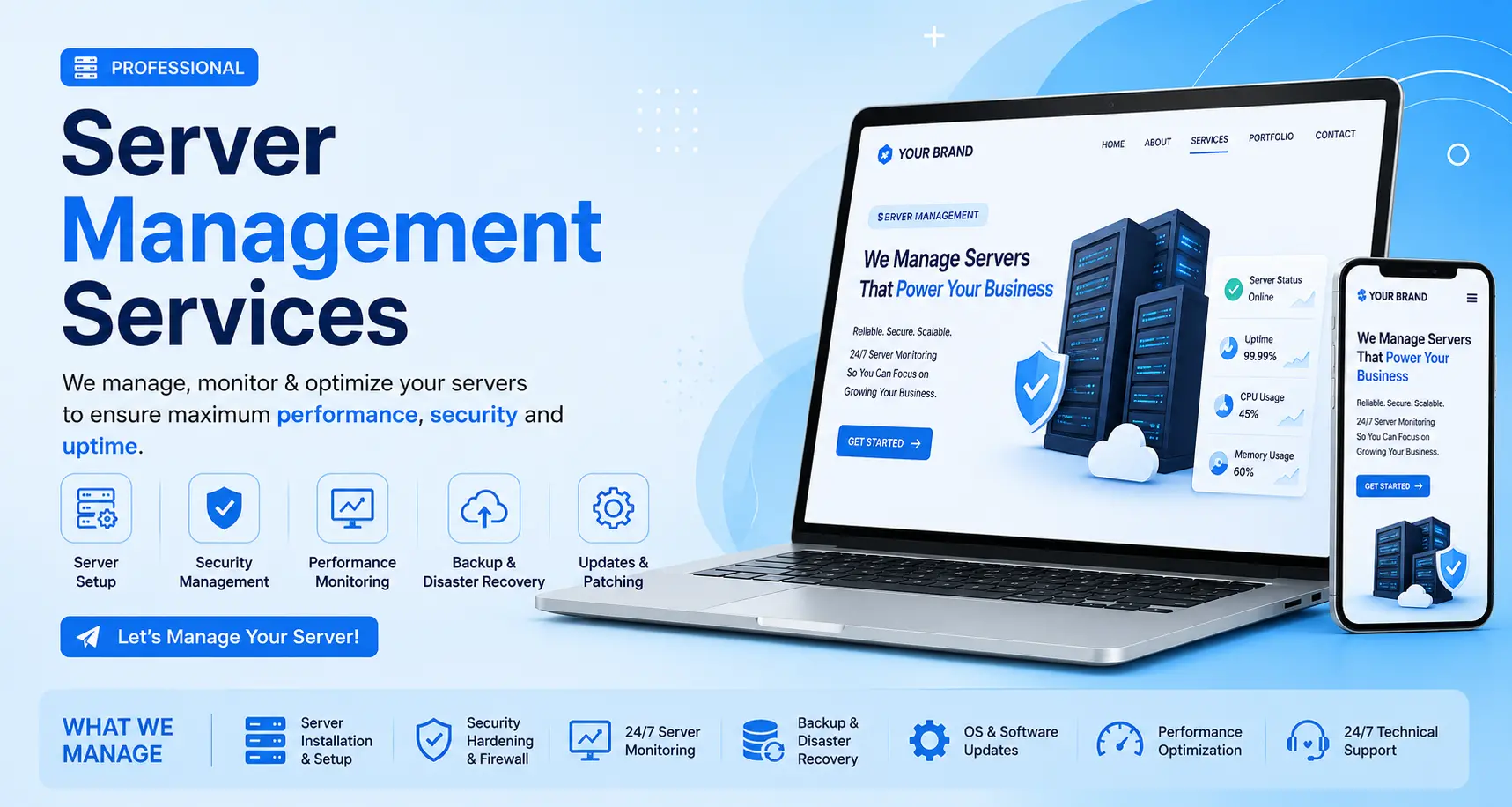
Not all servers are the same, and how you manage one depends heavily on what it's running.
Linux server administration management covers distributions like Ubuntu, CentOS, AlmaLinux, and Debian. Linux dominates web hosting because it's free to license, lightweight on resources, and well suited to LAMP-stack sites, WordPress, WooCommerce, and containerized apps.Management here usually happens over SSH and the command line.
Windows server management applies to businesses running Microsoft-based stacks —Active Directory, Exchange, SharePoint, or apps built on .NET and SQL Server. Windows servers cost more to license but offer a graphical interface and deep integration with other Microsoft tools, which some in-house teams prefer.
Cloud server management covers servers hosted on AWS, Azure, Google Cloud, or DigitalOcean. This adds cloud-specific work: auto-scaling rules, cost optimization, security groups, and managing resources that can spin up or down based on demand.
Dedicated server management means one physical machine, used only by you, with full root or administrator access. It gives maximum performance and control but puts every management task on your shoulders (or your provider's).
VPS (Virtual Private Server) management sits between shared hosting and a dedicated server — you get your own isolated slice of resources on shared hardware, managed the same way a dedicated server would be, just at a smaller scale and lower cost.
Expert tip: if you're running a mixed environment — say, a Linux web server and a Windows-based accounting system — don't assume one provider can competently manage both unless they can show you real experience with each stack. Mixed-OS management is where a lot of smaller providers quietly struggle.
A server nobody is watching is a server you're only managing by accident. Here's what proper management actually buys you:

You probably need help if any of these sound familiar:
If two or more of these apply, the cost of professional management is almost certainly lower than the cost of the next incident.
This is the decision most businesses actually need to make, and it deserves a straight answer, not a sales pitch.
| Approach | Best For | Typical Cost | What Can Go Wrong |
| DIY (you manage it) |
Developers with real sysadmin experience, small personal projects, tight budgets |
Your time (often underestimated) | Patches get missed when you're busy; no coverage when you're on leave or asleep; mistakes under pressure during an outage |
| In-house hire | Larger companies with several servers and steady, predictable workload | $50,000–$100,000+/year salary in the US, less in other regions, plus benefits | Single point of failure if that person leaves or is unavailable; expensive for just one or two servers |
| Outsourced / Managed Service |
Most small to mid- size businesses, agencies, and eCommerce stores |
Roughly $40–$500+ per server per month, based on scope | Quality varies widely by provider — vet carefully before signing |
Doing it yourself works fine if you genuinely know Linux administration and don't mind being on call. Where it usually breaks down is coverage: you can't patch a server at 2 a.m. from your phone while you're at a family dinner, and attackers don't wait for business hours.
An in-house hire makes sense once you're running enough infrastructure to keep one person genuinely busy — but for a business with two or three servers, you're paying a full salary for what a managed service could cover for a fraction of the cost, with better coverage, because a team backs up a team.
Outsourcing works best when you want predictable costs, round-the-clock coverage, and a team that has already seen your specific problem a hundred times before. The tradeoff is that you're trusting a third party with access to something critical — which is exactly why the provider you choose matters more than the price they quote.
Founded in 2020 and based in Jaipur, Rajasthan, Hyper Software has grown from building websites and custom software into a full IT solutions partner for clients around the world. Server management sits alongside our software development, mobile app, eCommerce, CRM/ERP, UI/UX, digital marketing, and business automation work — which means our server team already understands how the applications running on your server are actually built.
Our server management plans cover:
We support Linux (Ubuntu, CentOS, AlmaLinux), Windows Server, cPanel/WHM, Plesk, and cloud environments including AWS, Azure, and Google Cloud.
1. Free server audit. We review your current setup, security posture, and past incident history, then tell you honestly what shape your server is in.
2. Onboarding. We collect access credentials securely, document your environment, and set up monitoring — usually within 24–48 hours.
3. Baseline hardening. We close obvious security gaps first: outdated software, weak firewall rules, unused open ports.
4. Ongoing monitoring and maintenance. Round-the-clock monitoring, scheduled patching windows, and regular backup checks become routine.
5. Monthly reporting. You get a clear report showing uptime, what was patched, what was flagged, and what we recommend next.
6. Scaling support. As your traffic or infrastructure grows, we adjust resources, add servers, or reconfigure load balancing ahead of time, not after something breaks.
Pricing depends on your server type, the number of servers, and how much of the work you want handled for you. As a general guide across the industry:
| Service Level |
Typical Monthly Range (per server) |
What's Usually Included |
| Basic monitoring only | $40 – $90 | Uptime alerts, basic health checks |
| Standard managed service | $100 – $250 | Monitoring, patching, backups, basic security |
| Fully managed / enterprise | $250 – $500+ |
Everything above, plus proactive tuning, faster SLAs, dedicated support contact |
A few things move the price up or down: whether your server is Linux (cheaper, no license fee) or Windows (added licensing cost), how many servers you're running, how much storage needs backing up, and how fast you need incidents resolved. Providers that quote a single flat number with no questions asked are usually leaving something out — get the exact scope in writing before comparing quotes.
Hyper Software builds custom quotes based on your actual server count and workload rather than pushing everyone into one fixed package. Contact us for a free audit and a quote based on what you're actually running, not a generic estimate.
One of our clients, an online retailer running WooCommerce on a single VPS, came to us after their site had gone down three times in two months — always during evening traffic peaks. Their previous setup had no real monitoring, just a plugin that emailed them after the site was already offline.
We ran a full audit and found the real cause: the database was running out of memory during peak load because nobody had tuned it since the store launched two years earlier. On top of that, backups were being taken but had never once been tested — if the server had actually failed, the store owner wouldn't have known the backups were broken until it was too late.
We rebuilt the database configuration, set proper memory limits, added real-time monitoring with alerts that reach a human, and scheduled tested weekly backups with off- site storage. The site hasn't gone down once in the following eight months, even during two major sale events with triple the normal traffic. The owner's biggest comment afterward: "I didn't realize how much I didn't know was broken until someone actually looked."
It helps to know where server management ends and other services begin, since providers often bundle these together in confusing ways.
| Service | What It Actually Covers |
|
Server Management |
Keeping the server itselfrunning, secure, patched, and backed up |
| Website Maintenance |
Updating the website's content, plugins, and themes — separate from the underlying server |
| IT Support |
Broader support for a company's devices, network, and employee tech issues, not just server |
|
Managing cloud-specific resources like auto-scaling, storage buckets, and billing, in addition to the server OS |
|
| DevOps Services |
Building and automating deployment pipelines, often working alongside server management rather than replacing it |
Many businesses need more than one of these. A managed server without regular website security maintenance still leaves you running an outdated WordPress plugin that could be the actual point of attack.
Server management is the ongoing process of monitoring, securing, updating, and optimizing a server so it stays online and performs well. It includes patch management, backups, firewall configuration, and performance tuning, handled either in-house or by an outsourced provider.
A server management company monitors your server around the clock, applies security patches, takes and tests backups, configures firewalls, and fixes performance issues before they cause downtime. Most also provide regular reports so you can see exactly what's being done.
Costs typically range from around $40 per month for basic monitoring to $500 or more per month for a fully managed enterprise plan. The exact price depends on your server type, number of servers, and how hands-off you want the service to be.
Yes. Cloud hosting like AWS orAzure manages the physical infrastructure, but you're still responsible for the operating system, security patches, backups, and performance tuning on the server instance itself, unless you pay for a fully managed cloud plan.
Web hosting is the space and infrastructure where your website lives. Server management is the ongoing maintenance of that server, including security, updates, and monitoring. You can have hosting without management, and that's exactly when servers get neglected.
Proper server management significantly lowers the risk by patching known vulnerabilities, configuring firewalls correctly, and monitoring for suspicious activity, but no service can guarantee zero risk. The goal is to close the easy entry points attackers rely on.
Critical security patches should generally be applied within days of release, and routine updates on a monthly schedule. Providers with real monitoring often catch and apply critical patches faster than that, sometimes within hours.
No. IT support usually covers a company's devices, network, and employee tech issues. Server management focuses specifically on the servers running your websites, apps, or backend systems. Some providers offer both.
Linux server management typically happens through the command line, costs less because there's no licensing fee, and dominates web hosting. Windows server management uses a graphical interface, requires paid licensing, and fits businesses already running Microsoft tools like Active Directory or SQL Server.
Yes, if you or someone on your team has real system administration experience. The risk is coverage: patches and monitoring need to happen consistently, including nights, weekends, and holidays, which is hard for one person to sustain alone.
Security isn't a one-time setup step, it's a routine. Our approach follows widely recognized practices, including guidance aligned with frameworks like the NIST CybersecurityFramework and OWASP's server hardening recommendations:
Use this checklist before you sign a contract with anyone:
Without monitoring, you typically find out about downtime from a customer, a lost sale, or a drop in search rankings, rather than from an alert. Recovery also takes longer because nobody has been tracking the server's baseline health to diagnose the cause quickly.
A genuinely complete server management service includes scheduled backups stored off-site, along with periodic restore testing to confirm the backups actually work. Ask specifically whether restores are ever tested, since untested backups fail more often than people expect.
Server hardening is the process of reducing a server's attack surface by closing unused ports, removing unnecessary software, enforcing strong authentication, and applying security configurations recommended by frameworks like OWASP and NIST.
Yes. A large part of performance-focused server management involves tuning memory allocation, database queries, and caching, all of which directly affect how fast pages load for real visitors.
Small businesses often need it more, not less, because they usually don't have anyone in-house watching the server, and a single day of downtime can be proportionally more damaging to a small business's revenue and reputation than to a large one.
Have questions or need expert guidance? Our team is ready to help you with the right technology solutions for your business.