
Hyper Software ne hamare business ko online ek nayi pehchan di. Website professional, fast aur SEO optimized hai. Website Design & Development ke liye best company.

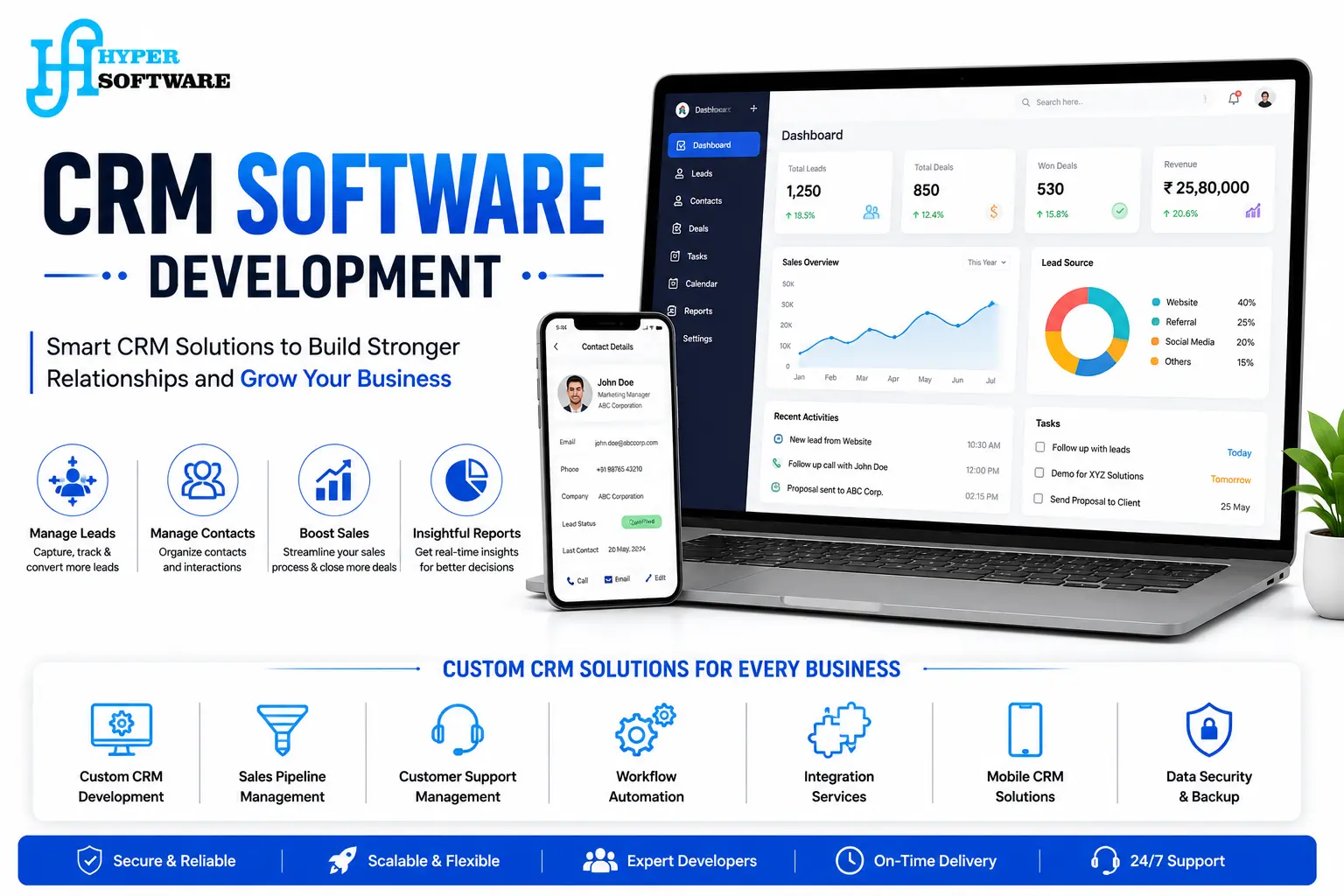
If your team still tracks lead generation in spreadsheets, or your CRM software fights your workflow instead of supporting it, you don't have a customer problem. You have a systems problem.
CRM software development means building or customizing a system that matches how your sales, support, and marketing teams actually work, so nothing falls through the cracks and every customer conversation is one click away.At Hyper Software, we design, build, and integrate CRM systems for businesses across the globe, from lean startups replacing Excel to established companies replacing a CRM they've outgrown. We're an IT solutions company based in Jaipur, India, working with clients worldwide since 2020.
CRM software development is the process of designing, building, customizing, or integrating a Customer Relationship Management system so it stores customer data, tracks sales pipelines, and automates follow-ups in a way that fits your business. It covers two very different paths: building a CRM from scratch with custom code, or customizing an existing platform like Salesforce, Zoho, or HubSpot to match your processes.
Both paths solve the same core problem. Off-the-shelf CRM software is built for the average business, and most businesses aren't average. A logistics company tracks shipments and delivery windows. A real estate agency tracks site visits and property matches. A clinic tracks patient history and appointment recall. None of that fits neatly into a generic "deal" or "contact" field, and that's exactly where custom CRM development earns its cost.
Get Free Consultation Within Minutes
You probably don't need to think too hard about this one. A few signs tend to show up together:
If two or three of these sound familiar, it's worth at least getting a cost estimate for a custom build. Sometimes the answer is a full custom CRM. Sometimes it's a smart customization of what you already have. We'll tell you honestly which one fits, even if it's the cheaper option.
Not every CRM does the same job. Knowing which type you need saves a lot of back-and-forth during planning.
Operational CRM — Automates day-to-day sales, marketing, and service tasks. Best for teams that need faster follow-ups and fewer manual steps.
Analytical CRM — Focused on reporting and customer data analysis, useful when leadership needs to spot trends and forecast revenue.
Collaborative CRM — Built for businesses where sales, support, and marketing need a shared, real-time view of every customer.
Strategic CRM — Centers on long-term customer relationships and retention, common in subscription and account-based businesses.
Most businesses need a mix. A growing sales team usually needs operational and analytical CRM working together.We design around the mix that fits your actual sales cycle, not a textbook category.
Hyper Software ne hamare business ko online ek nayi pehchan di. Website professional, fast aur SEO optimized hai. Website Design & Development ke liye best company.
Custom CRM Development — A CRM built from the ground up around your workflow, when off-the-shelf platforms genuinely don't fit.
CRM Platform Customization — Configuring and extending Salesforce, Zoho CRM, HubSpot, or Microsoft Dynamics to match your sales process without a full custom build.
CRM Integration Services — Connecting your CRM to your ERP, accounting software, email marketing tools, payment gateways, and eCommerce platform, so data moves automatically instead of being copied by hand.
CRM Data Migration — Moving your existing customer data from spreadsheets or a legacy CRM into the new system without losing history or creating duplicates.
Mobile CRM App Development — For field sales, delivery, and service teams that need CRM access outside the office.
Industry-Specific CRM Modules — Built-in workflows for real estate, healthcare, education, logistics, finance, and manufacturing.
CRM UI/UX Design — Dashboards and workflows designed around how your team actually clicks through their day, not a generic template.
CRM Maintenance and Support — Ongoing bug fixes, security patches, and feature upgrades after launch, so the CRM keeps pace with your business.
CRM needs look different in every industry, and generic CRM templates rarely fit the details.
Real Estate — Property matching, site visit scheduling, and broker commission tracking.
Healthcare — Patient records, appointment reminders, and follow-up care tracking, with data privacy treated as a first-class requirement.
Education — Admissions pipelines, student enquiry tracking, and fee reminders.
Logistics — Shipment status, delivery windows, and dispatcher coordination.
Finance and Insurance — Lead-to-policy tracking, renewal reminders, and compliance-friendly audit logs.
eCommerce and Retail — Customer order history tied directly to marketing and support.
If your industry isn't listed, that's fine. Tell us your workflow, and we'll tell you whether custom CRM development is worth it for your case.
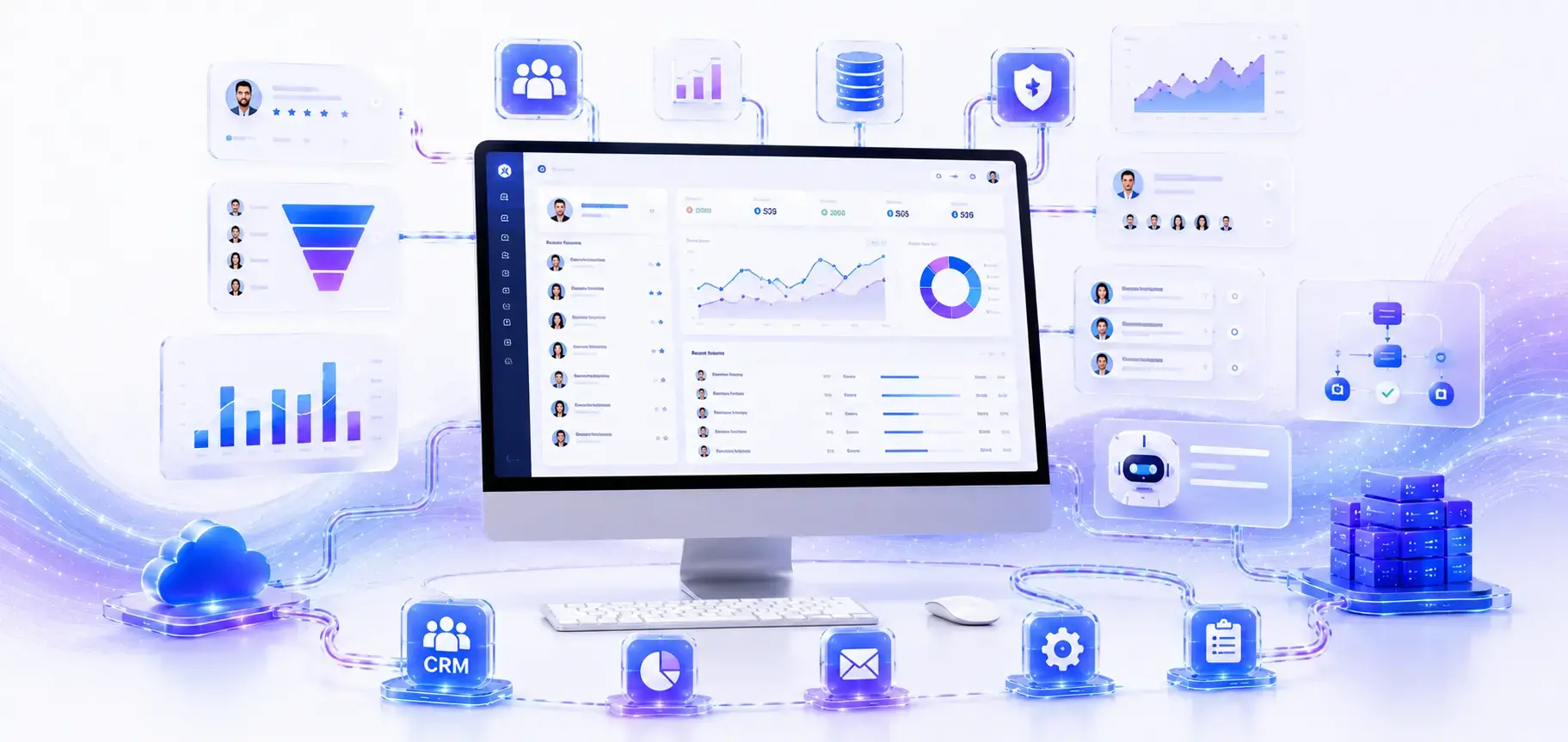
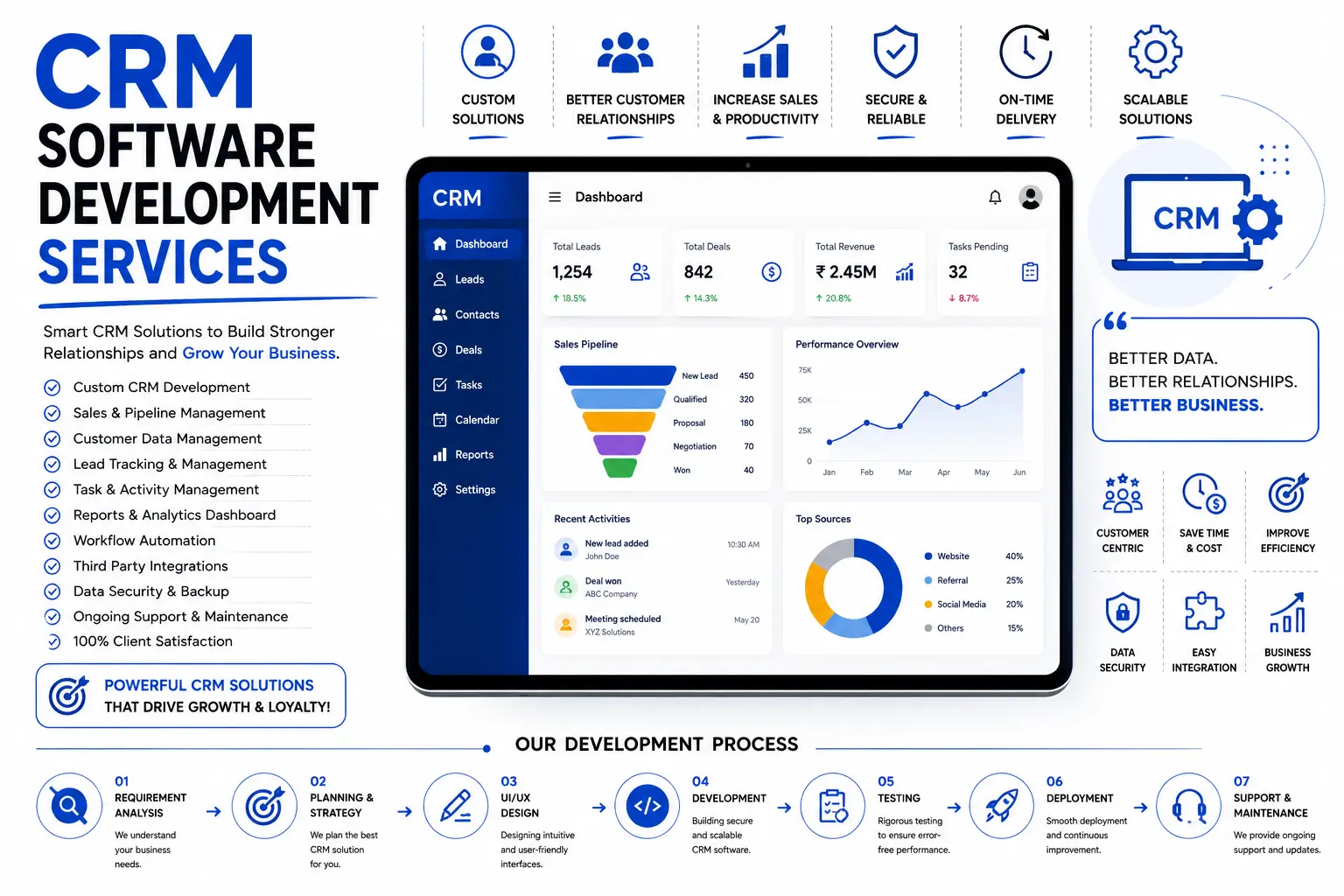
We follow a structured seven-step process. Nothing here is rushed, because the biggest CRM failures happen when teams skip discovery and jump straight to coding.
1. Discovery and Requirements Gathering — We sit with your sales, support, and management teams to map how work actually happens today, not how it's supposed to happen on paper. This phase usually takes one to two weeks.
2. Solution Planning and Architecture — We decide between a custom build and a platform customization, define the technology stack, and document every integration your CRM will need.
3. UI/UX Design and Prototyping — A clickable prototype comes before a single line of production code, so your team can test the flow and flag issues early.
4. Development — Our engineers build the backend, frontend, and APIs in short sprints, with regular demos so you see progress instead of waiting for a big reveal at the end.
5. Integration and Data Migration — We connect the CRM to your existing tools and migrate historical data, cleaning duplicates and broken records along the way.
6. Quality Assurance and Testing — Functional testing, security testing, performance testing under real load, and user acceptance testing with your actual team.
7. Deployment, Training, and Support — A phased rollout, often starting with a pilot group of 10 to 20 users, full team training, and ongoing support after go-live.

The right stack depends on your scale and integrations, but here's what we typically use:
| Layer | Common Technologies |
|---|---|
| Frontend | React, Angular, Vue.js |
| Backend | Node.js, .NET, Java, Python (Django) |
| Database | PostgreSQL, MySQL, MongoDB |
| Cloud Hosting | AWS, Microsoft Azure, Google Cloud |
| Platform-based builds | Salesforce Platform, Microsoft Power Platform, Zoho Creator |
| Mobile | React Native, Flutter |
This is usually the first real decision you'll make, so here's a straight comparison.
| Off-the-Shelf CRM | Customized Platform (Salesforce/Zoho) | Fully Custom CRM | |
|---|---|---|---|
| Setup Speed | Fastest, days to weeks | Moderate, weeks to a few months | Slowest, months |
| Upfront Cost | Low, subscription- based | Moderate | Higher |
| Long-term Cost | Grows with every user added | Grows moderately | Flattens after launch |
| Fit to Your Workflow | Generic, limited | Good, within platform limits | Exact fit |
| Ownership | You rent the software | You own customizations, not the platform | You own the entire system |
| Best For | Very small teams, fast starts | Mid-size teams needing platform reliability | Businesses with unique or complex workflows |
Neither option is "wrong." A five-person sales team probably doesn't need a custom build. A
50-person operation running a workflow no template supports probably does.
Some businesses try to build their own CRM in-house, especially technical founders. It can work, but it's worth knowing what you're signing up for.
You already have an experienced in-house development team with time to spare.
Your requirements are genuinely simple — a contact list, a basic pipeline, and reminders.
You're comfortable owning security, hosting, and long-term maintenance yourself.
Scope Creep — What starts as a “simple CRM” grows every time someone asks for one more feature, and there's no one managing the boundary.
Security Gaps — Customer data protection, access control, encryption, and audit logs get treated as a later problem.
No Dedicated QA — Bugs reach your sales team instead of getting caught before launch.
Maintenance Debt — The person who built it moves on, and nobody else understands the codebase.
You want a structured discovery phase so requirements are documented before anyone writes code.
You need integrations with ERP, accounting, or marketing tools that require real API development expertise.
You want a single accountable team for design, development, testing, and support instead of assembling one yourself.
Cost-wise, DIY looks cheaper on paper, but factor in developer time, delayed launch, and the cost of fixing security issues after the fact.
Most businesses land on a hybrid: a development partner builds the core system, and an in-house team handles day-to-day administration once it's live.
There's no single number here, and any company that quotes one without asking about your requirements first isn't being straight with you. Based on current industry data, here's a realistic range:
| CRM Type | Typical Cost Range | Timeline |
|---|---|---|
| Basic CRM (contact management, simple pipeline, reminders) | $8,000 – $25,000 | 2 – 3 months |
| Mid-range CRM (automation, reporting, a few integrations) | $8,000 – $25,000 | 3 – 6 months |
| Enterprise CRM (AI features, multiple integrations, custom workflows) | $70,000 – $200,000+ | 6 – 12 months |
Number and complexity of integrations (each one typically adds $1,000–$10,000 depending on the API).
Mobile app requirement, which usually adds 20–30% to the cost.
Custom UI/UX design and user research.
Data migration volume and complexity.
Website security and compliance requirements, especially in healthcare and finance.
Ongoing maintenance, typically 15–20% of the build cost per year.
We don't publish a fixed price list because two "CRM projects" rarely need the same thing. If a fee or timeline isn't confirmed for your specific case, we'll always say so plainly rather than guess. Share your requirements with our team at +91 9079282750 and we'll give you an honest, itemized estimate.
MVP / Basic CRM — 2 to 3 months.
Mid-Range CRM with Automation and Integrations — 3 to 6 months.
Enterprise CRM with AI and Multiple System Integrations — 6 to 12 months.
These timelines assume requirements are finalized before development starts. Projects that keep changing scope mid-build almost always run long.
CRM software development is the process of building or customizing a system that manages customer data, sales pipelines, and follow- ups to match a specific business workflow, rather than relying on generic, one-size-fits-all fields.
It depends on your needs. Salesforce and HubSpot work well for standard sales processes and offer fast setup. A custom CRM is better when your workflow doesn't fit standard fields, or when per-user licensing costs are growing faster than your team.
A basic custom CRM typically costs $8,000 to $25,000, a mid-range system with automation and integrations runs $25,000 to $70,000, and enterprise-grade CRM builds can exceed $200,000, depending on features and integrations.
A basic CRM usually takes 2 to 3 months. Mid-range builds with integrations take 3 to 6 months. Enterprise CRM systems with AI features and multiple integrations can take 6 to 12 months.
Yes, to an extent. Platforms like Zoho Creator, Salesforce Platform, and Microsoft Power Platform allow low-code customization, but complex, industry-specific workflows usually still need custom development for the parts a template can't handle.
CRM development is the technical process of designing, coding, and testing a CRM system. CRM implementation is the business process of configuring, integrating, migrating data into, and rolling out that system across your team.
Only if your team works outside the office regularly, such as field sales, delivery, or on-site service staff. A responsive web CRM often covers everyone else at a lower cost than a native mobile app.
Contact and account management, a visual sales pipeline, task and follow-up reminders, and basic reporting. Automation, advanced analytics, and integrations are usually added once the basics are in daily use.
It should be, if the development team builds in encryption, role-based access control, and audit logging from the start rather than adding security as an afterthought. Always ask your development partner directly how they handle data protection.
Yes. CRM integration with ERP, accounting, and marketing tools is one of the most common requests, and it's usually planned during the discovery and architecture phase rather than added later.
A distribution business email setup came to us after outgrowing a free CRM tool. Their sales team was managing over 40 dealers across three states, but the CRM they used couldn't track dealer-specific pricing, credit limits, or delivery schedules.
Reps kept a separate Excel sheet for every dealer, and nobody had a full picture of who owed what.
We ran a two-week discovery phase, mapped their actual order-to-delivery workflow, and built a custom CRM with dealer-specific pricing rules, automated credit limit alerts, and a delivery tracking module connected to their existing accounting software.
We migrated three years of dealer history without losing a single record.
Within the first two months of going live, their sales team cut order processing time nearly in half, and management could finally see outstanding dealer balances in real time instead of chasing spreadsheets at month-end.
The system has run in production since, with quarterly updates as their dealer network has grown.
Skipping Discovery — Jumping straight to development without documenting how the team actually works. This is the single biggest cause of low adoption after launch.
Migrating Dirty Data — Moving duplicates, outdated contacts, and broken records into the new system instead of cleaning first.
Building for Management, Not for Users — A CRM designed around reporting dashboards that sales reps never look at doesn't get used, no matter how good it looks in a demo.
No Pilot Rollout — Launching to the entire team at once instead of testing with 10 to 20 users first.
Treating Training as Optional — A CRM nobody was trained to use gets abandoned within weeks, regardless of how well it was built.
Ignoring Integrations Until Late — Bolting on ERP or accounting integrations after the CRM is already built usually costs more than planning for them from day one.
Start with the workflow your team complains about most. That's usually where custom CRM development pays off fastest, not where it looks most impressive.
Don't build every feature in phase one. Ship the core pipeline and contact management first, then add automation once your team is actually using the basics daily.
Assign one internal “CRM owner” on your side. Projects without a single accountable point of contact tend to drift.
Ask your development partner how they handle scope changes mid-project. If the answer is vague, that's a red flag for budget overruns later.
A system that matches your sales process instead of forcing your team to adapt to generic fields and stages.
No per-user licensing fees that climb every time you hire.
Full ownership of your code and data, with no vendor lock-in.
Integrations built exactly for the tools you already use.
Room to scale without hitting a platform's built-in limits.
Trade-offs to know upfront: Higher initial investment than a subscription tool, and you're responsible for planning your own maintenance roadmap.
Founded in 2020, based in Jaipur, serving clients across India and internationally.
Full-cycle capability — CRM development sits alongside our ERP, web, mobile app, and business automation services, so integrations across systems are handled by one team, not three vendors.
Transparent, itemized cost estimates before any commitment.
A structured discovery-first process that protects your budget from mid-project scope creep.
Ongoing support after launch, not a handoff-and-disappear model.
Ready to talk through your CRM requirements? Call us at +91 9079282750 to book a free consultation.
CRM implementation services
Salesforce customization company
Zoho CRM development services
Custom software development company
ERP development and CRM integration
CRM for small business
CRM mobile app development
Your data gets migrated through a structured process: exporting from the old system, cleaning duplicates and outdated records, and importing into the new CRM with validation checks to prevent data loss.
Usually not right away. Most small businesses do better starting with a customized off-the-shelf platform and moving to a custom build once their workflow outgrows what the platform can support.
Low user adoption, almost always caused by skipping the discovery phase or launching without training. The technology is rarely the actual problem.
Often, yes. If the core platform still fits your business, targeted customization or new integrations can solve the problem without a full rebuild, which is usually the cheaper and faster option.
Yes. Ongoing maintenance, bug fixes, and feature updates are part of our CRM development services, so the system keeps working as your business changes.
Have questions or need expert guidance? Our team is ready to help you with the right technology solutions for your business.