
Website design se lekar final launch tak pura process bahut smooth raha. Team har update time par deti rahi aur support bhi outstanding mila.

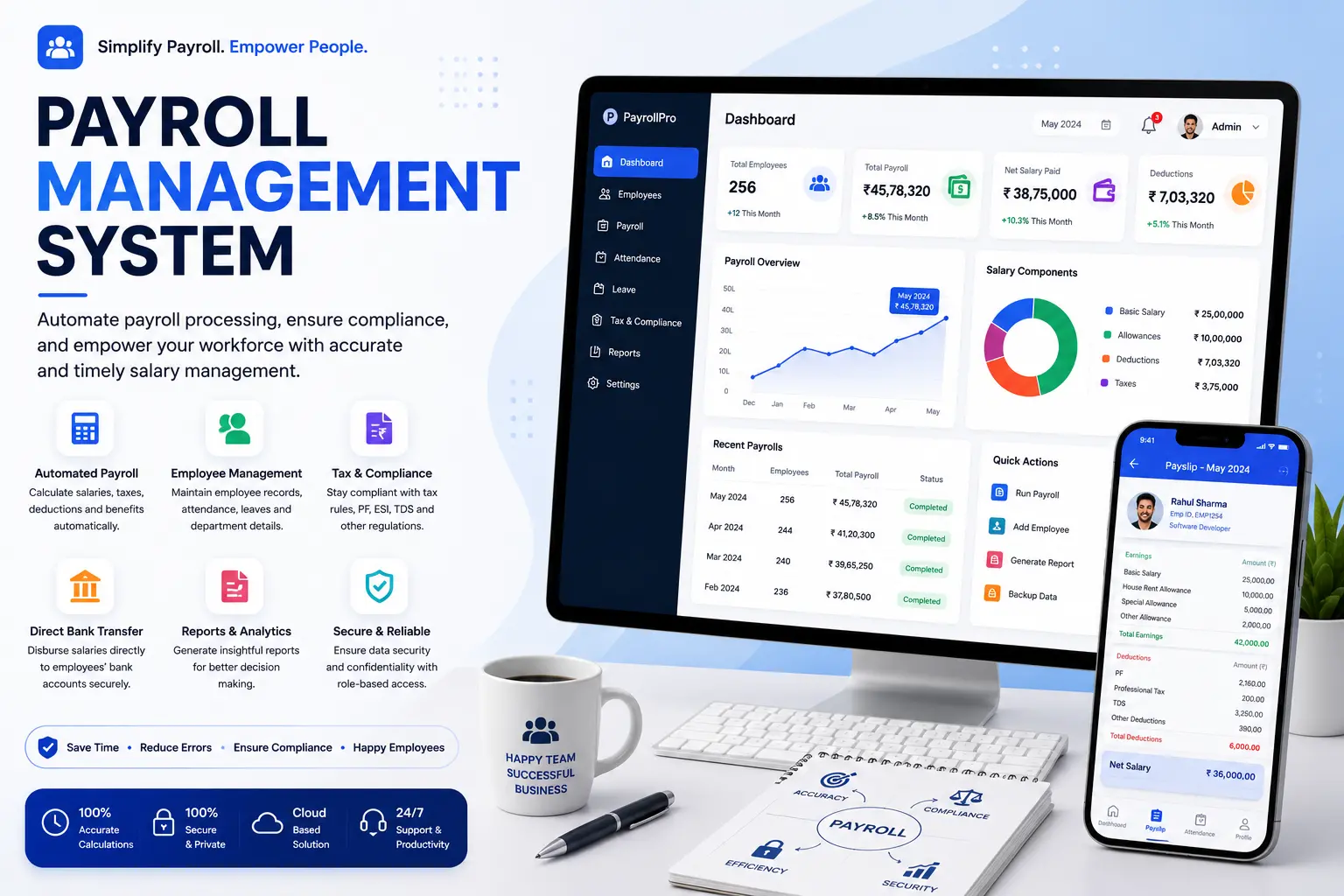
A payroll management system is software that calculates employee salaries, deducts the right taxes and statutory contributions, generates payslips, and keeps you compliant with labor law, all without the spreadsheet errors that come from doing it by hand. If you're reading this because payroll just went wrong again, you're not alone. Ernst & Young found that roughly one in five payroll runs contains an error, and each one costs an average of $291 to fix. That adds up fast.
At Hyper Software, we build payroll management systems for businesses that have outgrown Excel or a generic tool that almost fits. This page walks you through what a payroll management system actually does, what it costs, how to choose one, and when it makes sense to build a custom system instead of buying an off-the-shelf license.
A payroll management system is a software platform that automates the full salary cycle: collecting hours and attendance, calculating gross pay, applying deductions and tax withholding, generating payslips, and disbursing payment to employee bank accounts. It also keeps the paper trail regulators expect, so when a tax department or auditor asks a question, you have an answer instead of a scramble.
Three related terms get mixed up a lot, so let's separate them:
Get Free Consultation Within Minutes
A payroll management system sits at the center of all three, which is why picking the right one (or building one) matters more than most businesses assume until something breaks.
Every payroll cycle, regardless of the software behind it, moves through three phases.
Pre-payroll phase. The system pulls in attendance, leave, overtime, and any changes like a new hire, a raise, or a resignation. Garbage in means garbage out here, so this stage matters more than people give it credit for.
Payroll processing. The system calculates gross pay, applies statutory deductions (tax, provident fund, insurance), factors in reimbursements or bonuses, and arrives at net pay. This is where automation earns its keep. A human doing this by hand for 50 employees is doing 50 separate calculations, and one typo anywhere breaks the chain.
Post-payroll phase. Payslips go out, salary gets disbursed via direct bank transfer, and the system files or prepares the statutory reports (tax forms, provident fund returns, insurance filings) that keep the business compliant.
Most modern systems layer an employee self-service portal on top of this, so staff can view payslips, download tax documents, and raise queries without emailing HR every time.
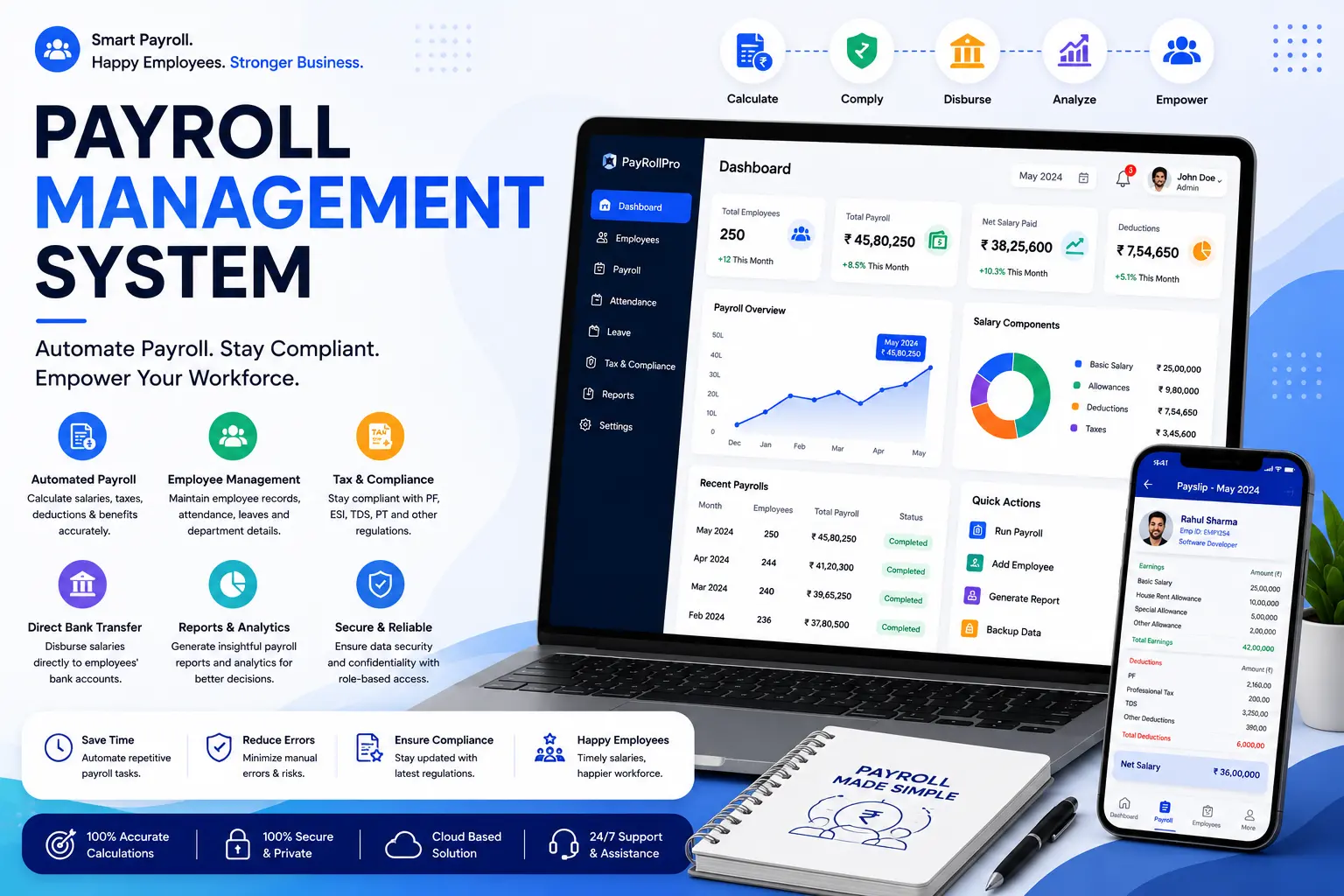
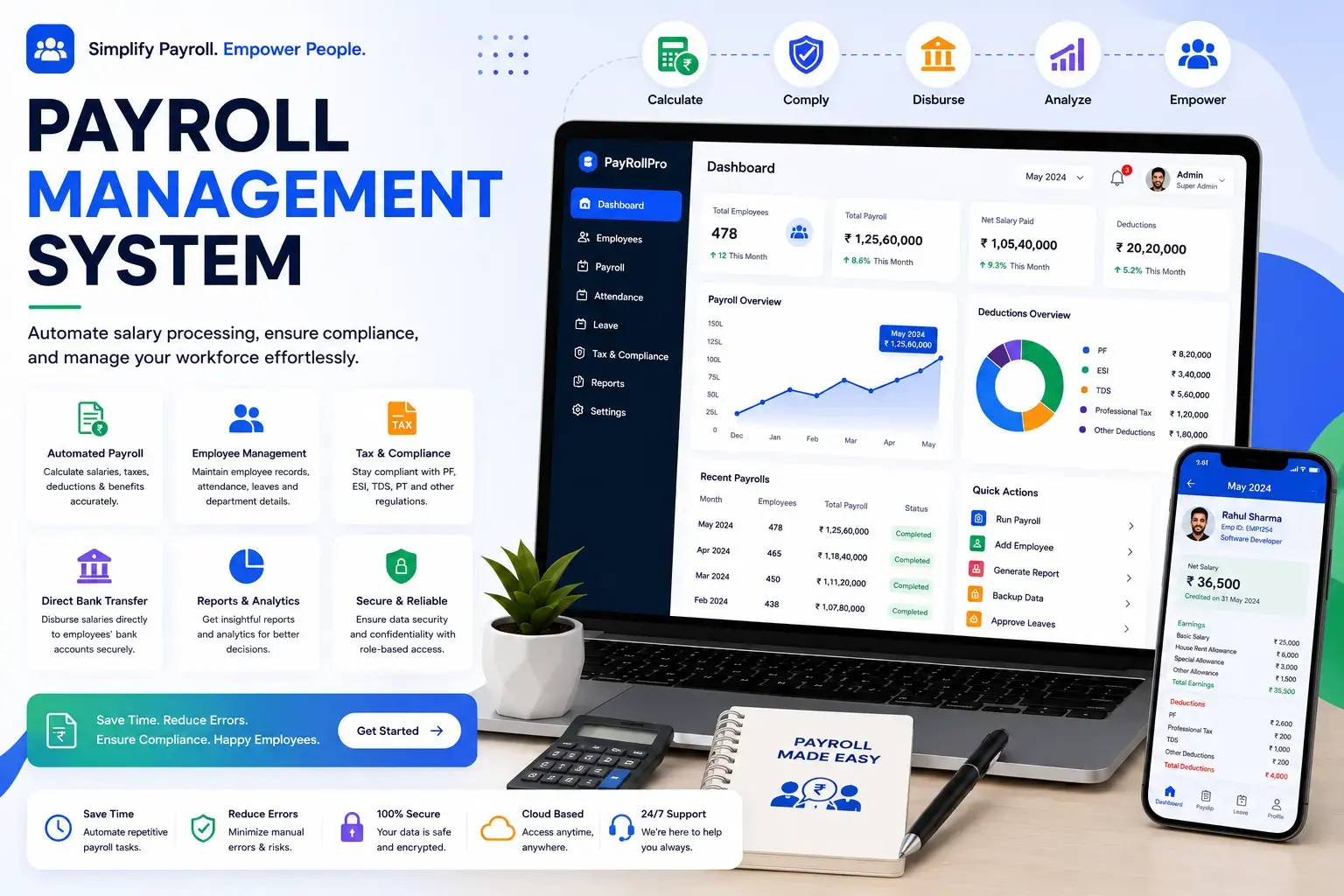
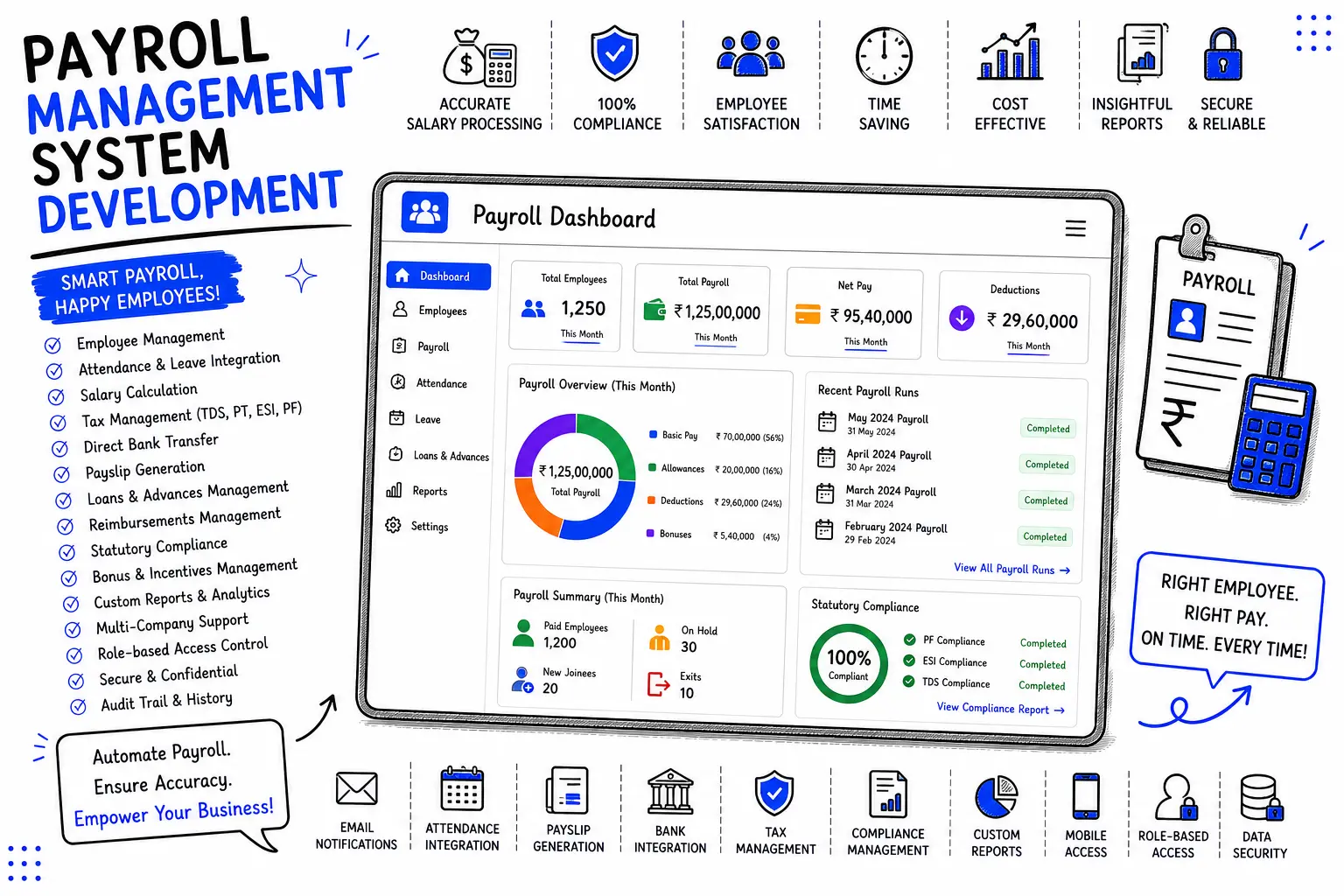
Not every payroll tool needs every feature below, but a serious payroll management system should cover most of them:
Automated salary calculation — gross pay, deductions, and net pay computed without manual formulas.
Statutory compliance engine — automatic handling of tax withholding, provident fund, insurance, and professional tax, updated as rules change.
Payslip generation — clean, downloadable payslips for every pay cycle.
Employee self-service portal — payslip access, leave requests, and document uploads in one place.
Attendance and leave integration — payroll pulls straight from time-tracking data instead of a separate spreadsheet.
Direct bank disbursement — salary transfers integrated with major banks.
Tax filing support — generation of required forms (like Form 16 in India) without a separate manual process.
Reporting and analytics — visibility into labor cost, overtime trends, and department-wise spend.
Audit trail — every calculation and change logged with a timestamp, so questions from employees or auditors have a clear answer.
Multi-entity or multi-state support — for businesses with more than one legal entity or operations across states with different tax rules.
If a vendor can't clearly explain how their system handles the compliance engine specifically, that's worth a second question before you sign anything.
In-house payroll software. You run it yourself, on your team. Good if you have a capable payroll person and want to keep the process internal.
Payroll built into an HRMS. Payroll sits alongside attendance, leave, and employee records in one platform. Fewer data-entry errors because everything lives in one system.
Payroll outsourcing / PEO. A third party runs payroll for you, sometimes even becoming the employer of record for tax purposes. Removes the admin burden but costs more and hands over some control.
Custom-built payroll management system. Designed around your exact pay structures, approval workflows, and integrations. Makes sense once your needs stop fitting neatly into someone else's template.
This is the decision most businesses actually face, and most articles skip straight past it.
|
Approach |
Best For |
Typical Cost |
What Can Go Wrong |
|
DIY |
Very small teams (under |
Free, but hidden in |
Formula errors, missed tax |
|
(Excel/manual) |
10 people), very early stage |
staffhours |
deadlines, no audit trail, breaks the moment headcount grows |
|
Off-the-shelf |
Standard pay structures, |
₹1,000– |
Rigid workflows, per- |
|
software |
standard compliance needs |
₹9,000/month depending on features and headcount |
module upsells, may not fit unusual pay rules or multi-entity setups |
|
Payroll |
Businesses that want zero |
Often higher per- |
Less direct control, slower |
|
outsourcing |
admin burden |
employee cost, plus setup fees |
turnaround on urgent changes, dependent on a third party's accuracy |
|
Custom |
Complex pay structures, |
Project-based quote, |
Needs a development |
|
development |
multiple entities, tight ERP/HRMS integration, or specific compliance rules across regions |
varies by scope |
partner who understands compliance, not just one or the other both software and payroll |
Doing it yourself works right up until it doesn't. We've seen businesses run payroll in Excel for two years without issue, then hit a headcount or compliance trigger that turns one wrong formula into a real financial problem. If you're already double-checking your own spreadsheet every month, that's usually the sign it's time to move on.
When custom development makes more sense than buying software: if you have unusual salary structures (commission-heavy sales teams, multiple pay grades with different rules, contractors mixed with full-time staff), if you operate across multiple states or countries with different compliance rules, or if you need payroll to talk directly to your existing ERP or accounting software without a clunky workaround, a custom-built system usually pays for itself faster than forcing an off-the-shelf tool to do something it wasn't built for.
Pricing varies a lot depending on business size, feature depth, and whether you buy software or build custom. Based on current India market data:
|
Business Size |
Typical Monthly/Annual Cost |
Notes |
|
Small business (up to 25 employees) |
₹1,000–₹3,000/month |
Basic compliance, payslips, self-service portal |
|
Growing SME (25–100 employees) |
₹3,000–₹9,000/month |
Adds attendance integration, multi-state PT, reporting |
|
Enterprise (100+ employees, multi-entity) |
₹1.5–5 lakh/year |
Custom compliance rules, dedicated support, advanced analytics |
|
Custom-built system |
Project-based quote |
Depends on features, integrations, and number ofmodules |
A few costs get missed in headline pricing: data migration from your old system (₹25,000– ₹1.5 lakh depending on volume), setup fees billed before go-live, and annual renewal increases that commonly run 8–15%. Ask any vendor for a three-year cost projection, not just the year-one number, before you sign.
If your business operates in India, your payroll management system needs to handle these correctly, not approximately.
Rules here change often enough that "we set it up once" isn't a real compliance strategy. A good payroll management system pushes these updates automatically, so you're not the one tracking a notification from EPFO or your state's tax department every quarter.
For businesses operating outside India, the same principle applies with your local equivalents: income tax withholding, social security contributions, and any regional payroll levies. The system should be built (or configured) around the specific compliance framework of the country you operate in.
A Jaipur-based manufacturing client came to Hyper Software running payroll for 140 employees across two states, using a mix of Excel and a basic off-the-shelf tool that couldn't handle their state-specific Professional Tax rules or their mix of daily-wage factory staff and salaried office employees. Their HR team was spending close to three full days every month just reconciling numbers, and they'd already had one PF filing error that triggered a notice.
We built a custom payroll management system that pulled attendance directly from their existing biometric devices, applied the correct PT slab automatically based on each employee's work state, and handled the daily-wage and salaried calculations separately without needing two different tools. We also added an employee self-service portal so factory staff could check payslips on their phones instead of asking the HR desk.
Within the first full cycle after go-live, their payroll processing time dropped from three days to under half a day, and they haven't had a compliance notice since. That's the difference between software that almost fits and one built around how the business actually runs.
If your industry involves anything other than a straightforward monthly salary for every employee, it's worth asking whether an off-the-shelf tool can actually keep up.
1. List your actual pay structures first. Salaried, hourly, commission, daily-wage, contractors, anything else. Don't evaluate software before you know what it needs to calculate.
2. Check the compliance engine specifically. Ask how PF, ESI, TDS, and PT updates are handled, and how often.
3. Test the self-service portal yourself. If it's clunky for you, it'll be clunky for your employees.
4. Ask about integration with what you already use. Attendance systems, accounting software, ERP. A payroll tool that can't talk to your other systems creates duplicate data entry.
5. Get a real cost projection, not just year one. Ask for year two and three pricing in writing.
6. Decide buy vs build early. If your needs are standard, buy. If they're not, get a quote for custom development before committing to years of workarounds.
It calculates employee salaries, deducts taxes and statutory contributions, generates payslips, and disburses payments, while keeping the compliance records businesses are legally required to maintain.
No. Payroll software focuses specifically on salary calculation and compliance. HRMS is broader and includes payroll alongside attendance, leave, recruitment, and employee records. Many modern systems combine both.
Basic tools start around ₹1,000 a month for small teams, growing to ₹1.5–5 lakh a year for enterprise-grade systems with multi-entity and advanced compliance support. Custom development is quoted per project.
Yes, a properly built system calculates and updates PF, ESI, TDS, and Professional Tax automatically as rates and rules change, and generates the required filing forms.
Once headcount grows past a handful of employees or pay structures get more complex, yes. Below that, a spreadsheet can work temporarily, but the risk grows with headcount.
Payroll software is a tool your team runs internally. Outsourcing hands the process to a third party, sometimes including becoming the legal employer of record for tax purposes. Outsourcing costs more but removes admin work.
Off-the-shelf tools can go live in days to a few weeks. Custom-built systems typically take longer, depending on integrations and the complexity of your pay structures.
Yes, this is one of the main reasons businesses choose custom development, since off-the-shelf tools don't always integrate cleanly with an existing ERP or accounting system.
A good system logs every calculation with an audit trail, making it easy to identify and correct errors. This is one reason automated systems outperform manual spreadsheets, where errors are harder to trace.
Reputable systems use encryption and access controls to protect sensitive salary and tax data. When evaluating a vendor or development partner, ask specifically how employee data is stored and who has access.
If you're under 10 employees with a simple salary structure, a spreadsheet or a basic free tool can genuinely hold up for a while. It costs nothing but your time, and the risk is manageable at that scale.
Once you cross into double-digit headcount, add any complexity (multiple pay types, multiple locations, statutory filings), or start losing hours every month to reconciliation, that's usually the point where either off-the-shelf software or a development partner starts paying for itself. What can go wrong doing it alone past that point: missed filing deadlines, inconsistent deduction logic between employees, no audit trail when someone disputes a payslip, and the quiet compounding risk of a compliance notice you didn't see coming.
Hiring a development partner like Hyper Software makes the most sense when your pay structures or compliance needs don't fit a generic template, or when you want payroll built directly into your existing ERP or HRMS instead of running as a separate disconnected tool.
Not necessarily. Many payroll management systems integrate attendance and leave tracking directly, which reduces manual data entry and the errors that come with it.
At minimum: automated salary calculation, statutory compliance, payslip generation, an employee self-service portal, and reporting. More complex businesses also need multi-state or multi-entity support.
Yes. Industries like manufacturing, construction, and healthcare often need pay logic (shift differentials, daily wages, on-call pay) that generic software doesn't handle well out of the box.
Net pay equals gross pay (salary plus allowances and reimbursements) minus deductions (tax, provident fund, insurance, and any other statutory or voluntary deductions).
Payroll management is the higher-level planning: pay policies, schedules, and compliance strategy. Payroll processing is the actual calculation and disbursement that happens every pay cycle.
Have questions or need expert guidance? Our team is ready to help you with the right technology solutions for your business.