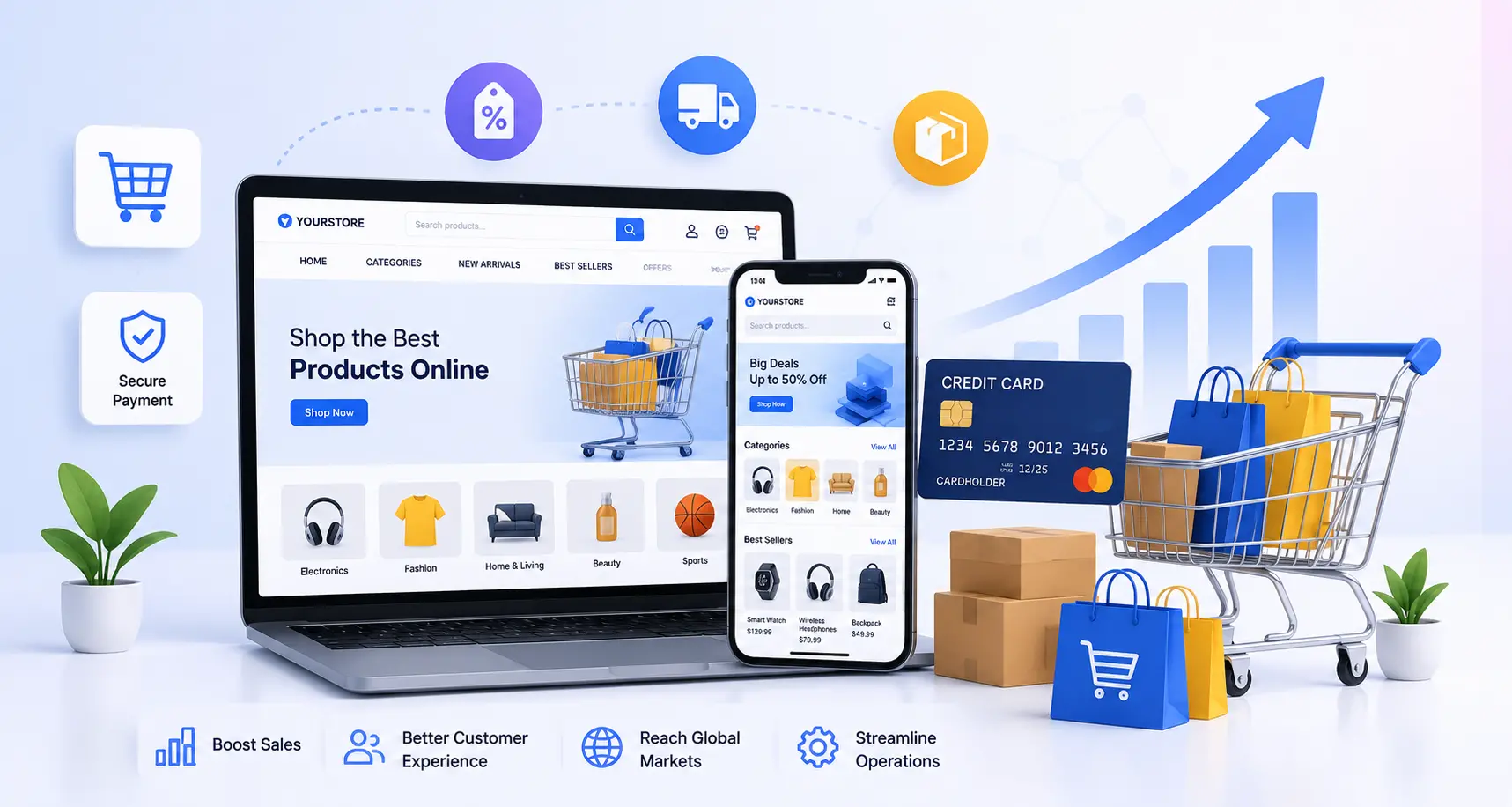
Types of Ecommerce Solutions
There isn't one "right" type. There's a right type for where your business is right now.
SaaS (Software-as-a-Service) Platforms
Shopify, BigCommerce, and Wix Commerce fall here. You pay a monthly fee, and the provider handles hosting, security, and updates for you. Best for: businesses that want to launch fast without managing servers. Trade-off: you're renting the platform, so deep backend customization has limits.
Open-Source Platforms
WooCommerce (built on WordPress) and Magento Open Source are the common names. The software itself is free, but you pay for hosting, developers, and plugins. Best for: businesses that already run WordPress, or want full control over the code. Trade-off: you're responsible for security patches, performance, and maintenance, or you need a team that is.
Custom-Built Solutions
Built from scratch, or on a heavily modified framework, to match a specific business model. Best for: businesses with unusual requirements — complex pricing tiers, B2B workflows, or an ERP that has to talk directly to the store. Trade-off: higher upfront cost, and a longer build timeline.
Headless Commerce
The front end (what customers see) is separated from the back end (where orders and inventory live), connected through APIs. Best for: brands selling across multiple channels — web, app, kiosk, marketplace — that need the storefront to look different everywhere while the backend stays the same. Trade-off: it needs a development team; this isn't a dragand-drop setup.
Quick rule of thumb: if you're launching your first store, start with SaaS or open-source. Move to custom or headless once you've outgrown what a template can do — not before.
Core Features Every Ecommerce Solution Needs
Skip any of these and something breaks later. A working ecommerce solution needs, at minimum:
- A fast, mobile-first storefront — over 60% of ecommerce traffic now comes from phones, so a store that isn't built mobile-first is losing sales before a visitor even sees a product.
- Secure payment processing — support for cards, digital wallets, and increasingly Buy Now Pay Later options, all PCI-compliant.
- Inventory and order management — real-time stock tracking so you don't sell what you don't have.
- Shipping integrations — connections to carriers and rate calculators, not manual label creation.
- SEO-ready architecture — clean URLs, editable metadata, and schema markup baked in, not bolted on after launch.
- Analytics and tracking — so you know what's actually converting, not just what's getting clicks.
- Customer accounts and support tools — order history, returns, and a way for customers to reach you.
A platform can look polished in a demo and still miss half of this list. Ask for proof, not screenshots, before you commit.
Ecommerce Platform Comparison: Shopify vs WooCommerce vs Magento vs Custom
| Factor |
Shopify (SaaS) |
WooCommerce (Open-Source) |
Magento / Adobe Commerce |
Custom-Built |
| Best for |
Fast launch, small–mid business |
Content and SEO-driven brands on WordPress |
Large catalogs, B2B, enterprise |
Unique workflows, deep integrations |
| Setup time |
Hours to days |
Days to weeks |
Weeks to months |
Months |
| Typical starting cost |
$29–$399+/month |
Free software, $500–$5,000+ build cost |
$22,000+/year (Adobe Commerce) or free (Open Source) |
$15,000–$100,000+ |
| Hosting & Security |
Fully managed |
Self-managed (or managed hosting add-on) |
Self-managed, needs strong infrastructure |
Depends on build |
| Customization |
Moderate, via apps |
High, via plugins and code |
Very high |
Unlimited |
| Technical skill needed |
Low |
Moderate |
High |
High |
| SEO capability |
Good, some URL limits |
Excellent (WordPress core strength) |
Strong, needs setup |
Fully controllable |
None of these is universally "best." Shopify wins on speed. WooCommerce wins on content and cost control. Magento and custom builds win when the catalog or the business logic gets complicated. We'll usually ask about your catalog size and integrations before recommending one over another — anyone who recommends a platform before asking those questions is guessing.
Do It Yourself vs Hiring an Ecommerce Solutions Agency
This is the decision most guides skip, and it's the one that actually matters most for a firsttime store owner.
When DIY Makes Sense
- You're testing a product idea and don't yet know if it will sell.
- Your budget is under $1,000 and speed matters more than polish.
- You're comfortable learning a platform's admin panel and basic design tools.
What it costs: roughly $300–$1,000 for the first year using a template on Shopify, Wix, or WordPress with a page builder like Elementor.
What can go wrong: slow load times from unoptimized images and apps, a checkout flow that quietly loses sales, weak SEO setup that never gets fixed, and no one to call when something breaks at 11pm on a launch day.
When Hiring an Agency Makes Sense
- You have a real product-market fit and revenue to protect.
- You need integrations — ERP, CRM, custom shipping rules, multi-currency, or B2B pricing.
- Your catalog is large, or your business model doesn't fit a template.
What it costs: freelancers typically run $1,500–$5,000 for a mid-range build; agency-level work for a small-to-medium business generally lands between $5,000 and $50,000, and complex custom or headless builds can run higher.
What you get for the extra cost: a team that plans for growth (not just launch day), proper QA before go-live, SEO built in from the start, and support after launch when things need fixing.
Our honest take: if you're validating an idea, DIY first. Once you know the product sells, that's the point to bring in a development team — rebuilding on a stronger foundation later almost always costs more than building it right the first time.
How Much Do Ecommerce Solutions Cost?
Pricing varies with platform, catalog size, and how many systems it has to talk to. Here's a realistic 2026 breakdown:
| Store Type |
Typical Cost Range |
What's Included |
| DIY / Template Store |
$300 – $1,000 |
Platform subscription, basic theme, no custom code |
| Freelancer-Built Store |
$1,500 – $5,000 |
Custom theme setup, basic integrations, light customization |
| Small Business Agency Build |
$5,000 – $15,000 |
Custom design, payment and shipping integration, SEO setup |
| Mid-Size Custom Build |
$15,000 – $50,000 |
Full custom design, multiple integrations (CRM/ERP), advanced features |
| Enterprise / Headless Build |
$50,000 – $250,000+ |
Headless architecture, ERP integration, multi-store support, complex B2B logic |
Ongoing costs to budget for, regardless of platform: hosting ($100–$600/year if selfmanaged), domain renewal ($15–$60/year), payment processing fees (commonly 2–3% per transaction), and maintenance (industry rule of thumb: budget 10–20% of the initial build cost per year for updates, security, and fixes).
A word of caution: if a quote seems far below every other quote you've received for the same scope, ask what's being skipped. Discovery, SEO setup, and QA testing are the corners that get cut first, and they're the ones that cost the most to fix later.
Ecommerce Solutions for Different Business Types
- D2C / retail brands need a strong storefront, fast checkout, and marketing integrations (email, abandoned cart recovery, reviews).
- B2B and wholesale businesses need customer-specific pricing, bulk ordering, quote requests, and often an ERP connection — features most SaaS platforms only support through add-ons.
- Marketplace sellers (Amazon, Etsy, Flipkart) need inventory sync across channels so stock doesn't oversell.
- Service businesses selling online (bookings, subscriptions, digital downloads) need scheduling or subscription billing rather than a traditional cart.
- Enterprises typically need multi-store, multi-currency, and multi-language support under one back end.
Our Process: How We Build an Ecommerce Solution at Hyper Software
- Discovery call — we ask about your catalog, budget, existing tools, and growth plans before recommending anything.
- Platform and architecture selection — SaaS, open-source, or custom, based on what we learned in discovery, not a default preference.
- Design (UI/UX) — wireframes and design mockups built around how your specific customers shop, not a generic template.
- Development — storefront build, payment and shipping integration, CRM/ERP connections where needed.
- QA and testing — checkout flow, mobile performance, and payment testing before anything goes live.
- Launch — with SEO fundamentals (metadata, schema, sitemap) already in place, not added afterward.
- Post-launch support — maintenance, performance monitoring, and a direct line to the team that built it.
Common Mistakes Businesses Make With Ecommerce Solutions
- Choosing a platform based on price alone, then paying more later in apps, plugins, and rework.
- Skipping SEO setup at launch — retrofitting metadata and schema onto a live store takes far longer than building it in from day one.
- Ignoring mobile performance — a slow mobile checkout is one of the fastest ways to lose a sale that was already won.
- No plan for maintenance — a store isn't a one-time project; skipping ongoing updates leads to security gaps and slow performance within months.
- Overbuilding too early — paying for enterprise features (multi-store, advanced B2B logic) before the business needs them wastes budget that should go toward marketing and traffic.
How We Helped: A Real Client Story
A home décor retailer came to us running their entire business through an Instagram page and WhatsApp orders. Orders were getting missed, stock counts were tracked in a notebook, and payments were collected manually — a setup that worked until it didn't.
We moved them to a WooCommerce store with integrated inventory tracking, an automated payment gateway, and shipping rate calculation built in. The build took about six weeks, including a product photography pass and SEO setup for their top 40 products. Within the first quarter after launch, they stopped losing orders to missed messages, and organic search started sending traffic that Instagram alone never had. It wasn't a dramatic redesign — it was giving a business that already had demand a system that could actually keep up with it.
Ecommerce Solutions and AI: What's Changing in 2026
AI has moved from a nice-to-have to a standard part of ecommerce solutions in 2026. A few shifts worth knowing before you build:
- AI-generated product descriptions and recommendations are now built into most major platforms, reducing the manual work of writing catalog copy for large inventories.
- AI-powered personalization shows different customers different homepages, offers, and product orders based on behavior, not just demographics.
- Automated inventory forecasting flags what's likely to sell out or sit unsold, before it becomes a cash-flow problem.
- Conversational shopping assistants are starting to answer product questions directly on-site, cutting down on abandoned carts caused by unanswered questions.
None of this replaces a well-built storefront. It sits on top of one. A store with poor structure or slow load times won't get meaningfully better just by adding an AI chatbot to it.
Choosing the Right Ecommerce Solutions Partner: Checklist
- Do they ask about your business model before recommending a platform, or do they pitch one platform to everyone?
- Can they show real stores they've built, not just design mockups?
- Do they include SEO setup and mobile testing in the base scope, or as a costly add-on?
- Is post-launch support and maintenance part of the conversation, or an afterthought?
- Do they explain trade-offs honestly, including when DIY or a cheaper platform is genuinely the better fit for you?
Why Choose Hyper Software for Ecommerce Solutions
Hyper Software has been building websites, custom software, and ecommerce platforms since 2020, based in Jaipur and working with clients across India and globally. We work across SaaS platforms, open-source builds, and fully custom ecommerce solutions, along with the CRM, ERP, and UI/UX work that makes a store actually run well after launch — not just look good on day one.