
Professional web development service ke liye Hyper Software ko zarur choose karein. Team experienced hai aur har problem ka quick solution deti hai. Bahut achha support.

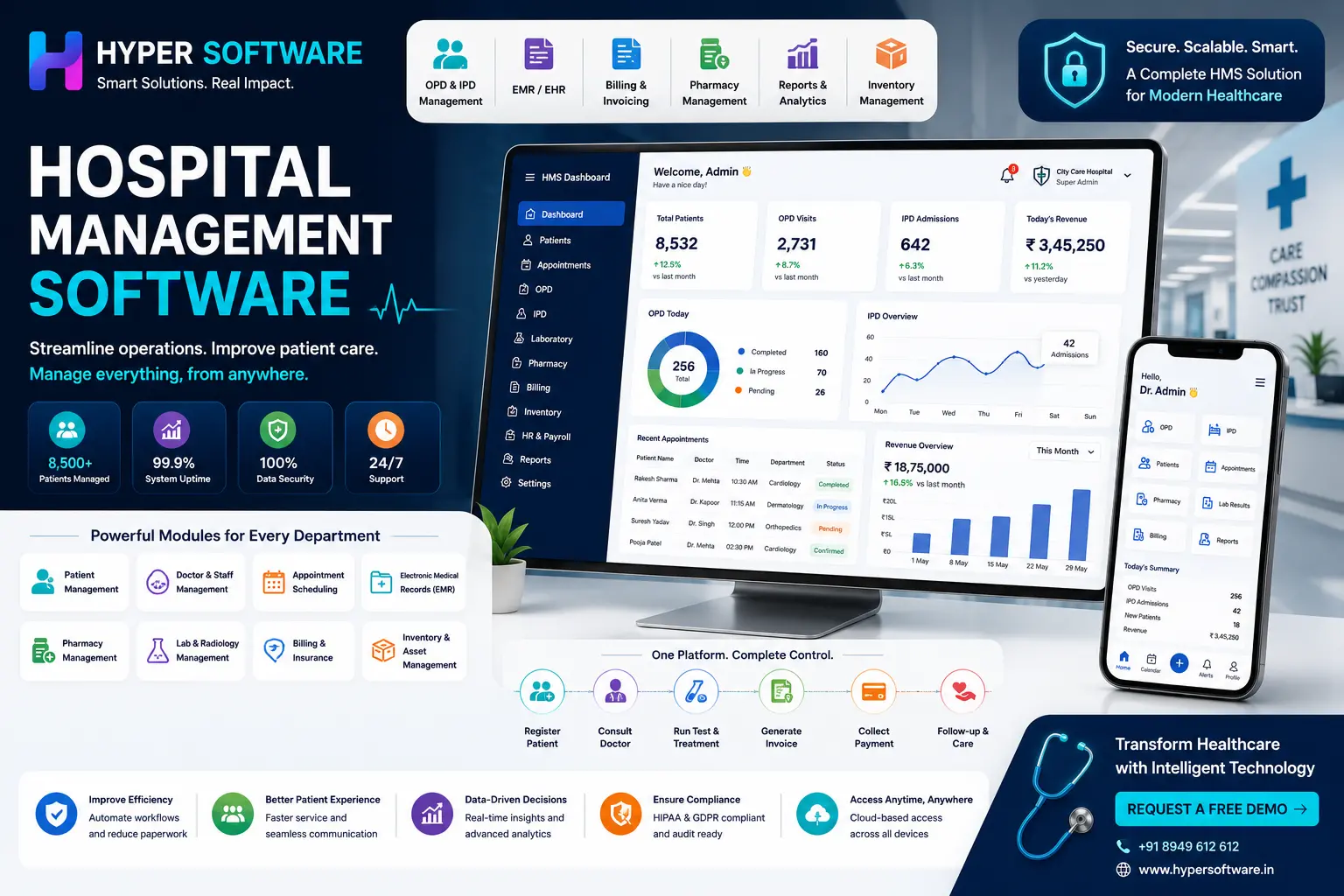
Hospital management software (HMS) is a system that runs a hospital's day-to-day work —patient registration, appointments, billing, pharmacy, lab, and records — from one connected platform instead of paper files or disconnected spreadsheets. It's the backbone that lets a receptionist, a doctor, a pharmacist, and an accountant all look at the same patient record without calling each other five times a day.
If you're reading this, you're probably in one of two spots: still running your hospital or clinic on registers and Excel sheets, or stuck with an old system that's slow, doesn't talk to your billing, and nobody wants to use anymore. Either way, this guide covers what the software actually does, what it costs in 2026, and how to pick (or build) the right one without getting burned.
We build custom hospital management software at Hyper Software, so we've seen this process from both sides — the sales pitch and the 2 a.m. call when a system goes down during OPD hours. This guide is written from that experience.
Hospital management software, also called a Hospital Information System (HIS) or Hospital Management System (HMS), is a digital platform that connects a hospital's clinical, administrative, and financial operations into one system. Instead of a patient's history sitting in a paper file at the front desk while their lab report sits somewhere else, everything lives in one record that every relevant department can pull up in seconds.
At its core, it does three jobs:
Think of it as the operating system for a hospital. Everything else — the doctors, the pharmacy, the billing desk — runs on top of it.
Get Free Consultation Within Minutes
A hospital is not one workflow; it's a dozen departments working at once. A good HMS reflects that. Here's what a genuinely complete system covers:
| Module | What It Does |
|---|---|
| Patient Registration & OPD | Captures patient demographics, generates a unique patient ID, and manages OPD registrations, queues, and consultations. |
| IPD & Bed Management | Tracks admissions, transfers, discharges, and real-time bed availability across hospital wards. |
| Electronic Medical Records (EMR/EHR) | Stores patient history, prescriptions, diagnoses, laboratory reports, and treatment notes in a single digital record. |
| Appointment Scheduling | Books, reschedules, and sends reminders for doctor appointments, consultations, and procedures. |
| Billing software development & Invoicing | Generates GST-compliant invoices and manages cash, insurance, and TPA payments automatically. |
| Pharmacy Management | Tracks medicine inventory, expiry dates, prescriptions, and dispensing activities. |
| Laboratory (LIS) & Radiology (RIS) | Manages lab test requests, results, imaging reports, and integrates them with the patient's EMR. |
| Inventory & Asset Management | Monitors medical supplies, equipment, and stock levels while preventing shortages through automated reordering. |
| Insurance & TPA Claims | Handles cashless insurance claims, pre-authorizations, reimbursements, and insurer-specific billing formats. |
| HR & Payroll | Manages employee attendance, shift scheduling, payroll, and staff records for doctors, nurses, and administrative teams. |
| MIS Reports & Analytics | Provides real-time dashboards and reports for occupancy, revenue, patient flow, and departmental performance. |
| Patient Portal / Mobile App | Allows patients to book appointments, access medical reports, pay bills, and communicate with the hospital online. |
What most competitor pages don't tell you: you rarely need all 12 modules on day one. A 20-bed clinic drowning in unnecessary "enterprise" modules is a common and expensive mistake we see when hospitals buy off a feature checklist instead of their actual patient volume. Start with OPD, IPD, billing, and pharmacy — add the rest as you scale.
Fewer errors. A prescription typed once and linked to the pharmacy record removes the transcription mistakes that happen when the same information is written out three times by three people.
Faster billing. Automated billing pulls charges directly from consultations, tests, and pharmacy — instead of a biller manually adding up receipts at discharge.
Better bed utilisation. Real-time bed tracking means fewer patients waiting in the corridor while an empty bed sits unmarked two floors up.
Stronger compliance. Digital records with audit trails are what NABH assessors and insurance auditors actually want to see, not a stack of files.
Data-backed decisions. Owners can see which department is profitable, which doctor has the highest patient load, and where supply costs are creeping up — in real time, not at month-end.
Better patient experience. Patients get appointment reminders, digital reports, and shorter wait times, which is increasingly what keeps them from switching to the hospital down the road.
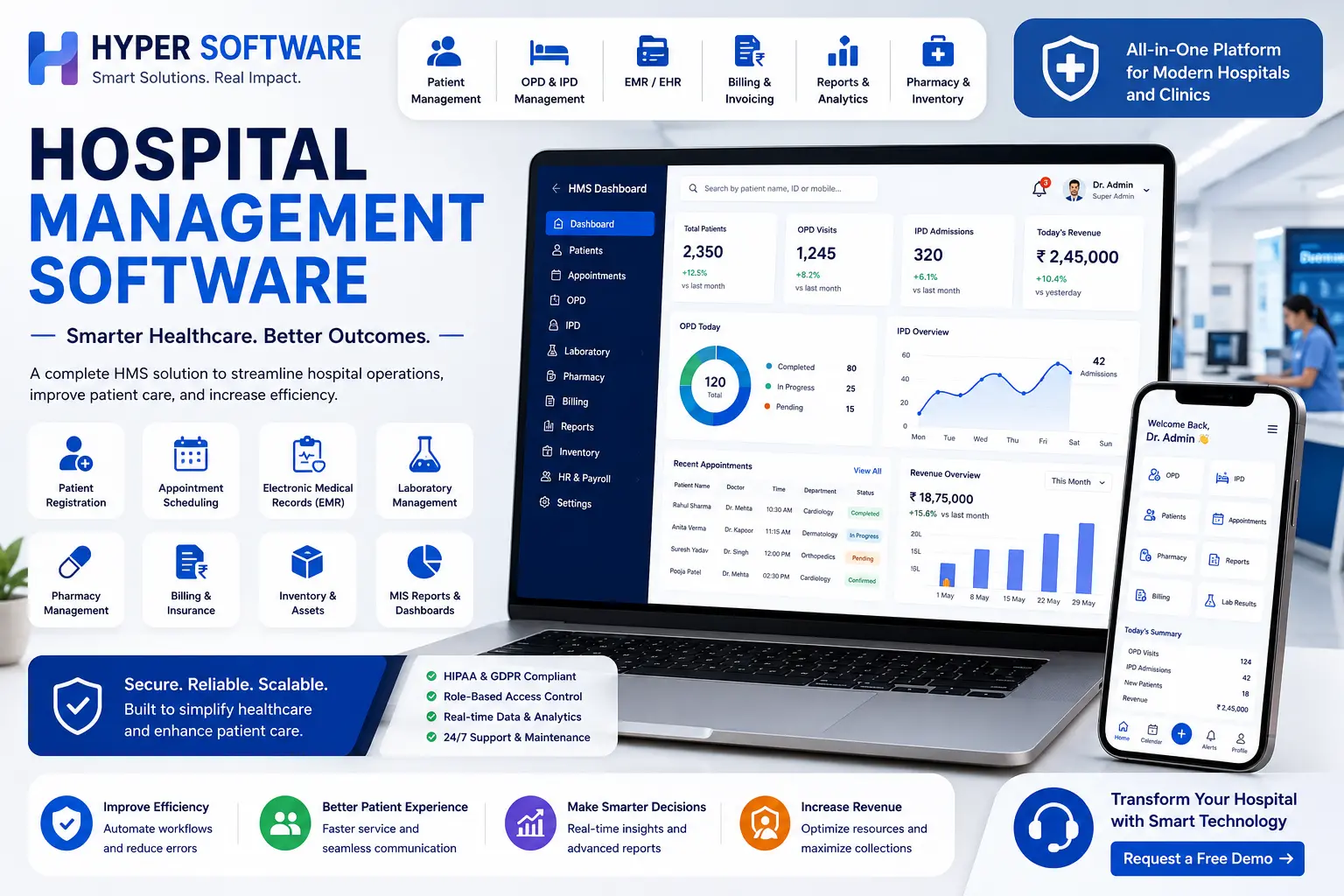
This is usually the first real decision a hospital has to make, and it shapes almost everything after it — cost, IT staffing, and how fast you can go live.
| Factor | Cloud-Based HMS | On-Premise HMS |
|---|---|---|
| Upfront Cost | Low – Subscription-based with no server purchase required | High – Requires servers, software licenses, and IT infrastructure |
| Access | Accessible from anywhere with an internet connection | Accessible only within the hospital network (unless VPN is configured) |
| Maintenance | Managed by the software vendor with automatic updates | Requires an in-house IT team for maintenance and updates |
| Data Backup | Automatic cloud hosting backups with off-site storage | Manual backup process requiring a dedicated backup strategy |
| Best For | Small to mid-size hospitals, clinics, and multi-branch healthcare organizations | Large hospitals with strict data residency, website security, or compliance requirements |
| Scalability | Easily add users, branches, and modules without additional hardware | Scaling typically requires server and hardware upgrades |
Most new hospitals and clinics now go cloud-first, mainly because it removes the upfront hardware cost and gets a hospital live in weeks instead of months. On-premise still makes sense for large hospital networks with in-house IT teams and specific data-residency or security policies that require everything to stay on local servers.
This is the decision most guides skip — and it's the one that matters most for your budget.
Ready-made (off-the-shelf) software
Building it yourselfin-house
Hiring a custom software development company (what we do at Hyper Software)
What can go wrong doing it alone: hospitals that try to configure a generic ready-made system to match a specialised workflow (say, a maternity hospital's OT scheduling, or a diagnostic chain's multi-branch billing) often end up paying for "custom modules" add-ons anyway — at a worse rate than if they'd built it right the first time.
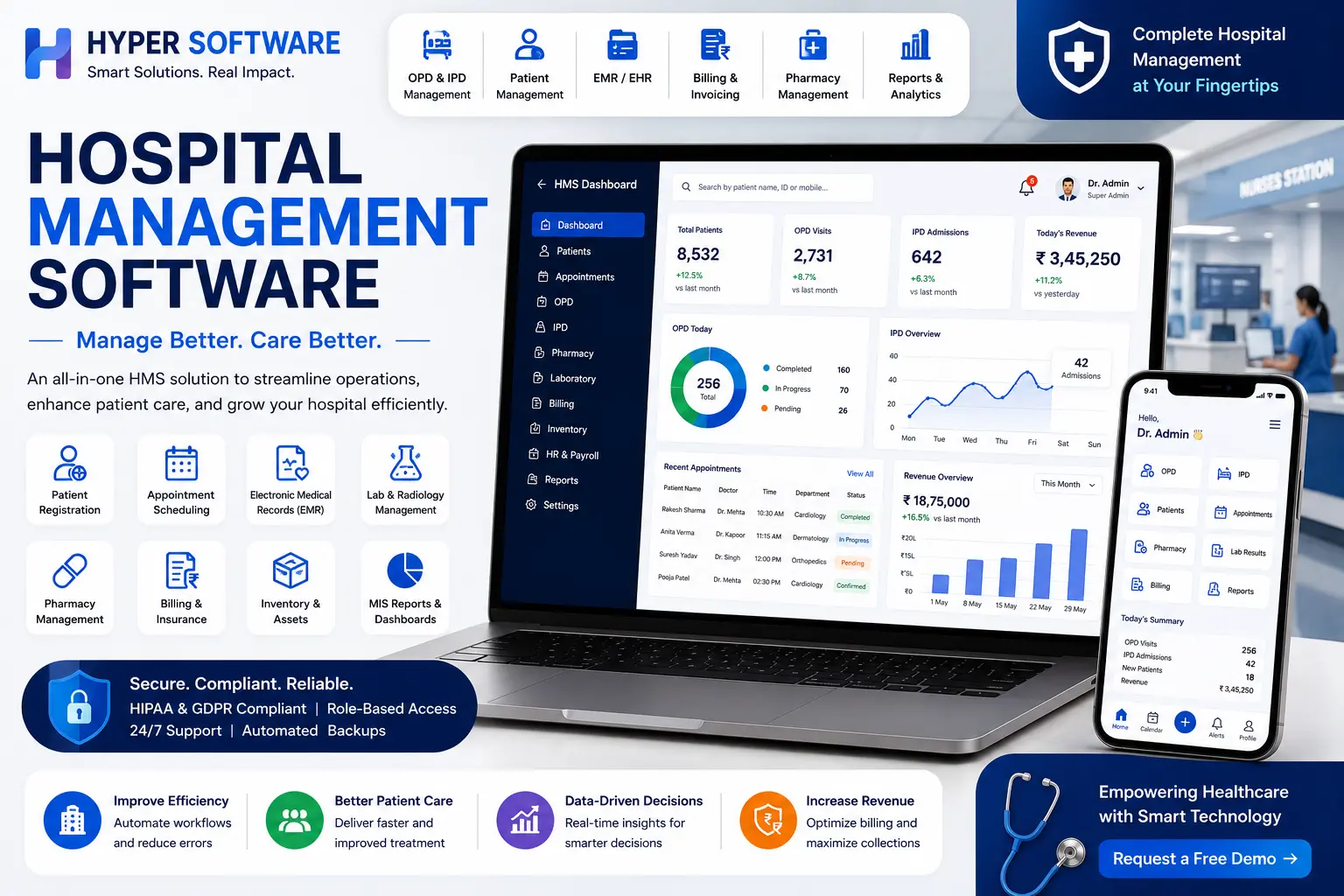
Costs vary a lot by hospital size, deployment type, and how much customisation you need. Here's a realistic breakdown:
| Facility Size | Typical Deployment | Approximate Cost Range |
|---|---|---|
| Small Clinic (1–20 Beds) | Cloud Subscription | ₹25,000 – ₹1,00,000 per year |
| Mid-Size Hospital (25–100 Beds) | Cloud or Hybrid Deployment | ₹1,00,000 – ₹5,00,000 per year |
| Large Hospital / Multi-Branch Chain | Custom-Built or Hybrid Cloud | ₹5,00,000 – ₹25,00,000+ per year, depending on the number of modules and branches |
| Fully Custom-Built Platform (One-Time Development) | On-Premise or Private Cloud | ₹5,00,000 – ₹50,00,000+ upfront, depending on project scope, integrations, and customization requirements |
What actually drives the price up or down:
Treat any quote that doesn't break down modules, users, and support separately with caution — vague pricing is one of the most common ways hospitals get surprised six months in.
If you're running a hospital in India, two compliance pieces matter for your software choice:
NABH (National Accreditation Board for Hospitals & Healthcare Providers) sets quality standards for hospital information systems, covering patient record security, unique patient IDs (UHID), audit trails, and data accuracy. NABH doesn't certify software directly, but assessors will check whether your HMS supports the documentation and traceability their standards require.
ABDM (Ayushman Bharat Digital Mission) is the government's digital health framework. Hospitals connecting to it need ABHA (health ID) integration and, depending on scope, HL7/FHIR-based record sharing so patient data can move between providers on the National Health Authority (ABDM), India network. Facility registration is done through the ABDM portal, and vendor verification typically takes a few working days once documents are submitted.
If a vendor can't answer these clearly, that's a red flag, not a small detail to sort out later.
Hospital management software is a digital system that connects a hospital's clinical, administrative, and financial operations — patient records, billing, pharmacy, and lab — into one platform.
The main modules are patient registration/OPD, IPD and bed management, EMR, billing, pharmacy, lab and radiology, inventory, insurance/TPA claims, HR, and MIS reporting.
Costs range from roughly ₹25,000–₹1,00,000 per year for a small clinic to ₹5,00,000+ per year for a mid-size hospital, depending on modules and users.
Yes, HMS and HIS are generally used interchangeably to describe the same category of software.
Most small and mid- size hospitals choose cloud-based software for lower upfront cost and easier maintenance; large hospitals with strict data-residency needs sometimes prefer on-premise.
Ready-made software is faster and cheaper to start with, but custom-built software fits your exact workflow and avoids per-user licensing costs as you scale — the right choice depends on your budget and timeline.
ABDM (Ayushman Bharat Digital Mission) is India's national digital health framework; hospitals connecting patient records to the national health network need ABHA/ABDM integration in their software.
Yes, a compliant HMS provides the audit trails, unique patient IDs, and documentation that NABH assessors look for during accreditation.
Ready-made systems can go live in 1–4 weeks; custom-built systems typically take 6–16 weeks depending on scope and data migration needs.
Yes, most modern HMS platforms can integrate with lab (LIS) and radiology (RIS/PACS) equipment, though the exact integrations should be confirmed with your vendor before signing.
A 60-bed multi-specialty hospital in Rajasthan came to us running three separate systems: a billing tool that didn't talk to the pharmacy, paper OPD registers, and an Excel sheet for bed tracking. Their front desk was manually re-entering the same patient details four or five times a day, and month-end billing reconciliation was taking their accounts team almost a week.
We built them a custom hospital management system covering OPD, IPD, pharmacy, billing, and lab, integrated with their existing diagnostic equipment and migrated three years of patient records without downtime during the switch. We also built in ABDM readiness from the start, since they were planning NABH accreditation within the year.
Within the first two months, their billing reconciliation time dropped from nearly a week to under a day, and front-desk staff stopped duplicating patient entries entirely. The hospital passed its NABH documentation review on the first attempt — something their administrator specifically credited to having clean, auditable digital records instead of scattered paper files.
That's the kind of outcome we aim for: not just software that works in a demo, but software that survives a Monday morning OPD rush.
It's used to run a hospital's day-to-day operations — patient registration, appointments, billing, pharmacy, lab results, and records — from one connected system instead of paper or spreadsheets.
Not quite. EHR (Electronic Health Record) is one module inside a full hospital management system, which also covers billing, pharmacy, inventory, and administration.
It typically ranges from around ₹25,000 a year for a small clinic on a cloud subscription to several lakhs a year for a mid-size or large hospital, depending on modules, users, and support.
Reputable cloud HMS vendors use encrypted storage, automatic backups, and access controls that are often more secure than an unmanaged on-premise server, but you should always confirm the vendor's specific security certifications.
Yes. Ready-made systems allow limited customisation, while custom-built software (like what Hyper Software develops) is designed entirely around your hospital's specific workflow.
Have questions or need expert guidance? Our team is ready to help you with the right technology solutions for your business.