
Hyper Software ne hamare business ko online ek nayi pehchan di. Website professional, fast aur SEO optimized hai. Website Design & Development ke liye best company.

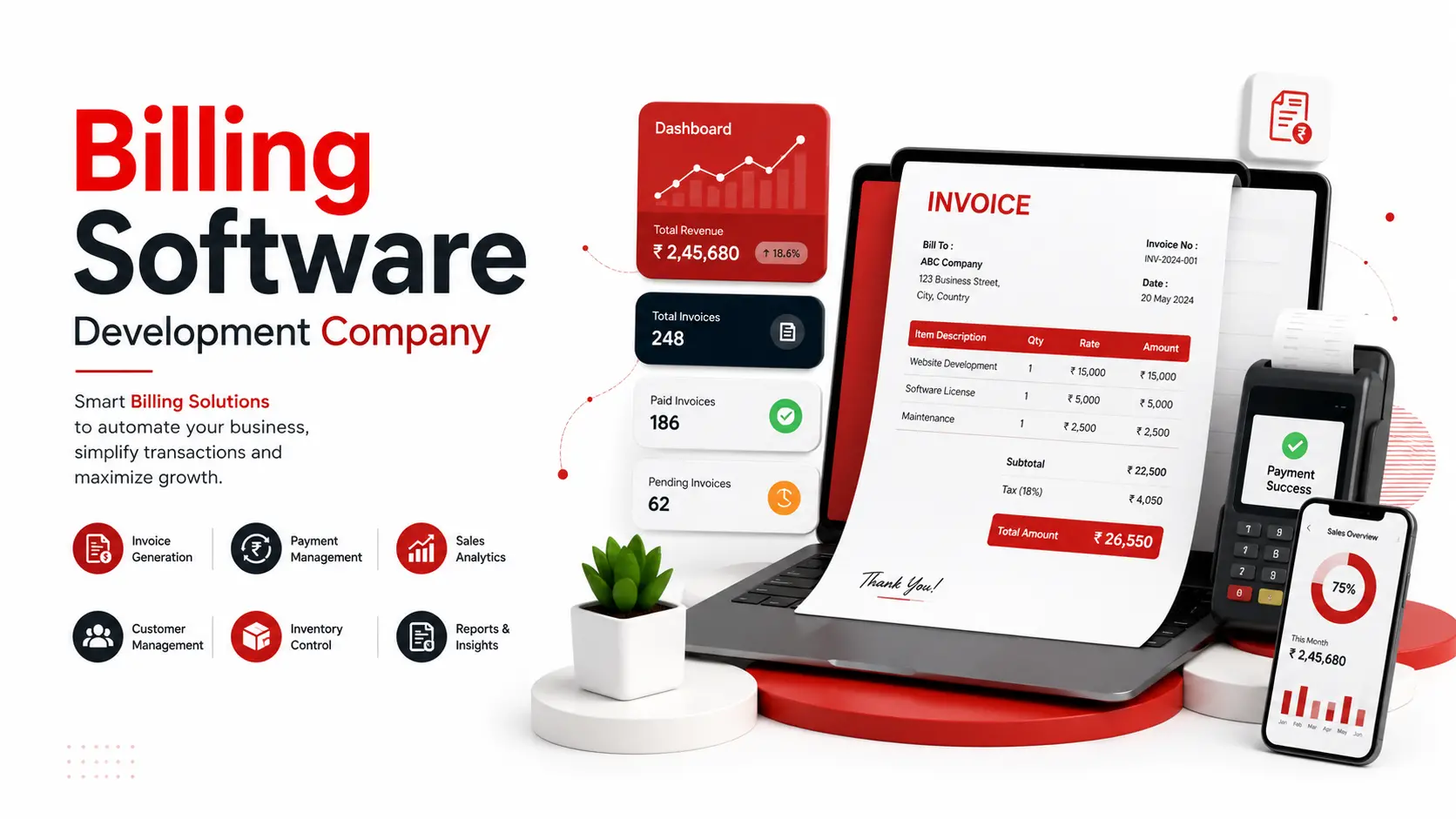
Billing software creates invoices, applies the correct tax, tracks who has paid and who hasn't, and keeps a clean record of every transaction. Most businesses start with a free app or a spreadsheet. They outgrow it fast. This guide walks through what billing software actually does, when a ready-made tool is enough, when a custom build pays for itself, and what it costs to get one built in 2026.
Hyper Software, based in Jaipur, builds custom billing systems for retail shops, service businesses, distributors, and SaaS companies across India and internationally. We've written this page the way we'd explain it to a client sitting across the table.
Billing software is a program that turns a sale or a service into a proper invoice, automatically. It calculates tax, applies discounts, records the payment status, and stores every invoice against a customer's history.
At its simplest, that's it. But the moment your business grows past 10-15 invoices a day, or you need GST reporting, or you sell across three branches, "simple" stops being enough. That's the gap this page is really about.
Here's what billing software typically handles:
Get Free Consultation Within Minutes
Free and low-cost billing apps like Vyapar, Zoho Invoice, or QuickBooks work well for a single shop with straightforward billing. We've seen the same pattern come up again and again with clients who eventually move to a custom build:
The workflow doesn't match the software. Your business has a return policy, a credit period for regular customers, or a multi-step approval before an invoice goes out. Off-the- shelf tools force you to adapt your process to their template instead of the other way round.
Multiple branches, one mess. Ready-made apps are usually built for one user, one location.Once you have three outlets and want combined reporting, you're stitching together exports by hand.
Integration walls. Your billing tool won't talk to your CRM, your e-commerce store, or your existing ERP. You end up re-entering the same data twice, which is exactly the error-prone manual work billing software was supposed to remove.
You don't own your data or your system. Subscription billing tools can raise prices, change features, or shut down a plan you depend on. A custom system is yours, hosted where you choose, with your data under your control.
Recurring costs add up. A ₹1,000 to ₹3,000 monthly subscription doesn't sound like much until you add it up over five years against a one-time development cost.
None of this means ready-made tools are bad. For a single small shop, they're often the right call. The point where custom development starts making sense is when you're paying monthly for features you don't use, or missing features you actually need.
|
Factor |
Ready-Made Billing App |
Custom Billing Software |
|
Upfront cost |
Low to none |
Higher one-time cost |
|
Ongoing cost |
Monthly or yearly |
Only ifyou want AMC support |
|
subscription |
||
|
Setup time |
Same day |
4 to 12+ weeks depending on scope |
|
Customization |
Limited to what the app |
Built around your exact workflow |
|
allows |
||
|
Data ownership |
Stored on the vendor's |
Hosted wherever you choose |
|
servers |
||
|
Integration with your other systems |
Often limited or unavailable |
Built to connect with your CRM, ERP, or store |
|
Scaling to multiple |
Usually needs a higher paid |
Designed into the architecture from |
|
branches |
tier |
day one |
|
Best fit for |
Single-location small |
Growing businesses, multi-branch |
|
business, simple billing |
operations, specific workflows |
Hyper Software ne hamare business ko online ek nayi pehchan di. Website professional, fast aur SEO optimized hai. Website Design & Development ke liye best company.

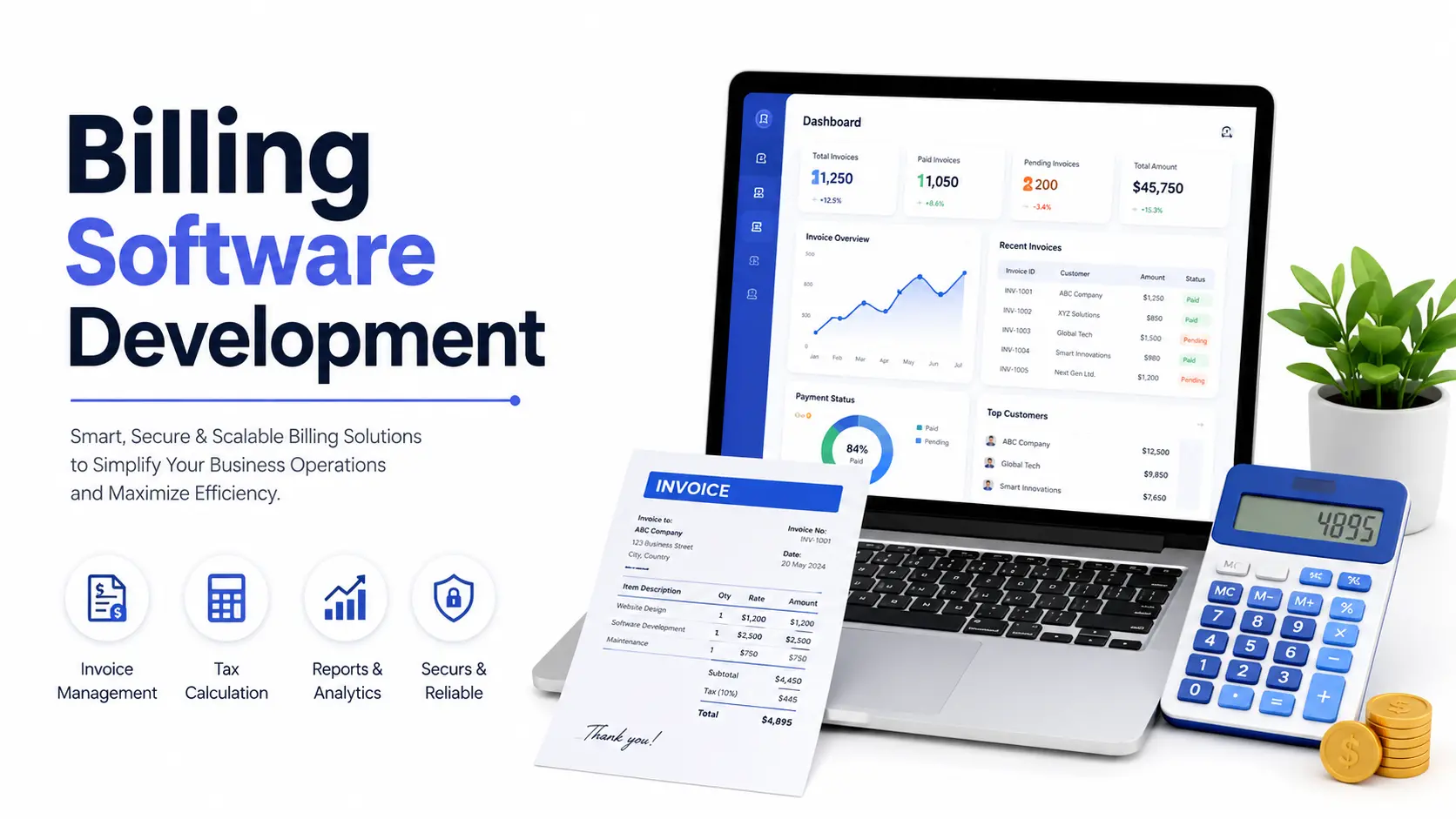
Every business is different, so we scope features around your actual billing process, not a fixed template. Here's what commonly goes into a billing system we build:
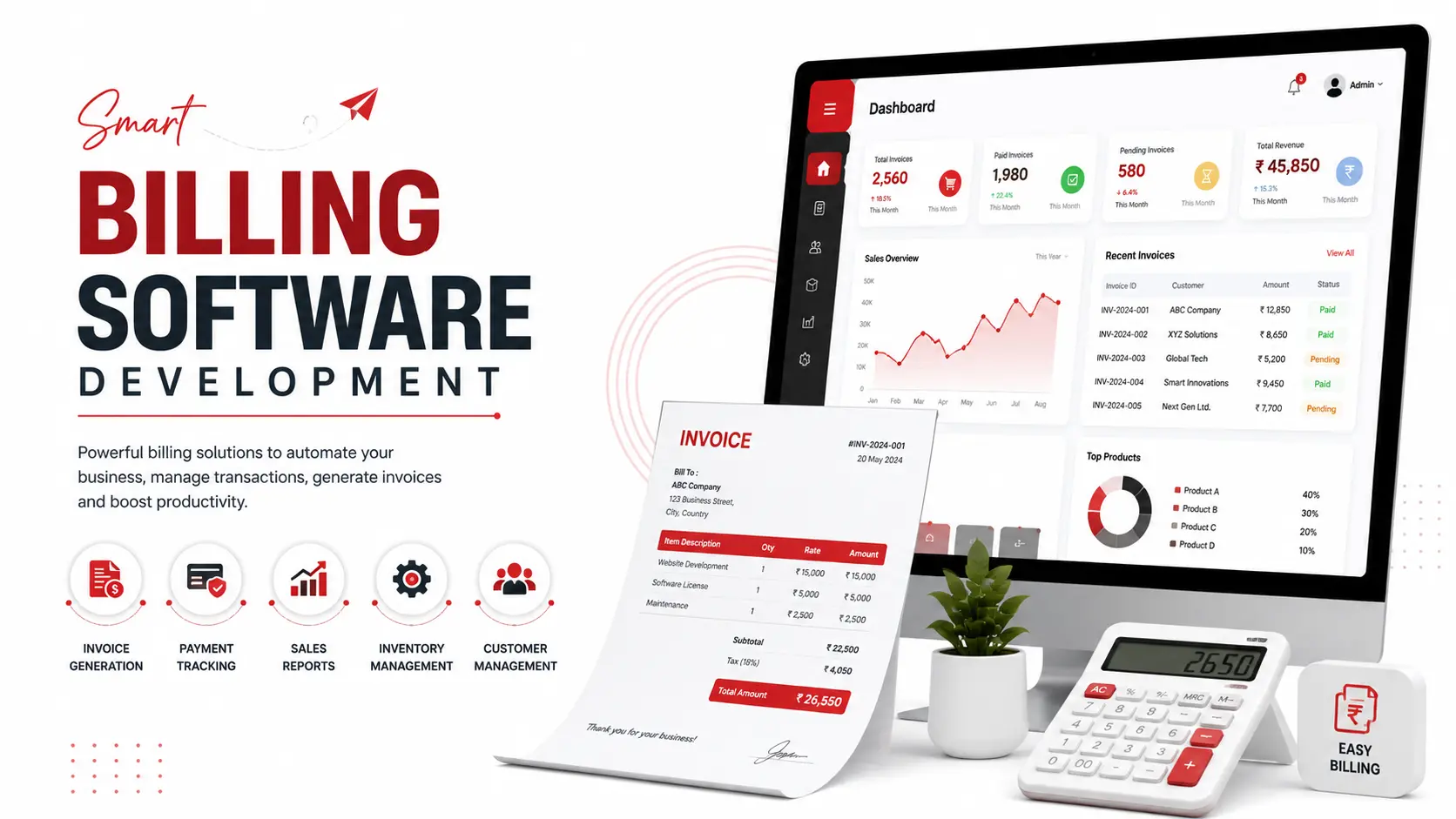
Invoice generation: GST-compliant invoices, quotations, proforma invoices, and credit or debit notes, all with your branding and numbering format.
Tax calculation: Automatic GST calculation using the correct HSN or SAC code for your products or services, including CGST, SGST, and IGST splits for intra-state and inter-state sales.
Payment tracking: Real-time view of paid, pending, and overdue invoices, with automated reminders for customers who owe you money.
Inventory sync: Stock levels update the moment a sale is billed, so you always know what's actually left on the shelf.
Multi-user, role-based access: Your cashier sees the billing screen. Your accountant sees reports. Your owner sees everything. Nobody sees more than they need to.
Offline mode: For retail counters where the internet drops mid-sale, billing continues locally and syncs once the connection is back.
Reports and analytics: Daily sales summaries, GSTR-ready reports, outstanding payment lists, and product-wise profit tracking.
Payment gateway integration: Accept UPI, cards, and net banking directly, with the payment status updating the invoice automatically.
Retail and grocery stores need fast barcode-based billing, thermal printer support, and stock alerts when items run low. Speed at the counter matters more than reporting depth here.
Service businesses (agencies, clinics, consultants) need client-wise recurring invoices, service-hour tracking, and the ability to bill a retainer differently from a one-off project.
Distributors and wholesalers need bulk invoicing, credit-period tracking across dozens of dealers, and reports broken down by region or salesperson.
SaaS and subscription businesses need automated recurring billing, prorated upgrades and downgrades, failed-payment retry logic (dunning), and usage-based billing where pricing depends on consumption.
E-commerce sellers need billing that syncs directly with their online store, so every order automatically becomes a compliant invoice without manual entry.
Doing it yourself (using a ready-made app or spreadsheet) works when your billing is genuinely simple: one location, one tax rate, no complex approval steps. The cost is low, but the time you spend working around the app's limits adds up quietly. Manual reconciliation between your billing tool and your accounting software is the most common source of end- of-month headaches we hear about.
Hiring a developer for a custom build makes sense once you can name a specific workflow the current tool can't handle, when you're managing more than one branch, or when integration with your CRM, ERP, or online store has become a recurring manual task. The upfront cost is higher, and the timeline is measured in weeks, not minutes. What you get in return is a system built around how you actually work, and one you own outright.
What can go wrong doing it alone: businesses often pick a "free" plan that looks complete, then discover halfway through the year that GST reports, multi-user access, or data export are locked behind a paid tier they didn't budget for. Read the fine print on any subscription tool before committing a full financial year to it.
1. Discovery call — we understand your current billing process, pain points, and must- have features. No jargon, just a conversation about how your business actually bills customers.
2. Scope and design — we map out screens, user roles, and the exact fields your invoices need, then share a clickable design for approval.
3. Development — our team builds the system in sprints, with working demos along the way so you're never waiting until the end to see progress.
4. Testing — we test tax calculations, edge cases (returns, partial payments, multi- branch scenarios), and load handling before anything goes live.
5. Launch and training — we deploy the system, train your staff, and stay available for the first few weeks of real-world use.
6. Support — ongoing maintenance and feature additions as your business grows, on a retainer or as-needed basis.
A distribution business in Rajasthan came to us billing close to 200 dealers a month through a mix of Excel sheets and a basic invoicing app. Their accountant was spending nearly two full days every month just reconciling which dealers had paid, which hadn't, and matching GST rates across product categories that had been entered inconsistently.
We built a custom billing system with dealer-wise credit tracking, automatic GST application by product category, and a dashboard showing outstanding payments by region. The reconciliation work that used to take two days now takes about two hours. Their accountant's words after the first GST filing cycle on the new system: the reports were "finally something I didn't have to double-check by hand."
That's the kind of problem custom billing software is actually built to solve. Not replacing a spreadsheet for the sake of it, but removing a specific, recurring source of manual error.
Billing software focuses on creating invoices, tracking payments, and managing customer billing. Accounting software covers the full financial picture, including ledgers, balance sheets, and tax filing. Many businesses use billing software that syncs with a separate accounting tool,or a combined system that does both.
It depends on your business size and workflow. Ready-made apps suit simple, single-location billing. Custom software is better once you need specific workflows, multi-branch support, or integration with other business systems.
A basic system takes about 4 to 6 weeks. Systems with GST compliance, inventory sync, and multi-user access take 6 to 12 weeks. Advanced systems with ERP integration and multi-branch support can take 3 to 8 months.
Yes, if it's built with an offline mode. The system stores billing data locally and syncs to the cloud once the internet connection returns, which matters for retail counters with unreliable connectivity.
Yes. Any business registered under GST must issue invoices with the correct tax breakup and HSN or SAC codes. Billing software should calculate and apply this automatically to avoid manual errors.
At minimum: invoice generation, GST calculation, payment tracking, and basic reporting. Growing businesses should also look for inventory sync, multi-user access, and payment gateway integration.
This depends on your contract. Always confirm in writing that you receive full source code ownership, so you're not locked into paying the developer indefinitely for access to your own system.
Basic systems typically range from ₹80,000 to ₹2,50,000. Medium-complexity systems with GST and inventory features range from ₹2,50,000 to ₹8,00,000. Advanced, fully integrated systems can range from ₹8,00,000 to ₹20,00,000 or more.
Yes, custom billing software can be built to connect with your existing CRM, ERP, or e-commerce platform through APIs, removing the need to enter the same data twice.
Yes. Subscription billing handles recurring charges, prorated upgrades and downgrades, and failed-payment retries, which regular one-time invoicing doesn't need to manage.
Costs vary by feature complexity, integrations, and timeline. As a general guide for the Indian market:
|
Complexity |
Typical Features |
Approximate |
Approximate |
Timeline |
|
Level |
Cost (INR) |
Cost (USD) |
||
|
Basic |
Invoicing, customer records, basic reports |
₹80,000 – ₹2,50,000 |
$1,000 – $3,000 |
4 to 6 weeks |
|
Medium |
GST compliance, inventory sync, multi-user access, |
₹2,50,000 – ₹8,00,000 |
$3,000 – $10,000 |
6 to 12 weeks |
|
reporting |
||||
|
Advanced |
ERP/CRM development integration, multi- |
₹8,00,000 – |
$10,000 – |
3 to 8 |
|
branch, payment gateways, |
₹20,00,000+ |
$25,000+ |
months |
|
|
analytics, automation |
These are general planning ranges, not fixed quotes. Your exact cost depends on the number of integrations, user roles, and reporting depth you need. We'll give you a firm number after the discovery call, not before.
Billing software sold or built as a service in India falls under GST at 18%, using SAC code 998314 for software design and development, or 998313 where the work is closer to IT consulting and support. If you're exporting billing software development services to a client outside India, that supply is zero-rated under a Letter of Undertaking (LUT), meaning no IGST is charged upfront.
For the billing software itself, make sure it correctly applies CGST and SGST for sales within the same state and IGST for inter-state sales, using the right HSN code for goods or SAC code for services on every invoice it generates. Getting this wrong is one of the most common reasons GST returns get flagged for correction. If you're unsure of the exact rate for your specific product category, check the current rate on the official GST Portal (Government of India) rather than relying on an old invoice template.
Software development services in India are taxed at 18% GST, under SAC code 998314 for design and development or 998313 for IT consulting and support.
Custom billing software can be designed with centralized reporting across branches from the start. Most ready-made apps need a higher-tier paid plan to support more than one location, if they support it at all.
This varies by vendor, so check the terms before committing. This is one of the main reasons businesses eventually move to a custom-built system they host and control themselves.
No-code tools work for very simple, standard billing. Once your workflow includes specific approval steps, integrations, or industry-specific rules, a developer-built system usually ends up more reliable and cheaper over time than stretching a no-code tool past its limits.
Start with a discovery call to describe your current billing process and pain points. A good developer will scope features, give you a realistic cost and timeline, and confirm source code ownership before development begins.
Have questions or need expert guidance? Our team is ready to help you with the right technology solutions for your business.