
Website design se lekar final launch tak pura process bahut smooth raha. Team har update time par deti rahi aur support bhi outstanding mila.

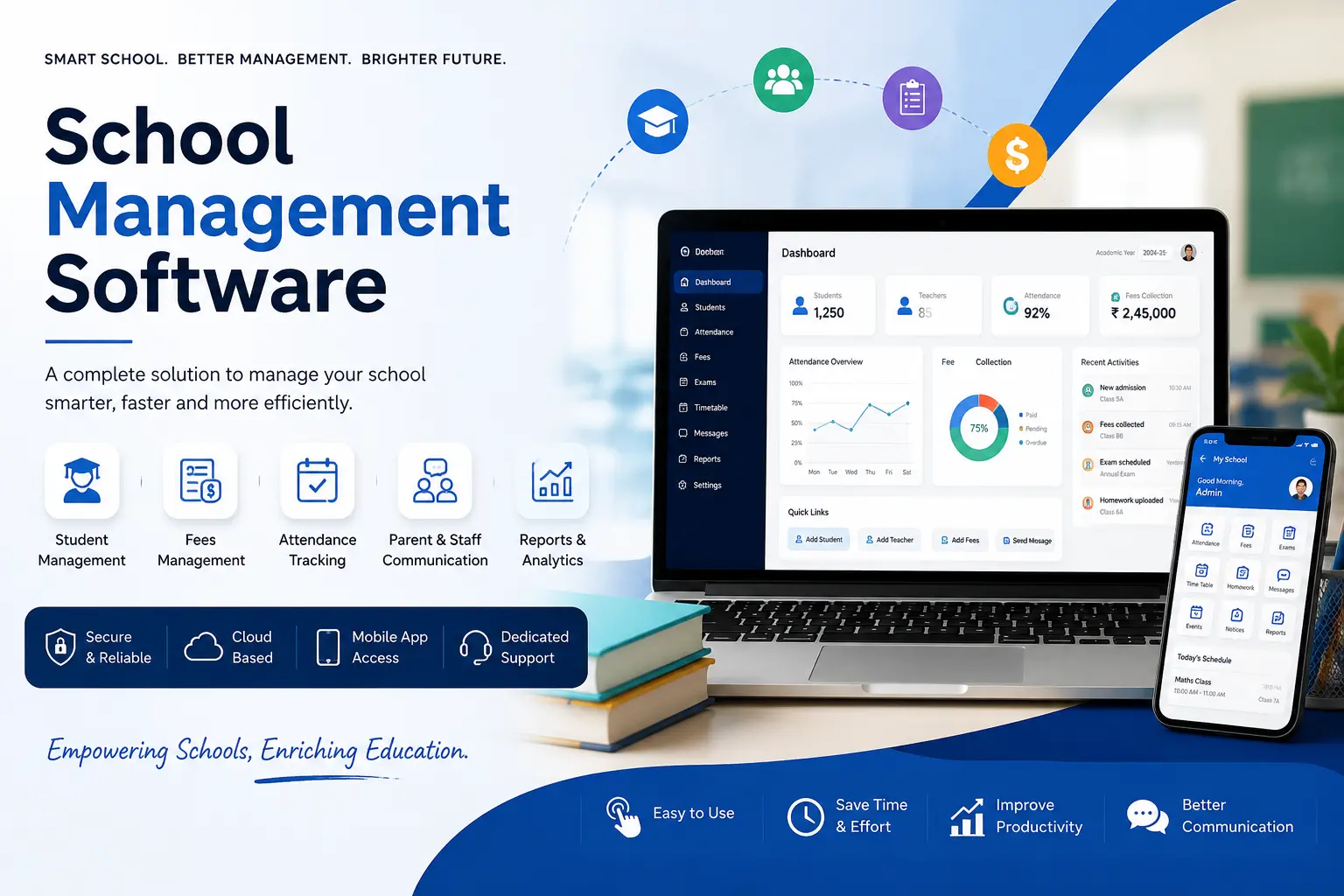
Running a school on registers, spreadsheets, and a WhatsApp group isn't a system. It's a workaround. School management software puts admissions, attendance, fees, exams, timetables, and parent communication into one place, so your staff stop re-entering the same data three times a day. Hyper Software builds custom, cloud-based school management software for schools, billing software development, coaching institutes, and multi-branch trusts, in India and abroad.
If you're evaluating whether to buy a ready-made plan, build something in-house, or hire a development company to build it for you, this page walks through all three, along with real costs, timelines, and what actually goes into the build.
School management software is a digital platform that handles the day-to-day running of a school: admissions, attendance, fee collection, exam results, timetables, transport, and communication with parents, from one system instead of a dozen disconnected tools.
It's also called a school ERP, a school administration system, or a Student Information System (SIS), depending on who you ask. The names overlap, but the job is the same: replace paper registers and scattered spreadsheets with one source of truth that teachers, office staff, parents, and management can all see in real time.
A basic version might just track attendance and fees. A full system, the kind most mid-size and large schools eventually need, covers the entire academic year, from the first admission enquiry to the final report card.
Get Free Consultation Within Minutes
Most schools don't switch because someone read a case study. They switch because something broke. A fee receipt didn't match the ledger. A parent complained they never got the absence notice. A teacher spent an entire weekend calculating exam results by hand.
Here's what manual processes actually cost a school:
None of this means every school needs a massive enterprise system on day one. It means the manual version has a cost too. It's just spread out and easy to ignore until it isn't.
Every school is different, so we don't force every client into the same feature set. But most systems we build end up including some combination of the following.
Admission management. Online enquiry forms, application tracking, document uploads, and seat allocation, so the admissions season doesn't turn into a stack of paper folders.
Attendance management. Daily or period-wise attendance, with optional biometric or RFID integration, and automatic absence alerts sent to parents.
Fee management. Fee structure setup, online payment collection, installment plans, late-fee calculation, discounts and scholarships, and auto-generated receipts.
Exam and result management. Mark entry, report card generation, grade calculations (percentage, GPA, or custom formats), and performance trends over time.
Timetable and scheduling. Automatic, conflict-free timetables for classes, teachers, and rooms.
Transport management. Route planning and, where needed, live bus tracking so parents know when the bus is close.
Hostel management. Room allocation, attendance, and mess/fee tracking for boarding schools.
Library management. Book cataloging, issue and return tracking, and fine calculation.
Payroll and staff management. Staff attendance, leave tracking, and salary processing.
Communication. SMS, email, WhatsApp, and in-app notifications for everything from a holiday announcement to an individual student's exam result.
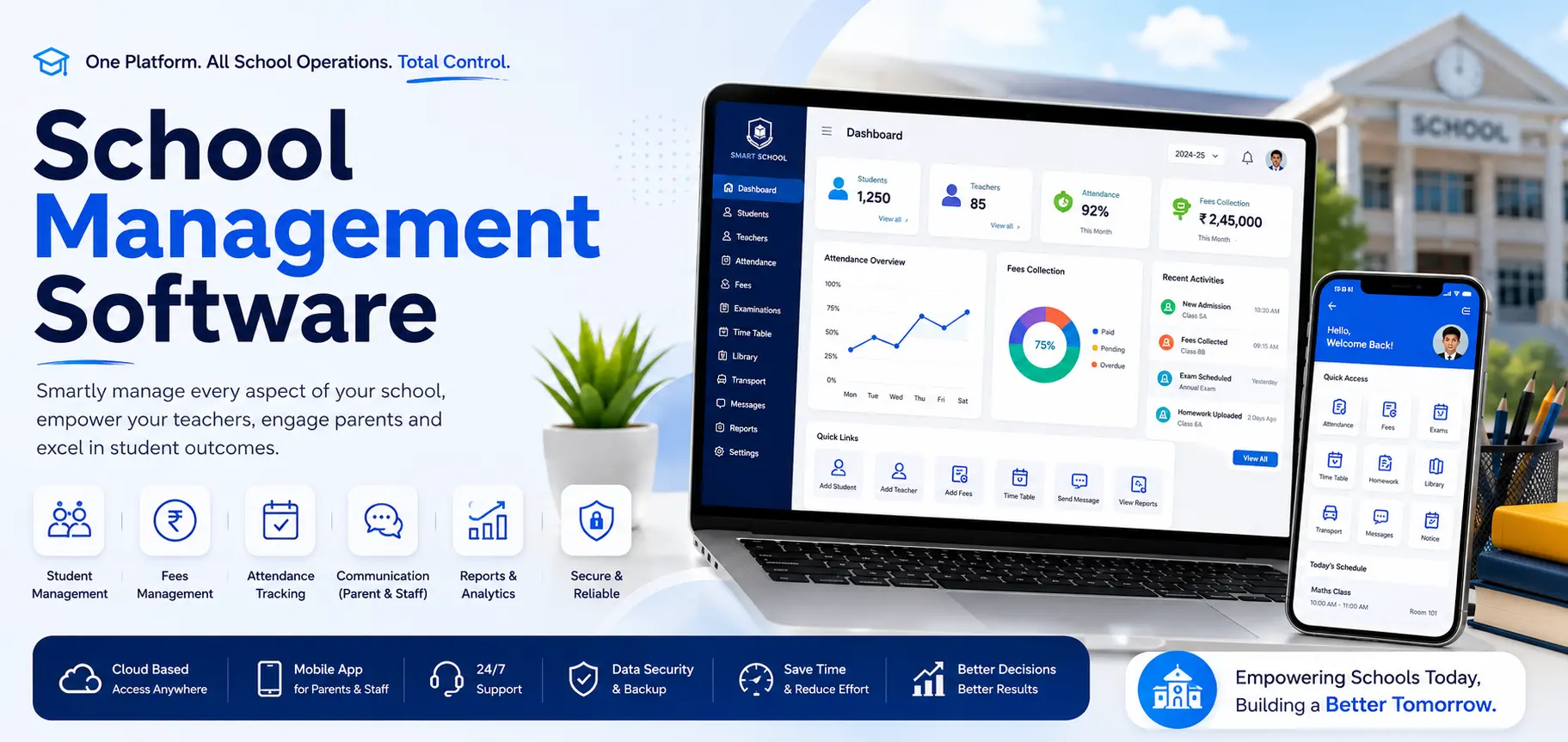
Beyond the module list, a few things separate a well-built system from a clunky one:
This is the decision most schools get stuck on, and almost nobody explains it clearly. Here's the honest breakdown.
Building it yourself (in-house or open-source). Some larger institutions try to run open-source school software on their own servers, with an internal IT person managing it. It can work if you already have that technical staff. But it also means your school owns every bug, every server outage, and every update. Free software isn't free once you count the hours spent maintaining it.
Buying a ready-made SaaS plan. This is the fastest way to get started, and there are dozens of vendors offering monthly or per-student pricing. The tradeoff is that you're working inside their feature set. If your school runs a workflow that doesn't fit their template, such as a unique fee structure or a specific report format your board demands, you either live with the workaround or pay for a "custom" add-on that still isn't really yours.
Hiring a development company to build it custom. This costs more upfront than a SaaS subscription, but the software is built around how your school actually works, not the other way around. You own the system. There's no per-student fee that climbs every year as your enrollment grows. This is the route that makes sense once a school has outgrown template software, or wants something no off-the-shelf tool offers, like a very specific fee structure, a regional language interface, or integration with an existing website security or app.
There isn't a universally right answer here. A 150-student school just getting started with digital tools is often better off with an affordable SaaS plan first. A 2,000-student trust running five campuses, or an ed-tech company that wants to resell the software under its own brand, is usually better served by a custom build.
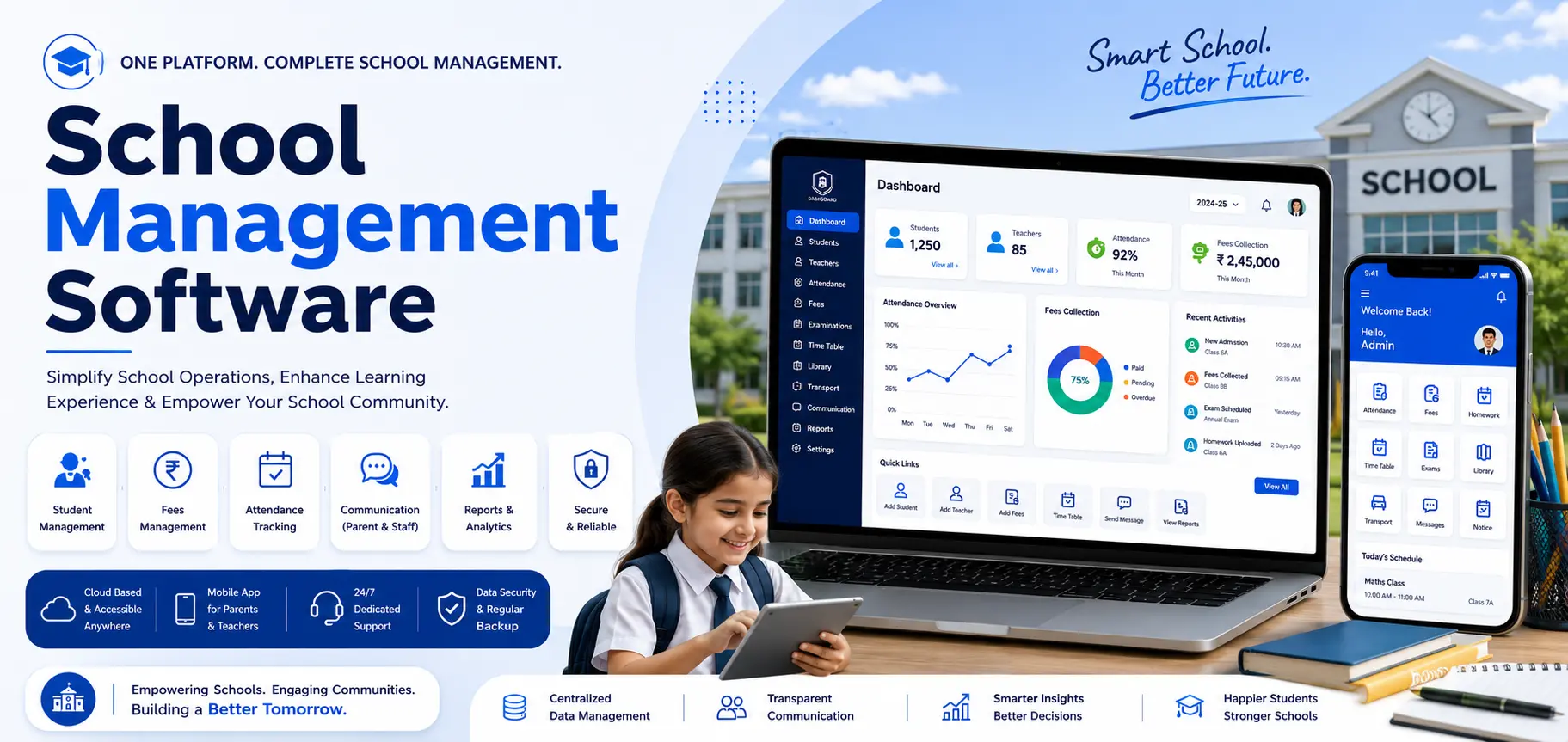
Costs vary a lot depending on whether you're buying a subscription or commissioning a custom build.
| Option | Typical Cost (India) | What You Get |
|---|---|---|
| Basic SaaS Plan | ₹10,000–₹30,000/year | Core modules (attendance, fees, basic communication), shared with other schools on the same platform. |
| Mid-range SaaS Plan | ₹30,000–₹1,00,000/year | Most modules, mobile app, some customization. |
| Enterprise SaaS Plan | ₹1,00,000+/year | Full feature set, multi-branch support, dedicated support. |
| Custom-built Software | One-time project cost, scoped to your modules | Software built to your exact workflow, which you own outright, with no recurring per-student fee |
A few things that move the price up or down: the number of modules you need, whether you want native mobile apps or just a mobile-friendly website, biometric or RFID hardware integration, the number of students and staff, and how much of the branding and workflow needs to be custom versus standard.
Our honest advice: ask any vendor exactly what's included in the quoted price, whether the cost scales with your student count, and what happens to your data if you ever want to switch providers. Those three questions save schools a lot of frustration later.
For a custom build, here's a realistic range based on scope:
| Scope | Typical Timeline |
|---|---|
| Core modules only (attendance, fees, basic communication) | 4–6 weeks |
| Full-featured system (all modules, parent + staff apps) | 8–14 weeks |
| Multi-branch enterprise system with custom integrations | 12–20 weeks |
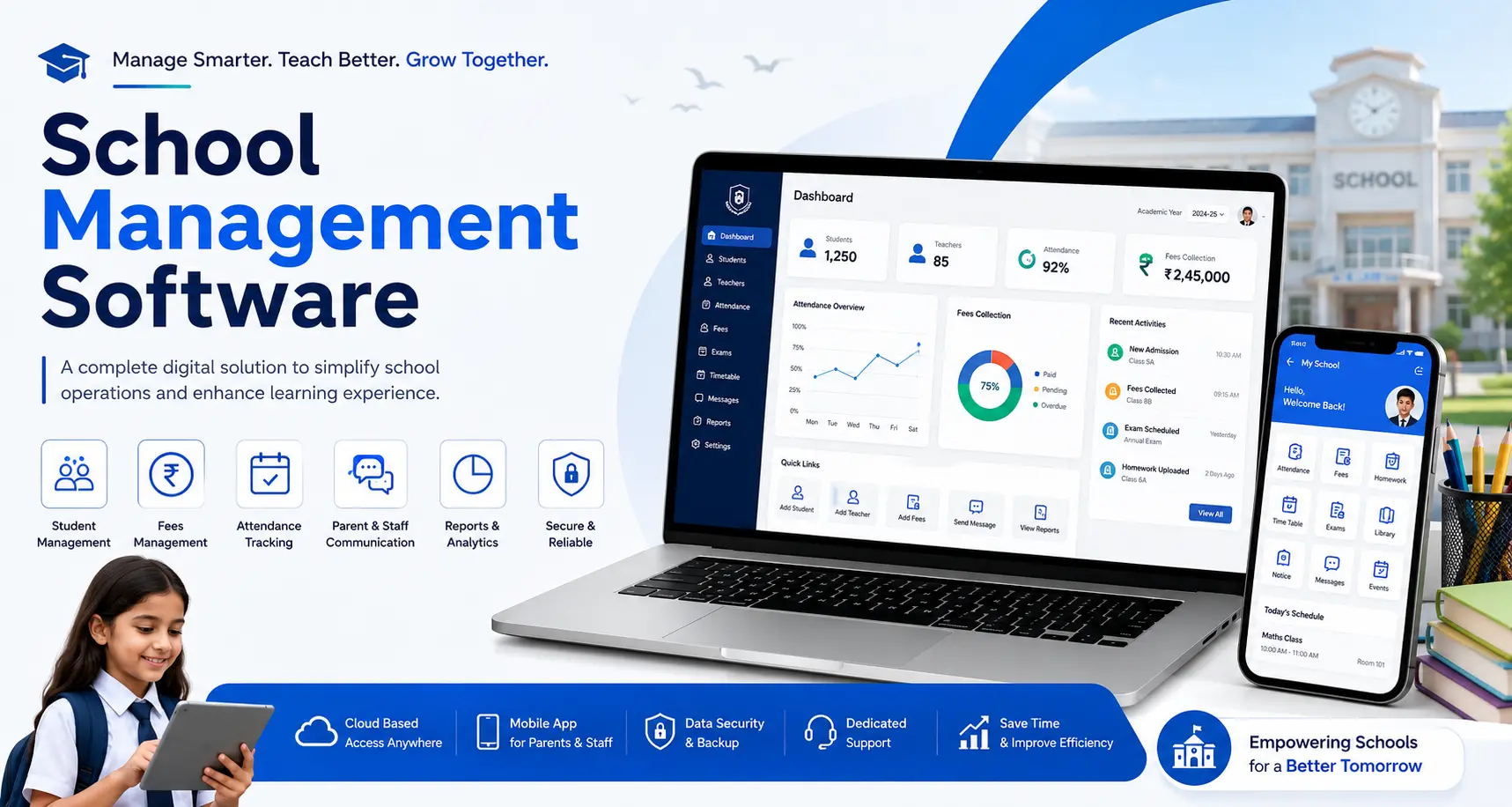
We choose the stack based on the project, but a typical school management software build from Hyper Software uses a cloud-hosted backend, a responsive web dashboard, and native or cross-platform mobile app development for parents and staff, backed by encrypted database storage and integration-ready APIs for SMS, WhatsApp, and payment gateways like Razorpay or PayU. If your project needs something specific, say, integration with an existing website or a particular payment processor, we scope that during discovery rather than forcing a fixed stack on every client.
A core-module build typically takes 4 to 6 weeks, while a full-featured system with parent and staff apps usually takes 8 to 14 weeks, depending on the number of modules and integrations required.
Yes. A parent portal or mobile app typically shows attendance status, fee dues and payment history, homework, and exam results in real time.
Yes, we build native or cross- platform mobile apps for parents and staff as part of the system, since most parents will only use a system if it's on their phone.
Yes. Multi-branch schools and trusts can run branch-wise attendance, fees, and reporting under one system, with consolidated dashboards for management.
A Student Information System (SIS) manages administrative data: attendance, grades, enrollment, fees. A Learning Management System (LMS) manages instructional content: assignments, quizzes, video lessons. Many schools eventually want both connected, and we can integrate an LMS into the broader system.
Yes. We train office staff and teachers directly on the system before and after go-live, and stay on for ongoing support rather than handing off the software and disappearing.
Yes, migrating existing records from spreadsheets or an old system is part of our standard deployment process, so your school doesn't lose historical attendance or fee data.
We provide ongoing support after deployment. You can reach our team directly at +91 9079282750 for any issue, from a bug to a request for a new feature.
Yes, regional language support can be built into the interface where it's needed, particularly for schools in Tier 2 and Tier 3 cities.
Yes. Coaching institutes typically need a lighter version focused on batch management, attendance, and fees, while colleges often need additional modules for course registration and semester-based grading. We scope this based on your institution type.
A mid-size CBSE school in Rajasthan, with around 900 students across two branches, came to us running fee collection on Excel and attendance on paper registers that were manually compiled into a monthly report. Their biggest pain point was fee reconciliation: it regularly took their accountant three to four days each month to match cash and online payments against student records, and errors kept slipping through.
We started with discovery calls to map their existing fee structure, including the concessions and installment plans they already offered, since none of that could be lost in the move. From there we built a custom system covering fee management, attendance with parent SMS alerts, and a basic exam module, with a parent app as the second phase.
The system went live across both branches within 45 days. Fee reconciliation dropped from three to four days a month down to a same-day process, since payments now matched automatically against student records. Parents began receiving same-day absence alerts instead of finding out about missed classes at the next PTA meeting. The school's office team told us the biggest shift wasn't the software itself, but not dreading the first week of every month anymore.
Hyper Software has been building custom software, mobile apps, and business systems since 2020, based in Jaipur and working with clients across India and abroad. We don't sell a one-size-fits-all school, college ERP software template. We build the system around how your school already runs, then support it after launch. If you want a demo, a cost estimate, or just want to talk through whether a custom build or a ready-made plan makes more sense for your school, call us at +91 9079282750 or visit hypersoftware.in.
School management software is a digital system that automates a school's administrative and academic tasks, such as admissions, attendance, fees, exams, timetables, and communication, in one connected platform instead of separate paper and spreadsheet processes.
Ready-made SaaS plans typically range from around ₹10,000 to over ₹1,00,000 per year depending on features and student count, while a custom-built system is a one-time project cost that varies with the number of modules you need. Always ask a vendor exactly what's included before comparing prices.
It can be, if it's built with proper encryption, access controls, and backups, and handled in line with India's Digital Personal Data Protection Act, 2023. Ask any vendor directly how student and parent data is stored and who has access to it.
Most modern systems are cloud-based and need an internet connection, though some offline modes exist for attendance marking that syncs once connectivity returns. If offline access matters to you, raise it during the requirements discussion.
The terms are largely used interchangeably. "School ERP" leans toward the administrative and financial side, while "school management software" is often used as the broader term covering academics too, but in practice, most systems cover both.
Have questions or need expert guidance? Our team is ready to help you with the right technology solutions for your business.