
Hyper Software ne hamare business ko online ek nayi pehchan di. Website professional, fast aur SEO optimized hai. Website Design & Development ke liye best company.

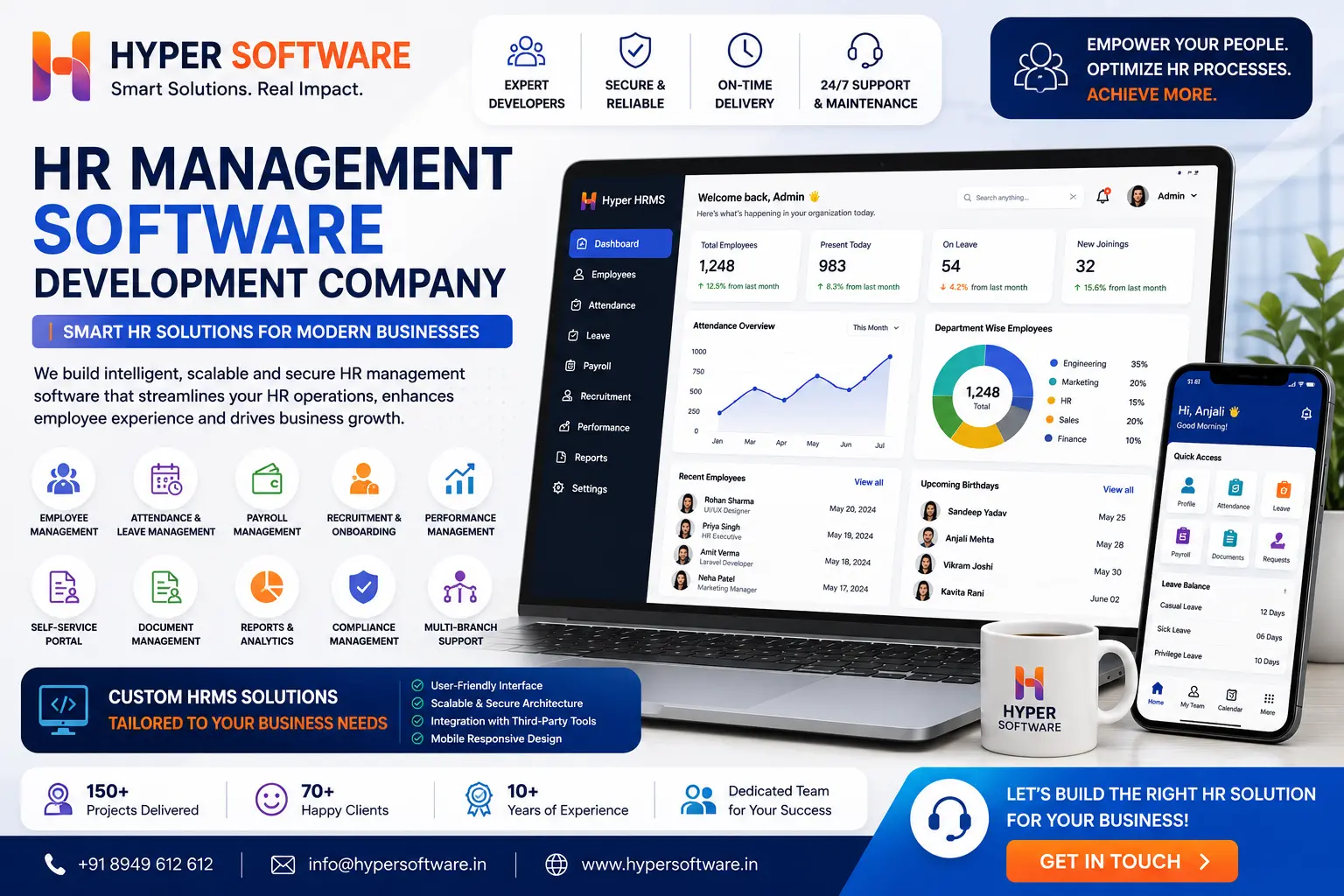
If you're reading this, you've probably reached the point every growing business hits: HR on spreadsheets isn't working anymore. HR management software (also called HRMS or HRIS) automates the parts of HR that eat up the most time — employee records, payroll, attendance, leave, recruitment, and compliance — in one connected system instead of five disconnected ones.
You have two real paths here. Buy a ready-made HRMS subscription, or get one built around how your business actually works. This guide covers both honestly, including what each one costs, what breaks if you choose wrong, and where Indian compliance (PF, ESI, TDS, Professional Tax) fits into all of it.
HR management software is a digital system that stores employee data and automates the recurring work of running an HR department — onboarding, attendance, leave approvals, payroll, performance reviews, and statutory filings.
Think of it as the difference between chasing twelve people over email for their attendance every Friday, and having that number already sitting on a dashboard by Monday morning. That's the entire pitch of HRMS software: less chasing, fewer errors, and a paper trail you can actually search.
Some vendors call it HRMS (Human Resource Management System), others call it HRIS (Human Resource Information System) or HCM (Human Capital Management). In practice, for a business under 1,000 employees, the terms overlap enough that you shouldn't lose sleep over which one your vendor uses.
Get Free Consultation Within Minutes
Not every business needs every module on day one. But a system worth calling "complete" should cover these:
A basic system covers the first four. A genuinely useful one covers all nine, and lets you turn modules on as you grow rather than paying for all of them from month one.
This is the decision most businesses get stuck on, and honestly, both options are right for different situations.
Off-the-shelf HR software (Zoho People, Keka, BambooHR, and similar) gets you running in days. Pricing is usually per employee per month, support is standardized, and updates roll out automatically. The catch: your processes bend to fit the software, not the other way round. If your leave policy has three exceptions the vendor doesn't support, you'll be working around the tool instead of with it.
Custom-built HRMS is designed around your exact approval chains, branch structure, and reporting needs. You own the system outright — no per-employee monthly fee that climbs every year, no forced feature you never asked for. The trade-off is a bigger upfront cost and a build timeline of weeks rather than a same-day signup.
| Factor | Off-the-Shelf HR Software | Custom HRMS Development |
|---|---|---|
| Time to Launch | Same day to a few weeks | 6–16 weeks, depending on project scope |
| Upfront Cost | Low (monthly subscription) | Higher (one-time development cost) |
| Long-Term Cost | Increases over time with per-employee pricing | Fixed after development; only maintenance costs remain |
| Fit to Your Process | Generic features with limited customization | Built around your exact business workflow |
| Data Ownership | Data stored on the vendor's servers (exportable) | You own both the source code and the database |
| Best For | Small teams with standard HR processes | Growing businesses, multi-branch organizations, and companies with unique workflows |
When off-the-shelf makes sense: you're under 30 employees, your HR process is fairly standard, and you need something running this week.
When custom development makes sense: you have multiple branches or entities, non- standard approval chains, an existing ERP development or accounting system that needs to talk to your HRMS, or you've already outgrown one SaaS tool and don't want to outgrow a second.
What can go wrong picking the wrong one: businesses that go off-the-shelf with a genuinely unusual process end up running a parallel spreadsheet for the exceptions anyway, which defeats the point. Businesses that go custom before they know their own process well enough end up paying to rebuild half the system six months in. Get your process mapped out clearly before committing either way, and if you're not sure, ask a development partner for an honest read before you sign anything.
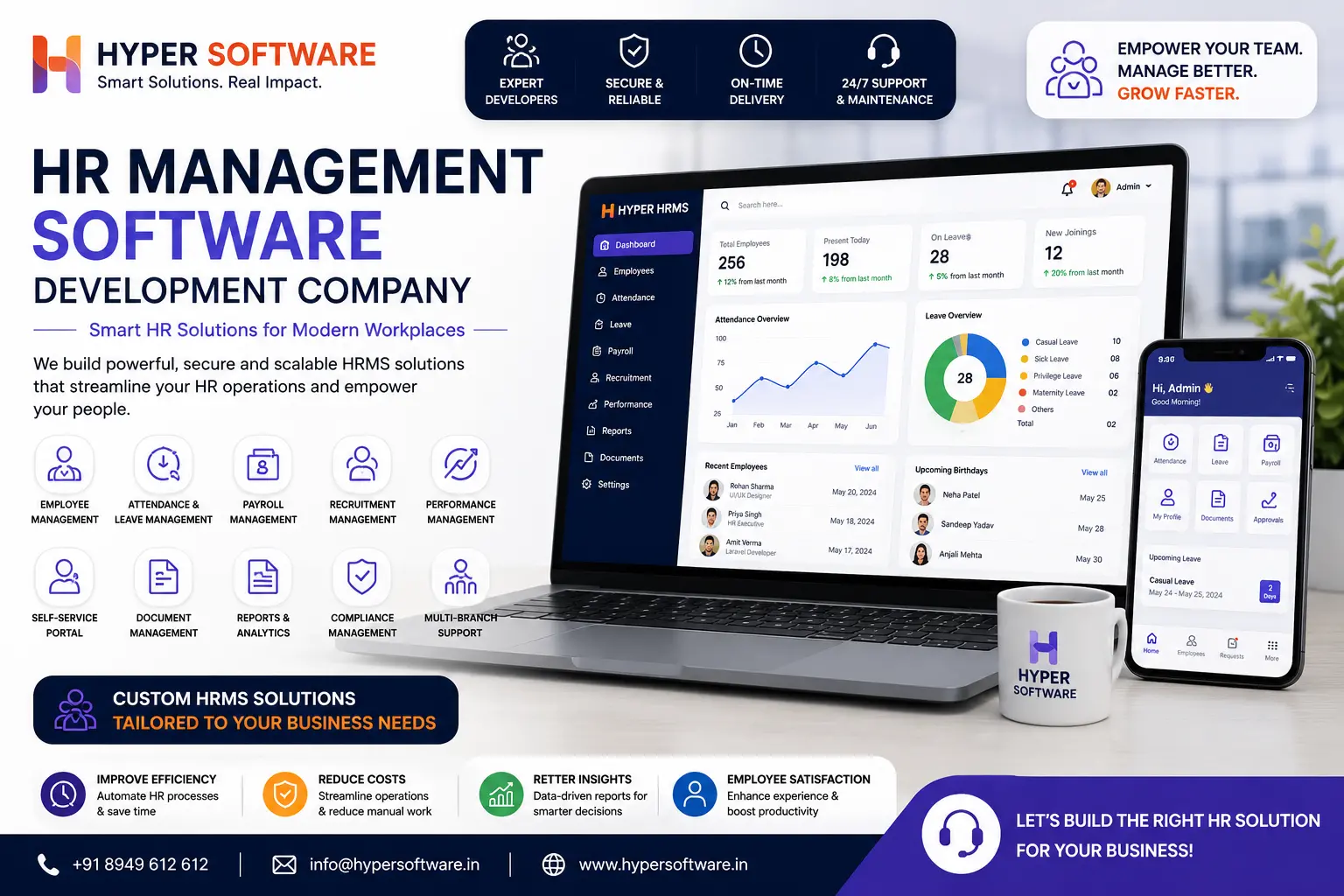
Hyper Software ne hamare business ko online ek nayi pehchan di. Website professional, fast aur SEO optimized hai. Website Design & Development ke liye best company.
Costs vary a lot depending on whether you're subscribing or building, and by how many modules you need.
Off-the-shelf SaaS pricing in India typically runs ₹40 to ₹500 per employee per month, depending on which modules are bundled in. A quoted "starting at ₹49/employee/month" price often excludes payroll processing, compliance filing, and integrations — check the total first-year cost, not just the sticker price, before you sign.
Custom HRMS development in India typically costs:
| Build Type | India Cost Range | US Cost Range |
|---|---|---|
| Basic HRMS (Employee Records, Attendance, Leave Management) | $3,000 – $8,000 | $15,000+ |
| Mid-Range HRMS (Payroll, Recruitment, Employee Self-Service Portal) | $8,000 – $18,000 | $25,000+ |
| Advanced HRMS (Compliance Automation, Multi-Branch Support, Third-Party Integrations) | $18,000 – $25,000+ | $35,000+ |
What actually moves the price: number of modules, third-party integrations (biometric devices, accounting software, existing ERP), number of user roles, and whether you need a mobile app alongside the web platform. Ongoing maintenance after launch usually runs 15– 20% of the build cost per year.
This is the section most HR software reviews skip entirely, and it's exactly where Indian HRMS projects get audited and fail.
Provident Fund (PF): Both employer and employee contribute 12% of Basic + DA, mandatory once an establishment crosses 20 employees. The employer's 12% splits into 3.67% toward EPFO (Employees' Provident Fund) and 8.33% toward the EPS pension, calculated up to a ₹15,000 wage ceiling. Your HRMS needs to calculate this split automatically, not just deduct a flat 12%.
Employee State Insurance (ESI): A combined 4% of gross wages — 3.25% from the employer, 0.75% from the employee — applies to employees earning up to ₹21,000 a month (₹25,000 for employees with disabilities). ESI applies to establishments with 10 or more employees (20 in some states). Once eligibility is set for a contribution period, it holds for the full six months even if a raise pushes someone over the ceiling mid-cycle. A properly built HRMS should track this automatically rather than leaving it to manual memory.
TDS on salary: Your HRMS should calculate tax deducted at source based on each employee's declared regime and investment declarations, and generate Form 16 at year-end without a manual spreadsheet reconciliation.
Professional Tax (PT): Rates and slabs vary by state, so never assume one state's rule applies everywhere. Your HRMS should let you configure PT by state if you have employees across more than one.
If a vendor or developer can't clearly explain how their system handles these four, that's a warning sign worth taking seriously — get it in writing before you commit, and if a fact isn't confirmed for your specific state or wage bracket, check the official source rather than assume.
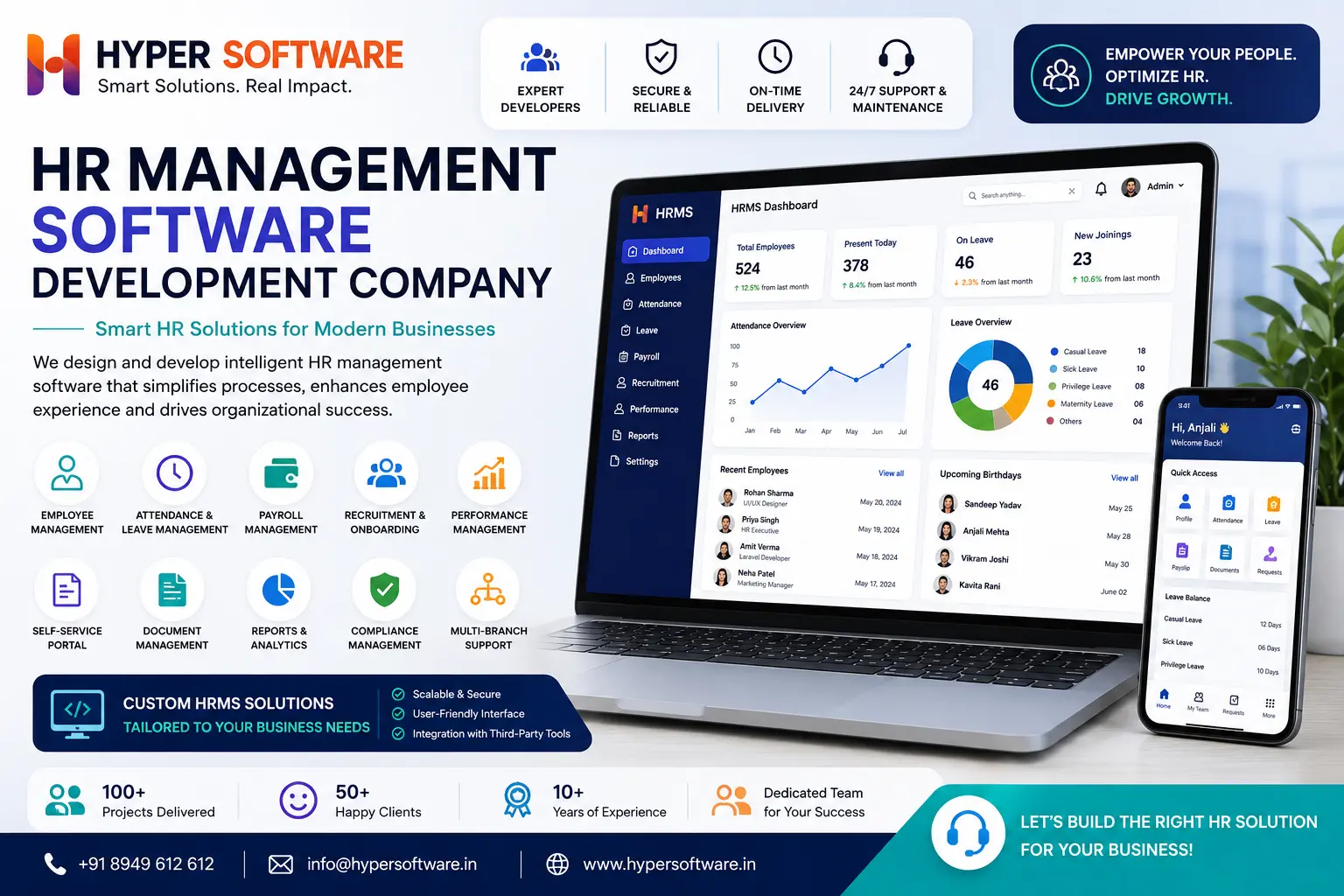
Since 2020, we've been building custom software for businesses that outgrew generic tools — HRMS included. Here's how the process actually runs:
A properly built one should. PF is 12% from both employer and employee on Basic+DA up to ₹15,000, and ESI is a combined 4% (3.25% employer, 0.75% employee) on wages up to ₹21,000. Not every off- the-shelf tool configures this correctly out of the box, so confirm before you buy.
Yes, most HRMS platforms and custom builds support biometric, RFID, or mobile GPS-based attendance feeding directly into payroll.
A basic build takes 6–8 weeks. A mid-range system with payroll and recruitment usually takes 10–14 weeks, and an advanced multi-branch system with integrations can run 16 weeks or more.
Employee records, attendance, and leave management cover the basics. Payroll and recruitment modules are usually added once headcount and hiring volume justify them.
Cloud HRMS platforms typically use encryption and role-based access controls. The bigger risk is usually weak internal access policies, not the cloud hosting itself, so ask any vendor or developer how access permissions are structured.
With SaaS tools, this depends on the vendor's export policy — always confirm data portability before signing. With custom- built systems, you own the database outright, so this isn't a concern.
Yes, though not every off-the-shelf plan supports multi-branch payroll and reporting without an upgrade. This is one of the more common reasons businesses move to a custom build.
It's a portal or app where employees apply for leave, view payslips, and update personal details themselves, cutting down routine requests to the HR team.
Yes, through APIs. This is a standard requirement for custom builds and is worth confirming explicitly if you're evaluating an off-the-shelf tool.
A development company that can show you a clear process for requirement mapping, module planning, and statutory compliance setup, not just a generic quote. Hyper Software handles this end to end, from requirement mapping through to post-launch support — reach out at +91 9079282750 or through hypersoftware.in for a free consultation.
A logistics company with three branches across Rajasthan came to us running attendance on paper registers and payroll on a shared Excel sheet that one person maintained manually every month. Two problems kept recurring: attendance disputes because paper registers got misplaced, and PF filings that were consistently late because the person handling payroll was doing it alongside three other jobs.
We built a custom web application HRMS with branch-wise biometric attendance feeding directly into payroll, automated PF and ESI calculation, and a simple manager approval app for leave requests. Payroll that used to take four days to finalize each month now takes under a day, and PF filings have been on time every month since launch. The owner's honest feedback six months in: the biggest win wasn't the software itself, it was finally trusting the numbers without double-checking them.
It's used to manage the employee lifecycle in one system — records, attendance, leave, payroll, recruitment, performance, and statutory compliance — instead of spreadsheets and paper files.
The terms are used almost interchangeably today. HRIS traditionally focused on employee records and reporting, while HRMS added payroll and process automation. Most modern systems cover both.
No. Payroll software only handles salary calculation and payslips. HRMS includes payroll as one module alongside attendance, leave, recruitment, and compliance.
Off-the-shelf HR software runs roughly ₹40–₹500 per employee per month. Custom HRMS development typically costs $3,000–$25,000 as a one-time build, depending on modules and complexity.
Under 30 employees with a standard HR process, off-the-shelf software is usually faster and cheaper to start with. Once your process has real exceptions or multiple branches, custom development starts to pay off.
Have questions or need expert guidance? Our team is ready to help you with the right technology solutions for your business.