
Hyper Software ne hamare business ko online ek nayi pehchan di. Website professional, fast aur SEO optimized hai. Website Design & Development ke liye best company.

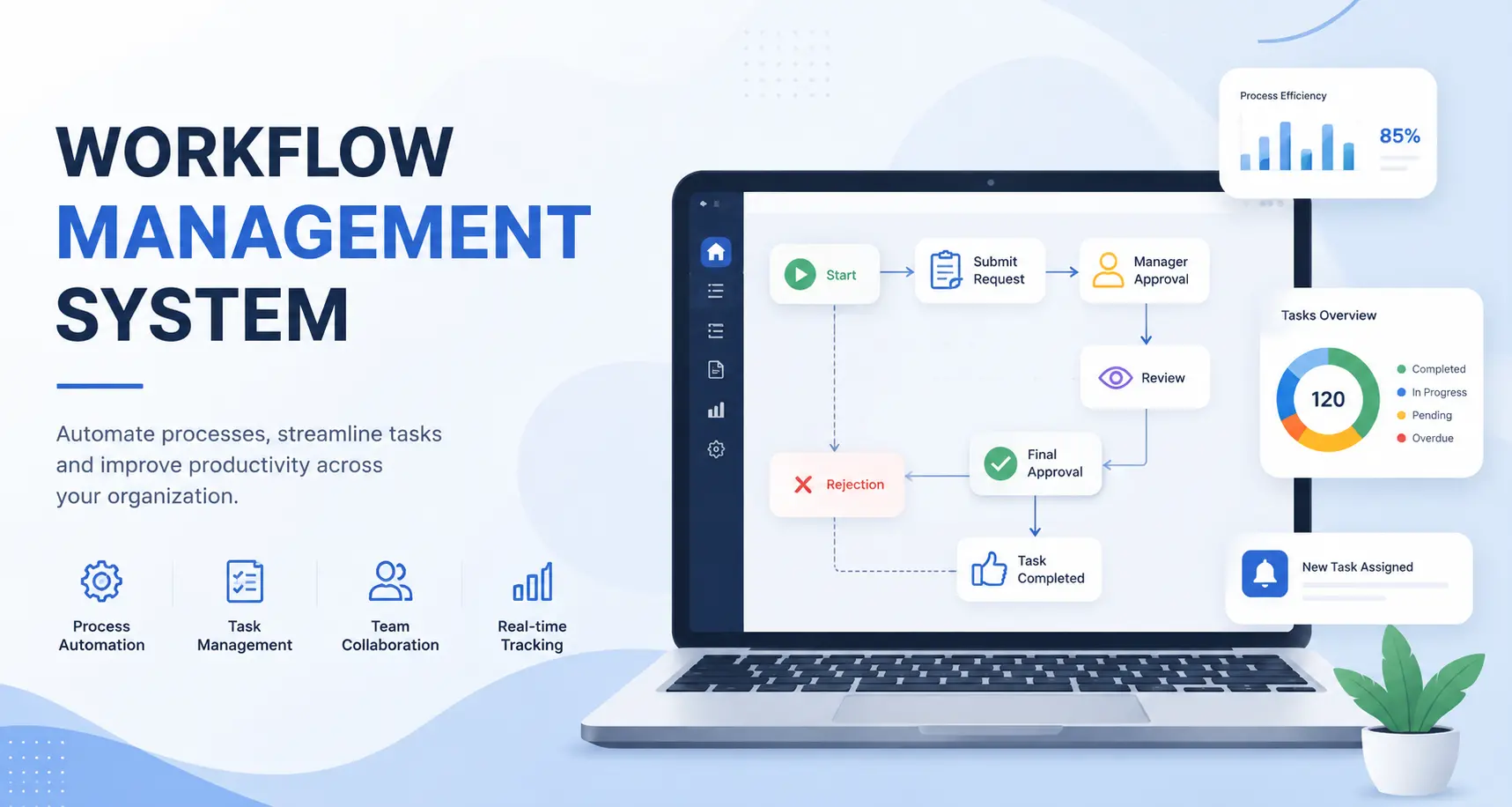
A workflow management system is software that maps out a business process step by step, then automatically routes tasks, approvals, and data between the right people at the right time. It replaces manual follow-ups and spreadsheets with rules-based automation, real- time tracking, and a clear audit trail for every task.
If you've ever chased someone for a sign-off over WhatsApp, or watched a request sit in someone's inbox for three days because nobody knew whose turn it was — that's the exact problem a workflow management system solves. At Hyper Software, we build these systems from the ground up for businesses that have outgrown spreadsheets, email chains, and generic SaaS tools that don't quite fit how they actually work.
A workflow management system (WMS) is a piece of software that defines, runs, and monitors a business process — a leave approval, a purchase order, an onboarding checklist, a client intake form — from start to finish.
It does three things well: it captures the steps of the process, it moves work automatically from one person or system to the next based on rules you set, and it gives you a live view of where every task stands. Nobody has to remember to forward an email. Nobody has to ask "where is this stuck?" The system already knows.
This is different from a to-do list or a project board. A workflow is repeatable — the same steps happen every single time a new request comes in. A project has a beginning and an end. Most businesses need both, but it's the repeatable, rules-based work that eats the most hours when it's still being done by hand.
Get Free Consultation Within Minutes
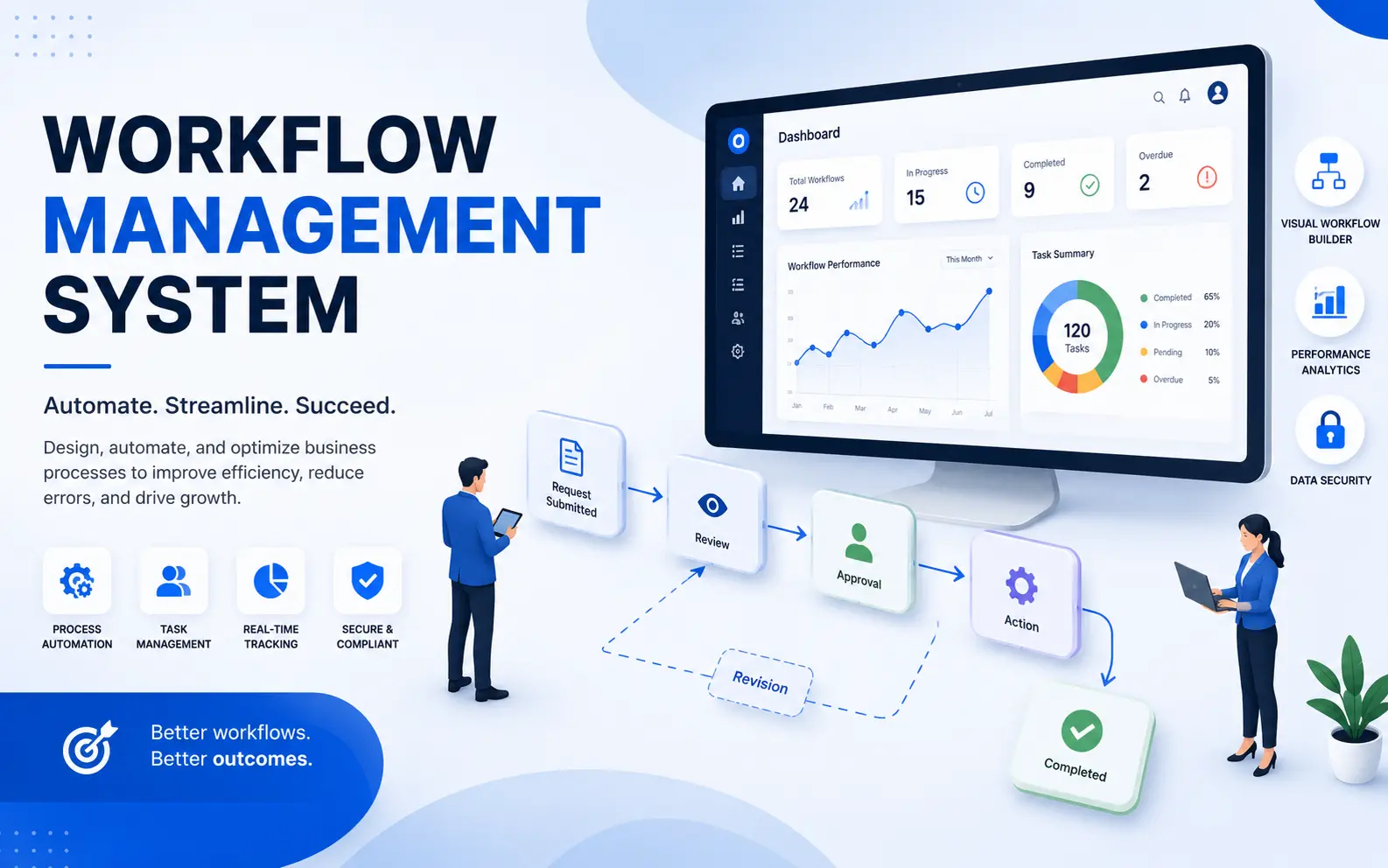
Under the hood, every workflow management system is built around a handful of core mechanics:
A well-built system doesn't just move tasks along. It also tells you, over time, exactly where your process is slow — which is information you never get from email.
Hyper Software ne hamare business ko online ek nayi pehchan di. Website professional, fast aur SEO optimized hai. Website Design & Development ke liye best company.

Not every business needs the same shape of system. Broadly, workflow management systems fall into a few categories:
Most businesses start with an off-the-shelf tool. The ones that outgrow it usually do so for the same three reasons: their approval logic is too specific for a generic template, they need integrations the SaaS tool doesn't support, or per-user pricing has become more expensive than just building the thing.
This is the decision most businesses actually get stuck on, so it's worth being direct about it.
Off-the-shelf software makes sense when:
A custom build makes sense when:
What can go wrong doing it alone (DIY with no-code tools): No-code platforms are genuinely useful for simple workflows, but teams that try to build anything moderately complex on their own tend to hit the same wall: the visual builder handles the happy path fine, but breaks down the moment there's a real exception — a partial approval, a conditional rule, a step that needs to loop back. Without someone who has actually built workflow logic before, these edge cases get patched together in ways that quietly break six months later, usually right when the business depends on it most. The honest answer for most growing businesses: start with off-the-shelf if your process is standard, and move to a custom build once you can point to specific, recurring friction that a generic tool can't fix.
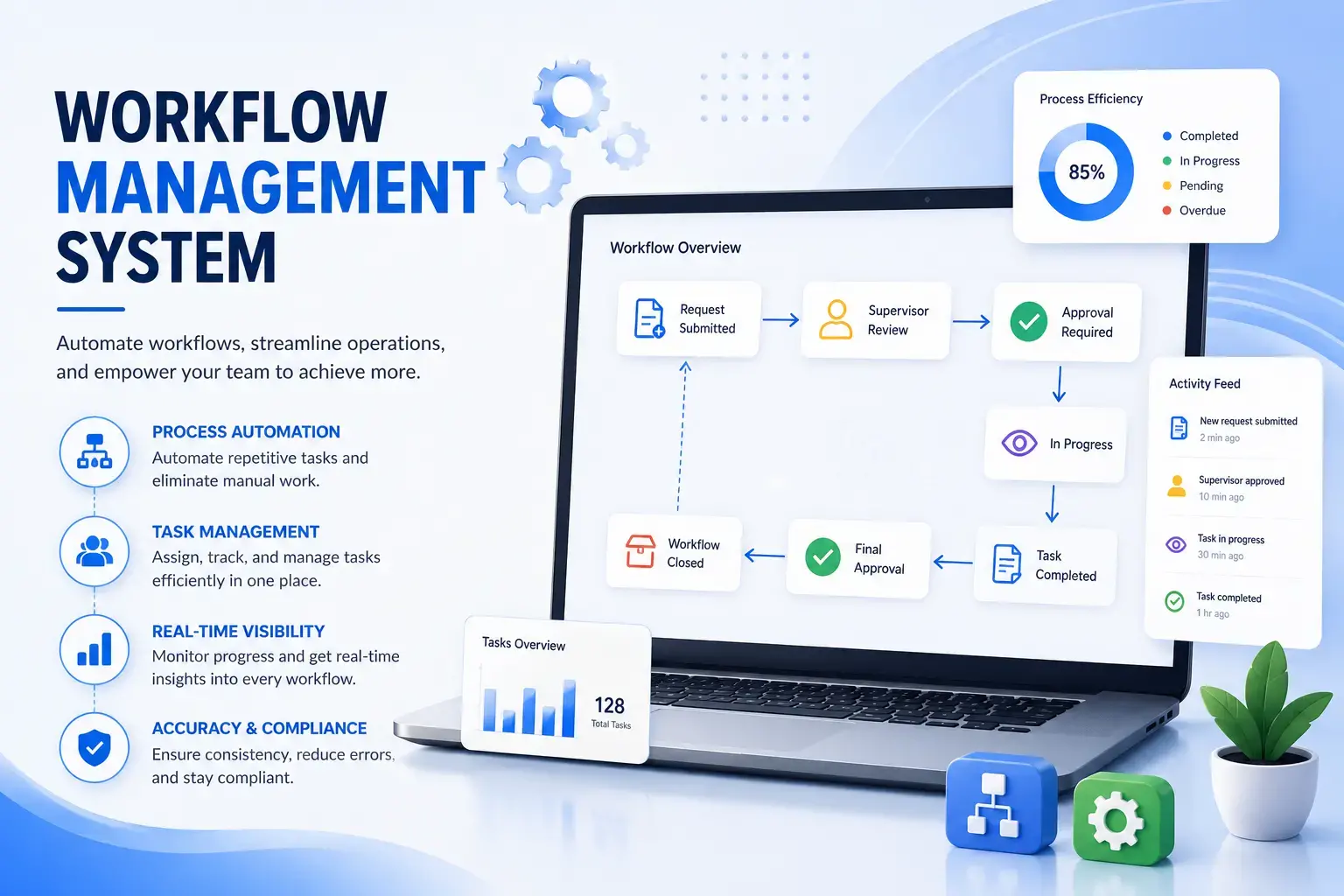
We follow the same process for every workflow build, whether it's a single-department approval tool or a multi-module system across an entire company:
Development. We build the system in stages, usually starting with the highest- friction process first, so you see working software early instead of waiting months for a single big reveal.
Testing with real scenarios. We test against the actual exceptions your team deals with, not just the clean, ideal-case flow.
Rollout and training. We roll the system out gradually, department by department where needed, with hands-on training so adoption doesn't stall.
Support and iteration. Processes change. We stay on to adjust the workflow logic as your business evolves, instead of handing over a static build and disappearing.
Pricing depends heavily on scope — how many departments, how many integrations, and how much of the process is genuinely non-standard. As a general guide for 2026:
| Project Type | Typical Cost (INR) | Typical Cost (USD) | Timeline |
|---|---|---|---|
| Single-department, single-module workflow tool | ₹1,50,000 – ₹6,00,000 | $2,000 – $7,500 | 4–8 weeks |
| Mid-scale system (multi-department, 2–3 integrations) | ₹6,00,000 – ₹20,00,000 | $7,500 – $25,000 | 3–5 months |
| Enterprise workflow system (multi-module, deep integrations, compliance) | ₹20,00,000 – ₹40,00,000+ | $25,000 – $60,000+ |
6–12 months |
These are development-cost ranges, not licensing fees — once built, there's no ongoing per- user cost the way there is with SaaS tools, though you should budget roughly 15–20% of the build cost annually for maintenance and updates. If a quote you're comparing doesn't separate development cost from post-launch support, ask for that breakdown before signing anything — it's usually where hidden costs sit.
A logistics company came to us running vendor approvals entirely through email — a request would go out, someone would forward it, and by the time it reached the right approver, three or four days had usually passed. Shipments were getting delayed not because of logistics, but because of paperwork sitting in someone's inbox.
We spent the first two weeks just mapping the actual approval chain, including the informal shortcuts staff had built to work around the delays. From that, we built a workflow system with automatic routing based on shipment value and vendor category, real-time status tracking, and WhatsApp notifications for approvers who were rarely at a desk. Average approval time dropped from just over three days to under six hours within the first month of rollout. The bigger change, though, was that management finally had visibility into exactly where delays were happening — something email had never given them.
Yes. Custom-built systems are designed specifically to connect with your existing ERP, CRM, accounting, or HR software through APIs, so data doesn't need to be entered twice.
Manufacturing, healthcare, finance, real estate, logistics, and professional services rely heavily on workflow management systems, mainly for approvals, compliance documentation, and client onboarding.
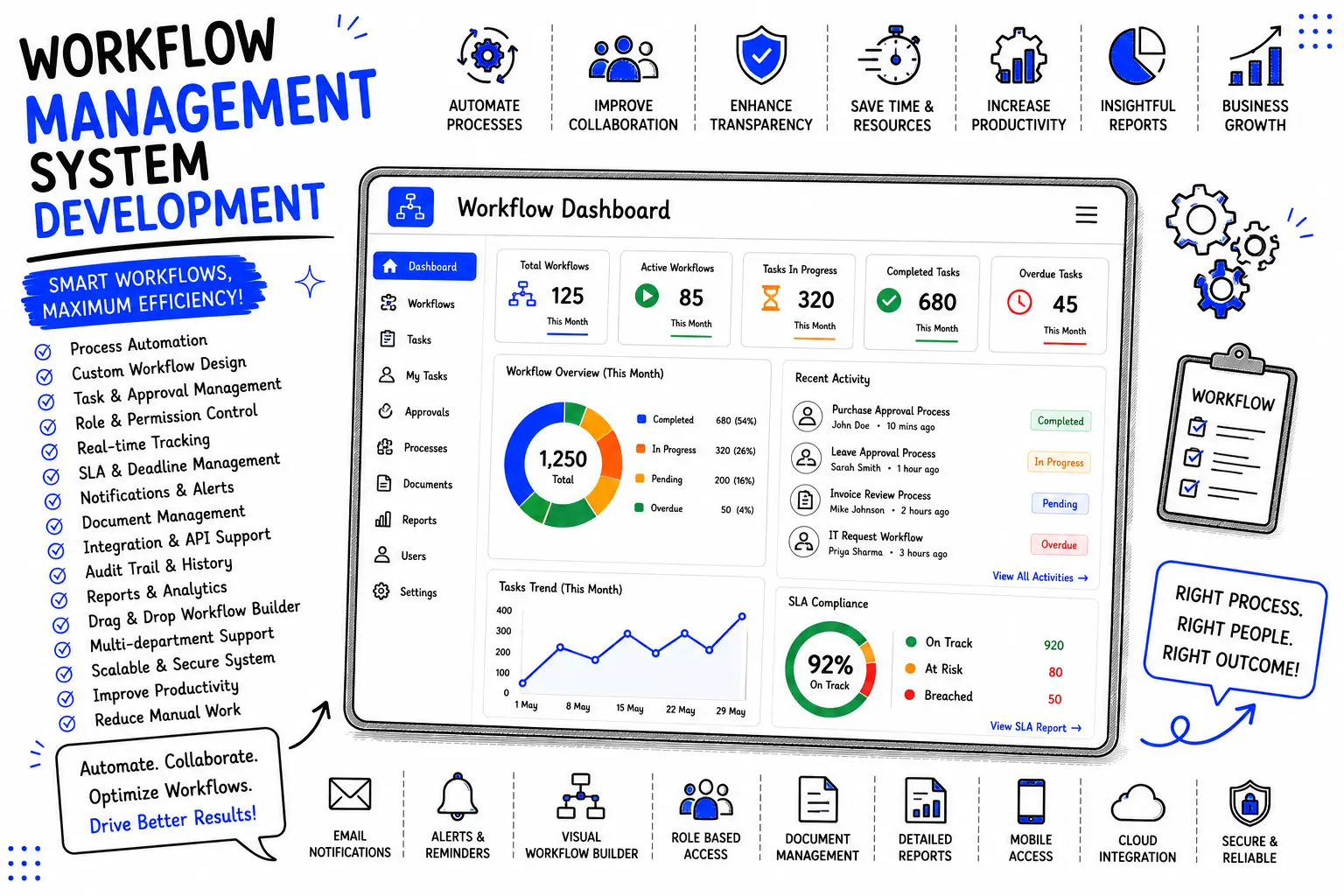
Task routing, role-based access, conditional approval logic, real-time dashboards, document handling, notifications, API integrations, and audit logs are the core features of most workflow management systems.
Workflow automation is a feature within a workflow management system. The system is the full platform — automation is the mechanism it uses to move tasks along without manual intervention.
Yes, especially once a small business has more than a handful of employees and starts losing time to manual follow-ups on approvals or task handoffs. Many small businesses start with an off-the-shelf tool before moving to a custom build.
A well-built custom system is designed to be adjusted — workflow logic can be updated as your process evolves. This is one advantage of a custom build over rigid off-the-shelf templates.
Most modern systems, including custom builds, include mobile access so approvals and status updates can happen from a phone, not just a desktop.
Automating a broken process without fixing it first. Automation makes an inefficient process faster, but it doesn't make it efficient — the underlying process needs to be mapped and corrected before it's automated.
Custom systems can be built with role-based access control, encrypted data storage, and full audit logs, and can be hosted on infrastructure you control if your industry requires it.
The people who actually perform the process day to day, not just management — frontline staff are usually the ones who know the real exceptions a system needs to handle.
| Workflow Management System | Project Management Software | BPM (Business Process Management) | |
|---|---|---|---|
| Best for | Repeatable, ongoing processes (approvals, intake, onboarding) | Time-bound projects with a defined start and end | Analyzing and optimizing processes across an entire organization |
| Focus | Task routing and automation | Timelines, milestones, resource planning | Process modeling, governance, continuous improvement |
| Typical user | Operations, admin, approvals staff | Project managers, cross-functional teams | Process owners, business analysts |
| Example | Purchase order approval | Launching a new product | Redesigning the entire order-to-cash cycle |
In practice, the line blurs — many businesses need elements of all three, and a well-built custom system can combine workflow automation with lightweight project tracking where it makes sense.
If you're ready to map out your process and see what a custom-built system would actually look like, get in touch with Hyper Software for a free consultation, or call us directly at +91 9079282750.
A workflow management system is software that automates the steps of a business process — routing tasks, approvals, and data between the right people automatically, instead of relying on email or manual follow-up.
A workflow management system handles repeatable, ongoing processes like approvals and intake forms. Project management software handles time- bound work with a defined start and end date, like launching a product.
In India, a single-module workflow tool typically costs ₹1.5–6 lakh, a mid-scale multi-department system runs ₹6–20 lakh, and a full enterprise build can range from ₹20–40 lakh or more, depending on integrations and compliance needs.
Off-the-shelf software works well for standard processes and smaller teams. A custom build makes more sense once your approval rules, integrations, or compliance needs stop fitting a generic template, or once per-user SaaS pricing outgrows a one-time build cost.
A single-department tool typically takes 4–8 weeks. A mid-scale system with multiple integrations takes 3–5 months. A full enterprise build can take 6–12 months.
Have questions or need expert guidance? Our team is ready to help you with the right technology solutions for your business.