
Hyper Software ne hamare business ko online ek nayi pehchan di. Website professional, fast aur SEO optimized hai. Website Design & Development ke liye best company.

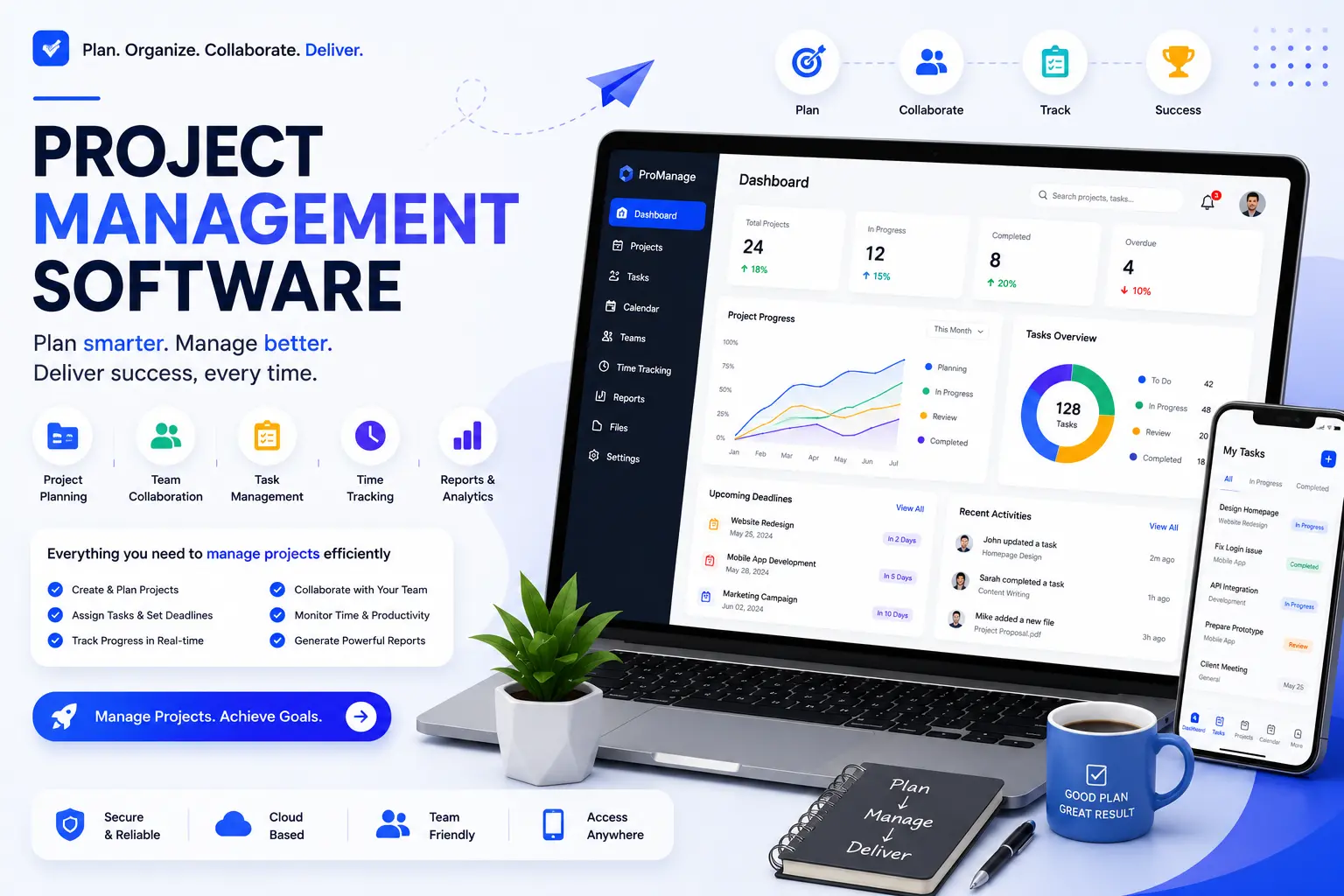
Project management software is a digital tool that helps your team plan work, track deadlines, and see project status in one place instead of scattered across spreadsheets and chat threads. If you've outgrown sticky notes and email chains, you need one. And if the ready-made tools on the market don't fit how your team actually works, you need one built around you. That's what Hyper Software does.
We're a Jaipur-based software development company, and we build project management systems — from simple task trackers to full enterprise platforms — for businesses across India and around the world.
Project management software is a system that lets teams plan, assign, track, and report on work from a single dashboard. At its core, it answers three questions for everyone on the team: what needs to get done, who's doing it, and when is it due.
Most tools handle this through task lists, Kanban boards, Gantt charts, and shared calendars. The better ones also track budgets, flag risks before they become problems, and generate reports without anyone manually pulling numbers together every Friday.
Here's the thing most buyers miss: not all project management needs are the same. A marketing agency juggling client approvals needs something very different from a construction firm tracking site inspections and material orders. That difference is exactly why "one size fits all" software so often falls short.
Get Free Consultation Within Minutes
Without a proper system, projects tend to slip in the same predictable ways — someone misses an update buried in email, two people work on the same task without realizing it, or a deadline passes because nobody was tracking it in one place.
Project management software fixes this by giving everyone the same source of truth. In practice, that means:
Small teams feel this pain with three or four projects running at once. Larger teams feel it across departments, where one team's delay quietly pushes back everyone downstream.
Hyper Software ne hamare business ko online ek nayi pehchan di. Website professional, fast aur SEO optimized hai. Website Design & Development ke liye best company.
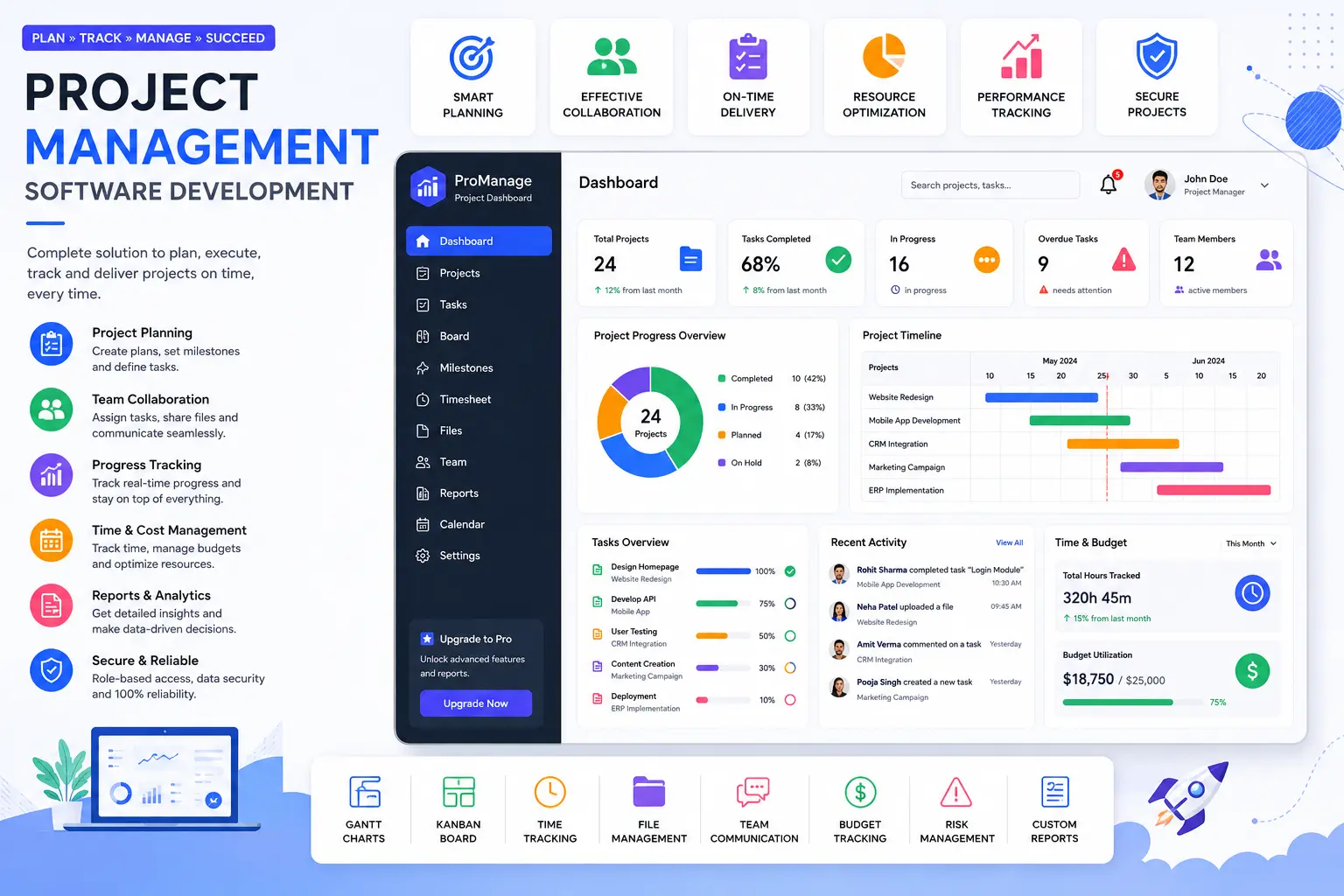
Not every business needs every feature. But these are the ones worth checking before you commit to any tool, built or bought:
| Feature | What It Does | Who Needs It Most |
|---|---|---|
| Task and subtask management | Break projects into assignable, trackable pieces | Every team |
| Gantt charts | Visualize timelines and task dependencies | Construction, manufacturing, agencies |
| Kanban boards | Move tasks through stages visually | Agile and dev teams |
| Time tracking | Log hours against tasks and projects | Agencies, consultancies, billing-by-hour teams |
| Resource management | See team capacity and workload at a glance | Teams running multiple projects at once |
| Budget tracking | Compare planned vs actual project spend | Anyone managing client or internal budgets |
| Custom workflows | Match the software to your actual process, not the other way round | Businesses with unusual or regulated processes |
| Reporting and dashboards | Real-time status without manual compilation | Managers and leadership |
| Integrations | Connect to email, accounting, CRM, or ERP systems | Growing businesses running multiple tools |
| Mobile access | Update and check status from the field | Field teams, construction, sales |
If a tool is missing three or more of these for your specific use case, it's worth asking whether custom development makes more sense than forcing a workaround.
This is the question almost nobody answers honestly. Every SaaS review site wants you to pick from their affiliate list. We'd rather tell you when each option genuinely makes sense.
| Factor | Off-the-Shelf Software | Custom-Built Software |
|---|---|---|
| Setup time | Immediate to a few days | 6–16 weeks depending on scope |
| Upfront cost | Low (subscription-based) | Higher upfront, no recurring per-user fees |
| Long-term cost (growing team) | Rises with every added user | Fixed, predictable ownership cost |
| Fit to your workflow | You adapt to the tool | The tool adapts to you |
| Data ownership | Vendor's servers, vendor's terms | You own the code and the data |
| Integrations with your other systems | Limited to what the vendor supports | Built exactly to your CRM, ERP, or accounting setup |
| Best for | Standard workflows, small teams, quick starts | Unique processes, regulated industries, teams past 20–25 users |
When off-the-shelf makes sense: you're a small team with a fairly standard workflow, budget is tight, and you need something running this week. Tools like Trello, Asana, or ClickUp genuinely work well here.
When custom makes more sense: your process doesn't map cleanly onto any existing tool, you're paying for features you don't use while missing ones you need, per-user pricing is getting expensive as you scale, or you need tight integration with an existing CRM, ERP, or industry-specific system.
What can go wrong with off-the-shelf software alone: teams end up building elaborate workarounds — extra spreadsheets, side Slack channels, manual double-entry — just to cover gaps the tool wasn't built to handle. Six months in, the "quick fix" software is costing more in lost time than a custom build would have.
We follow a straightforward five-stage process, refined over dozens of projects since 2020.
Most clients see a working version (not the final product) within the first 3–4 weeks, so you can start giving feedback early instead of waiting months to see anything.
Depending on your needs, we typically include:
Industries We Build Project Management Software For
Cost depends heavily on scope, so treat these as starting ranges, not fixed quotes:
| Project Type | Typical Range | What's Included |
|---|---|---|
| Basic PM tool (task tracking, dashboard) | Entry-level | Core task management, single team, basic reporting |
| Mid-size custom system | Mid-range | Gantt charts, time tracking, budgeting, integrations |
| Enterprise-grade platform | Higher-end | Multi-department workflows, advanced permissions, deep integrations, custom reporting |
The real cost drivers are: number of user roles, integrations needed (CRM, ERP, accounting), whether you need mobile apps alongside the web platform, and how much custom reporting or automation you want. We give exact numbers only after the discovery call — anyone quoting a fixed price without understanding your workflow first is guessing.
Most projects fall between 6 and 16 weeks from kickoff to launch:
Timelines shift based on how quickly your team provides feedback during design and testing. Projects that stall usually stall on the client side — waiting on sign-offs, not on development.
A mid-size construction contractor came to us managing four active sites through a mix of WhatsApp groups and Excel sheets. Site supervisors were reporting progress late, materials were being over-ordered because nobody had a clear view across sites, and the owner was spending Sunday evenings trying to reconcile numbers before Monday client calls.
We mapped their actual site-to-office workflow first, not a generic construction template. The system we built gave each site supervisor a mobile-friendly daily update form, gave the office a live dashboard across all sites, and flagged material orders automatically against project budgets. It took about ten weeks from our first call to go-live.
Within two months, the owner told us weekly reconciliation had gone from a half-day task to a five-minute check. That's the kind of outcome a generic tool usually can't deliver, because it wasn't built around this specific team's process.
Most custom builds take 6 to 16 weeks, depending on complexity and how quickly feedback is provided during design and testing.
Yes. Custom-built systems can be designed to connect directly with your CRM, ERP, or accounting software through APIs, avoiding manual double data entry.
Task management, Gantt charts or Kanban boards, time tracking, budget tracking, custom workflows, reporting dashboards, integrations, and mobile access are the core ones to check.
Yes, when built properly. Since you own the code and hosting, you control access and security settings directly, rather than relying entirely on a third-party vendor's policies.
Yes. Cloud-based systems let team members update tasks, check status, and collaborate from anywhere with an internet connection.
It depends on your team. Field- based teams (construction, sales, service) usually benefit from mobile access. Office-based teams often manage fine with just the web dashboard.
At Hyper Software, support continues after launch — bug fixes, updates, and new feature requests as your business needs change.
Yes, data from spreadsheets or another tool can usually be migrated during setup, so teams don't lose historical project records.
Yes, that's one of its main advantages. Unlike per-user subscription tools, a custom system is built with your growth in mind from the start.
Call +91 9079282750 or visit www.hypersoftware.in to book a free discovery call. We'll map your workflow and give you a clear scope and cost estimate.
Benefits:
Drawbacks:
We've been building software for businesses since 2020, from our base in Jaipur, for clients across India and globally. A few things that set our approach apart:
Beyond project management systems, we also build CRM and ERP solutions, mobile apps, eCommerce platforms, and handle UI/UX design and business automation — so if your
project management software needs to talk to other systems, we build those too.
It's used to plan tasks, assign work, track deadlines, manage budgets, and report on project progress from a single system, replacing scattered spreadsheets and email threads.
Yes, once you're managing more than two or three projects at a time. Below that, a simple shared spreadsheet may still work fine.
Task management software tracks individual to-dos. Project management software adds timelines, budgets, resource planning, and reporting across entire projects, not just single tasks.
It depends on how standard your workflow is. Off-the-shelf works well for common processes and small teams. Custom makes more sense once your process is unique, your team is growing past 20–25 users, or you need deep integration with existing systems.
Cost varies by scope — number of features, integrations, and whether you need mobile apps. Basic tools cost less than enterprise-grade platforms with multiple integrations. Get an exact quote after a discovery call.
Have questions or need expert guidance? Our team is ready to help you with the right technology solutions for your business.