
Hyper Software ne hamare business ko online ek nayi pehchan di. Website professional, fast aur SEO optimized hai. Website Design & Development ke liye best company.

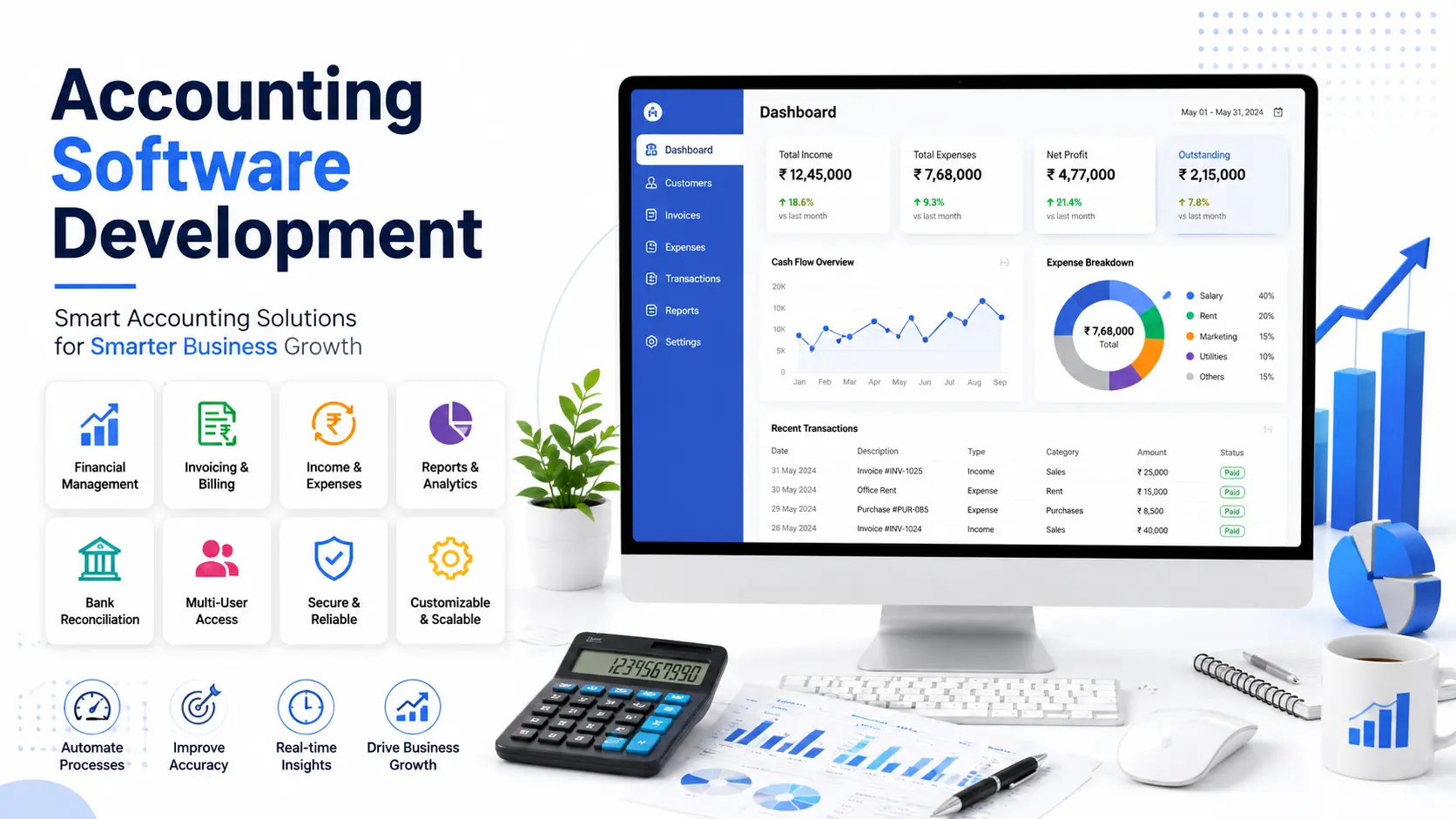
If you're still chasing invoices in one spreadsheet and expenses in another, you already know what this page is about. Accounting software is a system that records, organizes, and reports your business's money — every invoice, expense, payment, and tax filing, in one place instead of five.
Some businesses can get by with an off-the-shelf tool like QuickBooks or Zoho Books. Others outgrow them fast because their billing cycle, tax rules, or reporting needs don't fit a template built for everyone. That's where custom accounting software comes in, and it's what Hyper Software builds.
We're an IT solutions company based in Jaipur, working with businesses across India, the US, the UK, and the Middle East since 2020. This page covers what accounting software actually does, when custom development makes sense over a ready-made tool, what it costs, and how we build it.
Accounting software is a digital system that tracks a business's financial transactions and turns them into usable records and reports. At its core, it handles four things: money coming in, money going out, what you owe, and what's owed to you.
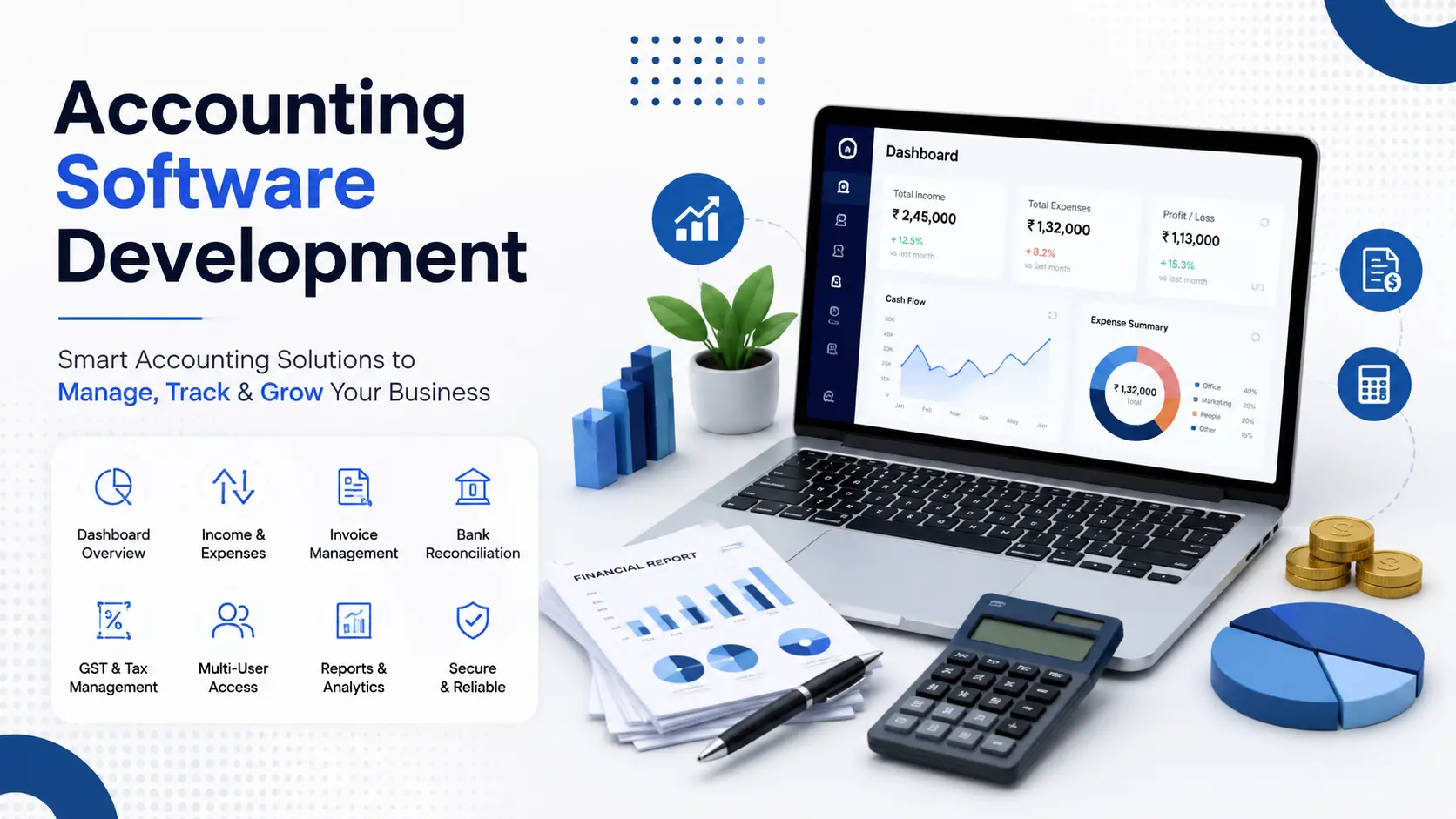
A typical system covers:
Get Free Consultation Within Minutes
Small businesses often start with a spreadsheet. It works, right up until someone accidentally overwrites a formula or two people edit the same file at once. That's usually the moment the search for "accounting software" starts.
This is the question that actually matters, and most pages skip it or answer it vaguely.Here's the honest version.
Off-the-shelf software (QuickBooks, Xero, Zoho Books, Tally) makes sense when:
Custom accounting software makes sense when:
We've had clients come to us after three years on a generic tool, paying for five modules they never touched while manually exporting data every month for the one report they actually needed. That export step alone was eating four hours a week. Custom software isn't always the answer. But when a ready-made tool is costing you more in workarounds than a build would cost outright, it's worth the conversation.
Whatever you build or buy, these aren't optional:
1. General ledger — the master record of every transaction.
2. Accounts payable and receivable — what you owe and what's owed to you, tracked separately.
3. Invoicing and billing software development — customizable templates, recurring invoices, automatic reminders.
4. Bank feed integration — live or daily sync with your business bank account.
5. Financial reporting — P&L, balance sheet, cash flow, and custom reports for your industry.
6. Tax compliance — GST, VAT, or sales tax calculation and filing support, depending on your country.
7. Multi-user access with permissions — your junior accountant shouldn't see the same screen as your CFO.
8. Audit trail — a record of who changed what, and when. This matters for compliance and for catching mistakes.
9. Multi-currency support — if you deal with international clients or vendors.
10. Payroll integration — either built in or connected to a payroll system.
Skip any of these and you'll end up back on a spreadsheet for whatever's missing, which defeats the point.
Hyper Software ne hamare business ko online ek nayi pehchan di. Website professional, fast aur SEO optimized hai. Website Design & Development ke liye best company.

Accounting software manages your finances. An ERP development (Enterprise Resource Planning) system manages your finances and your inventory management software, supply chain, HR management software and often your customer relationships too, all from one database.
Here's a simple way to think about it: if your finance team is the only one who touches the system, accounting software is likely enough. If sales, warehouse, and finance all need to see the same real-time numbers, and your accounting tool has become one disconnected piece of a bigger puzzle, that's usually the sign you're outgrowing it.
We build both. A lot of our clients start with custom accounting software and later expand it into a full ERP once operations get more complex. Building it that way, in stages, tends to cost less than jumping straight to a full ERP before you actually need one.
Small business accounting tools — invoicing, expense tracking, and basic reporting for teams under 20 people.
Multi-branch retail and distribution systems — consolidated reporting across locations, with branch-level permissions.
Manufacturing accounting software — cost accounting tied to production runs and raw material tracking.
Service-business billing platforms — time tracking linked directly to invoicing.
Nonprofit and NGO accounting tools — fund tracking, donor reporting, and grant compliance.
White-label accounting software for accounting firms — a branded tool firms can offer their own clients.
SaaS-embedded accounting modules — accounting features built directly into another product you're already selling.
OurAccounting Software Development Process
1. Requirement analysis — we sit down (or video call) and map your actual workflow, not a generic template.
2. Architecture and tech planning — deciding the database structure, security model, and integrations upfront.
3. UI/UX design — wireframes and prototypes so you can react before a single line of code gets written.
4. Development — built in sprints, with working demos along the way, not one big reveal at the end.
5. Integration — connecting bank feeds, payment gateways, payroll, or your existing CRM/ERP.
6. Quality assurance — testing every calculation, report, and edge case. Financial software has no room for "close enough."
7. Deployment and training — going live, with your team trained on the actual system, not a generic manual.
8. Post-launch support — bug fixes, updates, and scaling support as your business grows.
A basic version can be live in 8–12 weeks. Full-featured systems with payroll, multi-branch reporting, and deep integrations typically take 4–8 months.
Costs vary a lot based on features, integrations, and how many users the system needs to support. Here's a realistic breakdown:
|
Project Scope |
Approx. Cost |
Approx. Cost |
Timeline |
|
(USD) |
(INR) |
||
|
Basic MVP (invoicing, expenses, reports) |
$8,000 – $20,000 |
₹6.5L – ₹16L |
8–12 weeks |
|
Mid-range (multi-user, tax compliance, integrations) |
$20,000 – $60,000 |
₹16L – ₹48L |
3–5 months |
|
Full-featured (multi-branch, payroll, ERP- |
$60,000 – |
₹48L – ₹1.2Cr+ |
5–8 |
|
adjacent) |
$150,000+ |
months |
Figures vary by vendor, region, and feature complexity — treat these as planning ranges, not fixed quotes. Get a firm number by sharing your actual requirements; costs can change based on integrations you didn't know you'd need until you started scoping the project.
We pick the stack based on the project's needs, not a fixed formula. Common choices include:
Security & Compliance
Financial software is a bigger security target than most business tools, so this isn't an afterthought.
Integrations
A distribution business in Jaipur came to us running four branches, each keeping its own Excel books. Month-end meant three days of manually combining spreadsheets before anyone could see the actual company-wide numbers, and errors crept in almost every cycle.
We built a custom accounting system with branch-level entry and a consolidated dashboard for head office. GST filing, which used to take a full day per branch, got cut down to a same-day process across all four. Month-end closing went from three days to under four hours. The owner's own words: he finally trusted the numbers on the screen instead of double-checking them against a printout.
Accounting software records and organizes a business's financial transactions, including invoicing, expenses, bank reconciliation, and tax reporting, so records stay accurate without manual spreadsheet work.
Not always. Off-the-shelf tools work well for standard, simple needs. Custom software is better when your workflow, compliance rules, or integrations don't fit a template built for everyone.
Costs typically range from $8,000 for a basic MVP to $150,000+ for a full-featured, multi-branch system, depending on features and integrations.
A basic version can launch in 8–12 weeks. Full-featured systems with payroll and multi-branch reporting usually take 4–8 months.
Yes, when it's built or configured for it. Custom accounting software can be built to match current GST rules, including return filing formats.
Accounting software manages finances only. ERP manages finances plus inventory, HR, supply chain, and other operations from one connected system.
Yes, when it's built with encryption, role- based access, and regular backups. Security depends on how the software is built, not just whether it's cloud-based or on-premise.
Yes. Custom accounting software can be built to connect with your existing CRM, ERP, e-commerce platform, or payment gateway through APIs.
Not necessarily. Payroll can be built directly into your accounting software or connected to a dedicated payroll system, depending on your team size and complexity.
Custom software can be built to scale, adding modules like multi-branch reporting or ERP-level features later without a full rebuild, if the architecture is planned for it from the start.
Building it yourself (in-house) makes sense if:
What can go wrong doing it alone: most in-house teams underestimate how much financial software testing actually takes. A calculation bug in a marketing website security is annoying. A calculation bug in your ledger is a compliance problem. Cost-wise, an internal team's time isn't free either, even if it doesn't show up as a line-item invoice.
Hiring an agency makes sense if:
Cost is usually similar either way once you count an in-house team's time properly. The real difference is speed, and how much risk you're willing to carry on testing and compliance yourself.
We've been building custom software for businesses since 2020, and accounting systems are one of the areas we get asked about the most, usually right after a business has outgrown a spreadsheet or a generic tool. We handle the full process ourselves: design, development, integration, and support, so you're not managing three different vendors for one system.
We work with businesses in India and internationally, and we build with your country's compliance rules in mind from day one, not bolted on afterward.
With a custom build, you own the source code and the data outright, unlike a subscription tool where you're renting access.
Yes. Custom accounting software supports multiple users with role-based permissions, so different team members see only what their role requires.
No. It automates record-keeping and reporting, but a qualified accountant still handles judgment calls, tax strategy, and final compliance sign-off.
Yes. Accounting software can be built with a companion mobile app for approvals, expense capture, and reporting on the go.
Reputable development companies offer ongoing support for bug fixes, updates, and scaling. Confirm what's included before the project starts, since terms vary by vendor.
Have questions or need expert guidance? Our team is ready to help you with the right technology solutions for your business.