
Business website bilkul premium quality ki bani hai. Mobile responsive design aur clean layout ki wajah se customer experience bahut achha ho gaya. Highly recommended.

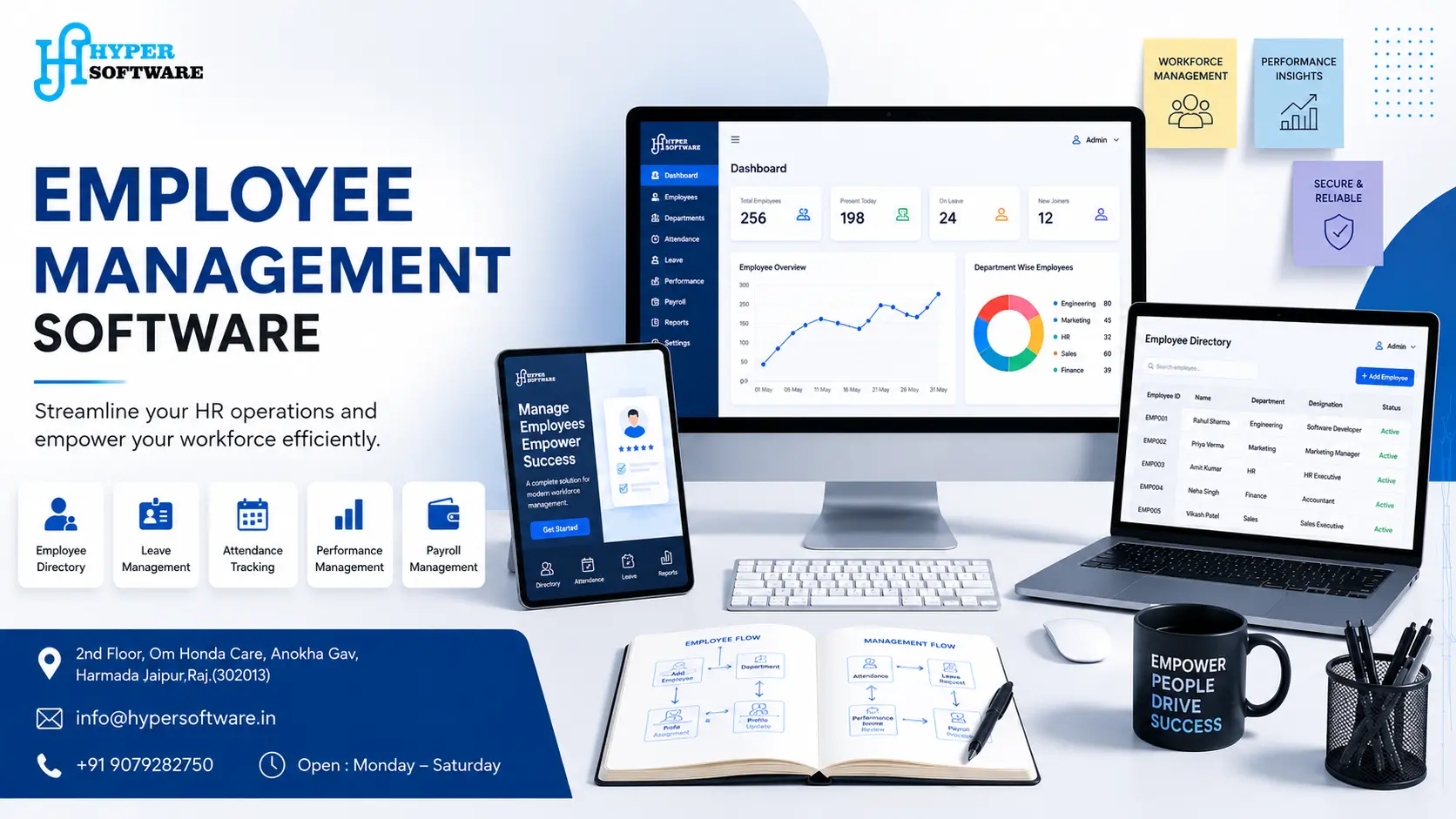
If your HR process still runs on spreadsheets, WhatsApp groups, and a shared Google Sheet nobody trusts, you already know the problem. Employee management software is a digital system that brings attendance, leave, payroll, and performance data into one place, so your team stops chasing information and starts using it.
This guide covers what the software actually does, what it should cost, whether you should buy an off-the-shelf tool or get one custom-built, and how Hyper Software approaches the build from first call to go-live.
Employee management software is a system that stores employee records, tracks attendance and leave, runs payroll calculations, and gives managers a real-time view of their team — all from one dashboard instead of five disconnected tools.
Think of it as the difference between hunting through three WhatsApp groups and a paper register to find out who's on leave today, versus opening one screen that already has the answer. That's the whole point. It doesn't just store data; it removes the back-and-forth that eats up an HR manager's week.
Most systems on the market fall under a few overlapping names — HRIS, HRMS, HCM, and EMS. They all do similar jobs, just with different depth:
Get Free Consultation Within Minutes
You don't need to memorize the acronyms. What matters is this: does the system cover what your business actually needs, or are you paying for modules you'll never touch?
Every business hits the same wall eventually. Once you cross roughly 15–20 employees, manual tracking starts breaking down in ways that cost real money.
We've had clients tell us, almost word for word, "I didn't realize how much time this was costing me until I stopped doing it manually." That's usually the real reason businesses make the switch — not because a demo looked impressive, but because someone finally added up the hours.
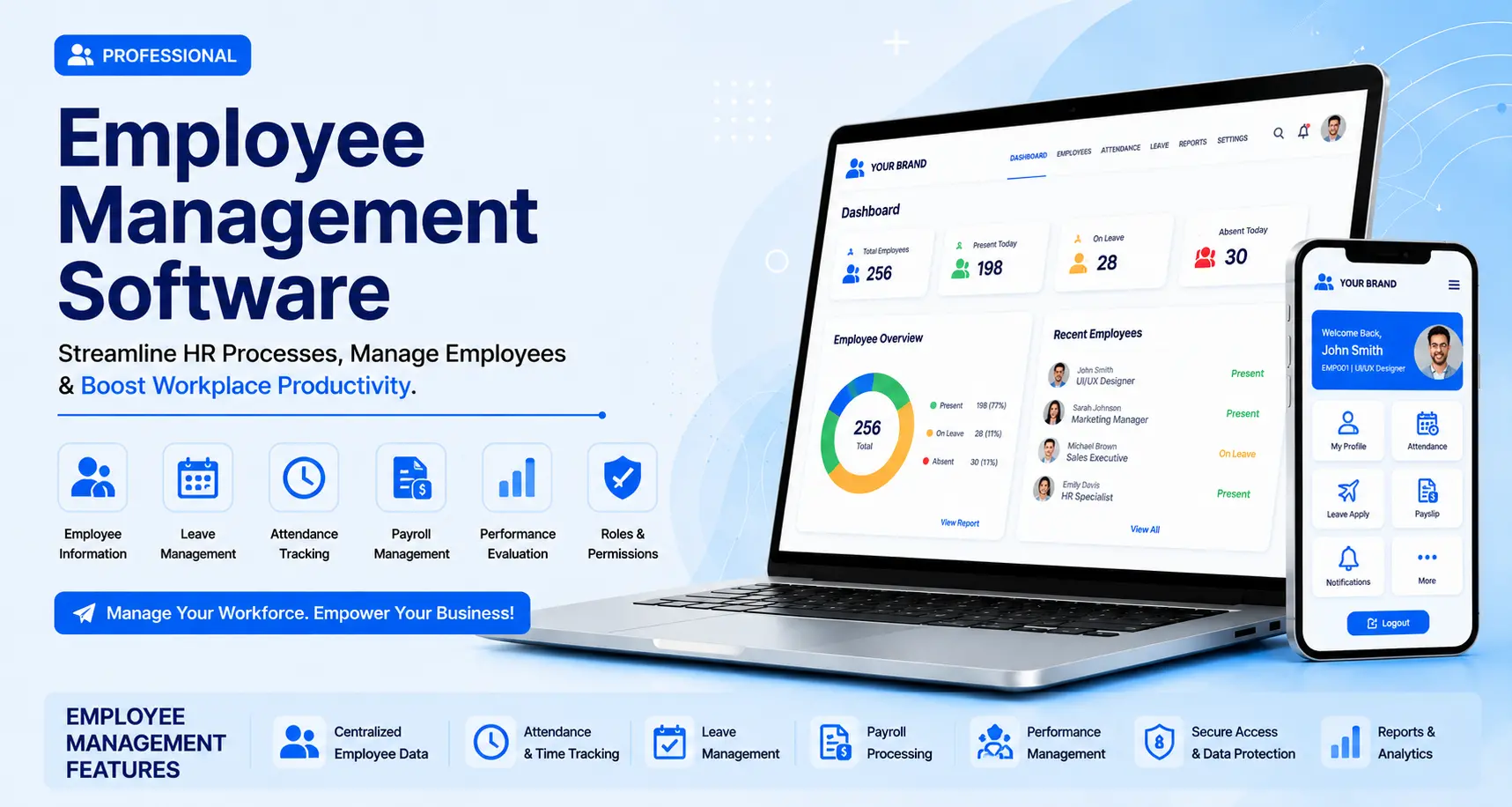
Not every business needs every feature. Here's what typically goes into a solid system, and why each one earns its place.
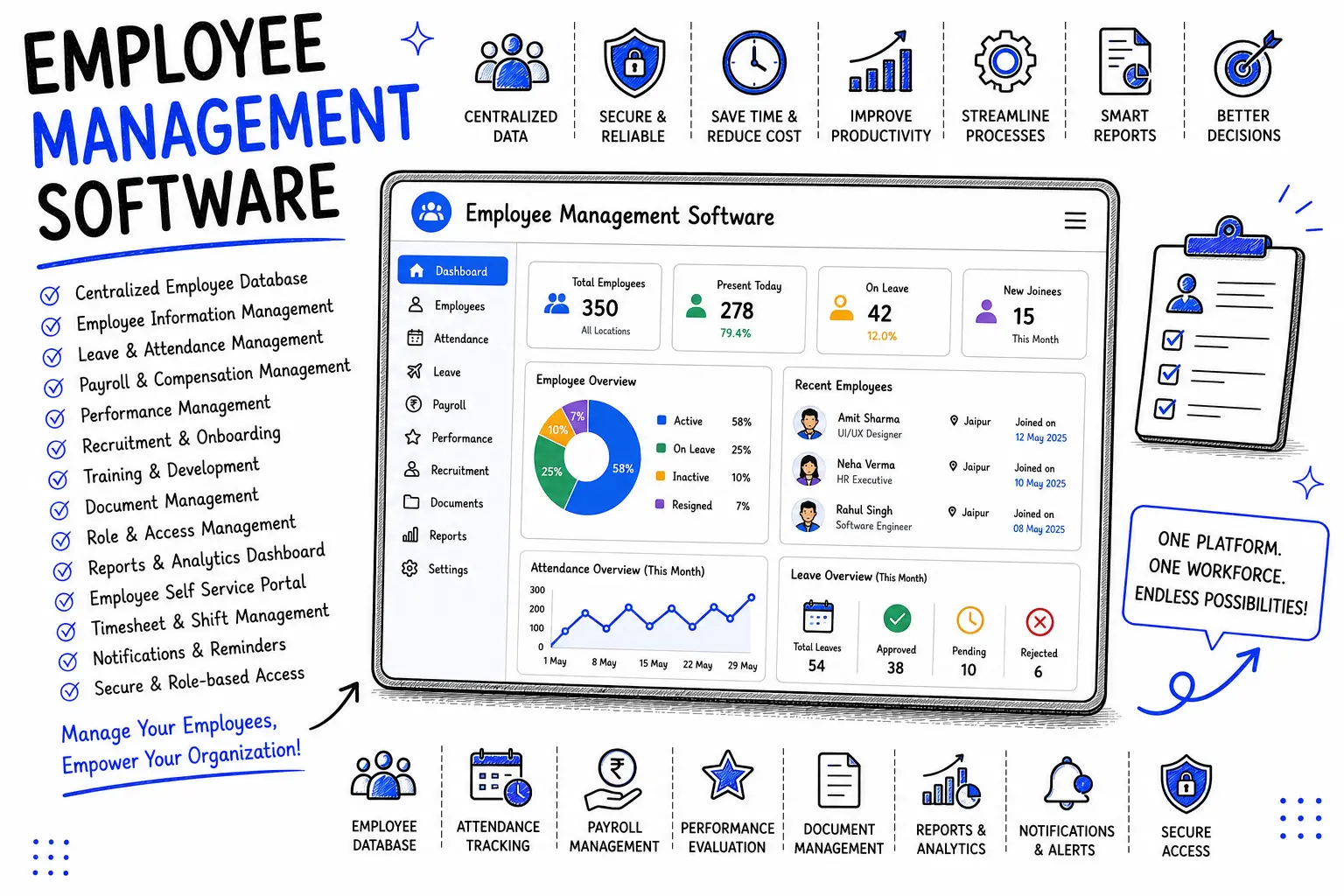
A single, secure source of truth for every employee's personal details, documents, contracts, and history. No more digging through email attachments to find someone's offer letter.
Clock-in/clock-out tracking (biometric, mobile geo-tagging, or web-based), automatic leave balance calculation, and approval workflows that don't require five follow-up emails.
Salary calculation based on actual attendance, tax and statutory deductions, and payslip generation. This can connect to your existing accounting software or be built in as a native module.
Goal setting, review cycles, 360-degree feedback, and appraisal history — so performance conversations are backed by data, not memory.
Employees check their payslips, apply for leave, update personal details, and view their own attendance without emailing HR. This alone removes a huge chunk of routine HR requests.
Job posting, applicant tracking, offer letter generation, and a structured onboarding checklist so new hires aren't left guessing what to do on day one.
Real-time dashboards for headcount, attrition, absenteeism, and department-wise cost — the numbers a founder or CFO actually asks for.
Not everyone should see everyone's salary. Role-based permissions make sure managers, HR, and finance each see exactly what they need and nothing more.
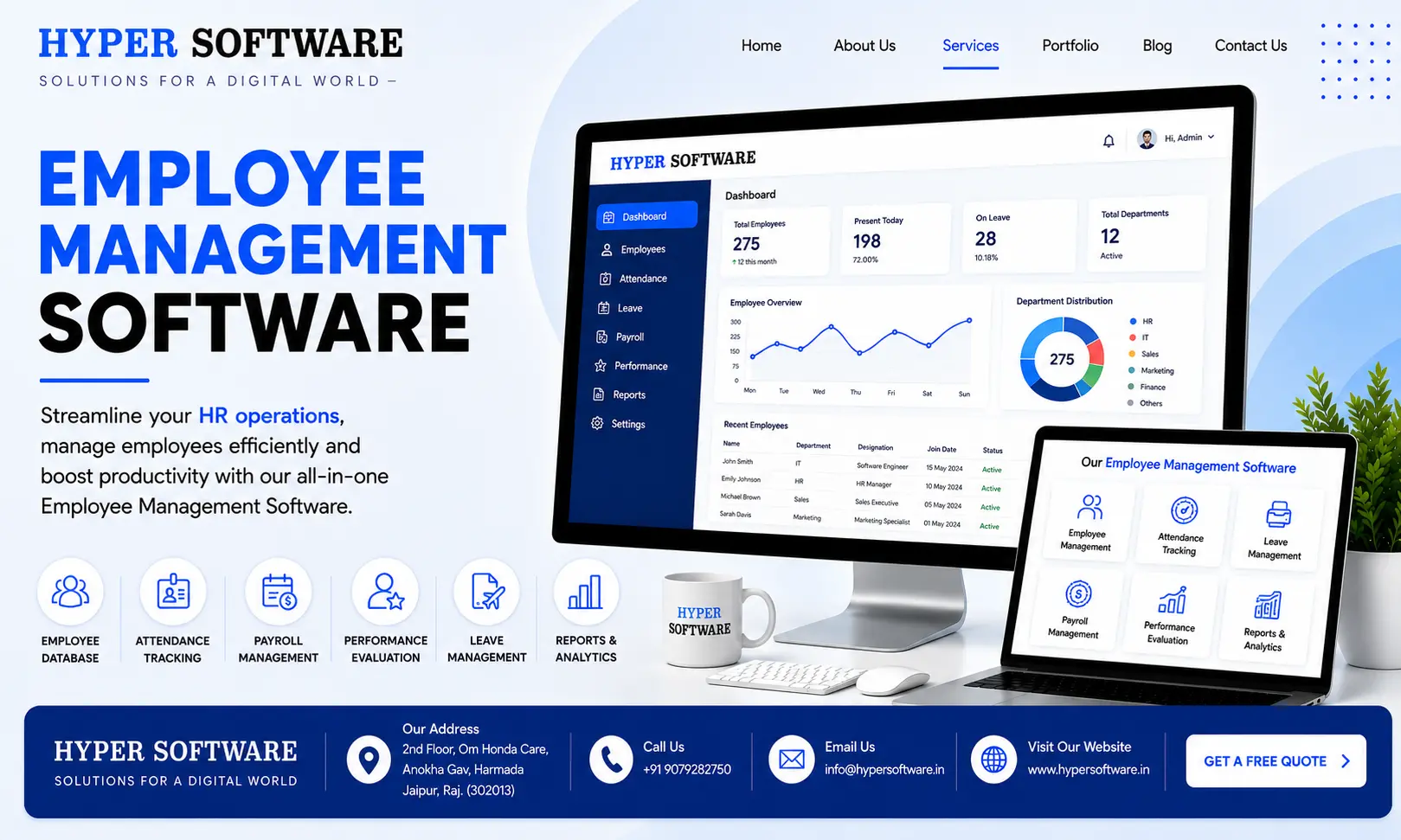
This is the question almost every business asks eventually, and it deserves a straight answer.
| Factor | Off-the-Shelf HR Software | Custom-Built Employee Management Software |
| Setup time |
Fast — days to a few weeks |
Longer — typically 6–14 weeks depending on scope |
| Cost structure |
Recurring per-employee subscription |
Mostly one-time development cost, optional maintenance |
| Fit to your workflow | You adapt to the software's process | The software adapts to your process |
| Integrations | Limited to what the vendor supports | Built to connect with your existing website, CRM, or ERP |
| Scaling with unusual needs | Often needs a costlier "enterprise" plan | Scales the way you actually grow, not the way a vendor tiered it |
| Data ownership | Vendor-hosted, subject to their terms | You own the code and the data outright |
| Best for | Standard HR needs, fast rollout, small teams | Businesses with specific workflows, compliance needs, or plans to integrate HR with other internal systems |
Neither option is universally "better." A 10-person retail shop with standard needs is often better off with a ₹40/employee/month tool. A logistics company with unusual shift patterns, multiple state-wise compliance rules, and a need to tie HR data into their ERP is usually better served by something custom.
If you're leaning toward a custom build, the next decision is who builds it.
What can go wrong doing it alone: Most in-house attempts stall for the same reasons — the developer who built it moves on, nobody documents the code, and six months later a "simple leave tracker" has no one who can fix it when it breaks. We've been called in more than once to rescue a homegrown system that turned into a liability instead of a solution.
What it costs either way: in-house isn't free — it's just a hidden cost, measured in developer hours, delayed other projects, and the risk of an unmaintained system. An agency quote makes that cost visible upfront, which is usually easier to plan around.
Pricing depends on whether you're buying a subscription or commissioning a custom build.
For reference, in India this typically works out to about ₹40–₹350 per employee per month, depending on the modules included.
We don't quote a single number here because it genuinely depends on your employee count, the modules you need, and how many systems it has to connect to. What we can tell you: get a written scope and a fixed quote before you start, not a vague hourly estimate — that's the single biggest thing to check before hiring anyone for this kind of build.
1. Discovery call. We ask about your current process, pain points, and what "done" looks like for you — not a sales pitch, an actual conversation.
2. Scope and proposal. You get a clear breakdown of features, timeline, and cost. No surprise invoices later.
3. Design. We map out the dashboard and self-service portal so it's intuitive for both HR and employees, not just functional.
4. Development. Built in phases, with checkpoints so you see progress instead of waiting months for a single reveal.
5. Testing. We run it against real scenarios — late clock-ins, overlapping leave requests, payroll edge cases — before it goes anywhere near production.
6. Deployment and support. We launch, train your team, and stay on for support so a bug doesn't turn into a crisis three weeks in.
Typical timeline: 6–14 weeks depending on scope, with basic systems on the faster end and integrated, multi-module builds taking longer.
Our builds typically use a modern web stack (React or similar for the front end, Node.js or a comparable backend), cloud hosting for reliability and remote access, and secure API integrations for connecting to payroll, accounting, or ERP systems you already use. We choose the stack based on your scale and existing systems, not a one-size-fits-all template.
A retail chain client came to us managing 11 stores with attendance tracked on paper registers at each location. Head office got attendance data roughly a week late, which meant payroll was always rushed and often wrong — employees were regularly underpaid or overpaid for overtime that never got reconciled properly.
We built a mobile-based attendance system with geo-tagged clock-ins for each store, feeding directly into a central payroll dashboard. Store managers approved leave from their phones. Head office could see real-time attendance across all 11 locations instead of waiting a week.
Within the first payroll cycle after launch, payroll disputes dropped sharply, and the HR team told us they'd cut their monthly attendance reconciliation time from nearly two full days down to about two hours. That's the kind of result a custom build makes possible — because it was designed around how their stores actually operate, not around a generic template.
Employee management software is a system that centralizes hiring, attendance, leave, payroll, and performance data for a company's workforce in one platform, replacing manual spreadsheets and paper records.
Employee management software is often used as a broad term covering day-to-day workforce coordination, while HRMS specifically adds structured modules like payroll, attendance, and scheduling on top of basic HR record-keeping. In practice, the terms overlap heavily, and what matters more is which specific features a system includes.
Off-the-shelf subscriptions typically run $0.50–$6 per employee per month depending on features. Custom-built systems are usually a one-time development cost that varies based on the number of modules and integrations required.
Not always. If your needs are standard — basic attendance and leave tracking — an off-the-shelf tool is usually faster and cheaper. Custom development pays off when your workflows, compliance needs, or integration requirements don't fit a generic product.
Most custom builds take 6–14 weeks, depending on how many modules are included and how many other systems it needs to connect to.
Yes, if it's built or configured for it. This requires the system to account for state-specific or country-specific statutory rules, which is a common reason businesses choose a custom build over a generic one-size-fits-all tool.
Yes. Mobile apps with geo-tagged clock-ins let field staff, delivery teams, and remote workers mark attendance from wherever they're working, with location data visible to managers.
The most common risk is losing the person who built it. Without proper documentation and a support plan, an in-house system can become unmaintainable the moment the original developer leaves.
It should be, if the provider uses encryption, role-based access controls, and secure hosting. Always confirm data security practices before committing, especially for sensitive information like salary and identification details.
Yes, this is one of the main advantages of a custom build — it can be designed specifically to connect with the systems you already use, instead of forcing you to work around a fixed set of third-party integrations.
Start with attendance, leave management, and a self-service portal. These three alone remove the majority of routine HR admin work. Payroll and performance modules can often be added later.
An attendance app usually does one job — clocking in and out. Employee management software combines attendance with leave, payroll, records, and often performance tracking, all connected to the same employee data.
Basic training helps, especially for the self-service portal. Most well-designed systems are intuitive enough that a short walkthrough is all that's needed.
Off-the-shelf tools often require an upgrade to a higher-priced tier or a switch to another platform. Custom- built systems are typically designed with growth in mind, so scaling means adding modules rather than replacing the whole system.
If your workflows, approval chains, or compliance rules don't fit neatly into a standard product, or if you need the software to connect with systems you already use, a custom build is usually the better long-term fit.
Have questions or need expert guidance? Our team is ready to help you with the right technology solutions for your business.