
Hyper Software ne hamare business ko online ek nayi pehchan di. Website professional, fast aur SEO optimized hai. Website Design & Development ke liye best company.

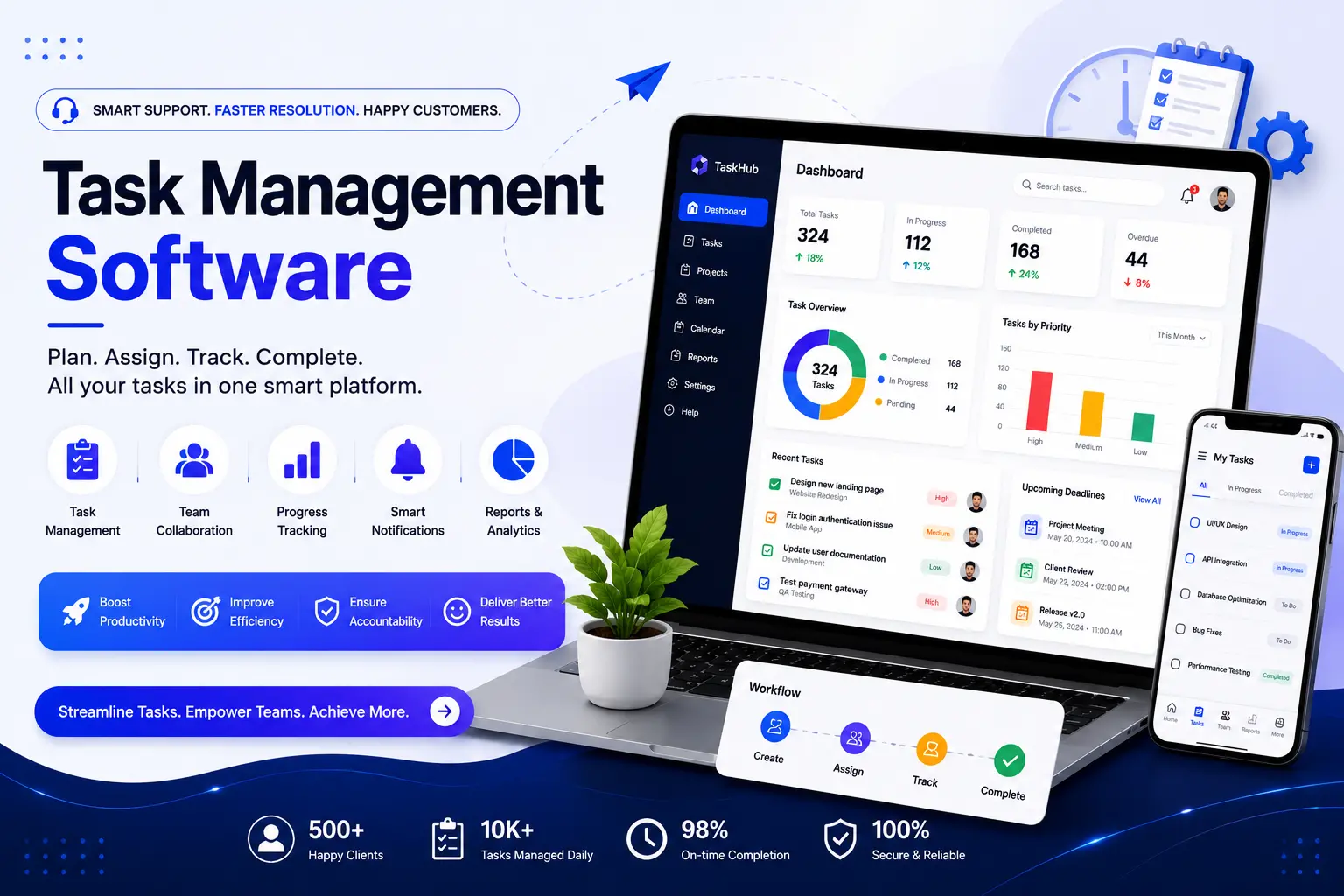
If your team is still tracking work across spreadsheets, WhatsApp groups, and sticky notes, task management software fixes that. It's a system that lets you create tasks, assign owners, set deadlines, and see exactly what's done and what isn't — all in one place. Some businesses can get by with an off-the-shelf tool. Others need something built specifically around how they work. That's where Hyper Software comes in.
We're a Jaipur-based IT solutions company, and since 2020, we've built custom software for clients who've tried the generic tools and outgrown them. Below, we'll walk through what task management software actually is, when a ready-made tool is enough, when it isn't, what custom development costs, and exactly how we build it.
Task management software is a digital platform that helps individuals and teams create, assign, prioritize, and track tasks through to completion. Instead of chasing updates over email or chat, everyone works from one shared view of what needs doing, who owns it, and when it's due.
At its core, good task management software does five things:
It's worth clearing up a common confusion here: task management and project management aren't the same thing, even though people use the terms interchangeably.
Get Free Consultation Within Minutes
Task management software handles individual, discrete units of work — the "what" and "when." Project management software does that too, but adds budgets, resource allocation, timelines across multiple projects, and portfolio-level reporting. Think of task management as a subset of project management. A five-person marketing team tracking a content calendar needs task management. An agency running twelve client projects with shared resources, budgets, and deadlines needs full project management.
Many businesses start with task management and grow into needing project management features later — which is one reason custom software (built to scale with you) often works out cheaper over three years than switching SaaS tools twice.
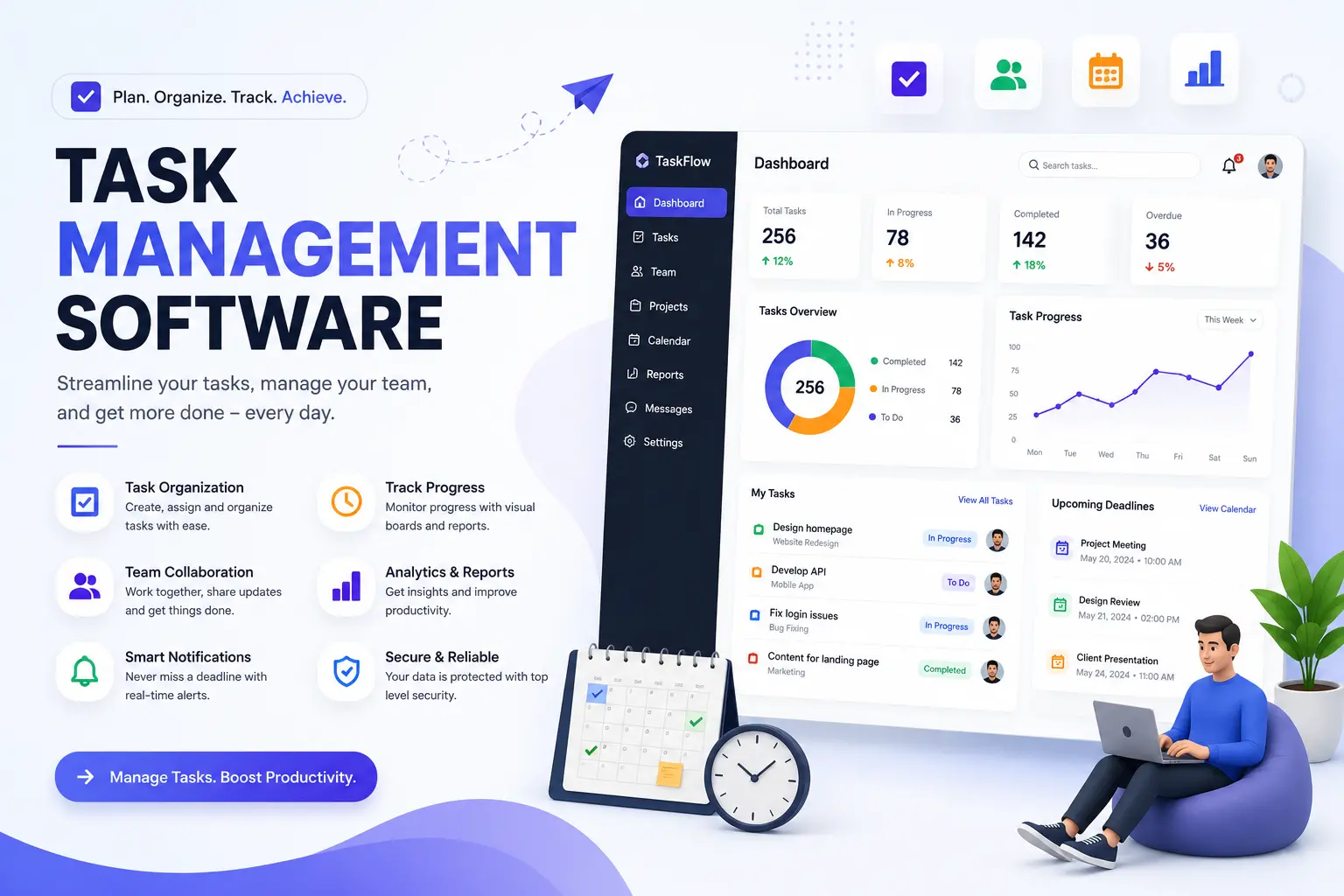
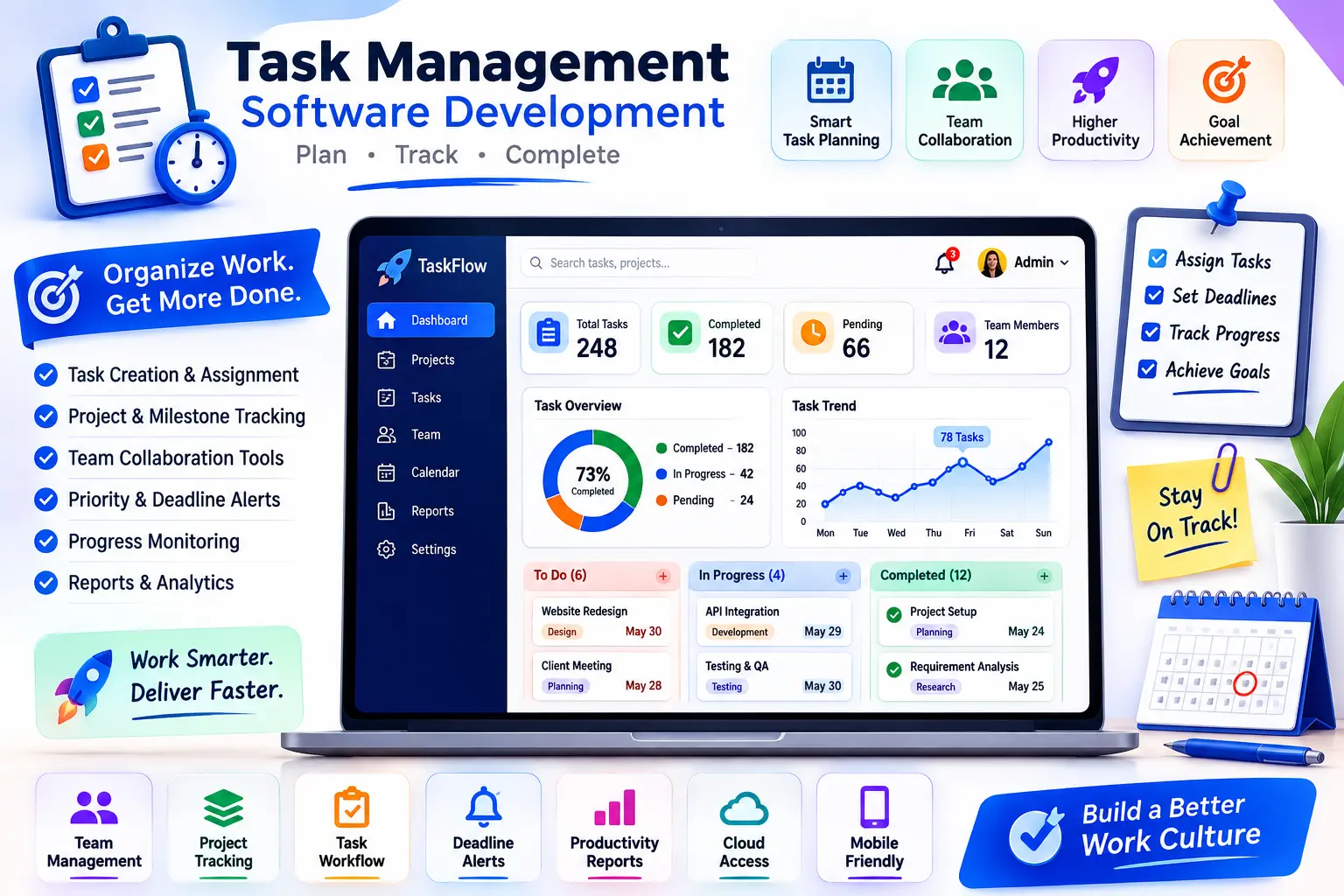
Not every business needs every feature. But these are the ones that separate a genuinely useful system from a glorified to-do list:
| Tier | What's Included | Typical Range |
|---|---|---|
| Basic | Ticket creation, assignment, status tracking, basic reporting | Lower end of custom development |
| Standard | Adds SLA management, automation rules, knowledge base, integrations | Mid-range |
| Advanced/Enterprise | Multi-department routing, advanced analytics, custom integrations (CRM/ERP), mobile app, role-based access at scale | Higher end |
Off-the-shelf tools bundle most of these in. The gap shows up when your business needs a feature none of them offer — a specific approval chain, a client-facing portal, or a workflow tied to your existing ERP.
Hyper Software ne hamare business ko online ek nayi pehchan di. Website professional, fast aur SEO optimized hai. Website Design & Development ke liye best company.

This is the decision most businesses actually need help with. Here's an honest comparison:
| Factor | Off-the-Shelf (Asana, ClickUp, monday.com) | Custom-Built Task Management Software |
|---|---|---|
| Setup time | Minutes to days | 6–16 weeks depending on scope |
| Upfront cost | Low ($4–$25/user/month) | Higher ($25,000–$150,000+ one-time) |
| Ongoing cost | Recurring, scales with headcount | Hosting + maintenance only |
| Fit to your workflow | Generic, configurable within limits | Built exactly to your process |
| Data ownership | Vendor's servers, vendor's terms | Fully yours |
| Integrations | Limited to what the vendor supports | Built to connect with anything you use |
| Scalability | Can hit feature or pricing ceilings | Grows with your business, no per-seat penalty at scale |
| Long-term cost (3+ years, 50+ users) | Often higher due to per-user pricing | Often lower after year one |
We follow a fixed process on every project — it's the same discipline we bring to CRM, ERP, and mobile app builds.
Step 1: Discovery & Workflow Mapping
We sit down (virtually or in person) and map exactly how your team currently handles tasks — where the friction is, what breaks, what people work around. This step alone often reveals features a generic tool would never surface.
Step 2: UI/UX Design
We design wireframes and clickable prototypes so you can see and test the interface before a single line of code is written. No surprises at delivery.
Step 3: Development
Our developers build the core system — task engine, user roles, dashboards, and any integrations (CRM, ERP, Slack, email) — using a tech stack matched to your scale and budget.
Step 4: Testing & QA
We test across devices, browsers, and real-world scenarios — including edge cases like task reassignment mid-deadline and offline mobile use.
Step 5: Deployment
We launch on your infrastructure of choice — cloud, on-premise, or hybrid — with a rollout plan that doesn't disrupt work already in progress.
Step 6: Support & Iteration
Software isn't "done" at launch. We offer ongoing maintenance, feature additions, and support plans so the system keeps pace with your business.
Costs vary by scope. Here's a realistic breakdown:
| Tier | What's Included | Typical Cost Range |
|---|---|---|
| Basic | Task creation, simple dashboard, user roles, basic reporting | $25,000 – $45,000 |
| Mid-tier | Kanban/Gantt views, task dependencies, notifications, mobile app | $45,000 – $90,000 |
| Enterprise | CRM/ERP integration, advanced automation, custom approval workflows, multi-team dashboards | $90,000 – $150,000+ |
These figures vary by region, technology stack, and whether you need both web and mobile apps. Get a fixed quote after a discovery call rather than relying on a generic number — every workflow is different, and so is every price.
Building it yourself (in-house or no-code): Makes sense if you have in-house developers with bandwidth, your requirements are simple, and you're comfortable maintaining it long- term. No-code platforms can get a basic version live in weeks for a few hundred dollars a month. The risk: no-code tools hit walls fast once you need custom logic, and in-house teams often underestimate ongoing maintenance time.
Hiring a development agency: Makes sense when your workflow is genuinely complex, you need integrations with existing systems, or you don't have spare in-house development capacity. You get a system built to spec, tested properly, and supported after launch — but at a higher upfront cost and a real project timeline (weeks, not days).
What can go wrong doing it alone: underestimating maintenance overhead, security gaps in home-built systems, no clear ownership when the person who built it leaves, and feature creep with no one managing scope.
A logistics company came to us managing dispatch tasks across three spreadsheets and a shared inbox. Drivers missed pickups because assignments got buried in email threads, and the ops manager was spending two hours a day just confirming who was doing what.
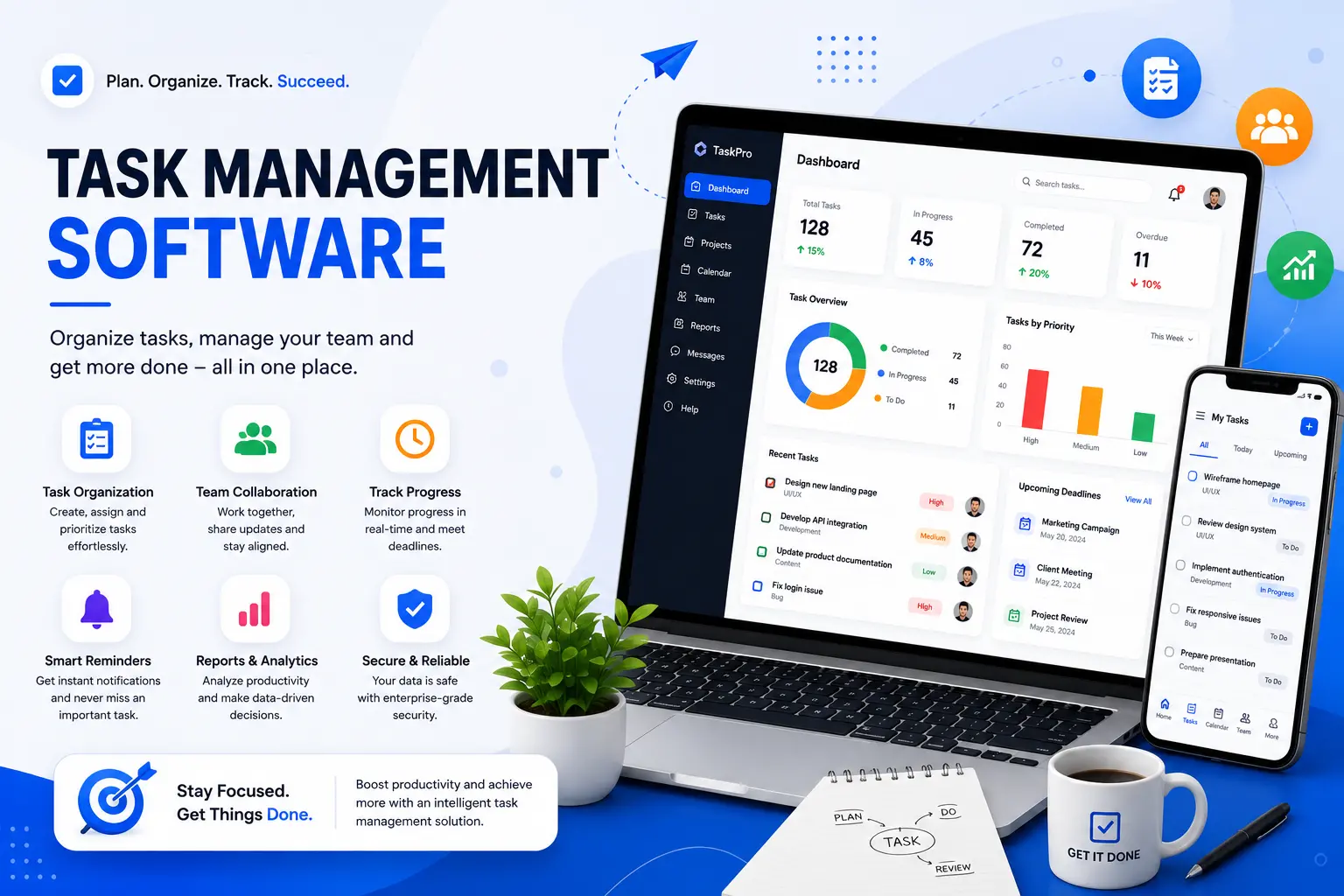
We mapped their actual dispatch workflow first — not a generic template. Then we built a custom task management system with role-based dashboards: dispatchers assign tasks, drivers get mobile push notifications with route details, and the ops manager sees a live status board instead of chasing updates. We integrated it with their existing fleet-tracking system so task status updates automatically when a driver checks in.
Within six weeks of launch, missed pickups dropped noticeably and the ops manager's daily status-chasing time went from two hours to about fifteen minutes. That's the kind of fit a generic tool couldn't offer them — their dispatch workflow simply didn't map onto any standard Kanban template.
Benefits of custom task management software:
Drawbacks to weigh:
Yes. Custom-built task management software can integrate with virtually any system you already use, including CRM, ERP, HR, and accounting platforms — something off-the-shelf tools often limit or charge extra for.
Not quite. A to-do list app is usually single-user and simple. Task management software supports team assignment, deadlines, dependencies, reporting, and collaboration across multiple people.
Task creation and assignment, multiple views (Kanban, list, calendar), due dates, dependencies, role-based access, notifications, reporting dashboards, and mobile access are the core features worth prioritizing.
Yes — in fact, it's most valuable for remote and distributed teams, since it replaces the informal in-office check-ins with a shared, always-visible source of truth.
Real estate, healthcare, manufacturing, logistics, marketing agencies, education, and field service businesses are among the most common industries that benefit from custom-built systems.
Ongoing maintenance is typically far lower than SaaS subscription costs over time, especially at scale, since there's no per-user fee. Most businesses budget for a support contract covering updates, bug fixes, and hosting.
Yes. Custom software is built to be extended. You can add features, integrations, or entirely new modules as your business grows, without waiting on a vendor's product roadmap.
Underestimating long-term maintenance and losing institutional knowledge if the person who built it leaves the company. Working with a development partner reduces this risk with documented, supported code.
It depends on your team. Field service, logistics, and sales teams generally need mobile access. Office-based teams can often get by with a responsive web app alone.
Start with a discovery call to map your current workflow and pain points. Hyper Software offers a free consultation to scope requirements before any development begins — call +91 9079282750 or visit hypersoftware.in.
We select the stack based on your scale, budget, and existing systems — common combinations include Node.js or Laravel for backend, React orAngular for web frontend, Flutter or React Native for cross-platform mobile apps, and PostgreSQL or MySQL for the database layer. For enterprise builds, we also work with cloud infrastructure like AWS, Azure, or Google Cloud depending on your compliance and hosting requirements.
Founded in 2020 and based in Jaipur, Rajasthan, Hyper Software has helped businesses across web development, custom software, mobile apps, eCommerce, CRM/ERP systems, UI/UX design, digital marketing, and business automation. We work with clients globally, which means whether you're in India, the US, UK, UAE, orAustralia, you get the same fixed- process, transparent-pricing approach.
We don't push a one-size-fits-all product. We map your workflow first, then build. That's the difference between software your team actually uses and software that becomes shelfware within a year.
Task management software is a digital tool that helps individuals and teams create, assign, prioritize, and track tasks from start to finish. It replaces scattered to-do lists and email threads with one shared, real-time view of work.
Task management software handles individual tasks — the what and when. Project management software covers that plus budgets, resource allocation, and multi- project portfolio tracking. Task management is essentially a subset of project management.
Custom builds typically range from $25,000 for a basic system to $150,000+ for enterprise-grade software with deep integrations. Cost depends on features, platforms (web/mobile), and integration complexity.
A basic system usually takes 6–10 weeks. Mid-tier and enterprise builds with integrations and mobile apps can take 3–6 months, depending on scope.
If your workflow is simple and your team is small, an off-the-shelf tool like Asana or ClickUp is usually enough. If you need specific integrations, custom approval workflows, or you've hit the pricing/feature ceiling of a SaaS tool, custom software pays off.
Have questions or need expert guidance? Our team is ready to help you with the right technology solutions for your business.