
Website design se lekar final launch tak pura process bahut smooth raha. Team har update time par deti rahi aur support bhi outstanding mila.

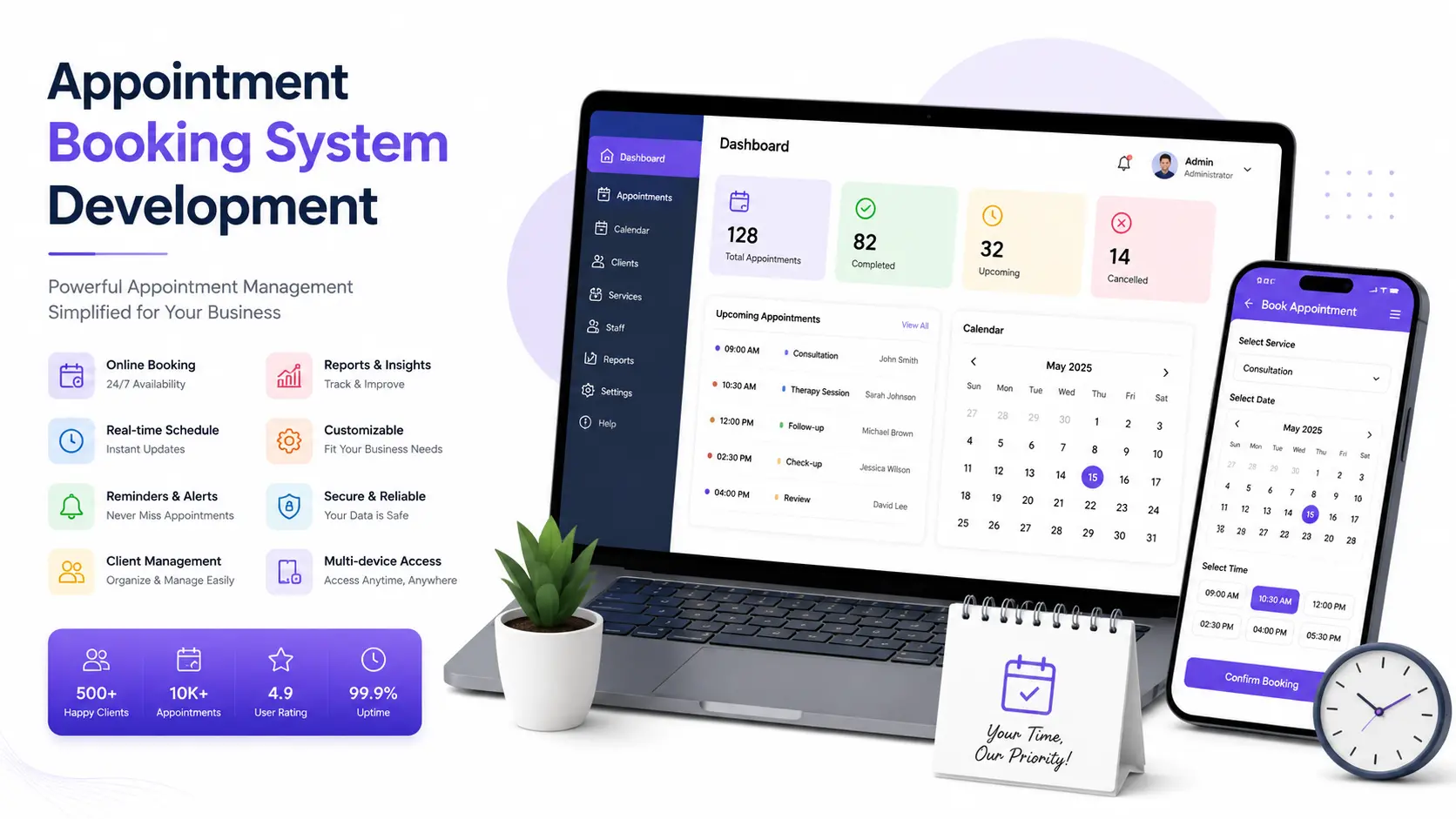
If your team is still juggling phone calls, WhatsApp messages, and a diary to manage bookings, you're leaving money on the table. An appointment booking system lets your customers book a slot themselves, any time of day, while you keep full control over your staff, services, and schedule. Hyper Software builds these systems from the ground up,tailored to how your business actually works, not how a generic tool assumes it works.
An appointment booking system is software that lets customers see your real-time availability and reserve a time slot without calling you. Behind the scenes, it manages staff calendars, sends reminders, blocks double-bookings, and (if you want) collects payment upfront.
Think of it as a receptionist who never sleeps, never double-books a slot, and never forgets to send a reminder text. Most business owners run into this problem the same way. Bookings start on a notebook or
a shared Excel sheet. Then a customer complains about a missed appointment. Then staff start double-booking the same 3 PM slot. That's usually the point where someone searches for "appointment booking system" for the first time.
A booking system isn't just a convenience feature anymore. It's become the difference between a business that scales and one that stays capped by how many phone calls one receptionist can handle in a day.
Get Free Consultation Within Minutes
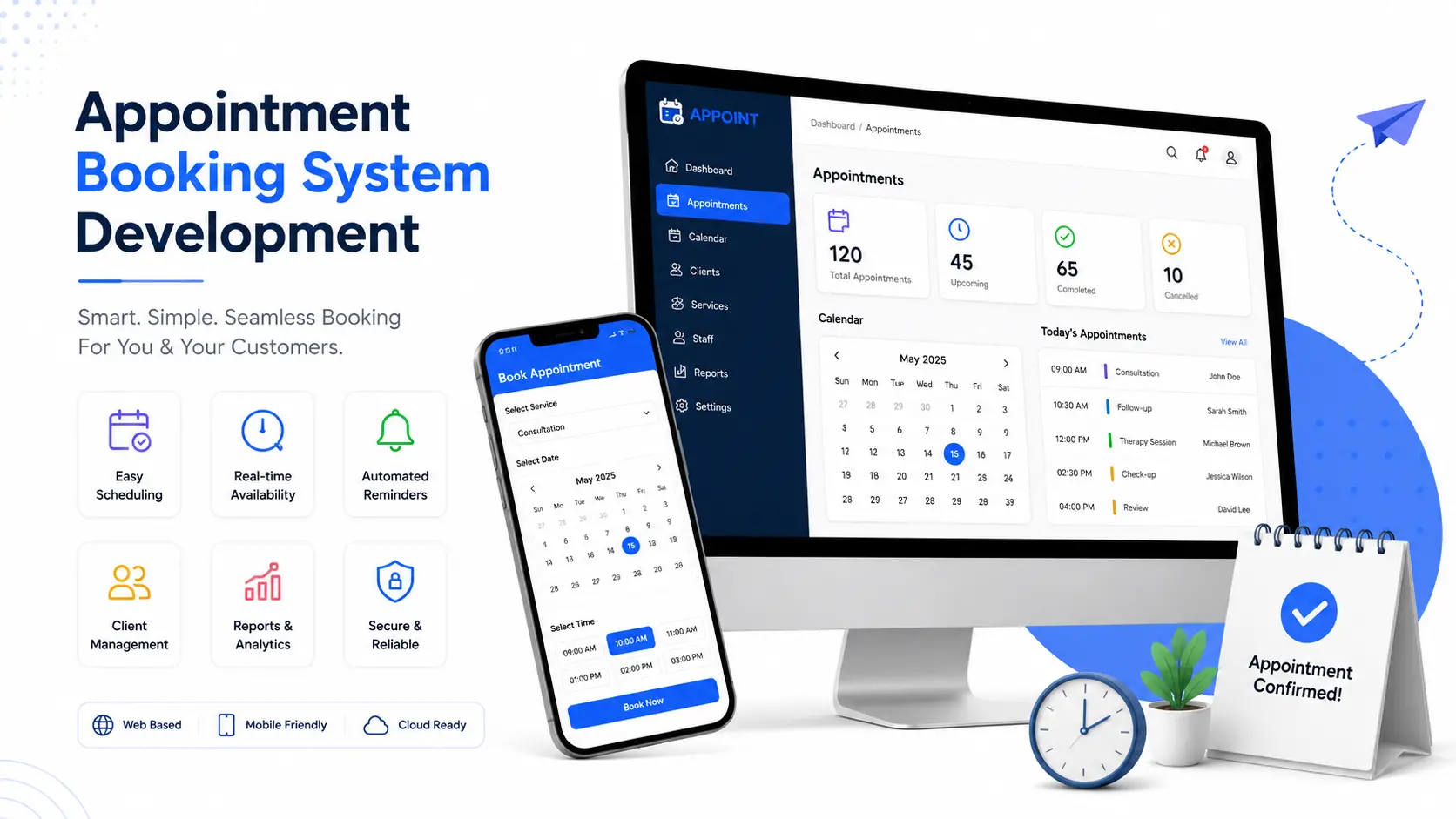
Not every feature on a spec sheet moves the needle for your business. Here's what actually matters, based on what we build for real clients.
1. Real-Time Availability
The system should show only genuinely open slots, pulled live from staff calendars, so nobody ever books a time that's already taken.
2. Calendar Sync
Two-way sync with Google Calendar, Outlook, orApple Calendar keeps staff schedules accurate even when appointments come in from multiple sources.
3. Automated Reminders
SMS, WhatsApp, and email reminders sent a day before and an hour before the appointment. This single feature does more to cut no-shows than almost anything else on this list.
4. Online Payments
Stripe, Razorpay, or PayPal integration lets you collect a deposit or full payment at the time of booking, which also reduces no-shows, since people rarely skip an appointment they've already paid for.
5. Staff and Resource Management
Assign specific services to specific staff members, manage their working hours, breaks, and leave, and let customers book a preferred staff member if that matters for your business (common in salons and clinics).
6. Multi-Location Support
If you run more than one branch, the system should let customers pick a location first, then see that branch's specific availability.
7. Customer Database
Every booking builds a record: contact details, visit history, no-show history, preferences. Over time, this becomes one of your most valuable business assets.
8. Mobile-Friendly Booking
Most bookings today happen from a phone, so the booking widget has to work cleanly on a small screen, not just look fine on a desktop demo.
9. Admin Dashboard and Reporting
A single screen showing today's bookings, this week's revenue, cancellation rates, and staff utilization, so you're not digging through spreadsheets to understand your own business.
10. Waitlist Management
When a slot is full, customers can join a waitlist and get notified automatically the moment it opens up, instead of that slot going to waste.
A booking system for a hospital and a booking system for a hair salon share the same bones but need very different logic on top.
Healthcare: Doctor-wise slots, patient history, prescription uploads, and often HIPAA or India's Digital Personal Data Protection Act compliance.
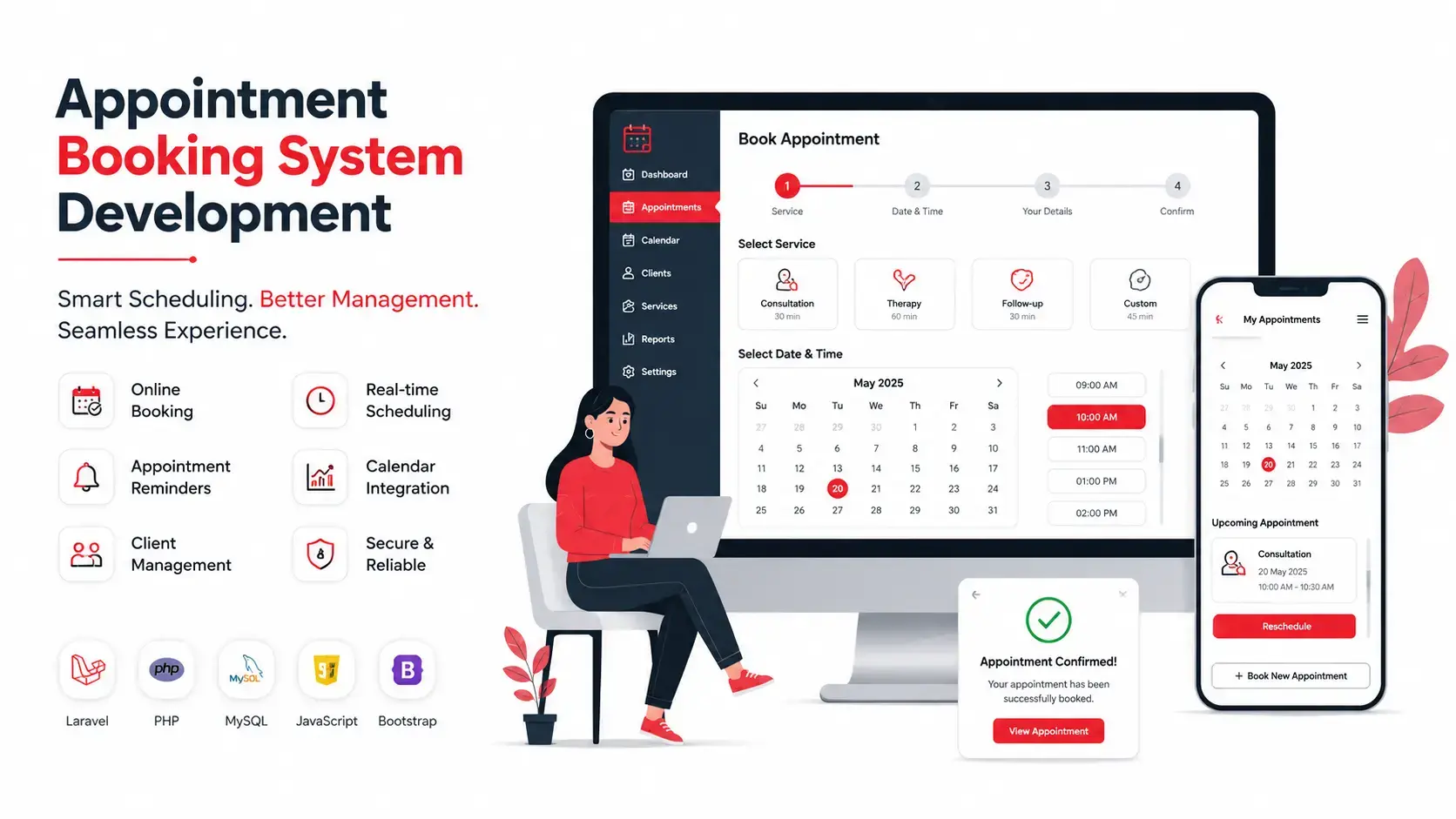
This is the decision most articles skip, and it's the one that actually determines whether you're happy with your booking system a year from now.
|
Factor |
Ready-Made SaaS (Calendly, Setmore) |
Freelancer-Built |
Custom Development (Hyper Software) |
|
Upfront cost |
Low (monthly |
Low to moderate |
Moderate to high, one-time |
|
subscription) |
|||
|
Ongoing cost |
Recurring, scales with usage/seats |
Low, but support is inconsistent |
Lower long-term, you own the code |
|
Customization |
Limited to what the |
Depends entirely on |
Built exactly to your |
|
platform allows |
the individual |
workflow |
|
|
Ownership |
You never own the |
You may or may not |
You own the full source code |
|
platform |
own the code |
||
|
Scalability |
Can hit plan limits as you |
Often breaks under |
Built to scale with your |
|
grow |
real growth |
business |
|
|
Support |
Ticket-based, generic |
Unreliable, person |
Dedicated team, ongoing |
|
may disappear |
support |
||
|
Best for |
Solo consultants, very |
Very small, one-off |
Clinics, chains, and growing |
|
simple needs |
projects |
service businesses |
When ready-made makes sense: you're a solo freelancer or consultant with one calendar and no staff to manage. Calendly or Setmore will genuinely do the job, and there's no reason to pay more for custom development.
When a freelancer makes sense: you have a very small, one-time budget and simple requirements, and you're comfortable with the risk that support may not exist six months later.
When custom development makes sense: you have staff, multiple locations, specific compliance needs, or you're planning to grow. At that point, a generic tool starts costing you in workarounds, plan upgrades, and features you can't get no matter how much you pay the
SaaS provider.
What can go wrong doing it alone (DIY page builders or free plugins): free WordPress booking plugins often break during plugin updates, don't scale past a handful of daily bookings, and rarely include real payment security. We've seen clinics lose a full day of bookings because a free plugin conflicted with a theme update, right during their busiest week.
Costs vary by feature depth, integrations, and whether you need a website booking page, a full mobile app, or both. Based on current industry data and our own project scoping, here's a realistic breakdown:
|
Tier |
What's Included |
Approximate |
Approximate |
|
Cost (INR) |
Cost (USD) |
||
|
Basic |
Single-location booking page, calendar |
₹40,000 – |
$500 – $1,500 |
|
sync, email reminders |
₹1,20,000 |
||
|
Mid- range |
Staffmanagement, SMS/WhatsApp reminders, payment gateway, admin |
₹1,50,000 – ₹5,00,000 |
$1,800 – $6,000 |
|
dashboard |
|||
|
Advanced |
Multi-location, mobile app, CRM |
₹6,00,000 – |
$7,000 – $30,000+ |
|
integration, custom reporting, role-based |
₹25,00,000+ |
||
|
access |
These are approximate industry ranges. Your exact quote depends on the specific features, integrations, and platforms (web only, or web plus a native mobile app) you need. We always provide a detailed, itemized quote after understanding your actual requirements, rather than a one-size-fits-all number.
Ongoing costs to plan for: hosting, SSL, SMS/WhatsApp API charges (billed per message by the provider, not us), and annual maintenance, which typically runs 15–20% of the original build cost per year.
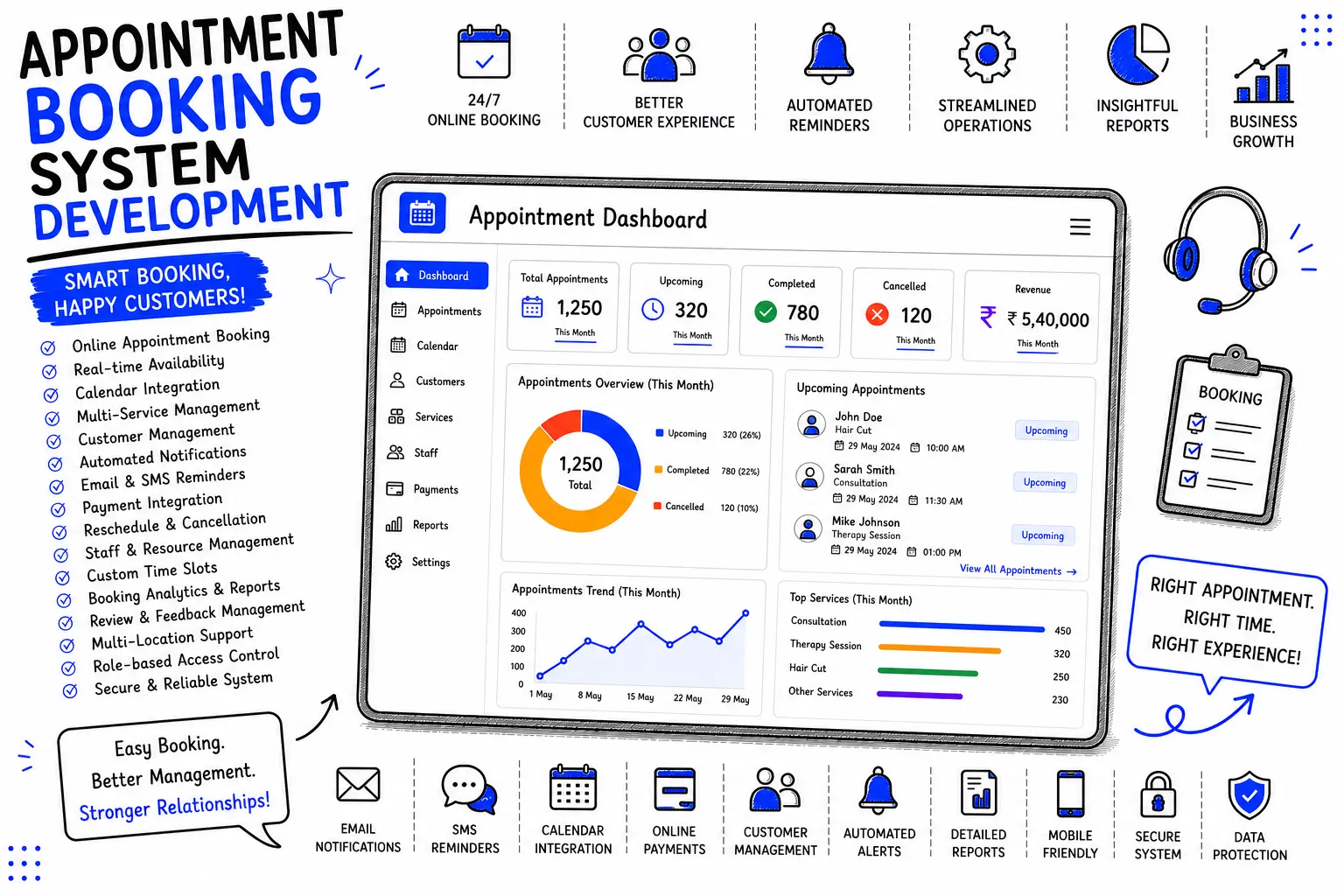
1. Requirement Discovery. We map your actual booking workflow: services, staff, locations, and the specific pain points you're trying to fix.
2. UI/UX Design. We design the booking flow around your brand, not a template, so it feels like part of your website, not a bolted-on widget.
3. Development. Our team builds the front-end booking page and the back-end admin panel in parallel, using a stack chosen for your scale and integrations.
4. Integrations. Calendar sync, payment gateway, SMS/WhatsApp API, and CRM connections are wired in and tested.
5. Testing. We test double-booking edge cases, time zone handling, payment failures, and mobile responsiveness before anything goes live.
6. Launch and Training. We deploy the system and walk your team through the admin dashboard so they're comfortable from day one.
7. Support. Post-launch support and maintenance, so the system keeps working as your business grows and requirements change.
We choose the stack based on your project's scale, not a fixed template. Typical builds use React or Next.js for the front end, Node.js or Laravel for the back end, and PostgreSQL or MySQL for the database, with Razorpay or Stripe for payments and Twilio or WhatsApp Business API for notifications. For clients who need a mobile app alongside the web version, we build in React Native or Flutter to cover both iOS and Android from a single codebase.
An appointment booking system holds sensitive customer data: names, phone numbers, and in healthcare cases, medical history. We build with encrypted data storage, secure payment handling (never storing raw card details on our own servers), and role-based admin access, so staff only see what their role requires. For clients serving EU customers, we account for GDPR requirements. For healthcare clients, we build with India's Digital Personal Data Protection Act and, where relevant, HIPAA-aligned practices in mind.
An appointment booking system is software that lets customers view your real-time availability and book a time slot online, without calling your office. It also manages staff schedules, sends reminders, and can process payments.
Basic systems start around ₹40,000–₹1,20,000 ($500–$1,500), while feature-rich custom systems with payments, staff management, and mobile apps typically run ₹1,50,000–₹25,00,000+ ($1,800–$30,000+), depending on complexity.
For solo consultants with simple needs, ready-made tools work fine. For businesses with multiple staff, locations, or specific compliance needs, a custom system is usually better long-term, since you're not limited by a fixed plan or feature set.
A basic system typically takes 3–5 weeks. Mid-range systems with payments and staff management usually take 6–10 weeks. Advanced, multi-location systems with a mobile app can take 3–5 months.
Yes. Automated SMS and email reminders, combined with upfront payment or deposit collection, are two of the most effective ways to reduce no-shows, since most no-shows happen because customers simply forget.
A properly built system is fully mobile-responsive, since the majority of bookings today happen from a smartphone rather than a desktop computer.
Yes, two-way sync with Google Calendar, Outlook, orApple Calendar is a standard feature we build into most custom systems, so staff schedules stay accurate across every source.
Yes. We integrate payment gateways like Razorpay, Stripe, or PayPal so customers can pay a deposit or the full amount at the time of booking.
Yes, a properly architected system lets customers select a location first and then see that branch's specific staff and availability, all managed from one central admin dashboard.
A well-built system locks a slot the moment someone starts booking it, so double-bookings are prevented at the database level, not just on the visible calendar.
Choosing features before mapping the workflow. Businesses often ask for a long feature list before figuring out what their actual booking process looks like, which leads to a bloated system nobody fully uses.
A multi-branch physiotherapy clinic in Rajasthan came to us with a familiar problem. Their receptionists were managing bookings across three branches through a shared WhatsApp group and a physical register. Therapists were double-booked at least twice a week, and the clinic was losing an estimated 15–20 appointments a month to scheduling errors alone.
We built them a custom appointment booking system with branch-wise calendars, therapist-specific availability, and automated SMS reminders sent 24 hours and 2 hours before each session. We also added a simple reschedule link inside every reminder, so patients could shift their own slot instead of calling the front desk.
Within the first two months, double-bookings dropped to zero, no-shows fell by roughly a third, and the front desk team reported spending under an hour a day on scheduling, down from nearly four. The clinic has since added a fourth branch on the same system without any additional development cost, because we built it to scale from day one.
Hyper Software is a Jaipur-based IT solutions company that's been building custom digital products since 2020. We work with clinics, salons, consultants, and multi-location service businesses across India and internationally, building appointment booking systems that fit the way each business actually runs, not the other way around. You get a dedicated team, a system you fully own, and support that doesn't disappear after launch.
Call us at +91 9079282750 or visit www.hypersoftware.in to get a free, no-obligation quote for your appointment booking system.
A website booking page is enough for most small and mid-sized businesses. A dedicated mobile app makes sense once you have a large repeat customer base that would benefit from push notifications and faster rebooking.
Yes, when built correctly. We use encrypted storage, role-based admin access, and secure payment processing that never stores raw card details on our own servers.
Yes, staff management is a core feature. You can set individual working hours, block off leave, and assign specific services to specific staff members.
Yes, and they need extra care around patient data. We build healthcare booking systems with doctor-wise scheduling, patient history, and compliance with relevant data protection regulations.
Yes, self-service rescheduling and cancellation (usually through a link in the reminder message) is a standard feature that reduces front-desk workload and prevents no-shows.
Have questions or need expert guidance? Our team is ready to help you with the right technology solutions for your business.