
Hyper Software ne hamare business ko online ek nayi pehchan di. Website professional, fast aur SEO optimized hai. Website Design & Development ke liye best company.

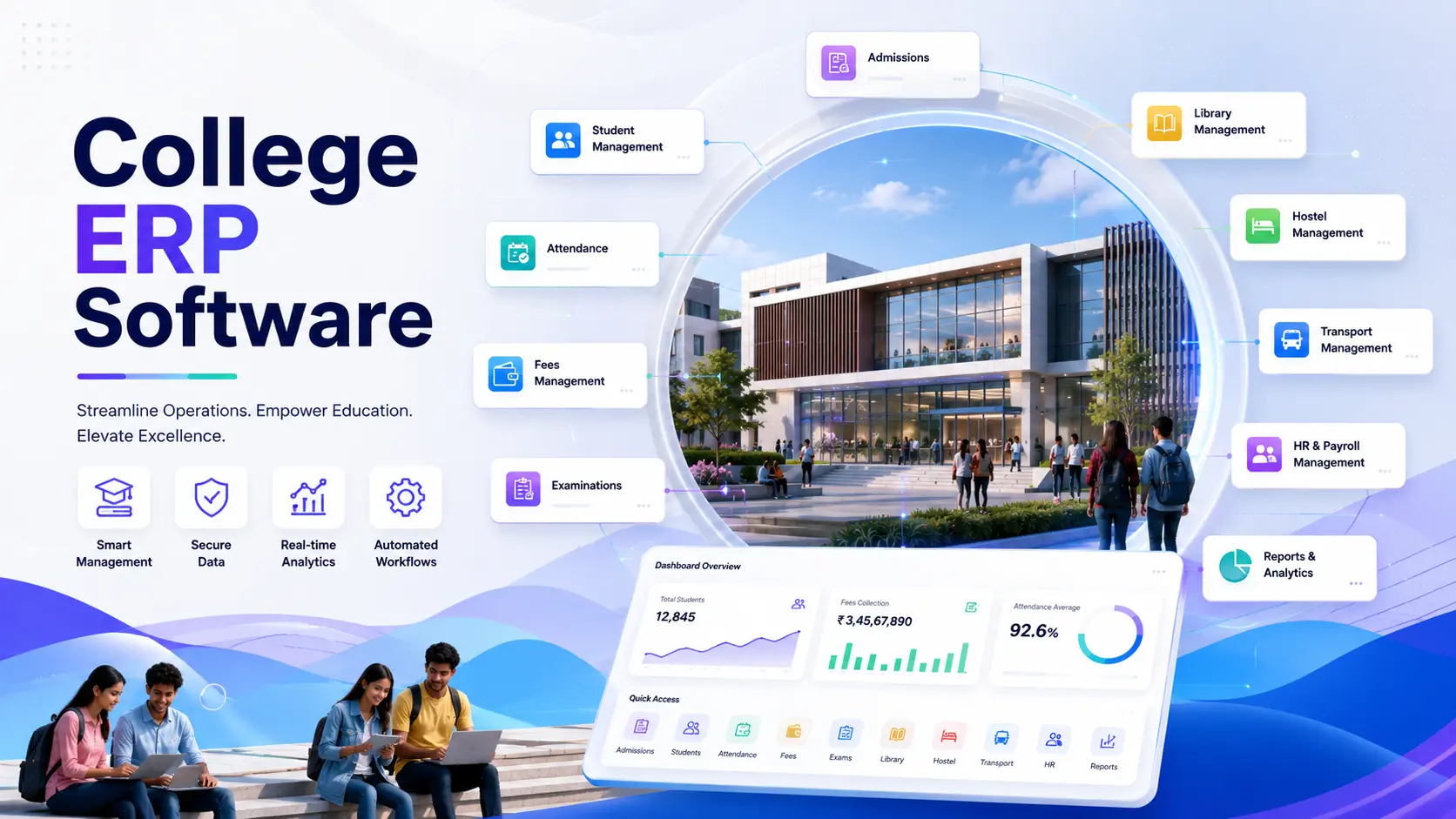
Running a college without proper software today is like running a hospital with paper files. College ERP software brings your admissions, fees, exams, attendance, and staff records onto one screen, so you stop chasing registers and start making decisions with real data. If you're comparing options or trying to figure out what this actually costs, this guide walks you through all of it, features, pricing, and the mistakes most colleges make before they buy.
At Hyper Software, we've built ERP systems for institutions that were still running admissions on Excel sheets. We know exactly where the pain points are, and we'll be honest about them here, not just sell you a feature list.
College ERP (Enterprise Resource Planning) software is a single system that connects every department of a college, admissions, academics, finance, HR, and student services, into one platform. Instead of the accounts team using one tool, the exam cell using another, and admissions running on WhatsApp and Excel, everyone works from the same live data.
Think of it as the college's central nervous system. A change in one department, say a student's fee status, instantly reflects wherever it's needed, in the exam department for hall ticket eligibility, in the hostel office for allocation, and in the reports the principal pulls before a board meeting.
It's different from a plain Student Information System (SIS), which usually just tracks academic records. A full ERP goes further and includes finance, HR, payroll, and compliance reporting under one roof.
Get Free Consultation Within Minutes
Manual systems break down quietly, and then all at once. A missing admission form. A fee receipt that doesn't match the bank statement. An exam date sheet clash nobody caught until the night before. None of these are rare. They're what happens by default when a college of a few hundred or a few thousand students runs on spreadsheets and paper files. Three things are pushing this shift right now:
Three things are pushing this shift right now:
Student expectations have changed. Applicants expect to apply, pay fees, and check results online, not stand in a queue. A college without a digital front door loses admissions to one that has it.
Compliance has gotten heavier. NAAC, NBA, AICTE, and NEP 2020's credit framework all demand structured, verifiable data. Pulling that together from paper files during accreditation season is one of the most stressful weeks an IQAC coordinator will ever have. An ERP keeps that data ready year-round instead.
Staff time is genuinely scarce. Administrative teams in Indian colleges reportedly spend a large share of their working hours on repetitive tasks, data entry, re-checking records, chasing signatures, that software can do in seconds.
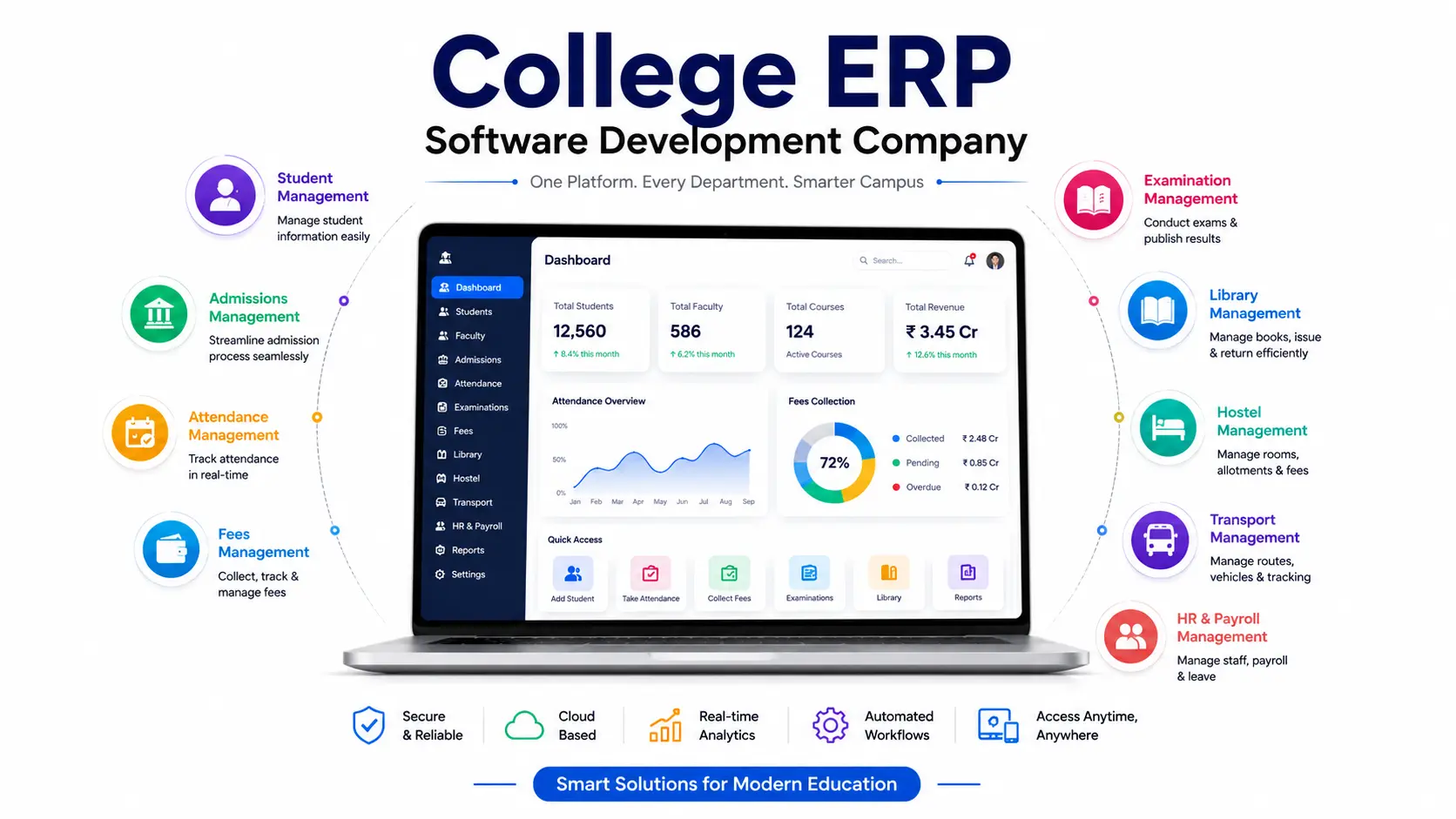
A good college ERP isn't one giant tool. It's a set of connected modules, and which ones you need depends on the size and type of your institution.
Academic Modules
Financial Modules
Fee management: fee heads, installments, online payment, and automatic receipts
Payroll: faculty and staff salary processing, statutory deductions, and leave management
Accounting and financial reporting
Administrative Modules
Compliance & Reporting
Hyper Software ne hamare business ko online ek nayi pehchan di. Website professional, fast aur SEO optimized hai. Website Design & Development ke liye best company.

Less manual work,fewer errors. Data is entered once and used everywhere, instead of being retyped in five different registers.
Real-time visibility. Principals and management get live dashboards instead of waiting for someone to compile a monthly report.
Faster admissions. Online forms and automated merit lists cut weeks off the admission cycle.
Better fee collection. Automated reminders and online payment options reduce pending dues.
Accreditation-ready data. Reports for NAAC, NBA, orAICTE come from the system instead of being built from scratch every cycle.
Improved parent and student trust. Students and parents can check attendance, grades, and dues from a portal or app, instead of calling the office.
Scalability. As your college adds courses or campuses, the system grows with you instead of needing a rebuild.
Pricing varies a lot, and anyone quoting one flat number for every college isn't being fully honest with you. Here's a realistic breakdown based on what the market actually charges.
|
Pricing Model |
Typical Range |
Best For |
|
Per-student subscription |
₹10 to ₹100 per student, per |
Colleges wanting low upfront cost |
|
(SaaS) |
month |
and quick setup |
|
Per-student annual license |
₹120 to ₹12,000 per student, per year |
Mid-size colleges preferring annual billing software development |
|
Custom-built ERP (one- |
₹1.5 lakh to ₹10+ lakh, |
Colleges with specific workflows a |
|
time development) |
depending on modules and |
ready-made tool can't handle |
|
scale |
||
|
Enterprise multi-campus |
₹5 lakh and above, plus annual |
Education groups running |
|
ERP |
maintenance |
multiple colleges or universities |
What actually moves the price: number of students, number of modules, whether you want a mobile app included, how much customization your workflows need, and whether you're hosting on cloud or on your own servers. Be cautious of quotes that seem too low. They often exclude support, data migration, or future module additions, all of which add up later.
This is the decision most colleges get wrong, not because they pick the "bad" option, but because they pick without thinking it through.
Ready-made ERP software is quicker to launch, usually within days to a few weeks. It works well if your processes are fairly standard. You'll pay a recurring subscription, and customization is limited to whatever the vendor allows.
Custom-built ERP software, developed by a company like Hyper Software, takes longer to launch, typically 6 to 12 weeks depending on scope, but it's built around how your college actually works, not the other way around. This matters more than people expect. Autonomous colleges with unique OBE structures, colleges running unusual fee installment plans, or groups managing multiple campuses under one login often find ready- made tools force them to change their process to fit the software, not the reverse.
Doing it yourself (using free or low-cost templates, or basic spreadsheet automation) can work for very small institutes with under 200 students, but it breaks down fast once you add multiple departments, staff logins, and compliance reporting. The real cost of DIY isn't the software, it's the hours your staff spends managing something that was never built to scale, and the risk of losing data with no proper backup or support.
Our honest take: if your college has fewer than 300 students and simple processes, a ready-made SaaS ERP is probably the faster, cheaper route. If you're above that, have unique workflows, or are chasing NAAC/NBA accreditation with specific reporting needs, a custom build pays for itself within a year or two through saved staff hours and fewer compliance headaches.
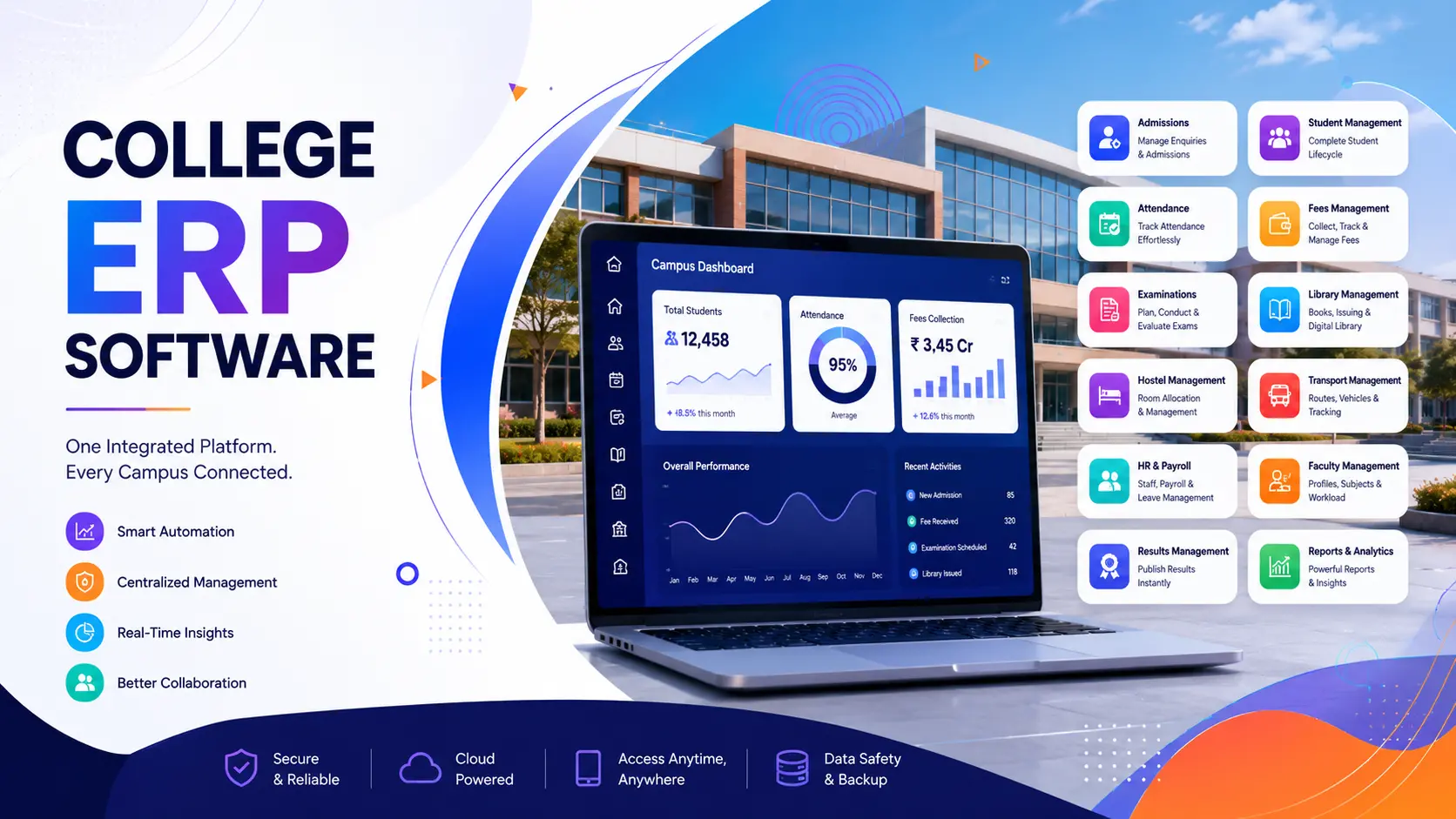
Cloud-based ERP runs on the vendor's servers. You access it through a browser or app, from anywhere. There's no server hardware to maintain, updates happen automatically, and it's the easier choice for colleges without a dedicated IT team. This is what most colleges choose today, including multi-campus groups that need one login across locations.
On-premise ERP runs on servers physically installed at your college. It gives you full control over data location, which some government-aided or highly regulated institutions prefer. But it also means you're responsible for hardware, backups, and security patches, and scaling to a second campus means duplicating infrastructure.
For most private and autonomous colleges, cloud-based wins on cost and convenience. On-premise still makes sense for institutions with strict internal data policies or unreliable local internet access.
If you're in India and heading toward NAAC or NBA accreditation, this is where an ERP earns its cost back fastest.
NAAC's criteria weigh institutional governance, ICT adoption, and data management heavily. When your admission, attendance, exam, and faculty data already live in one system, generating the Self Study Report (SSR) becomes a matter of pulling structured reports, not spending months reconstructing records from files across departments.
Specifically, a good ERP helps with:
Keep in mind: software supports compliance, it doesn't replace the actual academic and governance quality NAAC evaluates. Treat the ERP as your evidence backbone, not a shortcut around genuine institutional improvement.
A mid-size private college in Rajasthan came to us with a familiar problem. Their admissions ran on a mix of Google Forms and a physical register, fee collection was tracked in three separate Excel sheets by three different staff members, and every NAAC cycle meant two months of everyone in the office staying late to compile reports by hand.
We started small. In the first phase, we built and launched the admission and fee school management software modules, migrating three years of past student data into the new system over about four weeks. Staff were trained in small groups over two weeks, not one big session that nobody remembers.
Within the first admission cycle on the new system, the college cut its admission processing time by more than half, and fee reconciliation, which used to take a full day at month-end, became a same-day task. Six months later, we added the examination and NAAC reporting
modules. When their next accreditation cycle came around, their IQAC coordinator told us it was the first time she hadn't worked a weekend to pull the data together.
That's the actual measure of whether ERP development software works: not how many features it has, but whether the people using it every day get their evenings back.
A student information system (SIS) focuses only on academic records like attendance, grades, and enrollment. A college ERP is broader, it includes the SIS plus finance, HR, payroll, and compliance reporting all in one connected platform.
No. Small colleges with a few hundred students benefit too, especially for admissions and fee management. Many vendors offer scaled-down, lower-cost plans for smaller institutions.
Yes, with most custom-built systems. Ready-made SaaS products have more limited customization, so check this before signing a long-term contract.
Cloud-based ERP needs an internet connection. Some on-premise systems offer limited offline functionality for specific modules like attendance, but full features usually need connectivity.
Ready-made systems can go live in a few weeks. Custom-built ERP systems typically take 6 to 12 weeks depending on the number of modules and how much data needs to be migrated.
Reputable systems use role-based access control, encrypted data storage, and regular backups. Always ask a vendo directly about their specific security practices and where data is hosted before signing up.
Yes. It centralizes admission, academic, and faculty data, making it far faster to generate the structured MIS reports NAAC and NBA require during accreditation cycles.
It typically ranges from ₹10 to ₹100 per student per month for subscription-based systems, or ₹1.5 lakh and above for a ustom-built solution, depending on modules and scale.
Most modern systems include a parent and student portal or mobile app for checking attendance, grades, fee status, and notices.
Admissions, fee management, and attendance are usually the highest-impact modules to start with. Additional modules like library or hostel management can be added later.
1. List your real pain points first. Don't start with features, start with what's actually broken today, admissions, fees, exams, or reporting.
2. Decide ready-made vs custom. Use the comparison above based on your college's size and workflow complexity.
3. Ask for a live demo with your own data scenario. A generic demo hides gaps a real scenario reveals.
4. Check mobile and parent-portal access. This affects adoption more than any back- end feature.
5. Confirm accreditation reporting formats. Ask the vendor to show a NAAC/NBA-style report, not just describe it.
6. Check data security and backup policy. Ask where data is hosted and how often it'sbacked up.
7. Ask about post-launch support. Find out response times for support tickets, not just sales promises.
8. Get pricing in writing, including future costs. Confirm what happens when you add students, modules, or a second campus.
Hyper Software is a Jaipur-based IT solutions company that's been building customsoftware, websites, mobile app development, and ERP systems since 2020. We're not a template reseller. Every college ERP we build starts with understanding your actual admission, fee, and academic workflow, then we build around it.
We handle the full process ourselves: requirement mapping, development, data migration, staff training, and post-launch support, so you're not stuck between three different vendors when something needs fixing. Whether you're a single college or run multiple campuses,
we build systems that scale with you instead of needing to be replaced in three years.
Want to see how it would work for your college? Call us at +91 9079282750 or visit www.hypersoftware.in for a free demo.
It depends on your college's size and how standard your processes are. Ready-made suits smaller colleges with simple workflows; custom fits colleges with unique processes or specific accreditation needs.
Yes, most modern cloud-based ERPs support multi-campus management from a single login, with campus-wise or consolidated reporting.
A proper vendor will handle data migration from your old system, spreadsheets, or paper records into the new ERP as part of the implementation process. Always confirm this is included before signing.
Most full ERP suites include payroll and HR modules for faculty and staff, covering salary processing, leave management, and statutory deductions.
If your staff regularly deal with duplicate data entry, delayed reports, fee reconciliation errors, or accreditation stress, those are strong signs your college would benefit from ERP software.
Have questions or need expert guidance? Our team is ready to help you with the right technology solutions for your business.