
Website design se lekar final launch tak pura process bahut smooth raha. Team har update time par deti rahi aur support bhi outstanding mila.

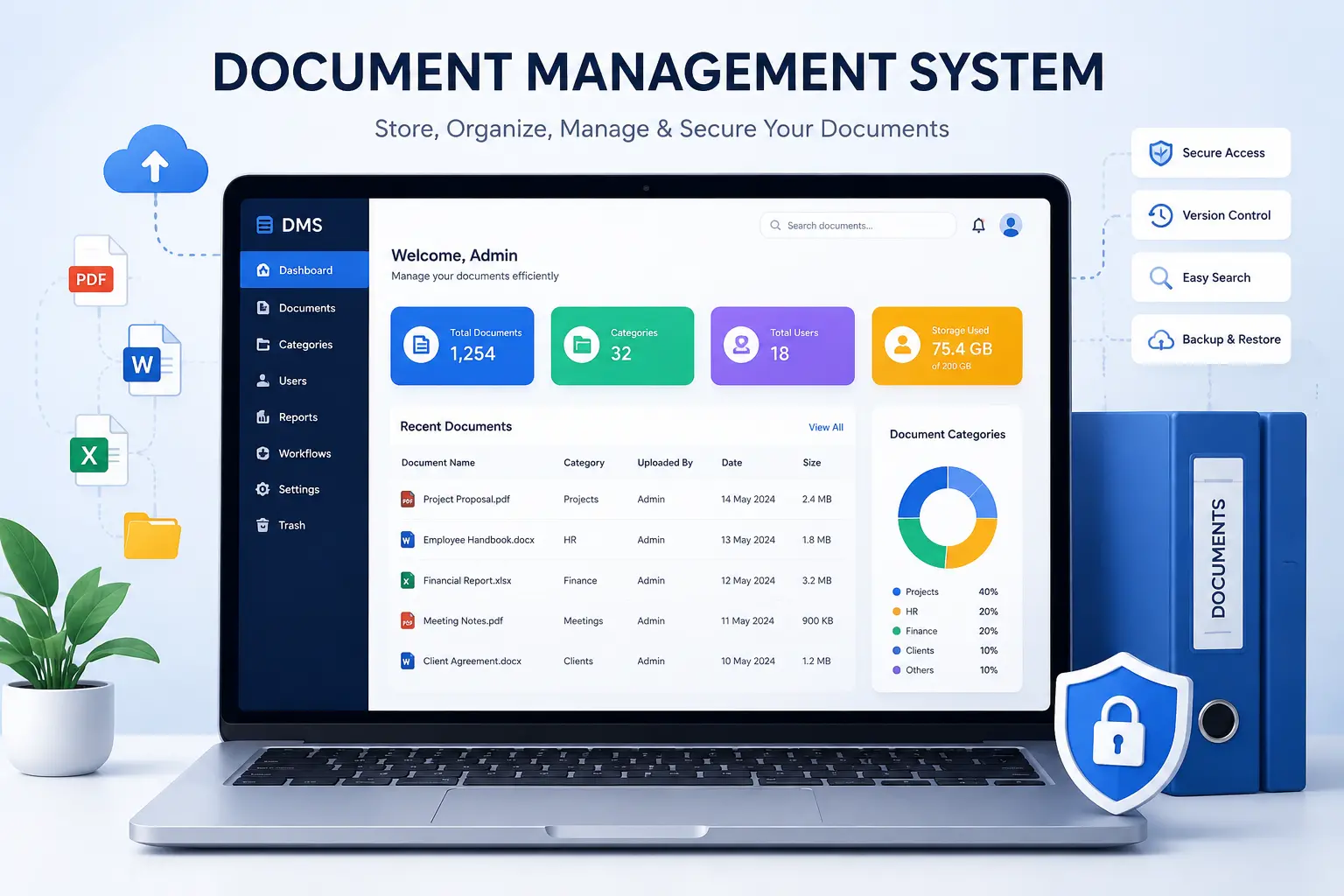
Losing track of files costs more than time. It costs deals, deadlines, and sometimes compliance. A document management system (DMS) fixes that by giving your business one secure place to store, find, and control every document, from contracts to invoices to HR records. Hyper Software builds custom document management systems for companies that have outgrown folders, email threads, and shared drives.
If you're trying to decide whether your business needs one, or you already know you do and want it built right, this page walks through what a DMS actually does, what it costs, and how we build one for you.
A document management system is software that stores, organizes, and tracks digital documents so a business can find, share, and control them from one place. Instead of files scattered across laptops, inboxes, and shared drives, everything lives in one searchable, permission-controlled system.
Most people picture a DMS as just cloud storage. It's more than that. A real DMS adds version history (so you always know which file is current), access rules (so only the right people see sensitive files), and often a workflow layer that routes documents for review or approval automatically.
Get Free Consultation Within Minutes
At a basic level, a DMS follows five steps every time a document enters the system:
1. Capture — a file is uploaded, scanned, or generated inside the system. OCR converts scanned paper into searchable text at this stage.
2. Index — the system tags the file with metadata (document type, department, date, owner) so it's easy to find later.
3. Store — the file is saved in a structured, permission-controlled location, often with encryption applied.
4. Route — if a workflow is set up, the document moves automatically to the right person for review, edit, or approval.
5. Retrieve — anyone with permission can search and pull up the file in seconds, along with its full version history.
That last step is the one most businesses actually feel day to day. A well-built DMS turns a five-minute file hunt into a five-second search.
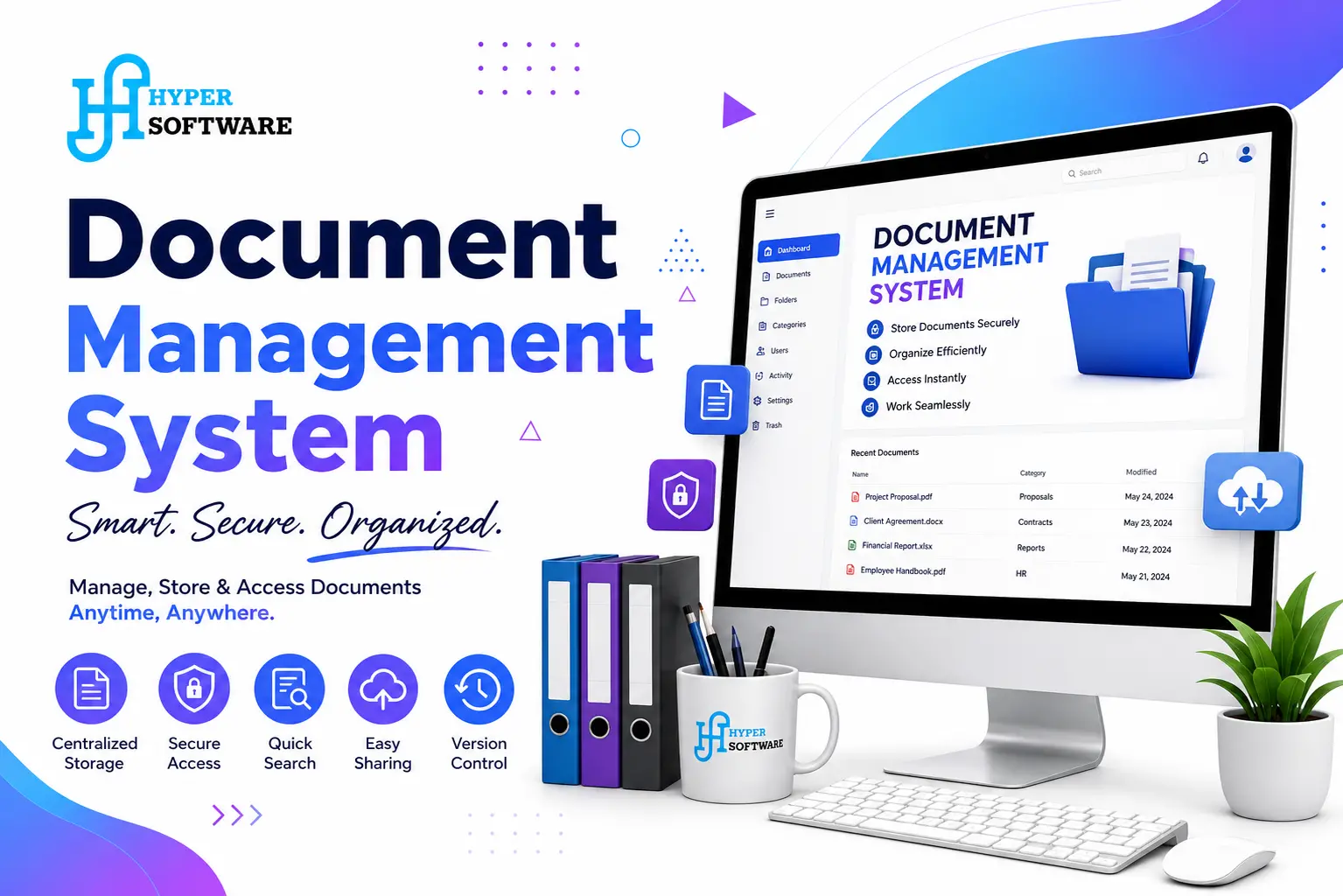
Not every DMS is built the same way. The right type depends on your data sensitivity, budget, and team size.
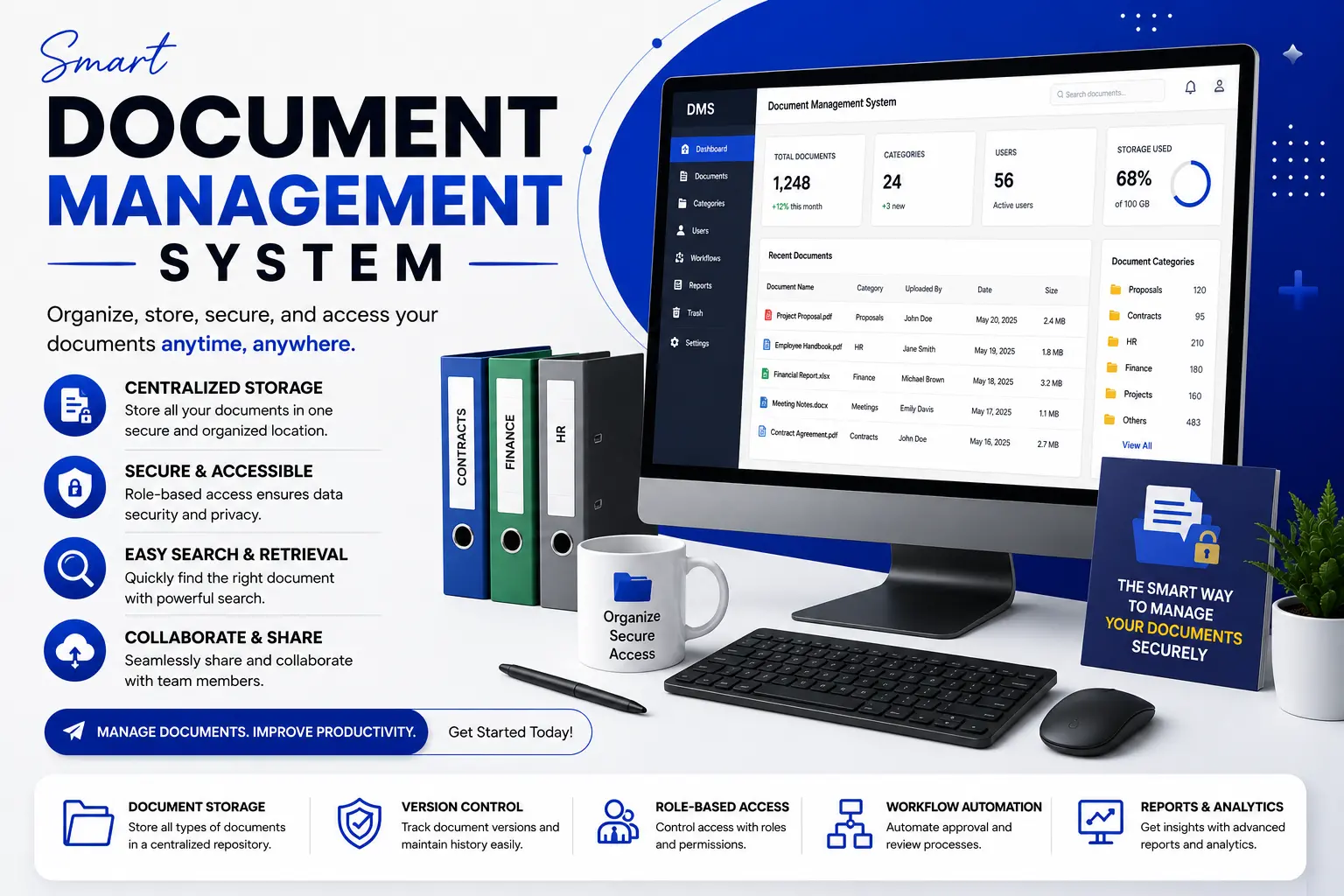
A DMS that just stores files isn't earning its keep. Here's what actually matters:
This is the question we get asked the most, and the honest answer is: it depends on how specific your workflow is.
| Ready-Made DMS Software | Custom-Built DMS | |
| Best for |
Simple, generic document storage needs |
Specific workflows, integrations, or compliance rules |
| Cost |
Lower upfront, ongoing per-user subscription |
Higher upfront, no recurring per-user licensing |
| Setup time | Days to a few weeks |
Several weeks to a few months, depending on scope |
| Integrations | Limited to what the vendor supports |
Built to match your exact ERP, CRM, or HRMS |
| Ownership | You rent the software | You own the system outright |
| Scaling |
Costs rise with every added user or storage tier |
Scales on your terms, not a vendor's pricing tiers |
| Where it breaks down | Struggles with unusual workflows or niche compliance needs | Not worth it for a two-person team with basic storage needs |
Our honest take: if you're a small team with simple, generic storage needs, a ready-made tool can get you 80% of the way there for a fraction of the cost. Once your workflow gets specific, once compliance rules, approval chains, or integrations with your existing systems come into play, that remaining 20% is where off-the-shelf software starts costing you in workarounds, and that's when a custom build pays for itself.
Here's how we actually build a DMS at Hyper Software, from the first call to post-launch support.
1. Discovery and requirement mapping — we sit down with your team, map out how documents currently move (or get stuck), and identify every integration point (ERP, CRM, email, accounting software).
2. Architecture and workflow design — we design the document structure, permission model, and approval workflows before writing a line of code.
3. UI/UX design — dashboards, search, and upload screens get designed for the people who'll actually use them daily, not just the IT department.
4. Development — the system gets built in iterative sprints, with core features (upload, search, permissions) shipped first.
5. Integration — we connect the DMS to your existing ERP, CRM, HRMS, or accounting tools so documents stay linked to the records they belong to.
6. Testing — security testing, load testing, and real-world workflow testing, including messy inputs like skewed scans and handwritten forms.
7. Deployment and training — we deploy to your chosen environment (cloud, on-premise, or hybrid) and train your team so adoption doesn't stall in week one.
8. Post-launch support — bug fixes, feature additions, and scaling support as your document volume grows.
There's no single number here, and any agency that quotes one without asking about your workflow first is guessing. What actually moves the price:
| Project Type | Approximate Cost Range |
| Basic DMS (single team, core storage + search) | ₹1.5 lakh – ₹5 lakh (approx. $1,800 – $6,000) |
| Mid-size DMS (workflow automation, one integration) | ₹5 lakh – ₹15 lakh (approx. $6,000 – $18,000) |
| Enterprise DMS (multiple integrations, compliance, OCR, e-signature) | ₹15 lakh and above (approx. $18,000+, can run well into six figures for very large deployments) |
These are directional ranges, not fixed quotes. Every business's document workflow is different, so we scope and price after understanding your actual requirement, not before.
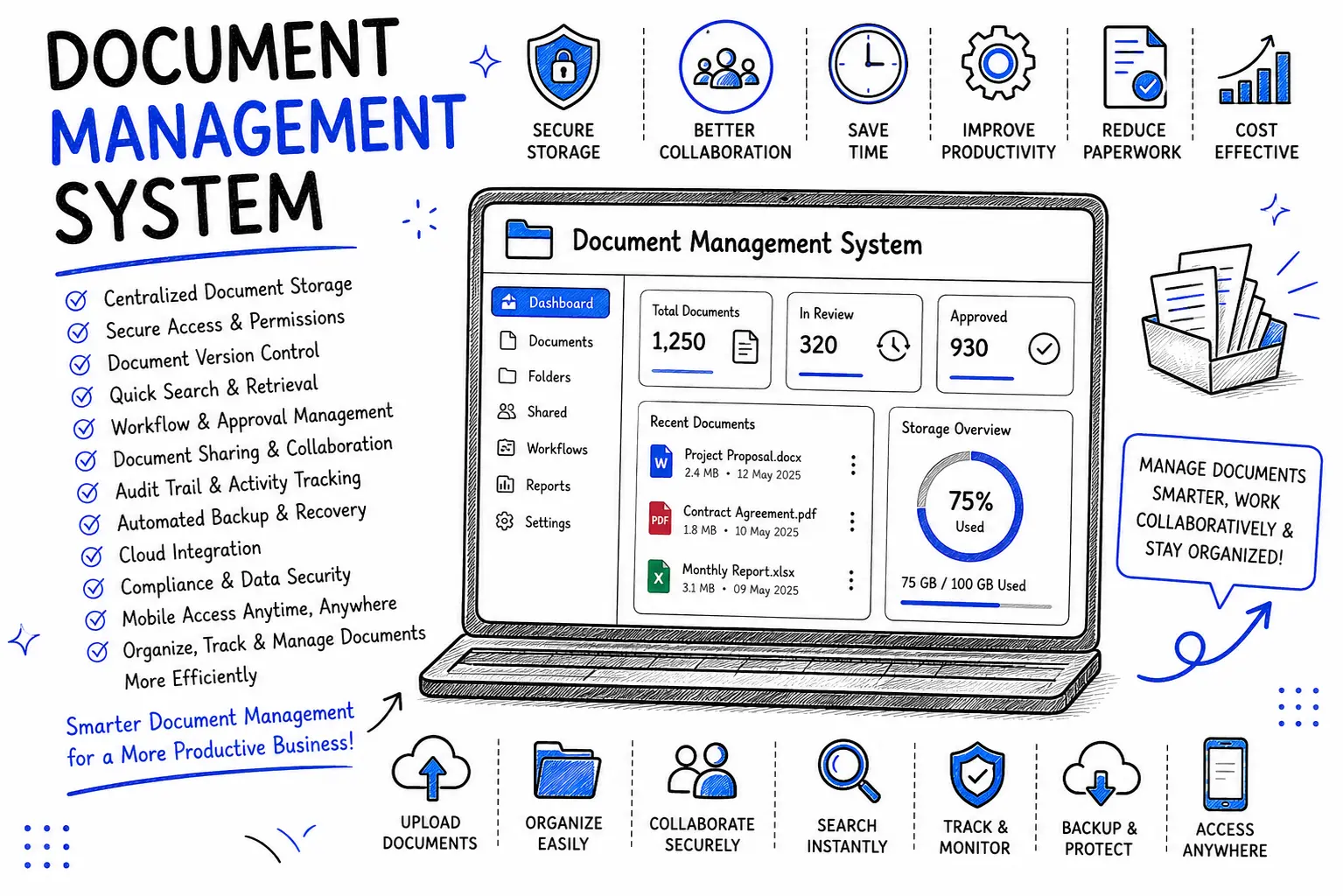
One client, a mid-size logistics company, came to us with a familiar problem: shipping documents, customs paperwork, and vendor contracts were split across email inboxes, a shared drive, and physical folders at three branch offices. Finding the right customs document during an audit could take an entire afternoon.
We built them a custom DMS with OCR for scanned customs paperwork, role-based access so branch staff only saw their own branch's documents (while head office saw everything), and a workflow that routed new vendor contracts to the right approver automatically. We integrated it with their existing accounting software so invoices stayed linked to the shipments they belonged to.
The result: document retrieval that used to take hours now takes under a minute, and their last compliance audit was the fastest they'd had in years, because every file had a clean access log attached to it.
Documents often hold your most sensitive business data: contracts, financial records, employee files. A DMS worth building includes:
If your business handles data covered by regulations like GDPR or industry-specific compliance rules, these aren't optional extras. They need to be part of the system from day one, not bolted on afterward.
A document management system is software that stores, organizes, and controls access to digital documents from one central place. It replaces scattered files across drives, inboxes, and paper folders with a searchable, version-controlled system.
Cloud storage just holds files. A DMS adds structure on top: version control, permission-based access, audit trails, search by content, and often automated workflows for approvals. Cloud storage is a component of a DMS, not a replacement for one.
It depends on user count, integrations, and workflow complexity. A basic system can start around ₹1.5 lakh ($1,800), while a full enterprise build with compliance and multiple integrations can run into several lakhs or more. Get an exact quote based on your actual requirement.
Ready-made software works for simple, generic storage needs. A custom DMS makes sense once your workflow, compliance requirements, or integrations get specific enough that off-the-shelf tools force you into workarounds.
A basic system can take a few weeks. A mid-size system with workflow automation and one integration usually takes two to four months. Enterprise systems with multiple integrations and compliance requirements can take longer, depending on scope.
Yes. A custom-built DMS can be connected to your existing ERP, CRM, HRMS, or accounting software so documents stay linked to the business records they belong to, instead of living separately.
A properly built DMS includes encryption at rest and in transit, role-based access control, audit logs, and regular backups. Security depends heavily on how the system is built and configured, so ask any vendor directly about these features.
OCR, or optical character recognition, converts scanned paper documents and images into searchable, editable text. This is what lets you search inside a scanned PDF instead of only searching by filename.
Yes. Most modern document management systems, especially custom-built ones, can include e-signature functionality so contracts and forms get signed and stored inside the system without printing and rescanning.
Legal, healthcare, financial services, manufacturing, logistics, real estate, and any government-adjacent organization that deals with high document volume and compliance requirements benefit the most from a dedicated DMS.
Hyper Software has been building custom software for businesses since 2020, from our base in Jaipur to clients across the globe. We don't sell you a template. We map your actual document workflow first, then build a DMS around it, with the integrations, security, and workflow automation your business specifically needs.
Whether you need a straightforward document repository or a compliance-heavy system with OCR, e-signatures, and ERP integration, our team handles the full build: design, development, integration, testing, and post-launch support.
Ready to stop losing time to scattered files? Call us at +91 9079282750 or visit hypersoftware.in to talk through your requirement.
No. Small businesses benefit too, especially once a team grows past the point where a shared drive or email folder can keep documents organized. The scale of the system just adjusts to fit team size.
A proper migration plan scans, uploads, and tags existing documents into the new system with correct metadata. This step needs planning; rushing it usually creates a disorganized new system instead of a clean one.
Yes. On-premise hosting is common for organizations with strict data residency rules, such as government bodies or certain financial institutions. A hybrid setup, part cloud and part on-premise, is also possible.
If your team regularly loses time searching for files, works off outdated document versions, or struggles to prove who accessed a document and when, those are clear signs a DMS would help.
Yes. Post-launch support covers bug fixes, feature additions, and scaling assistance as your document volume and team size grow. Contact us at +91 9079282750 for details on ongoing support plans.
Have questions or need expert guidance? Our team is ready to help you with the right technology solutions for your business.