
Hyper Software ne hamare business ko online ek nayi pehchan di. Website professional, fast aur SEO optimized hai. Website Design & Development ke liye best company.

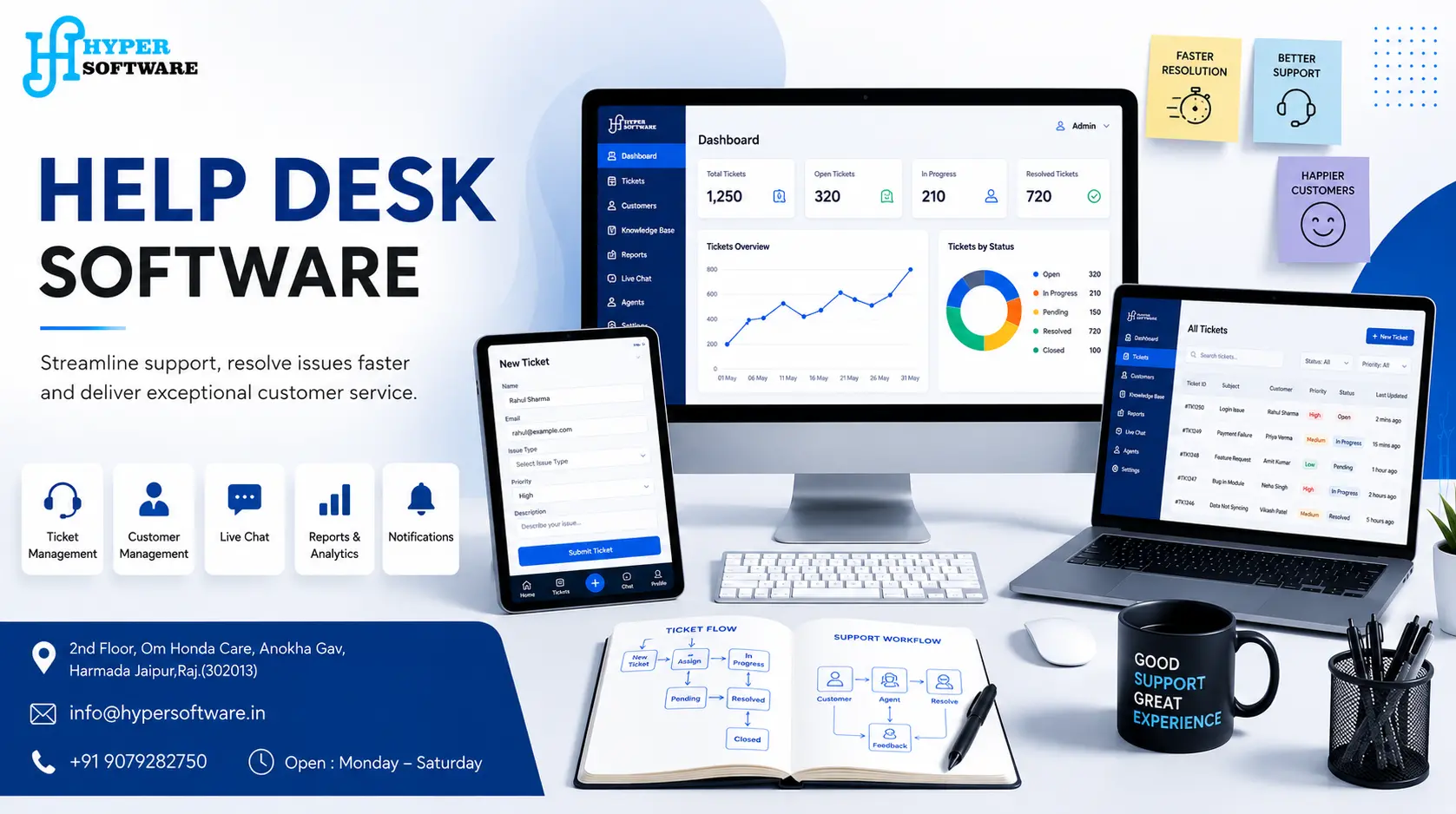
Your team is probably running support out of a shared inbox right now. It works, until it doesn't — a ticket gets missed, two agents reply to the same customer, and nobody can tell you how long the average issue actually takes to close. Help desk software fixes that by turning every request into a tracked ticket with an owner, a deadline, and a full history.
Hyper Software builds these systems from the ground up for clients who've outgrown generic tools or never fit them in the first place. This page walks through what help desk software actually does, what a good one needs, what it costs to build, and when a custom build beats a monthly subscription.
Help desk software is a system that collects support requests — from email, phone, chat, or a web form — and turns each one into a ticket. That ticket gets an owner, a status, and a clock. Agents work from one queue instead of a flooded inbox, managers see exactly where things stand, and customers get a consistent response instead of whoever happens to see the email first.
It's not the same as a service desk, even though people use the terms loosely. A help desk deals mainly with incident management: someone has a problem, you log it, you fix it, you close it. A service desk sits on top of that and adds change management, asset tracking, and formal ITIL processes — it's the bigger, more structured cousin. Most small and mid-size businesses need a help desk. Large IT departments running formal ITSM practices eventually grow into a service desk.
Get Free Consultation Within Minutes
The mechanics are simple even when the software behind them isn't:
1. A request comes in through email, a web form, live chat, or a customer portal.
2. It becomes a ticket with a unique ID, a category, and a priority level.
3. It gets assigned — either automatically by rules (category, workload, skill) or manually by a supervisor.
4. An SLA clock starts. Every ticket gets a target response time and resolution time based on its priority.
5. The agent works it, adding notes, pulling in knowledge base articles, or looping in another team.
6. It closes, and the whole history — every reply, every status change — stays attached to that ticket forever.
That history is the part people underestimate. Six months later, when a similar issue comes up, someone can search past tickets instead of solving the same problem from scratch.
Hyper Software ne hamare business ko online ek nayi pehchan di. Website professional, fast aur SEO optimized hai. Website Design & Development ke liye best company.

A few emails a day don't need a system. Once a team is fielding dozens of requests daily across two or three channels, the cracks start showing fast:
A working help desk system removes all five problems at once, and it does it without adding headcount — it just makes the headcount you already have visible and accountable.
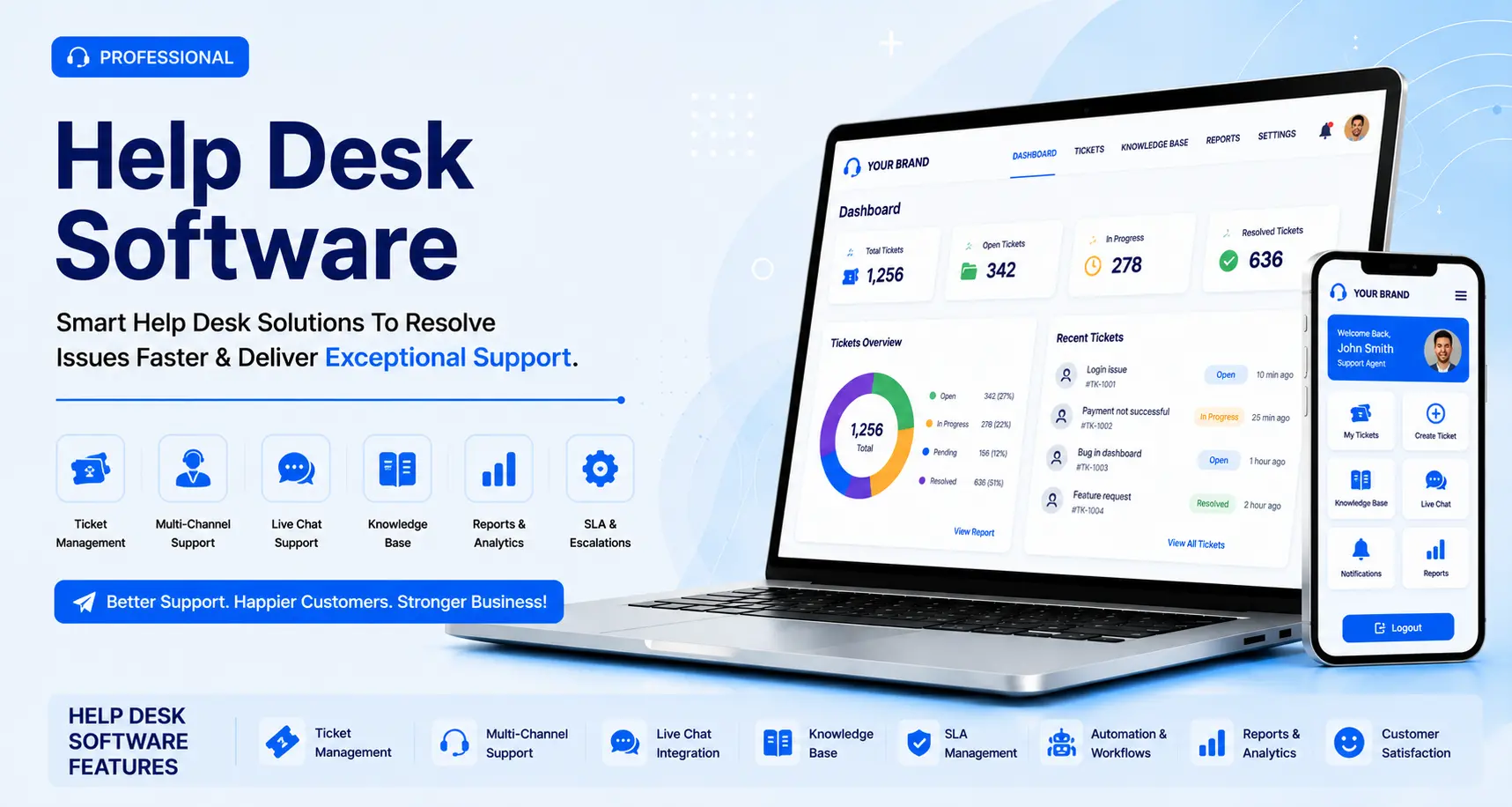
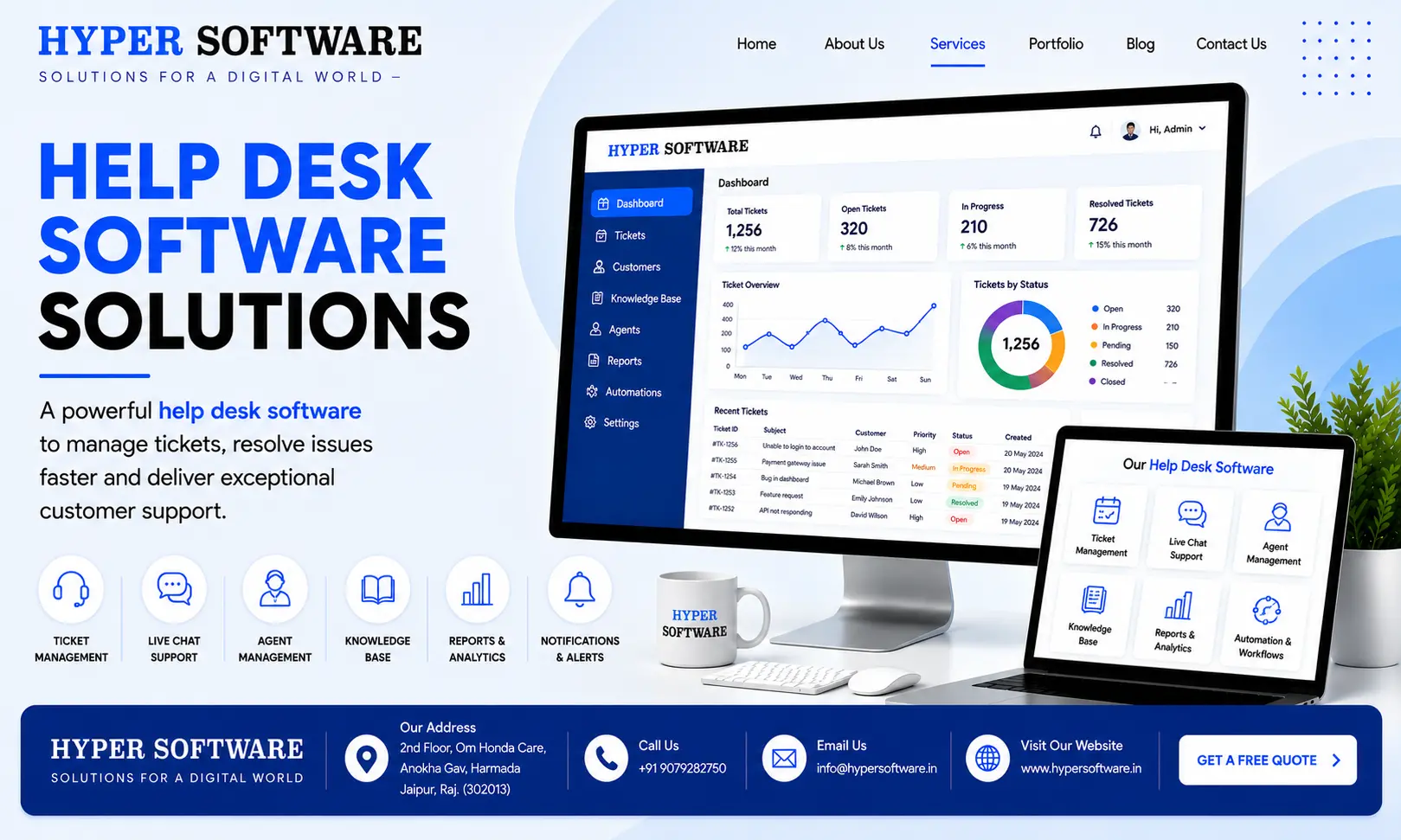
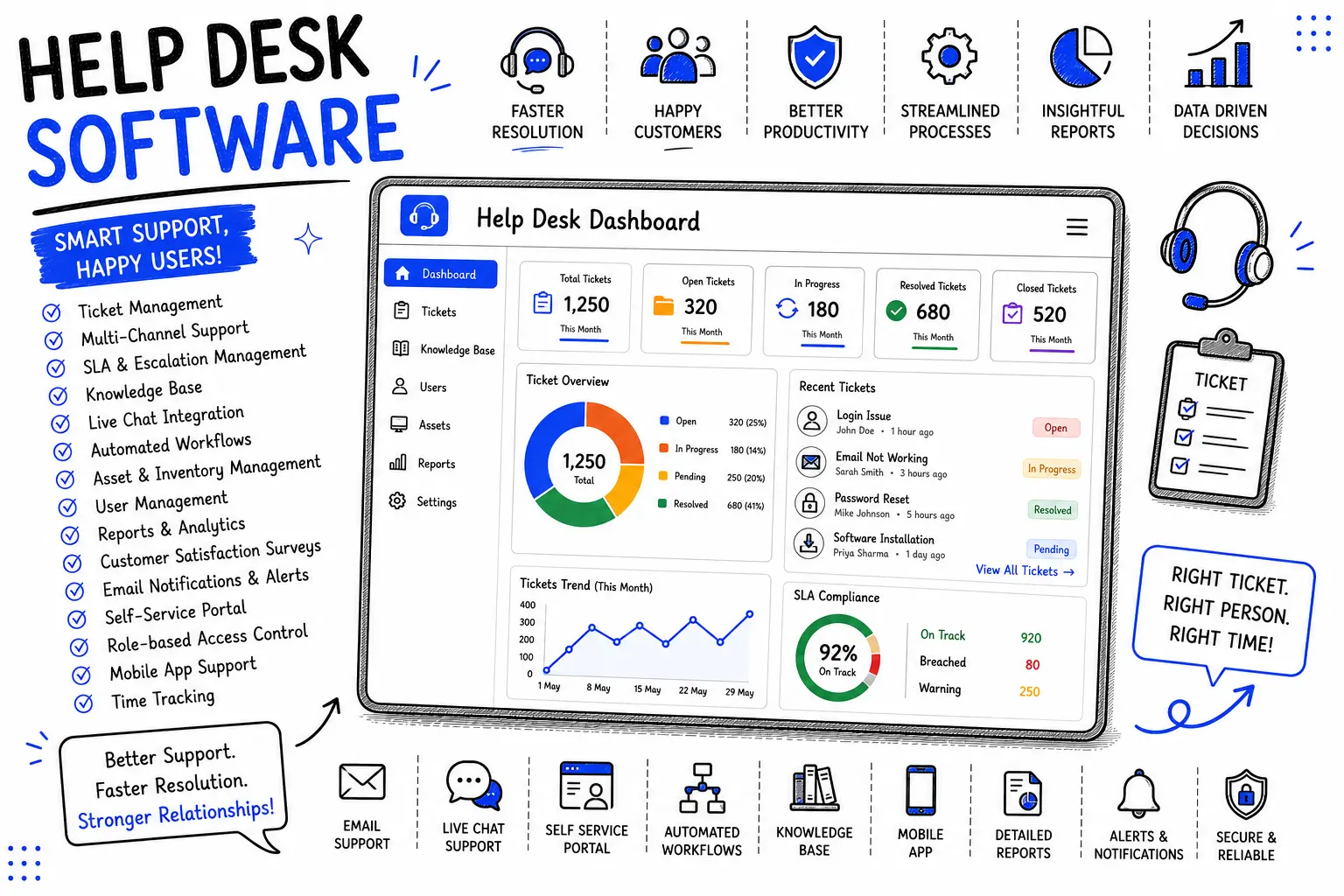
Not every business needs every feature, but these form the baseline of any help desk worth deploying:
Everything on this list can be scoped up or down depending on team size and budget — a five-agent team doesn't need the same reporting depth as a fifty-agent operation.
This is the decision most people land on this page trying to make. Here's the honest breakdown.
|
Factor |
Off-the-Shelf (Zendesk, Freshdesk, etc.) |
Custom Built by Hyper Software |
|
Upfront cost |
Low — starts free or a few dollars per |
Higher — one project cost |
|
agent |
||
|
Ongoing cost |
Per-agent, per-month, forever, often |
Low — mainly hosting and optional |
|
$19–$150+/agent/month |
support |
|
|
Workflow fit |
You adapt your process to the tool |
The tool is built around your exact |
|
process |
||
|
Data |
Vendor's servers, vendor's terms |
Fully yours — your server, your |
|
ownership |
database |
|
|
Customization |
Limited to what the vendor allows, often gated behind higher tiers |
Unlimited — any feature, any integration |
|
Scaling cost |
Grows linearly with every agent you |
One-time development cost, scales |
|
add |
without per-seat fees |
|
|
Setup time |
Days |
Weeks, depending on scope |
|
Best for |
Small teams, fast start, standard workflows |
Teams with specific processes, compliance needs, or long-term cost |
|
concerns |
Neither option is universally "better." A three-person startup testing an idea should probably start on a free-tier SaaS tool. A company with 15+ agents, a workflow that doesn't map cleanly to a generic tool, or data that can't sit on a third-party server is usually better off owning the system outright.
We don't hand a client a template with a new logo. Every build starts with how the team actually works today.
1. Discovery call — we map your current support process, channels, team size, and pain points.
2. Scoping and proposal — a clear feature list, timeline, and cost, no hidden line items added mid-project.
3. UI/UX design — wireframes and a working prototype before a line of backend code is written, so the team can react to the layout early.
4. Development — built in Core PHP, Laravel, or Node.js depending on scale, with the database structured around your ticket categories and workflow from day one.
5. Integration — connecting to your existing CRM, ERP, or website so tickets don't live in a silo.
6. Testing — functional testing, load testing for peak ticket volume, and a UAT round with your actual team.
7. Deployment — on your server or a cloud environment we set up and hand over.
8. Training and handover — a walkthrough for agents and admins, plus documentation.
9. Post-launch support — bug fixes, minor adjustments, and optional ongoing maintenance.
A logistics client came to us running support entirely out of a shared Gmail inbox, split across three regional teams. Nothing was tracked. Customers were calling to ask why nobody replied, and the team genuinely couldn't answer — there was no record of who'd seen what.
We built a help desk system with region-based auto-routing, SLA timers tied to shipment priority, and a self-service portal where customers could check shipment status without raising a ticket at all. Within the first month, average first-response time dropped from over a day to under four hours, and roughly a third of what used to be tickets never got raised — customers found the answer in the self-service portal instead. The team didn't grow. The system just made the same people far more effective.
Cost varies with scope, but here's a realistic range for planning purposes:
|
Project Type |
Approx. Cost |
Approx. Cost |
Typical |
|
(INR) |
(USD) |
Timeline |
|
|
Basic ticketing system (single channel, small |
₹80,000 – |
$1,000 – |
3–5 weeks |
|
team) |
₹1,80,000 |
$2,200 |
|
|
Mid-size system (multi-channel, |
₹1,80,000 – |
$2,200 – |
6–10 weeks |
|
automation, reporting) |
₹4,50,000 |
$5,500 |
|
|
Enterprise system (integrations, self-service |
₹4,50,000 and up |
$5,500 and up |
10–16 weeks |
|
portal, multi-team) |
These figures are indicative starting points based on typical project scopes — exact pricing depends on features, integrations, and team size, and is always confirmed after the discovery call. Compare that against ongoing SaaS licensing: a 15-agent team on a $49/agent/month plan pays roughly $735 a month, or close to $8,800 a year, every year, indefinitely. A custom build often pays for itself inside 18–24 months and then keeps costing close to nothing beyond hosting.
Help desk software is a system that collects support requests from multiple channels and turns each one into a trackable ticket with an owner, a deadline, and a resolution history.
Multi-channel ticketing, SLA management, automation rules, a knowledge base, reporting, and role-based access are the core features every system should have.
A shared inbox has no ownership tracking, no deadlines, and no reporting. Help desk software assigns every request a clear owner, a status, and a full audit trail.
Small teams with standard workflows usually do fine on a SaaS tool. Teams with specific processes, compliance needs, or growing per-agent costs are usually better off with a custom build.
Basic systems typically start around ₹80,000, with mid-size systems in the ₹1,80,000–₹4,50,000 range and enterprise builds going higher, depending on features and integrations.
Yes. Hyper Software works with clients globally, including the US, UK, UAE, and Australia, alongside its India-based clients.
Yes, custom help desk systems are built with API integration in mind, so they connect cleanly to an existing website, app, CRM, or ERP.
Depending on the scale and complexity of the project, systems are built in Core PHP, Laravel, or Node.js.
It's not mandatory, but it's one of the highest-impact features available — it lets customers resolve common issues without raising a ticket, cutting overall ticket volume.
Yes. Systems can be built with department-based routing, so tickets automatically reach the right team, whether that's IT, billing, or customer service.
Building it yourself (or with an in-house dev) makes sense if you already have a development team with spare capacity and a fairly simple use case. The risk is time — most in-house teams underestimate how long a "simple" ticketing system takes once SLA logic, notifications, and reporting get added, and it's rarely their primary job.
Signing up for an off-the-shelf SaaS tool is the fastest option and fine for small teams with standard workflows. The risk is long-term cost and rigidity — you're renting, not owning, and you'll hit a feature wall eventually.
Hiring a development company like Hyper Software makes sense once your process is specific enough that a generic tool creates more workarounds than it solves, or once the multi-year SaaS bill starts to exceed what a one-time build would cost. The risk here is picking the wrong partner — ask for past project examples, a clear written scope, and a fixed cost before signing anything.
A help desk focuses on incident management — logging and resolving individual issues. A service desk covers a broader set of ITSM practices, including change management and asset tracking, on top of basic ticketing.
No. IT is the most common use case, but customer support, HR, facilities, and logistics teams all use help desk systems to track requests and response times.
Yes. A custom-built system can connect directly to your CRM or ERP through an API, so ticket history and customer data live side by side instead of in separate tools.
A basic system typically takes 3–5 weeks. A mid-size system with automation and reporting runs 6–10 weeks. Enterprise systems with multiple integrations can take 10–16 weeks or more.
It can be built to whatever security standard your industry requires — role-based access, encrypted data storage, and audit logs are all standard additions, since the system isn't shared with other companies on a multi-tenant server.
Have questions or need expert guidance? Our team is ready to help you with the right technology solutions for your business.