
Website design se lekar final launch tak pura process bahut smooth raha. Team har update time par deti rahi aur support bhi outstanding mila.

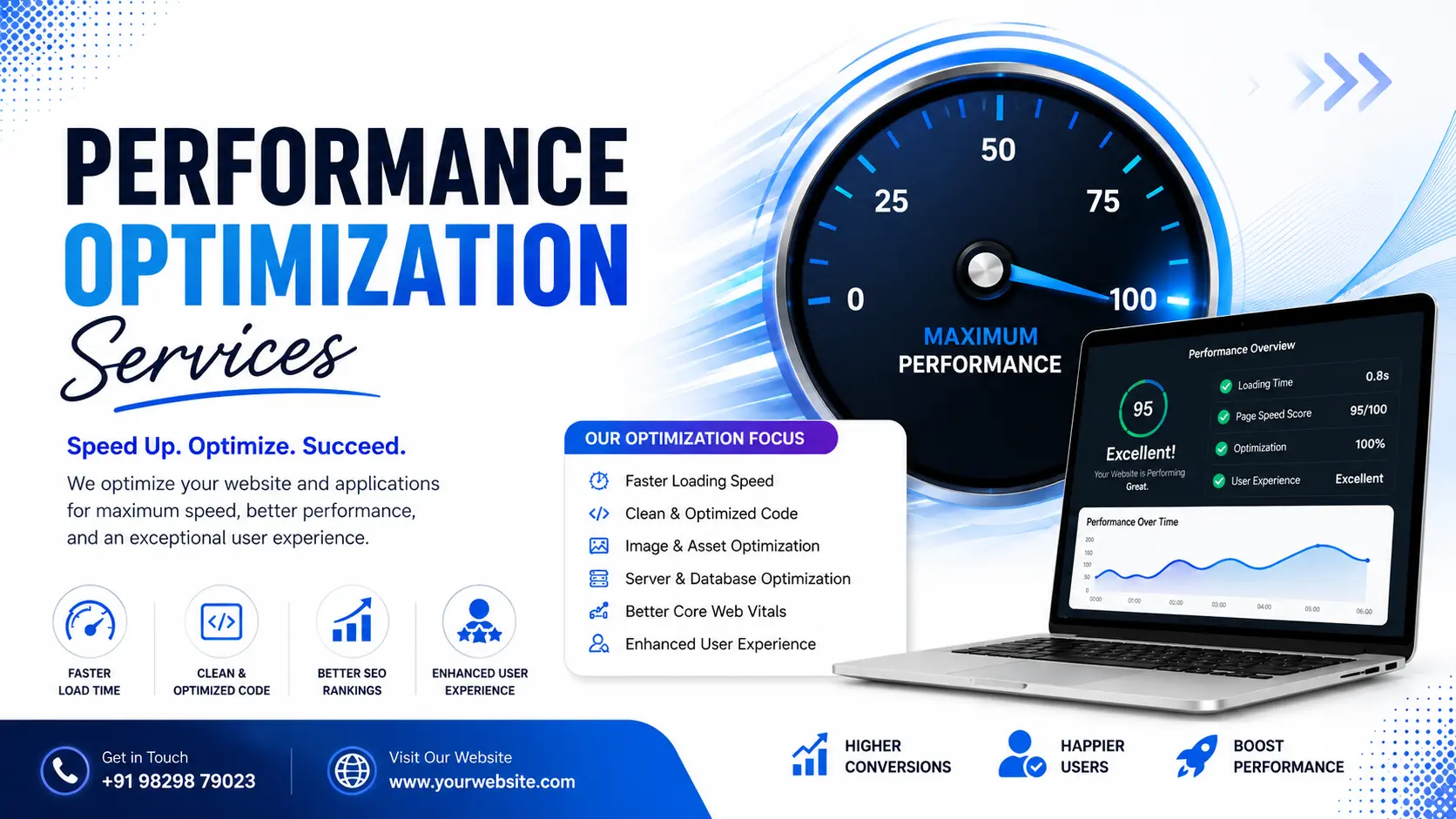
If your website takes more than three seconds to load, or your app feels sluggish once real users start hitting it, you're losing customers before they even see what you offer. Performance optimization is the process of finding exactly what's making your website, app, or software slow, whether that's messy code, a poorly indexed database, or a server management that's simply undersized, and fixing it. At Hyper Software, we've done this work for websites, mobile apps, and business software since 2020, and we know it's rarely one single fix. It's usually three or four small problems stacked on top of each other. This page walks through what performance optimization actually involves, what it costs,what we do differently, and how to tell whether you need it right now.
Performance optimization means identifying and removing the technical bottlenecks that slow down a website, application, or software system, then verifying the fix with real data instead of guesswork. It covers four layers: the front-end code your users interact with, the database that stores and retrieves your data, the server or cloud migration services infrastructure running everything, and the network path between your servers and your users.
Here's the part most people miss: optimization isn't a one-time fix you apply and forget. Traffic grows, features get added, and a site that was fast at launch can quietly slow down over eighteen months without anyone noticing until customers start complaining.
Get Free Consultation Within Minutes
Speed isn't a technical vanity metric. It's directly tied to revenue.
We had a client last year who assumed their traffic drop was a marketing problem. It wasn't. Their checkout page had crept up to a 6-second load time as their product catalog grew, and nobody had checked it in over a year.
You probably need this if:
Website andWeb App Performance Optimization
We audit and fix front-end and back-end issues on the website maintenance itself: unoptimized images,render-blocking scripts, bloated CSS and JavaScript, missing caching rules, and slow third- party embeds like chat widgets or tracking pixels that quietly drag down your load time.
CoreWeb Vitals Optimization (LCP,INP, CLS)
We specifically target the three metrics Google measures: Largest Contentful Paint (how fast your main content appears, ideally under 2.5 seconds), Interaction to Next Paint (how fast the page responds when someone clicks or taps, ideally under 200 milliseconds), and Cumulative Layout Shift (how much the page jumps around while loading, ideally under 0.1). These numbers come straight from Google's own field data, so they're not something you can fake with a lab test score alone.
Mobile App Performance Optimization
ForAndroid and iOS apps, we look at app startup time, memory usage, battery drain, API call efficiency, and crash-prone screens. Mobile users are far less patient than desktop users, so even small delays cost you retention.
Database and Backend Optimization
This is where a lot of "invisible" slowness lives. We review query structure, indexing, and how your application talks to the database. A single unindexed table on a growing dataset can quietly turn a 200-millisecond page load into a 4-second one, and it usually happens gradually enough that nobody notices until it's a real problem.
Cloud and Server Infrastructure Optimization
We review your hosting setup (AWS, Azure, Google Cloud, or traditional hosting), configure caching layers like Redis or Memcached where it makes sense, set up CDN / caching via cloud hosting delivery for static assets, and right-size your server resources so you're not overpaying or underpowered.
API and Integration Performance
If your product depends on third-partyAPIs or your own internal APIs, we check response times, payload sizes, and how many calls are being made per user action. ChattyAPIs (making ten small calls where two would do) are a common, fixable cause of slow apps.
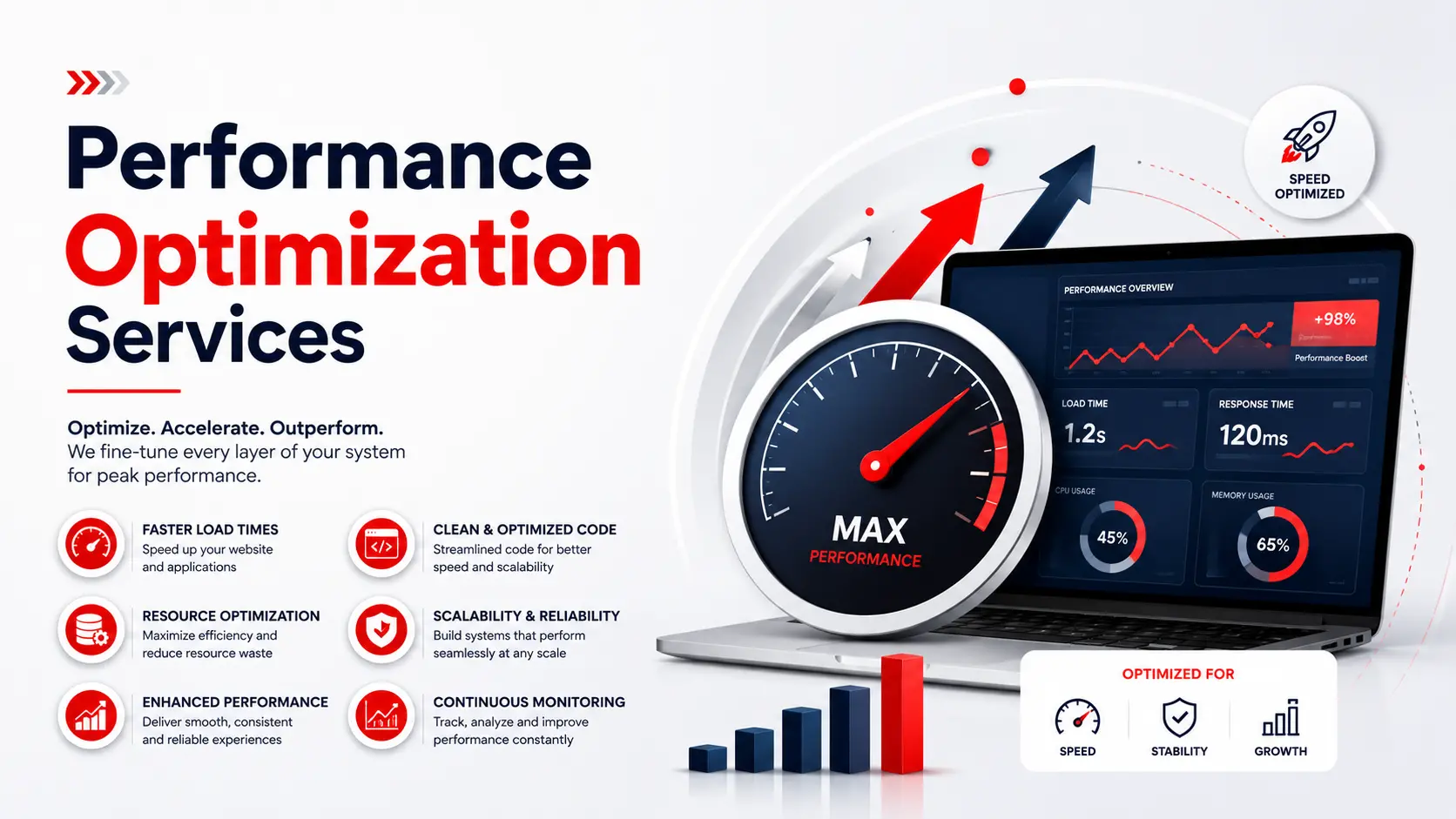
1. Audit. We run automated tools (Lighthouse, PageSpeed Insights, real-user monitoring where available) and manually profile the slowest pages or screens.
2. Diagnose. We trace each slow point back to its actual cause, whether that's code, database, server, or network, instead of applying generic fixes.
3. Fix. We make the changes: code refactors, query rewrites, caching setup, image and asset optimization, infrastructure adjustments.
4. Test. We re-run the same benchmarks under real conditions, including mobile networks, to confirm the improvement is real and not just a lab-test number.
5. Monitor. We set up ongoing monitoring so a new feature or a growth spike doesn't quietly undo the work six months later.
Google Lighthouse and PageSpeed Insights for auditing, Chrome DevTools for profiling, GTmetrix and WebPageTest for cross-region testing, Redis and Memcached for caching, CDN providers like Cloudflare, New Relic or Datadog for application performance monitoring, and standard database tools for query analysis (EXPLAIN plans, slow query logs) depending on whether you're on MySQL, PostgreSQL, or another engine.
A mid-sized e-commerce client came to us with a familiar complaint: sales h ad been flat for two quarters despite steady ad spend. Their homepage tested fine on desktop, but their PageSpeed mobile score was sitting at 34. We found three issues stacked together: unoptimized product images running at full resolution on every device, a third-party review widget loading synchronously and blocking the page, and a database query on the product listing page that wasn't using an index.
We compressed and lazy-loaded the images, deferred the review widget so it loaded after the main content, and added the missing index. Mobile load time dropped from 6.8 seconds to 2.1 seconds within two weeks. Their mobile conversion rate rose noticeably the following month, and their Core Web Vitals moved from "Poor" to "Good" in Search Console within the following reporting cycle. Nothing about their marketing changed. The site just stopped losing people before they could buy.
|
DIY |
Hiring an Agency |
|
|
Best for |
Small sites, basic image/caching fixes, |
Growing sites, apps under real traffic, |
|
tight budgets |
database or architecture issues |
|
|
Typical cost |
Free to a few hundred dollars in |
Roughly $300 to $5,000+ for an audit, |
|
plugins/tools |
or a monthly retainer depending on |
|
|
scope |
||
|
What it fixes |
Image compression, basic caching, |
Database indexing, server architecture, |
|
well |
plugin cleanup |
code-level bottlenecks, ongoing |
|
monitoring |
||
|
Common |
Fixes surface symptoms, not root cause; |
None ifthe agency actually profiles |
|
risk |
can break site functionality ifdone |
before fixing (make sure they do) |
|
carelessly |
||
|
Time |
Your own hours, ongoing |
Handled for you, with a defined |
|
investment |
timeline |
Honestly, DIY tools and plugins handle a good chunk of common issues, especially on smaller marketing sites. Where DIY tends to fall short is anything below the surface: database structure, server configuration, or app architecture. If you've already compressed your images and turned on caching and you're still slow, that's usually the signal you need an actual audit rather than another plugin.
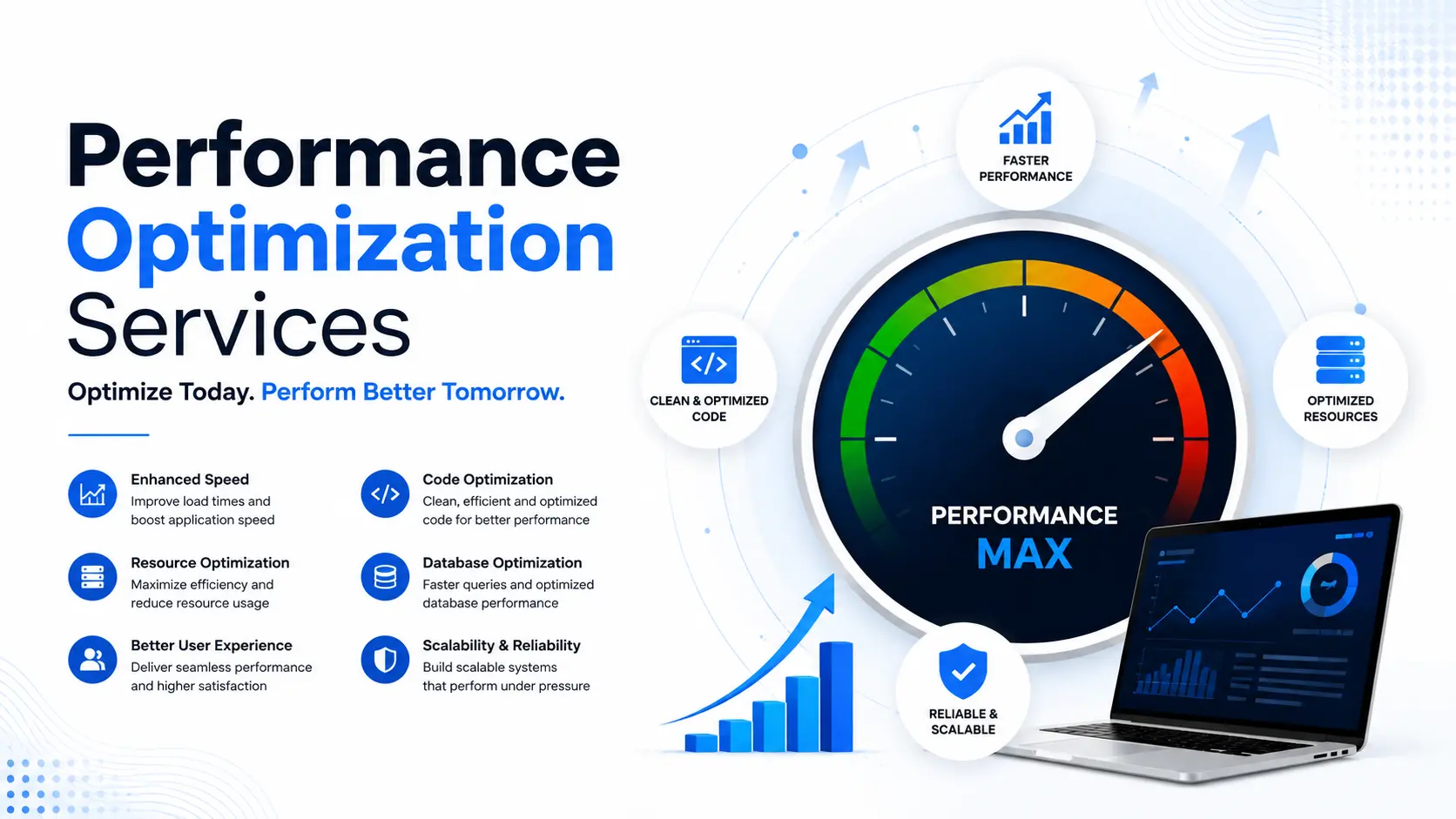
Pricing varies a lot depending on what you're optimizing and how deep the problem goes. As a general guide:
These are general market ranges, not a fixed Hyper Software price list; your actual quote depends on your site or app's size, traffic, and current state. Get in touch and we'll give you a real number after a quick look, not a guess.
Image size is only one of four common bottleneck areas. If images are already optimized and the site is still slow, the cause is usually in the database, server response time, or third-party scripts.
Core Web Vitals are three Google metrics measuring page experience: Largest Contentful Paint (loading speed), Interaction to Next Paint(responsiveness), and Cumulative Layout Shift (visual stability).
Under 2.5 seconds for your Largest Contentful Paint is considered good by Google's standards, and under 3 seconds overall keeps most mobile visitors from leaving.
A one-time audit typically runs from a few hundred to a few thousand dollars, while ongoing monthly retainers scale with your site's traffic and complexity. Exact pricing depends on your specific site or app.
SEO covers a broad range of factors including content, links, and keywords. Performance optimization is one specific input into SEO, since page speed and Core Web Vitals are ranking signals Google uses directly.
Google Lighthouse, PageSpeed Insights, WebPageTest, and GTmetrix for testing, along with real-user monitoring tools for ongoing tracking once changes go live.
It works best as an ongoing process. A site optimized today can slow down again in a year as content, plugins, and traffic grow, so periodic re-checks matter.
Yes, often more than front-end fixes. A missing index on a large, frequently queried table can be the single biggest cause of a slow page, even when everything else looks optimized.
TTFB (Time to First Byte) measures how long it takes your server to send the first piece of data back after a request. A high TTFB usually points to server, hosting, or database issues rather than front-end code.
Yes. App performance optimization covers startup time, memory usage, API call efficiency, and battery drain, which are different concerns from website speed but follow the same audit- first approach.
E-commerce and retail, SaaS and software products, healthcare and clinic management platforms, education and e-learning portals, real estate listing platforms, finance and fintech applications, and logistics and inventory systems. Each of these has its own common bottleneck; e-commerce tends to struggle with product images and catalog queries, SaaS platforms tend to struggle with dashboard queries and API chattiness.
Hyper Software has been building and maintaining websites, software, and apps since 2020, based in Jaipur, Rajasthan, and serving clients globally. We don't treat performance work as a plugin install. We profile first, fix what's actually broken, and prove it with before-and-after numbers you can check yourself in Search Console or your own monitoring dashboard. Whether it's a WordPress site, a custom web application, or a mobile app, our team has handled the code, database, and infrastructure layers, not just the front-end.
Ready to see what's actually slowing you down? Get a free performance audit or call us at +91 9079282750.
It means finding and fixing the specific technical issues, in code, images, database queries, or server setup, that make a website slow, then confirming the fix with real speed data.
Yes. Google uses Core Web Vitals as part of its page experience ranking signals, so a faster, more stable page has a real advantage over a slower one with similar content.
A basic audit and fix for a small site can take one to two weeks. Larger sites, apps, or database-heavy systems can take four to eight weeks depending on scope.
For basic issues like image size and caching, yes. For database, server architecture, or app-level bottlenecks, you'll usually get faster and safer results from someone who can profile the system properly.
Performance optimization is the process of identifying and fixing what makes a website, app, or software system slow, covering front- end code, database queries, server configuration, and network delivery.
Have questions or need expert guidance? Our team is ready to help you with the right technology solutions for your business.