
Website launch hone ke baad customer enquiries me noticeable increase hua. SEO aur speed optimization ka result clearly dekhne ko mila. Excellent work.

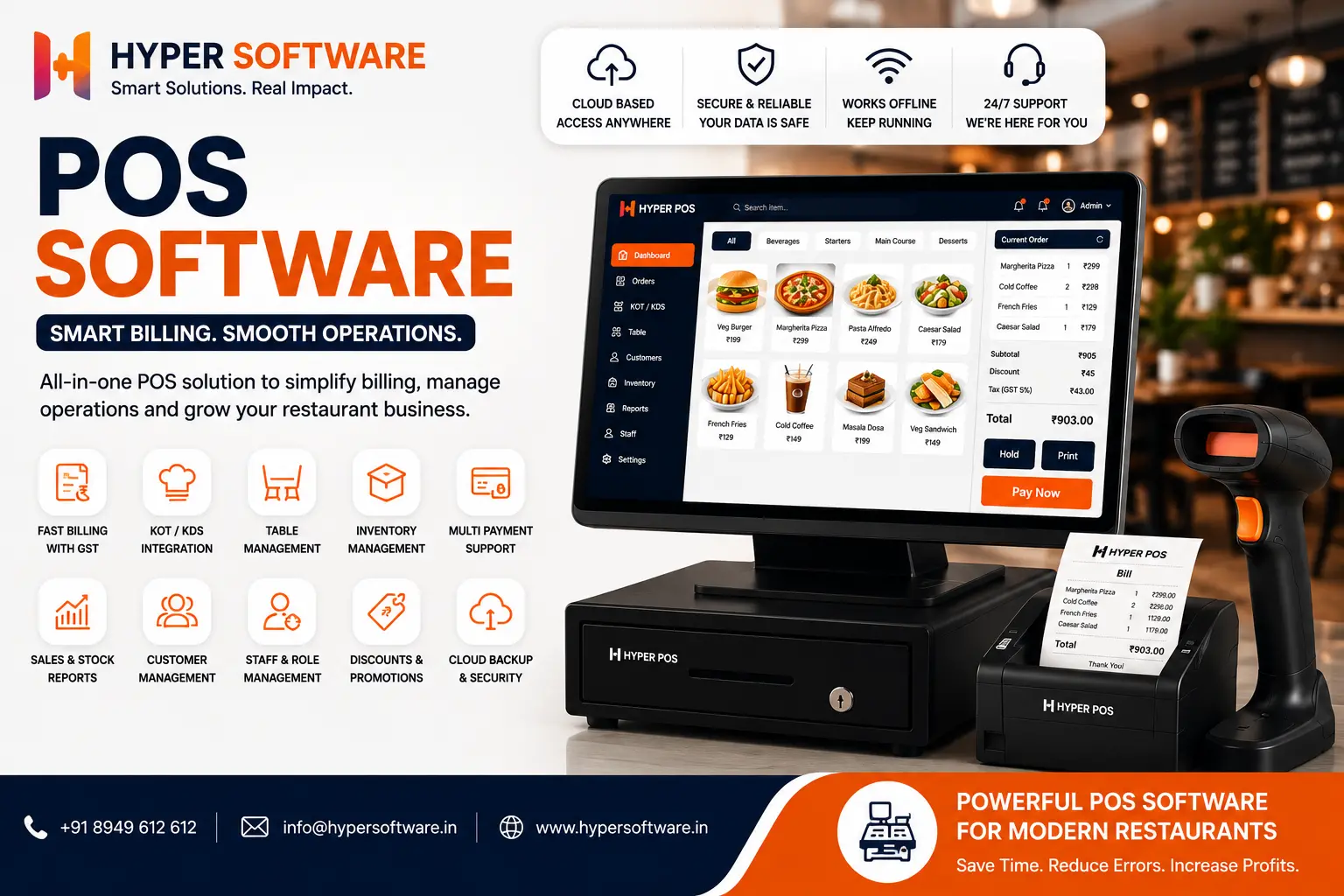
If you run a shop, restaurant, or retail chain, POS software is the program that runs your billing counter. It processes sales, takes RBI payment guidelines, updates your stock, and gives you sales reports — all from one screen. You can buy one off the shelf, or you can get one built around exactly how your business works. This guide walks through both paths so you can pick the right one.
POS stands for point of sale — the moment a customer pays you. POS software is simply the program that handles that moment and everything around it: ringing up items, applying discounts, printing a GST invoice, taking a card or UPI payment, and quietly updating your inventory count in the background.
Think of it as the digital version of a cash register, except it also does the job of a stock register, an accountant's ledger, and a customer database, all at once. A basic version just prints bills. A good one tells you which product is running low, which staff member closed the most sales last week, and which customer hasn't visited in three months.
Get Free Consultation Within Minutes
Every sale follows roughly the same path:
On a cloud system, that data syncs to a server the moment the sale happens. On an on- premise system, it stays on the local computer until you back it up. On a custom-built system, it can do all of the above plus anything specific your business needs — like splitting a bill by table, tracking loyalty points, or pulling live rates from your supplier.
There isn't one "best" type. Each one solves a different problem.
Cloud-based POS software runs on the vendor's servers. You access it through a browser or app, from any device. <cite index="10-1">The system can keep working during internet outages by storing transactions locally and syncing everything back to the cloud once the connection returns</cite>, which is why most modern cloud systems now include an offline mode. It's the fastest to set up and usually the cheapest to start with.
On-premise POS software is installed directly on a computer or server sitting in your shop. <cite index="10-1">Your product catalogue, sales records, customer data, and stock levels are stored on that machine, and the software keeps running whether or not you have an internet connection</cite>. It suits businesses with patchy internet or strict data-control needs, but updates and maintenance usually need a technician visit.
Custom-built POS software is written specifically for your business. Instead of adjusting your workflow to fit someone else's software, the software is built to fit your workflow. This is the option almost no "POS software" article talks about, because most of them are written by the SaaS vendors selling their own product. If your business has a process that off-the- shelf tools don't support — multi-brand billing, a specific loyalty scheme, integration with an existing ERP — custom is usually the only real answer.
| Type | Setup Cost | Ongoing Cost | Internet Needed | Best For |
|---|---|---|---|---|
| Cloud POS | Low | Monthly or annual subscription | Preferred; offline mode is commonly available | Small to mid-sized restaurants, cafés, and multi-outlet businesses |
| On-Premise POS | Higher upfront investment | Low, with occasional maintenance costs | Not required | Single-location restaurants with strict data control requirements |
| Custom POS | Project-based | Low (you own the software) | Depends on the system architecture | Unique workflows, franchise chains, and rapidly growing restaurant management software businesses |
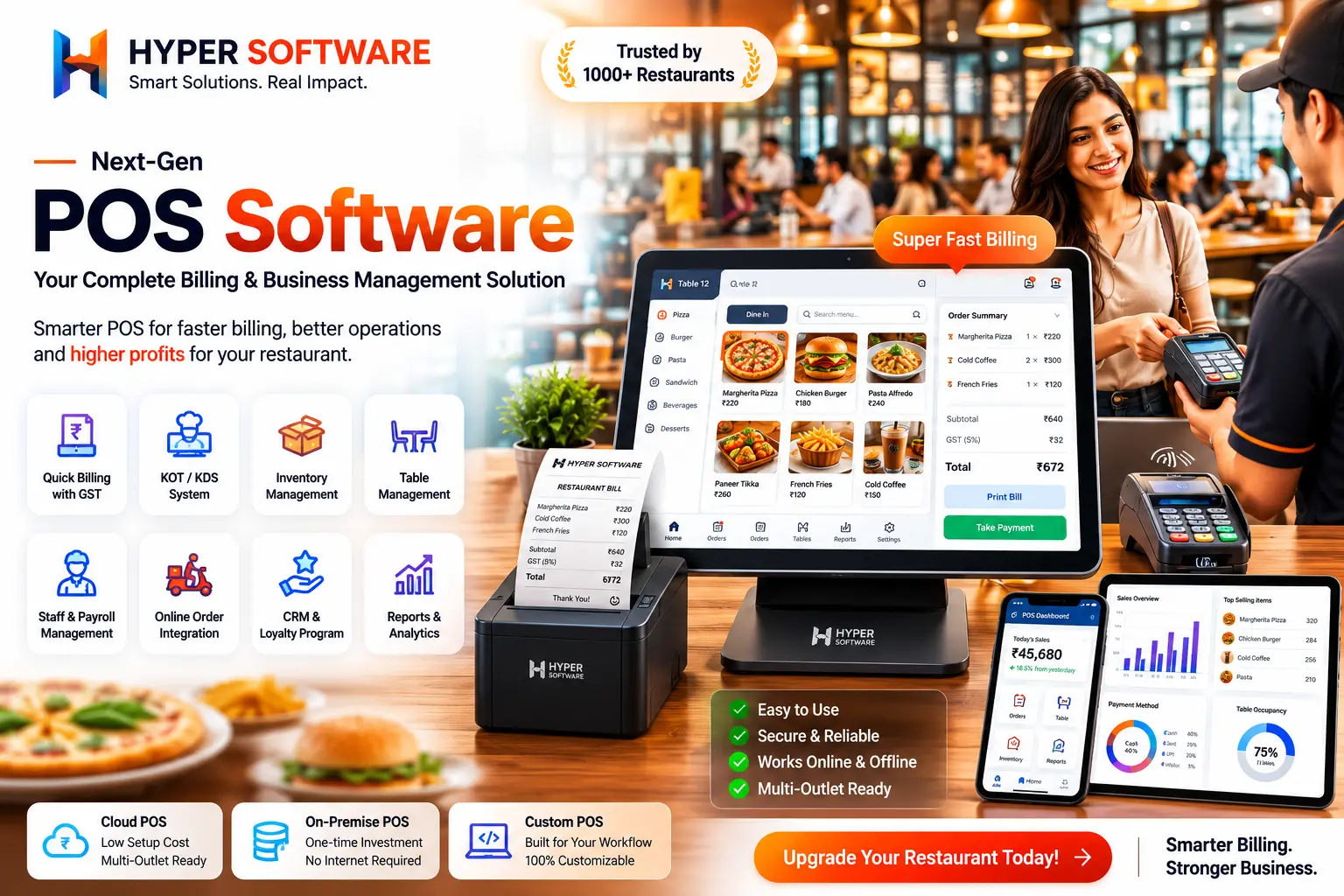
Not every business needs every feature. Here's what actually matters, and what's often just marketing fluff:
Worth paying for:
Nice to have, not always necessary:
Benefits of POS Software
This is the question most guides skip entirely, and it's the one that matters most.
Go off-the-shelfif: you run a single small shop or cafe, your process is fairly standard (ring up items, take payment, print receipt), and you want to be live within a day.
Go custom if: you've outgrown a generic tool, you need it to talk to your existing ERP or e- commerce store, you run multiple brands or outlets with different rules, or you've already tried two or three off-the-shelf tools and keep hitting a wall with "the software doesn't do that."
We've seen both paths work. The mistake is picking custom when a ₹1,000/month tool would've done the job, or picking a generic tool and then spending a year fighting its limitations when a custom build would've paid for itself in saved time.
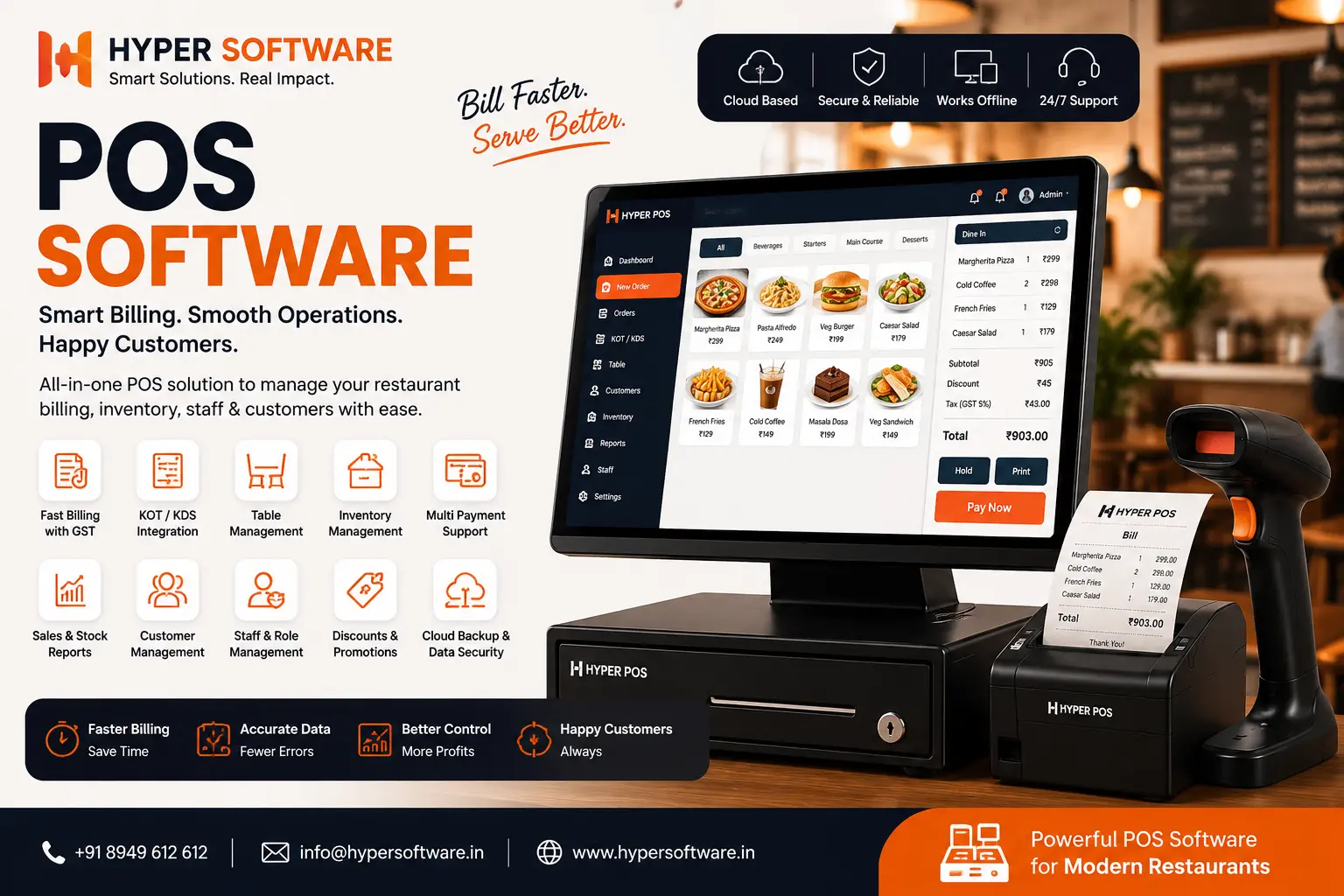
Costs vary a lot depending on what you're buying and how many outlets you're running.
Ready-made cloud POS software: <cite index="22-1">a small café might pay roughly ₹1,000 to ₹3,000 per month for a basic cloud POS, while a larger retail chain with multiple terminals could pay ₹5,000 to ₹15,000 or more per month</cite>, depending on features and the number of users.
Restaurant-specific POS software: <cite index="23-1">most providers in India offer plans from roughly ₹800 to ₹3,000 per month, or ₹3,000 to ₹20,000 per year, with yearly plans usually 30-40% cheaper than paying monthly</cite>. Hardware (billing machine, printer, KOT printer) is typically an extra cost on top of the software.
Custom-built POS software: priced as a one-time development project rather than a subscription. You pay for the build once, own the system outright, and only pay for hosting/maintenance going forward — no per-outlet licensing fees that grow every year. Exact cost depends on the number of modules (billing, inventory, CRM, multi-outlet sync, reporting, ERP integration) and the platforms you need it on (web, Android, iOS).
A quick rule of thumb: if your monthly subscription costs would cross what a one-time custom build costs within 18-24 months, custom is usually the better long-term investment — because after that build cost, it's yours.
Ask yourself these questions before you commit:
If most answers point to "it's complicated" or "yes, we're different," a custom build is worth at least a conversation before you sign a year-long subscription.
A retail chain with four outlets across two cities came to us after outgrowing their off-the- shelf billing app. Each store was tracking stock separately, so head office had no real-time view of what was selling where. Staff were manually reconciling numbers every night, and stock-outs at one branch went unnoticed while another branch sat on excess inventory.
We built them a custom POS system with a shared inventory management software dashboard, real-time sync across all four outlets, and role-based access so branch managers could see their own store while head office saw everything. Billing stayed fully functional offline and synced automatically the moment connectivity returned. Within the first month, they caught two recurring stock discrepancies that had been going unnoticed for months, and head office stopped needing daily phone calls to check numbers.
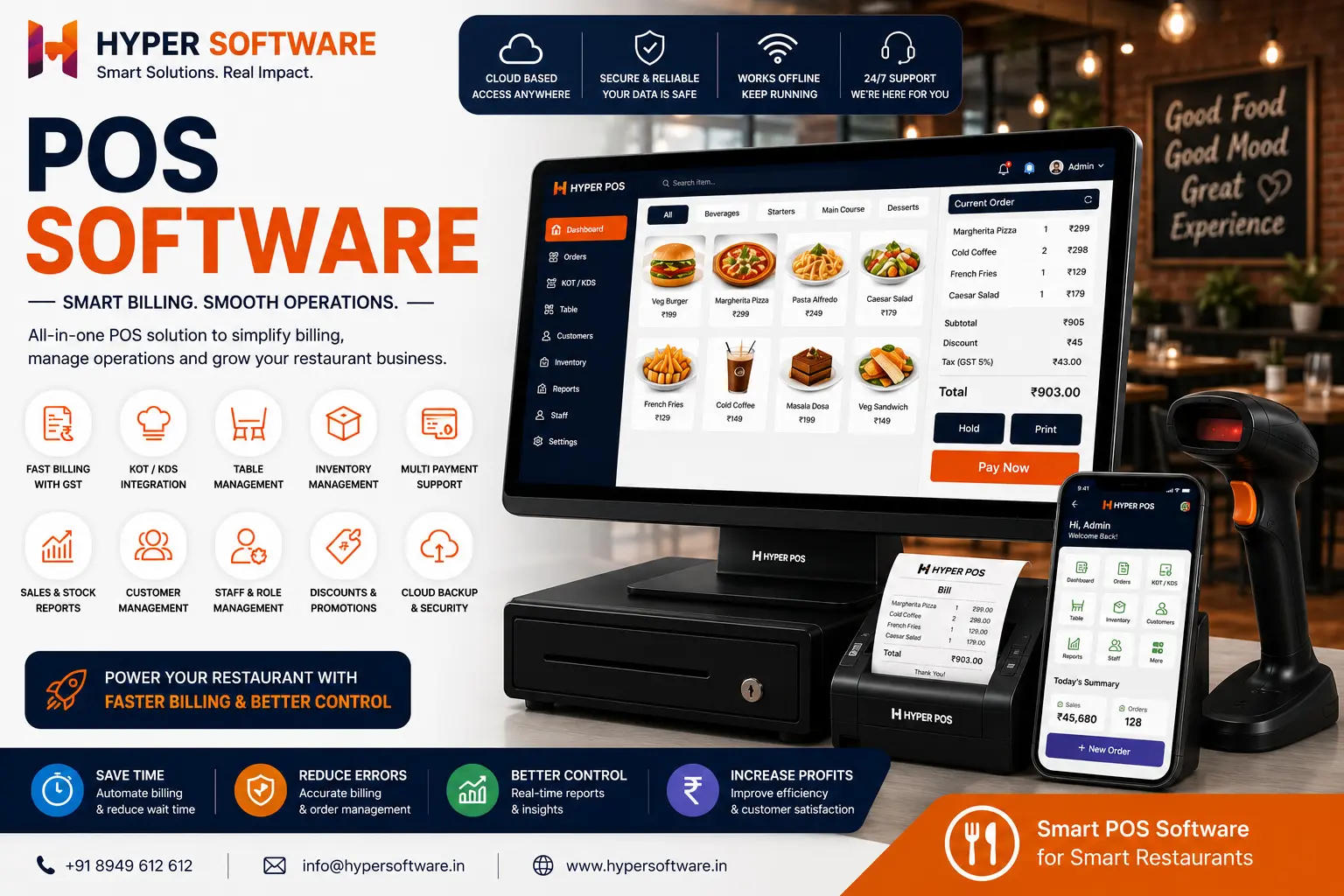
POS software is the program that runs your billing counter — it processes sales, accepts payments, prints GST invoices, and updates inventory automatically with every transaction.
Cloud POS stores your data on remote servers and is accessed via browser or app from anywhere. On-premise POS stores everything on a local computer at your shop and doesn't need internet to run.
Off-the-shelf works fine for a single standard shop. Custom makes sense once you have multiple outlets, a unique workflow, or need it to integrate with an existing ERP or e-commerce platform.
A good POS system generates GST-compliant invoices automatically. Always confirm this feature before choosing any tool, as not every basic plan includes it.
Yes, cloud-based and custom-built POS systems can sync inventory, sales, and reporting across multiple outlets from a single dashboard.
Timelines depend on the number of modules and integrations needed. A basic custom build takes a few weeks; a system with ERP integration and multiple outlets takes longer. Get an exact timeline from a discovery call.
Yes, but the features differ. Restaurants need table management and KOT printing, while retail stores need barcode scanning and stock-level tracking. A good developer builds around your specific industry.
Not necessarily. Basic ready-made plans start under ₹1,000/month. Custom builds cost more upfront but remove recurring per-outlet licensing fees, often paying for themselves within a couple of years.
Yes, custom POS software can be built to sync directly with your existing e-commerce store, ERP, or CRM so you're not maintaining separate systems.
This is one real risk with off-the-shelf SaaS tools — always check the vendor's data export policy. With a custom-built system, you own the code and the data outright.
POS software is used to process sales, accept payments, print invoices, and track inventory in real time at a retail counter, restaurant, or service business.
No. The POS machine is the hardware (the terminal, card reader, or tablet). POS software is the program running on it that actually handles billing and inventory.
Yes, most modern cloud POS software includes an offline mode that stores transactions locally and syncs them once the connection is back, so billing doesn't stop during an outage.
Cloud POS is better for lower upfront cost, remote access, and multi-outlet businesses. On-premise POS is better for businesses with unreliable internet or strict local data-control requirements.
Custom POS software is priced as a one-time development project based on the number of modules and platforms needed, rather than a recurring subscription — costs vary by scope, so it's best discussed directly with a developer.
Have questions or need expert guidance? Our team is ready to help you with the right technology solutions for your business.