
Hyper Software ne hamare business ko online ek nayi pehchan di. Website professional, fast aur SEO optimized hai. Website Design & Development ke liye best company.

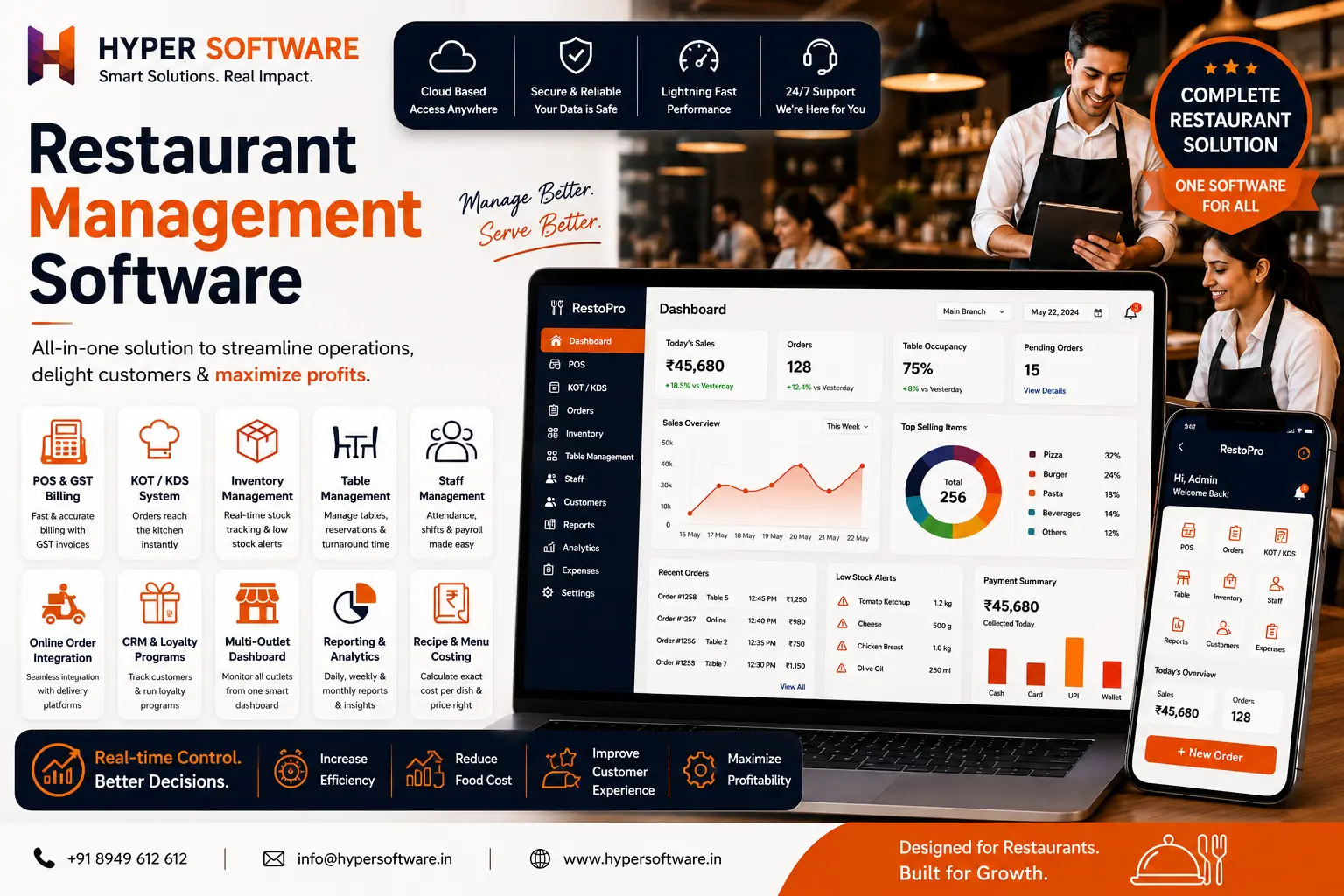
Running a restaurant means juggling billing, kitchen tickets, stock, staff, and online orders — often on three different apps that don't talk to each other. Restaurant management software puts all of it on one screen, e-commerce website development, so you can see what's selling, what's running low, and what's costing you money, without walking to the kitchen to check.
Hyper Software builds restaurant management software that's shaped around how your kitchen actually runs, not a generic template you have to bend your business around. Whether you run one café or a five-outlet chain, this guide covers what the software does, what it costs, and how to pick the right approach for your restaurant.
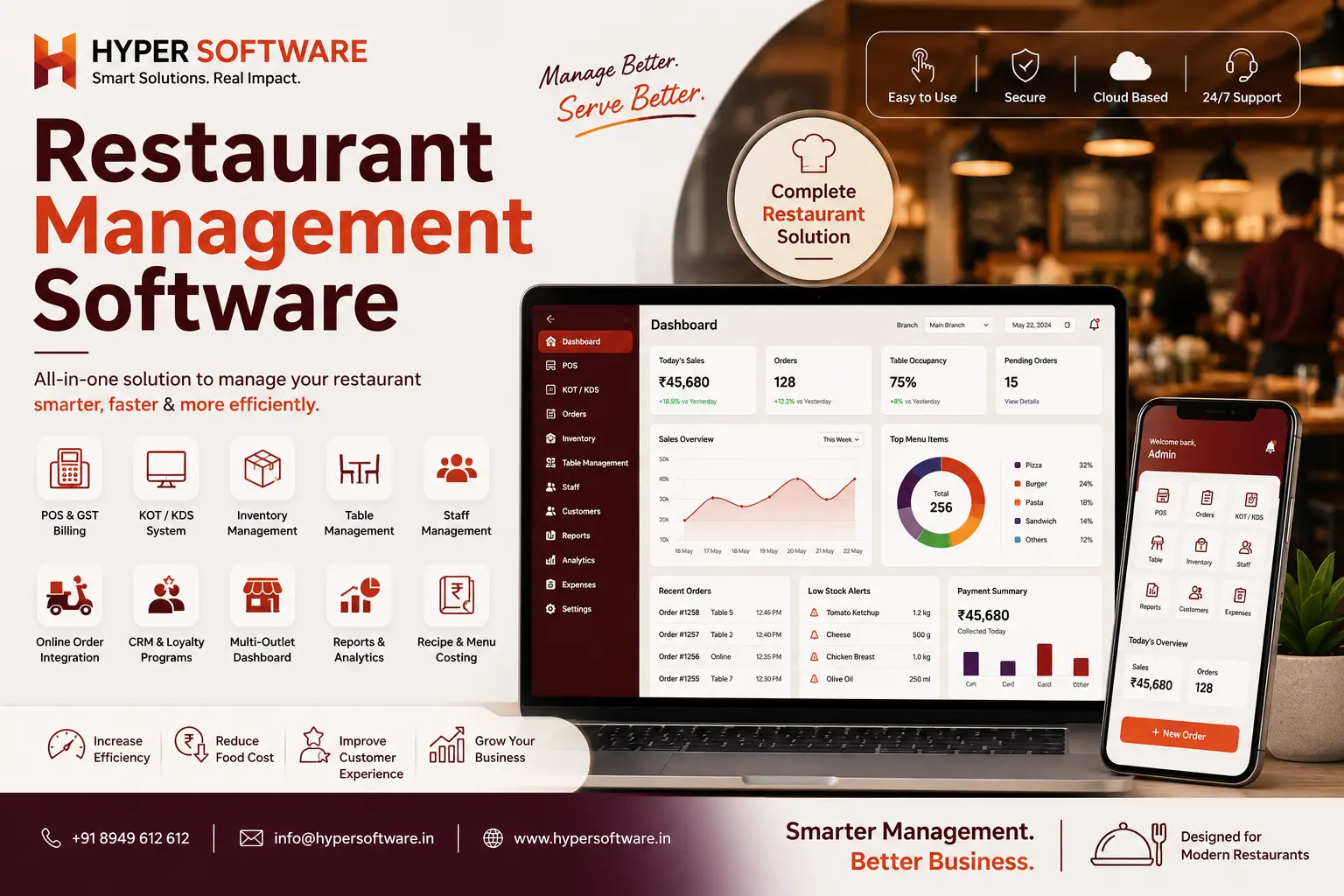
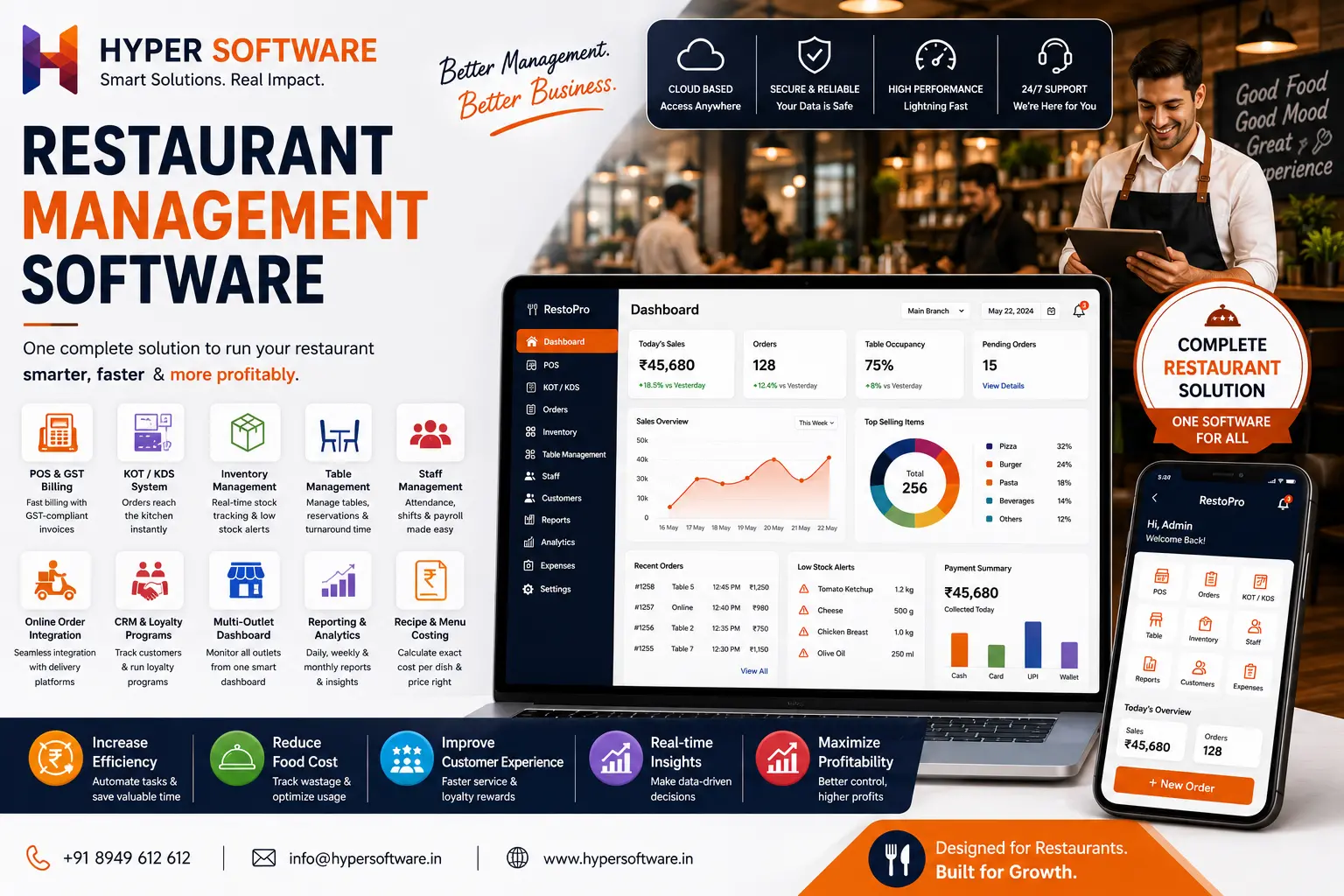
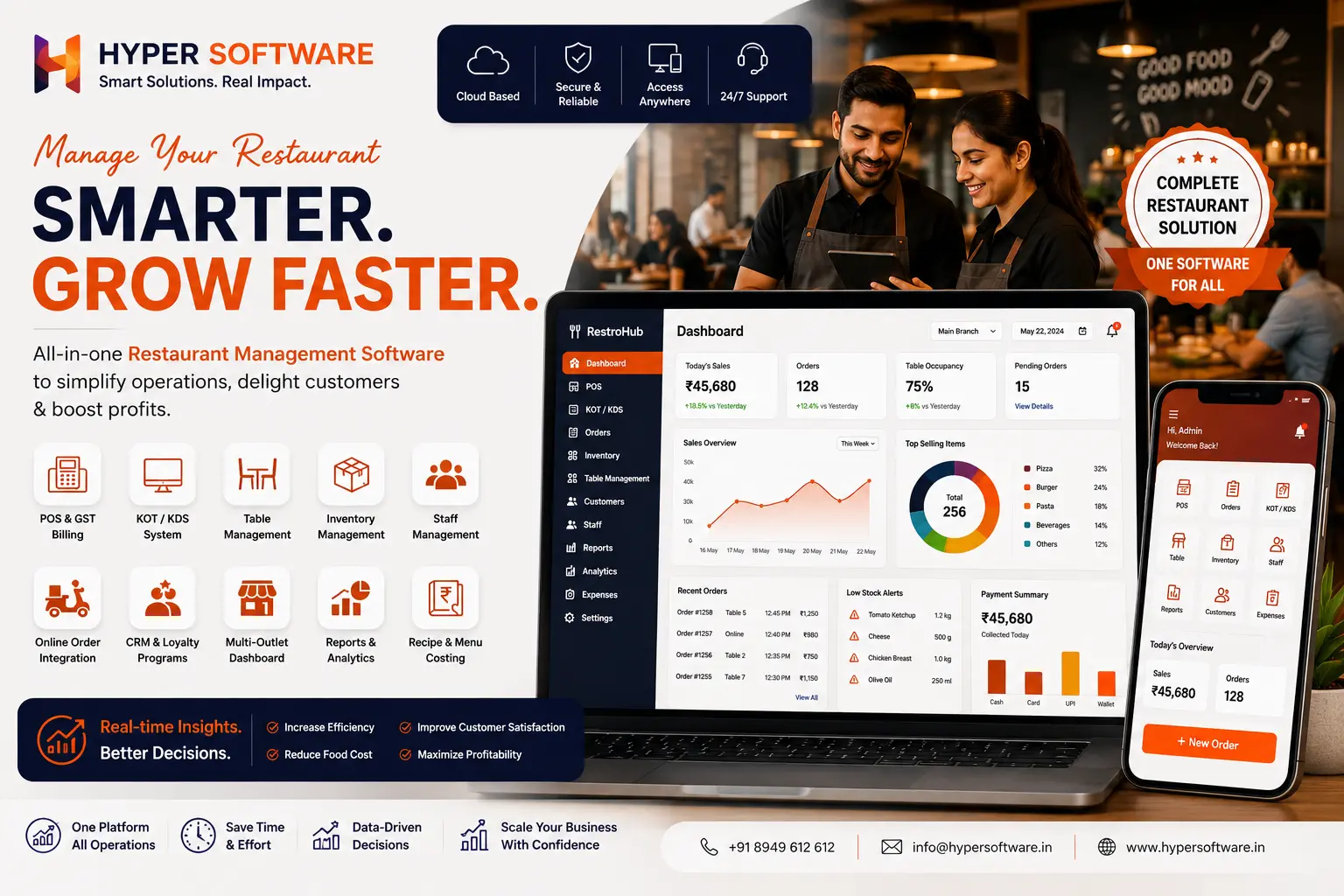
Restaurant management software is a digital system that handles a restaurant's day-to-day operations — billing, kitchen order tickets, WhatsApp marketing, table management, inventory, staff scheduling, and reporting — from a single connected platform. Most modern systems are cloud-based, meaning an owner can check sales, stock, and staff attendance from a phone, even while sitting at home.
It's different from a plain POS (point of sale) system. A POS handles billing and payments. Restaurant management software includes POS software as one piece, then adds inventory tracking, kitchen display, staff management, and analytics around it.
Get Free Consultation Within Minutes
A restaurant owner running things on paper registers or a basic billing app usually finds out about problems too late — after the stock has run out mid-Saturday-rush, or after the month-end numbers don't add up. Software fixes that by catching problems as they happen.
None of this is about replacing your staff. It's about giving you and your managers visibility you don't currently have.
| Feature | What It Solves |
|---|---|
| POS & GST Billing | Fast, accurate billing with GST-compliant invoices. |
| Kitchen Order Ticket (KOT) / Kitchen Display System (KDS) | Orders are sent directly to the kitchen, eliminating manual communication. |
| inventory management software | Tracks stock in real time and alerts you before items run out. |
| Table Management | Manages reservations, table availability, and customer turnaround efficiently. |
| Staff Management & Payroll | Handles attendance, shift scheduling, and salary calculations. |
| Online Order Integration | Connects food delivery apps so orders reach the kitchen instantly. |
| CRM & Loyalty Programs | Keeps track of repeat customers and automates loyalty offers. |
| Multi-Outlet Dashboard | View sales, inventory, and performance of all branches from one dashboard. |
| Reporting & Analytics | Generates daily, weekly, and monthly reports for sales, costs, and profits. |
| Recipe & Menu Costing | Calculates the exact cost of each dish for accurate pricing decisions. |
Not every restaurant needs every feature on day one. A single café might only need POS, KOT, and basic inventory. A five-outlet chain needs the full stack, including multi-outlet reporting.
Hyper Software ne hamare business ko online ek nayi pehchan di. Website professional, fast aur SEO optimized hai. Website Design & Development ke liye best company.

This is the decision most guides skip, and it's the one that actually matters for your budget.
Off-the-shelf (SaaS) software:
Custom-built software (what Hyper Software does):
Our honest take: if you're a single small café just starting out, an off-the-shelf tool at ₹800–₹1,500/month is the right call — don't overspend before you know your volume. Once you're managing multiple outlets, dealing with aggregator integrations, or paying for features you don't use, a custom build usually pays for itself within two to three years and removes the recurring per-outlet cost entirely.
Pricing varies a lot depending on whether you're buying a subscription or commissioning custom software.
Subscription-based software in India:
Global subscription pricing:
Custom-built software (Hyper Software):
Hardware (billing printer, KOT printer, tablets) is usually a separate cost regardless of which route you take, typically ₹15,000–₹40,000 for a single-outlet setup.
A three-outlet QSR chain in Rajasthan came to us running each branch on a different billing app, none of which talked to each other. The owner was manually combining spreadsheets every Sunday night just to know how the week went, and stock counts were always a guess.
We mapped their order flow across all three kitchens, built a single custom system with shared inventory and a combined sales dashboard, and connected it to their existing delivery aggregator accounts. Within the first month, the owner could see all three outlets' sales on one phone screen, and stock-outs during peak hours dropped noticeably because low-stock alerts now came in before service, not after.
Basic subscription plans cost roughly ₹800– ₹3,000 per month, while full-featured multi-outlet systems run ₹3,000–₹8,000 per month per outlet. Custom-built software is a one-time cost that varies by scope.
For a single small café, a basic subscription plan is usually the smarter starting point. Custom software makes more financial sense once you're managing multiple outlets or complex workflows.
Start with POS billing, kitchen order tickets (KOT), and basic inventory tracking. Add CRM, staff management, and multi-outlet reporting as your restaurant grows.
Yes, most modern systems, including those built by Hyper Software, integrate with major food delivery aggregators so online orders flow directly into your kitchen queue.
A properly built system does. It's worth confirming this specifically before choosing a vendor, since not every cheap billing app is fully GST-compliant.
Off-the-shelf software is a ready- made subscription tool that's fast to set up but charges an ongoing per-outlet fee. Custom software is built around your exact workflow and is a one-time cost that you own outright.
Typically 6 to 12 weeks, depending on how many modules (POS, inventory, staff, multi-outlet) and integrations are involved.
Yes. Multi-outlet restaurant management software gives you one login to see sales, stock, and staff data across every branch.
Yes. Real-time inventory tracking flags low or expiring stock early, which helps owners cut down on over-ordering and spoilage.
Yes, cloud-based systems are built to be checked from any device, so you can view sales and stock reports without being on-site.
Benefits:
Drawbacks (and how to avoid them):
No. A POS handles billing and payments only. Restaurant management software includes POS plus inventory, staff management, table management, and reporting in one system.
Yes. Basic subscription plans in India start around ₹800–₹1,500 per month, which suits a single small outlet without the cost of a custom build.
Most cloud-based systems need internet for real- time sync, but many, including systems Hyper Software builds, support offline billing that syncs automatically once the connection returns.
A subscription tool can be live in a few days. A custom-built system typically takes 6–12 weeks depending on the number of modules and outlets involved.
Restaurant management software is a system that manages a restaurant's billing, kitchen orders, inventory, staff, and reporting from one platform, replacing manual registers and disconnected apps.
Have questions or need expert guidance? Our team is ready to help you with the right technology solutions for your business.