
Hyper Software ne hamare business ko online ek nayi pehchan di. Website professional, fast aur SEO optimized hai. Website Design & Development ke liye best company.

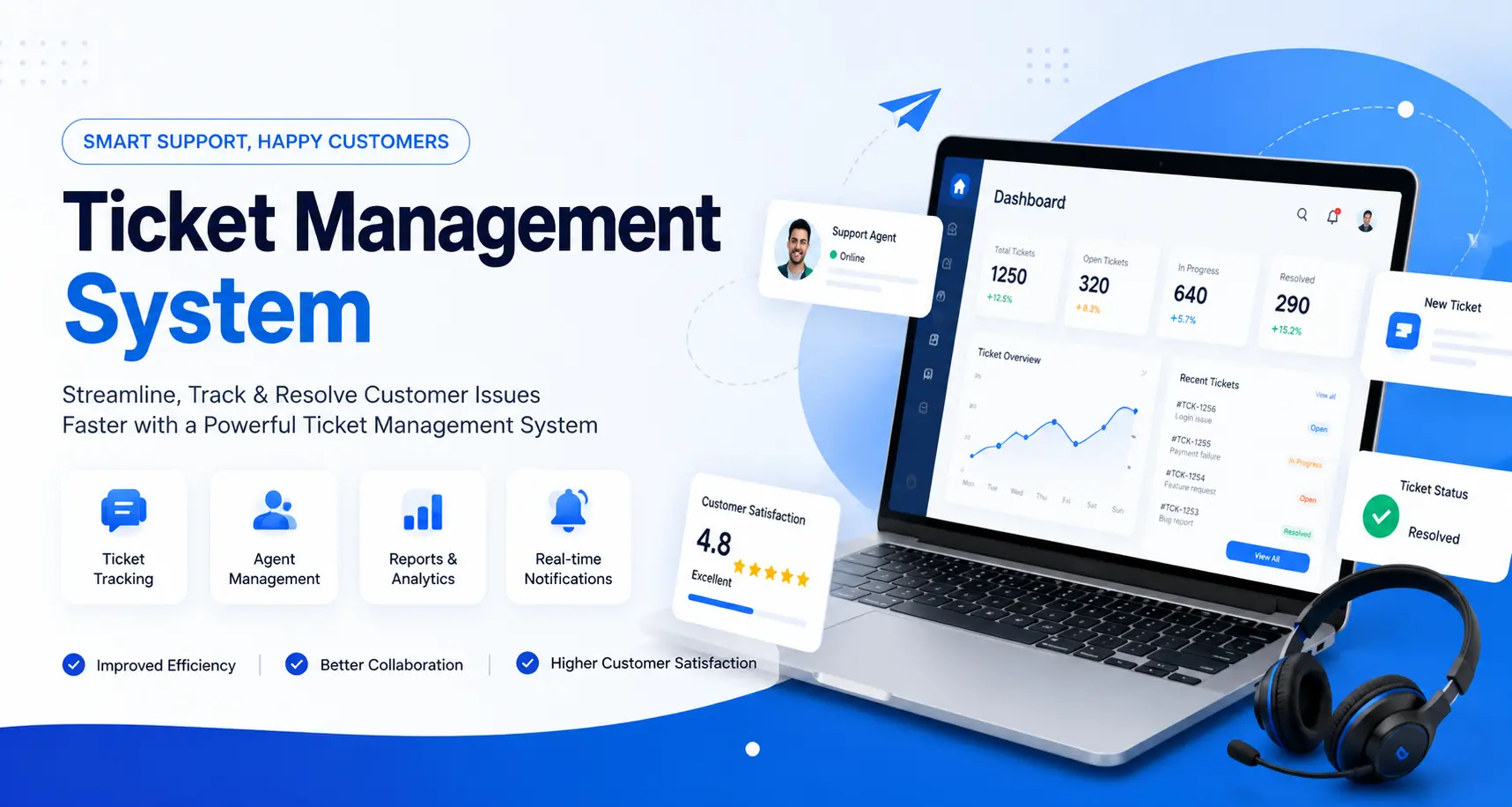
If your team is still tracking support requests through email threads, WhatsApp messages, and sticky notes, you already know how fast things fall apart. A ticket management system fixes that. It's software that turns every request, whether it's an IT issue, a customer complaint, or an internal service request, into a trackable ticket with an owner, a status, and a deadline.
At Hyper Software, we design and build ticket management systems for businesses that have outgrown generic tools, or never found one that actually fit their workflow. This guide covers what a ticket management system does, what it costs to build one, and how to decide between an off-the-shelf tool and a custom build.
A ticket management system is a centralized platform that logs, tracks, and resolves support requests from creation to closure. Each request becomes a "ticket" with a unique ID, a status, an assigned agent, and a full history of communication.
It's used far beyond IT departments. Customer service teams use it to manage complaints and inquiries. Facility teams use it to log maintenance requests. HR teams use it for employee queries. Schools use it for student support. Anywhere a team handles repeat requests from multiple people, a ticketing system brings order to it.
Without one, requests live in inboxes and chat apps. Nothing is prioritized. Nobody owns the follow-up. And when someone asks "what's the status of my request," the honest answer is often "we're not sure."
Get Free Consultation Within Minutes
Here's what changes once a proper system is in place:
A support team that switches from email to a proper ticketing system usually sees response times drop within the first month, simply because tickets stop sitting unassigned.
Hyper Software ne hamare business ko online ek nayi pehchan di. Website professional, fast aur SEO optimized hai. Website Design & Development ke liye best company.

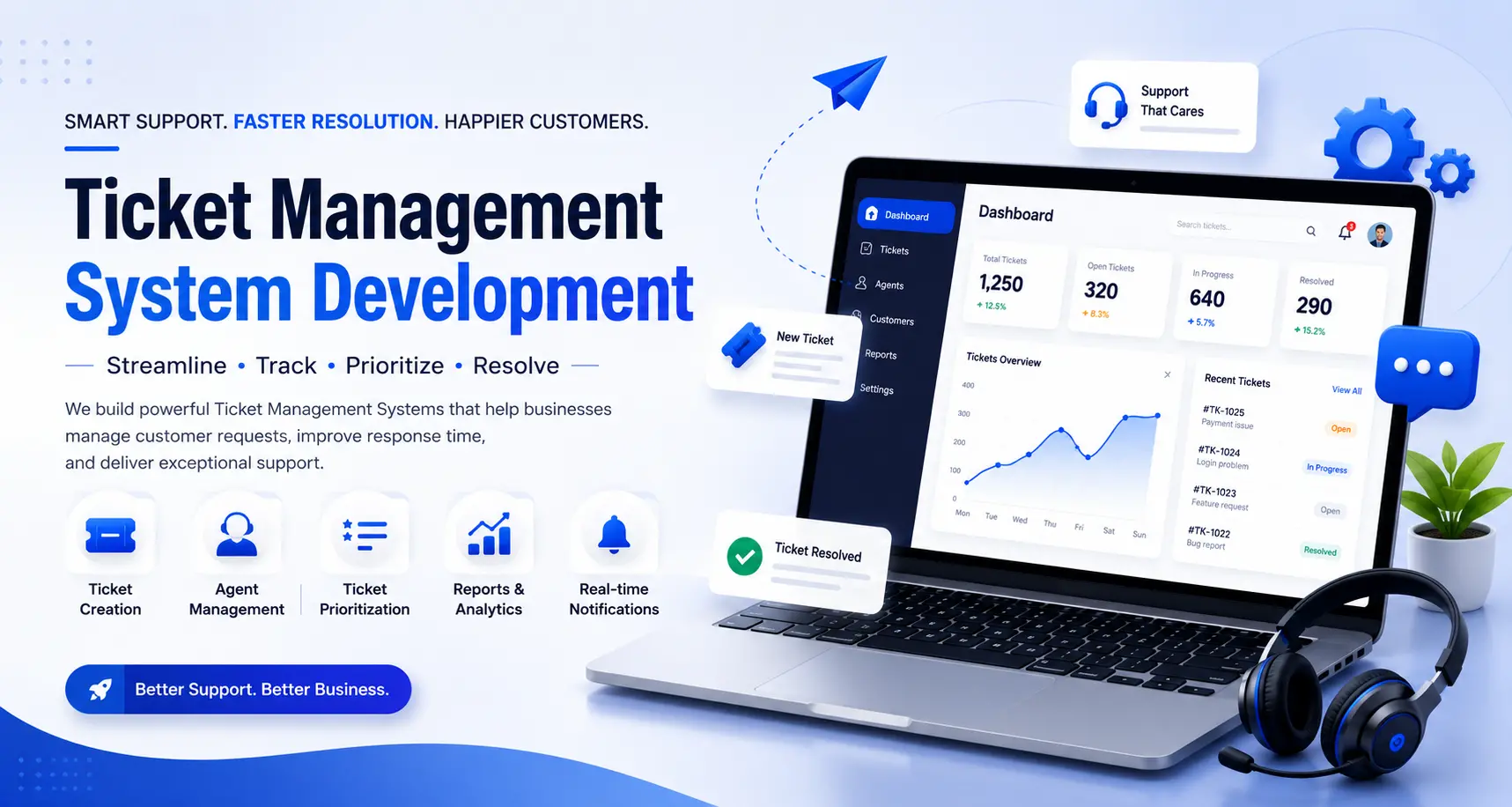
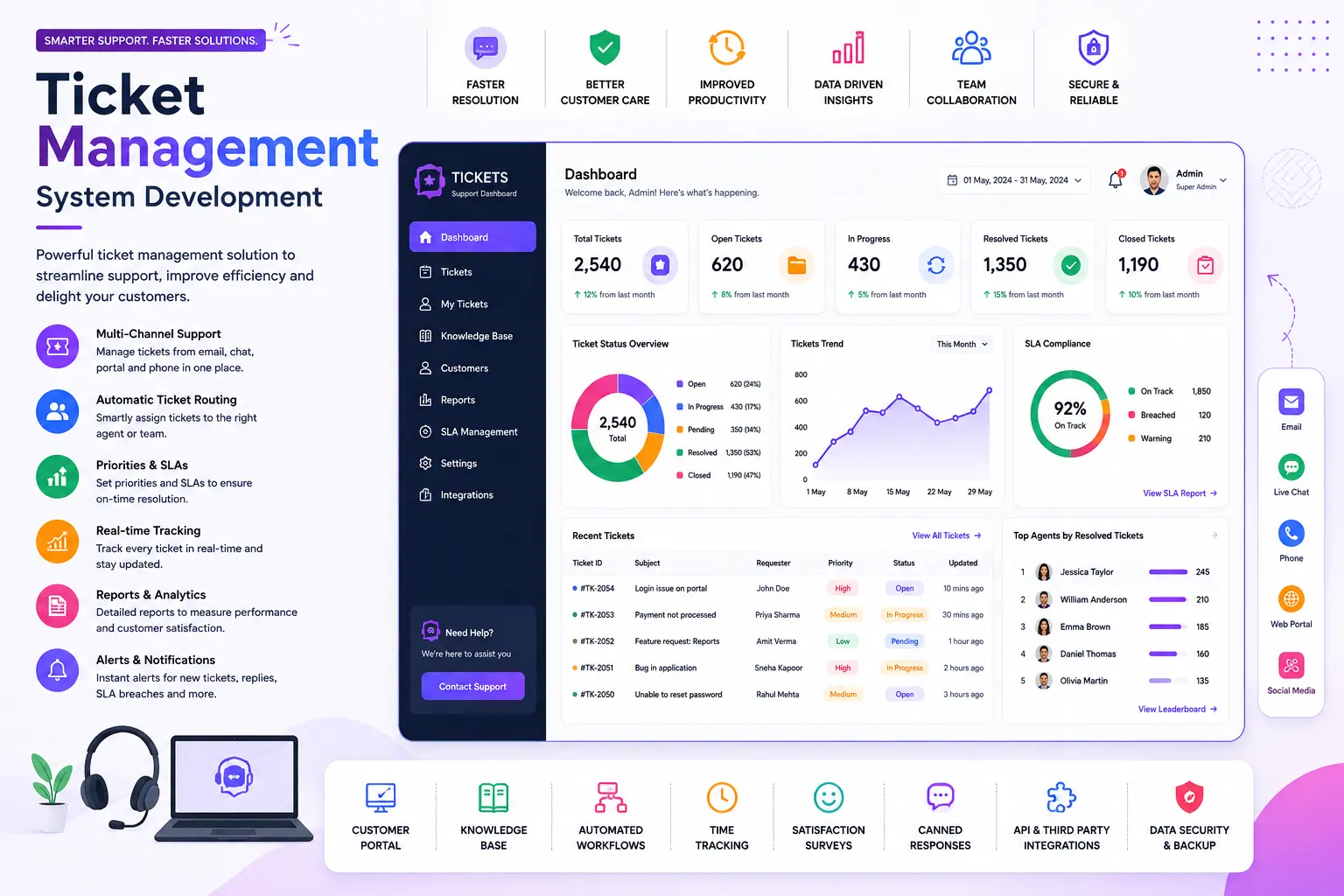
Not every ticketing tool needs every feature below. But these are the ones that separate a system that actually works from one your team abandons within a year.
Multi-Channel Ticket Creation
Requests should be able to come in from email, a web form, live chat, phone, or even social media, and all of them should land in the same queue as tickets.
Automated Ticket Routing & Assignment
Rules decide who gets which ticket based on category, keyword, department, or workload, so nothing waits for a human to manually sort it.
SLA Management & Escalation
Every ticket gets a response and resolution deadline based on its priority. If it's about to breach that deadline, the system escalates it automatically instead of letting it slip.
Priority & Category Tagging
Tickets get tagged by urgency and type, so agents can work the most critical issues first instead of working in the order tickets happened to arrive.
Knowledge Base & Self-Service Portal
A searchable library of solutions lets requesters solve simple problems themselves, which cuts ticket volume for the easy stuff.
Real-Time Dashboards & Reporting
Managers see open tickets, average resolution time, agent workload, and recurring issues at a glance, without pulling a manual report.
Role-Based Access Control
Agents, supervisors, and admins each see only what they need to. This matters for compliance as much as it does for a clean interface.
Integrations
A ticketing system that talks to your CRM, ERP, email, and chat tools saves agents from switching between five different screens to handle one request.
| Type | Used For |
|---|---|
| IT helpdesk ticketing | Internal tech support, password resets, hardware/software issues |
| Customer support ticketing | External customer inquiries, complaints, refund requests |
| Facility management ticketing | Maintenance requests, repairs, equipment servicing |
| HR service desk ticketing | Employee queries, onboarding requests, policy questions |
| Education support ticketing | Student services, admissions queries, IT support for campuses |
Most businesses need a hybrid, since customer tickets and internal IT tickets rarely belong in the same queue with the same rules.
The ticket lifecycle generally follows the same six steps, no matter the industry:
This is the question we get asked most, so let's be direct about it.
| Factor | Off-the-Shelf (Zendesk, Freshdesk, etc.) | Custom-Built System |
|---|---|---|
| Setup speed | Fast, live in days | Slower, weeks to months |
| Ongoing cost | Per-agent monthly fees that scale with your team | One-time build cost, no per-seat fees |
| Fit to your workflow | You adapt to their structure | Built around your exact process |
| Integrations | Limited to what they support | Connects to any system you already use |
| Data ownership | Hosted on their servers | You control where and how data is stored |
| Scalability | Costs rise as you add agents | Scales without new licensing costs |
| Long-term flexibility | Limited to their roadmap | You control every future change |
Off-the-shelf tools make sense for small teams that need something running today and don't mind paying per agent forever. A custom-built system makes more sense once you've outgrown generic workflows, need tight integration with your CRM or ERP, or are tired of paying rising subscription fees for features you don't fully use.
There are really three paths here, and each one comes with real trade-offs.
Build in-house: Your own developers build it. You get full control, but only if you already have a development team with spare capacity. Most companies don't, and pulling engineers off product work to build internal tools is expensive in ways that don't show up on an invoice.
Buy off-the-shelf: Fastest to launch. Works fine for simple, generic support needs. Where it breaks down: rigid workflows, per-agent pricing that punishes growth, and limited ability to match your specific process.
Hire a development partner: You get a system built for your exact workflow, without pulling your own team off other priorities. This is the middle path, faster than building in- house from scratch, more flexible than a rigid SaaS tool, and it becomes something you own outright rather than rent forever.
What can go wrong doing it alone: teams often underestimate integration work (connecting the ticketing system to existing email, CRM, or ERP setups), skip proper SLA logic, and end up rebuilding the whole thing a year later because it wasn't planned to scale.
Costs vary widely based on scope, and any agency that quotes you a number without understanding your requirements first isn't being straight with you. That said, here's a general framework based on typical project tiers:
| Tier | What's Included | Typical Range |
|---|---|---|
| Basic | Ticket creation, assignment, status tracking, basic reporting | Lower end of custom development |
| Standard | Adds SLA management, automation rules, knowledge base, integrations | Mid-range |
| Advanced/Enterprise | Multi-department routing, advanced analytics, custom integrations (CRM/ERP), mobile app, role-based access at scale | Higher end |
Factors that move the price: number of integrations, whether you need a mobile app, how complex your approval/escalation logic is, and whether you need multi-language or multi- region support. We'll give you an exact quote after a short requirements call, we don't believe in guessing numbers before understanding the project.
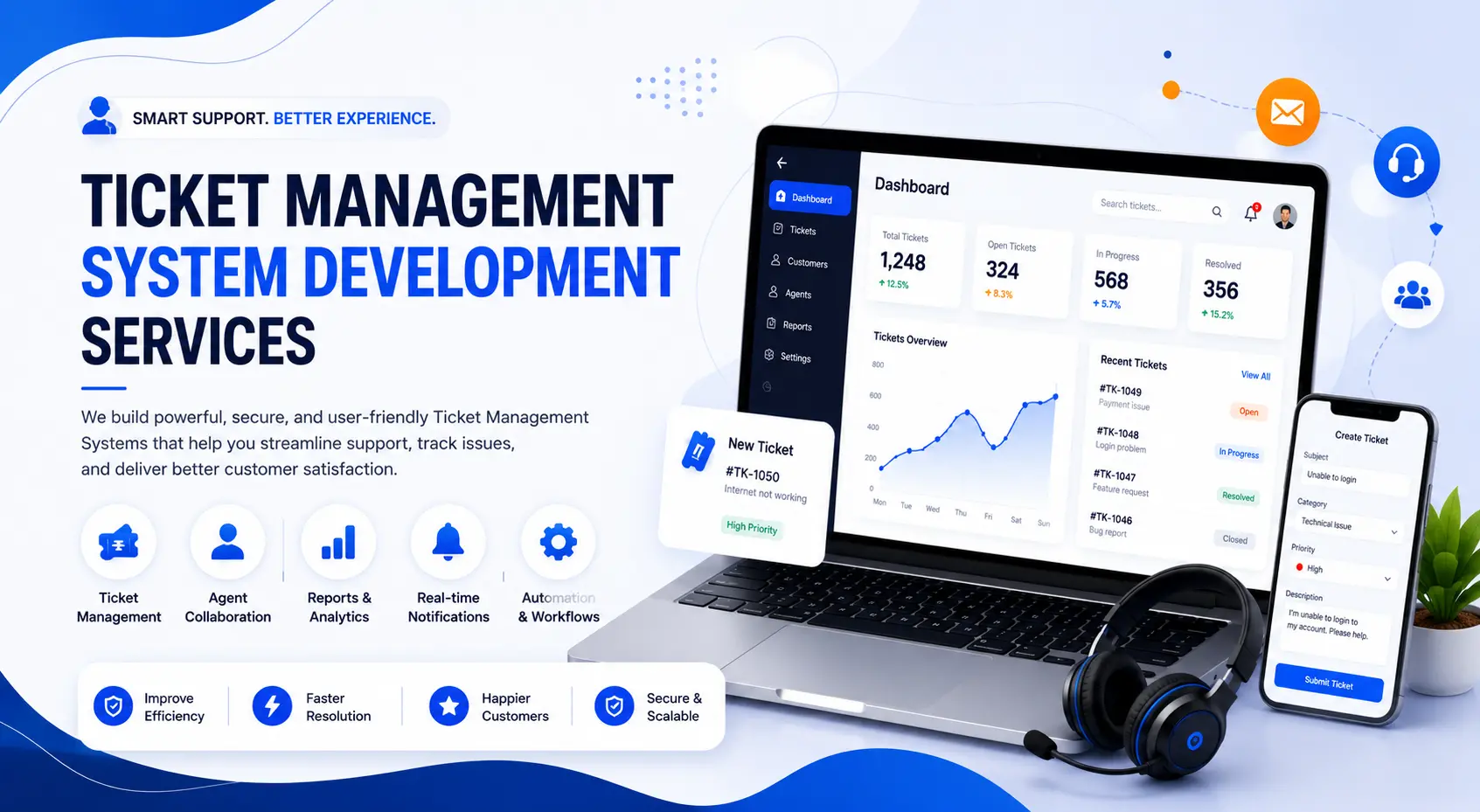
Here's exactly how we approach a build at Hyper Software:
We select the stack based on your scale and integration needs, not a one-size-fits-all template. Typical builds use modern frameworks for the front end, a secure backend (Node.js, PHP/Laravel, or .NET depending on your existing systems), and cloud hosting (AWS, Azure, or Google Cloud) for reliability and easy scaling. Where relevant, we integrate with your existing CRM, ERP, or email systems through theirAPIs rather than forcing a rebuild of tools you already rely on.
A ticket management system is software that logs, organizes, and tracks support requests from submission through resolution, giving teams a single place to manage every request instead of scattered emails and messages.
A CRM manages customer relationships and sales data. A ticket management system manages support requests and issue resolution. They often integrate, but they serve different purposes.
IT services, customer support teams, healthcare administration, education, facility management, e-commerce, and any business handling repeat service requests.
Yes. A custom-built system can be integrated directly with your existing tools through theirAPIs, so ticket data and customer data stay connected.
Cost depends on scope, number of integrations, and features like SLA automation or mobile access. We provide an exact quote after understanding your requirements.
Most custom builds take 6 to 16 weeks depending on complexity, with basic systems launching in as little as 4 to 6 weeks.
They're closely related. A ticketing system is the core component; helpdesk software typically wraps it with a knowledge base, live chat, and self-service tools.
No. The system is built for non-technical agents to use through a simple dashboard. Setup and customization are handled by the development team.
The system automatically escalates it, notifying a supervisor or reassigning it, so breaches get caught before customers have to complain.
Yes. Tickets can be routed to different departments (IT, billing, HR, facilities) with separate workflows and SLAs for each.
A mid-sized logistics company came to us managing customer complaints and driver issue reports entirely through a shared email inbox. Tickets got missed. Nobody knew who was handling what. Their support lead was manually forwarding emails to whichever team member happened to be free.
We built them a custom ticket management system with automated routing by issue type (billing, delivery delay, damaged goods), SLA timers with escalation alerts, and a simple dashboard their ops manager could check without digging through email chains. We also connected it to their existing CRM so agent responses automatically logged against the right customer account.
Within the first six weeks of going live, their average response time dropped from over a day to under four hours, and repeat complaints about "no response" nearly disappeared. Their team didn't have to change how they worked, the system was built around the workflow they already had.
A ticketing system is the core engine that creates and tracks tickets. A helpdesk is the broader support function, which often includes a ticketing system plus a knowledge base, live chat, and reporting tools.
Yes. Many businesses use one system for IT support, HR queries, and facility requests internally, and a separate one for external customer support.
It depends on volume and complexity. If you're handling under a few hundred tickets a month with simple workflows, an off-the-shelf tool is usually enough. Once your process gets specific or your team grows, custom starts to pay off.
Yes. Most systems convert incoming emails into tickets automatically, so requesters can keep emailing as usual while your team manages everything from one dashboard.
Each ticket gets a response and resolution deadline based on its priority level. The system tracks time against that deadline and triggers alerts or escalations if it's at risk of breaching.
Have questions or need expert guidance? Our team is ready to help you with the right technology solutions for your business.