
Hyper Software ne hamare business ko online ek nayi pehchan di. Website professional, fast aur SEO optimized hai. Website Design & Development ke liye best company.

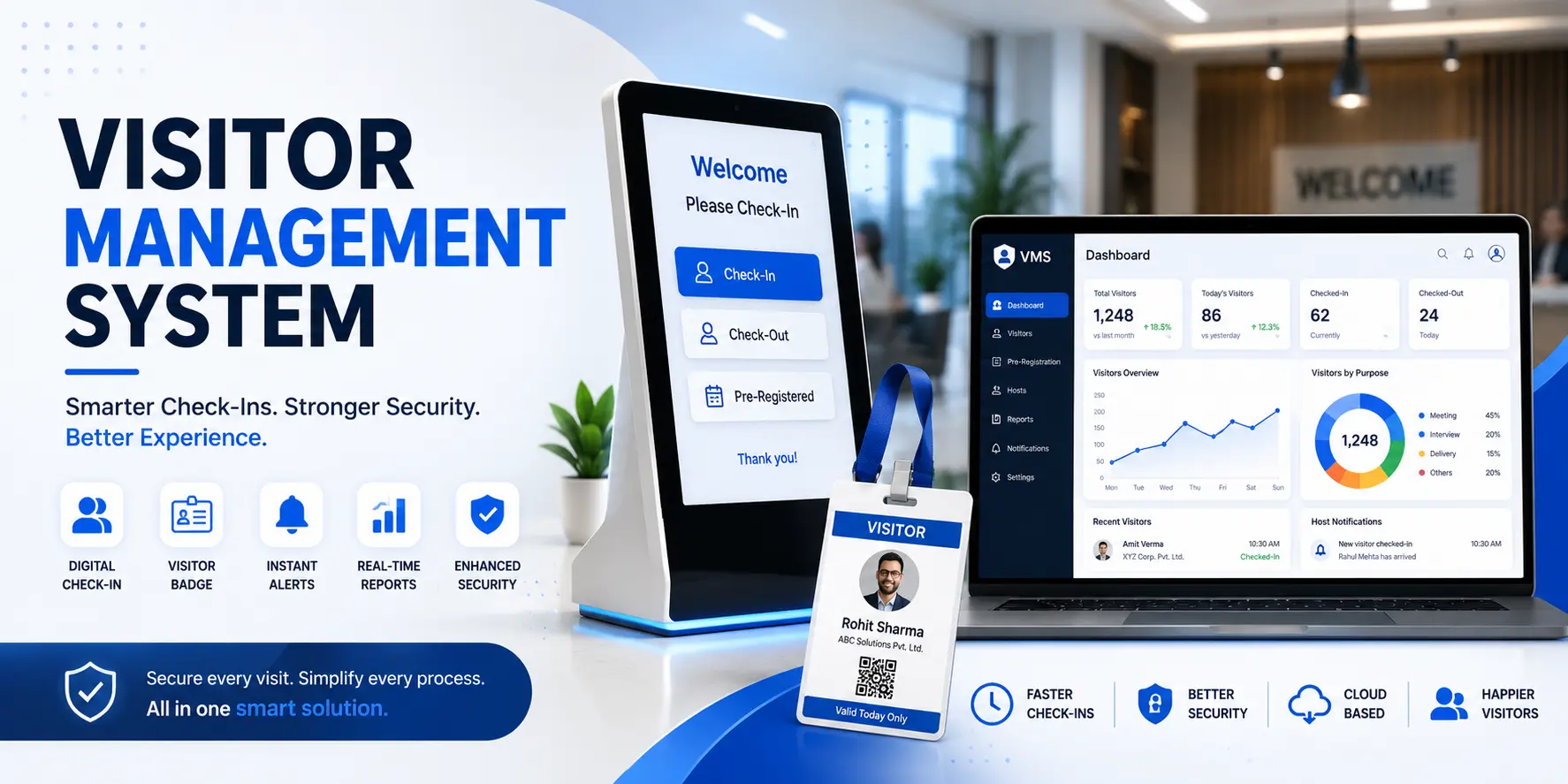
A visitor management system is software that replaces your front-desk paper register.
Guests check in digitally, your team gets an instant alert, a badge prints automatically, and every visit is saved to a searchable cloud log. It's faster for guests, safer for your building, and far easier to audit than a notebook full of illegible signatures.
If you're still handing visitors a pen and a logbook, you already know the problems: lost pages, unreadable handwriting, no way to know who's actually in the building right now, and nothing to show an auditor when they ask. A visitor management system fixes all of that, and it does it without adding work for your front desk.
This guide covers what a visitor management system actually does, how it works, what it costs in India, and how to decide whether to buy an off-the-shelf tool or get one built around your business. We'll also walk through a real example of how we helped a client replace a broken sign-in process with a system that actually works.
A visitor management system (VMS) is a software platform that manages every step of a guest's visit — from the moment they're invited, to check-in, to the moment they leave the building. It captures the visitor's name, photo, contact details, and reason for visit, notifies the person they're meeting, and stores the record for later.
Think of it as the digital upgrade to the guard's register book. Except this one never runs out of pages, never gets a coffee stain over the one entry you needed, and can tell you in three seconds who was in Meeting Room 2 last Tuesday at 3 PM.
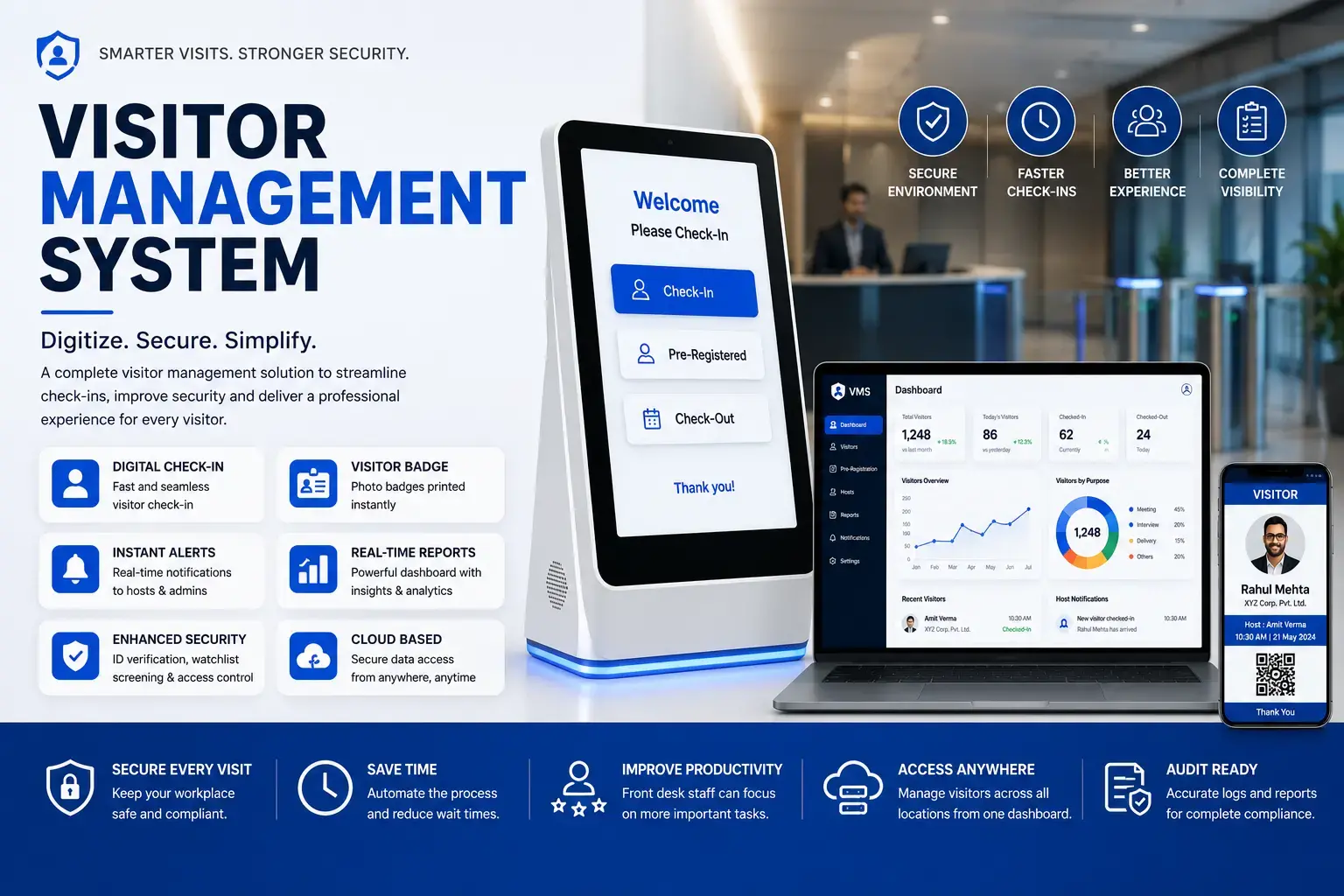
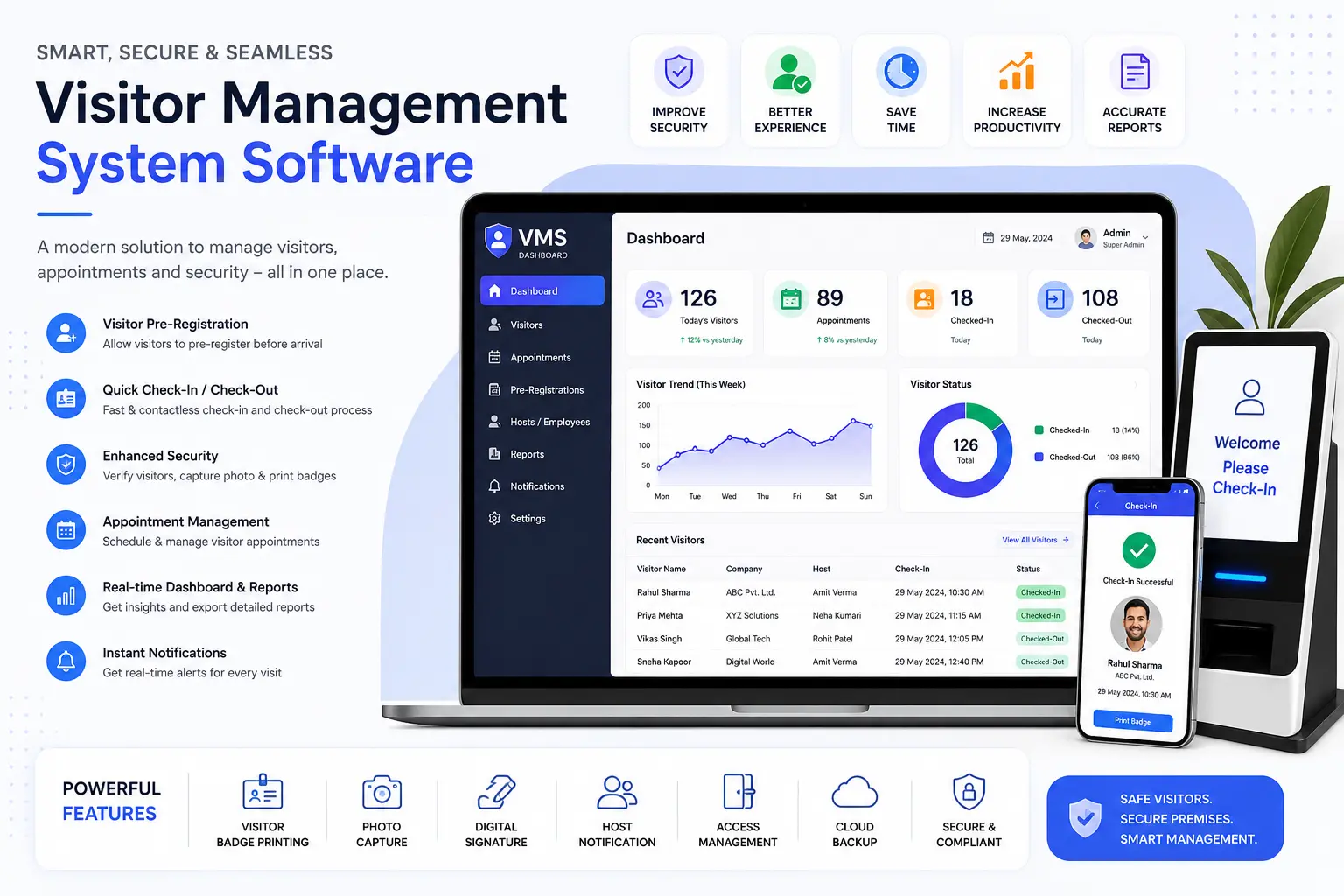
Most systems run on a tablet or kiosk at the entrance, paired with a cloud dashboard the admin team can check from anywhere. Some also connect to your access control system, so a visitor's digital badge can unlock a specific door for a set window of time and nothing more.
Get Free Consultation Within Minutes
Paper sign-in books feel simple. They're also the reason most security incidents at reception go unnoticed until it's too late. Here's what usually pushes a company to switch:
None of these are edge cases. They're the daily reality of a paper-based front desk, and they're exactly what a visitor management system is built to remove.
Hyper Software ne hamare business ko online ek nayi pehchan di. Website professional, fast aur SEO optimized hai. Website Design & Development ke liye best company.

The process is simpler than most people expect. Here's the typical flow:
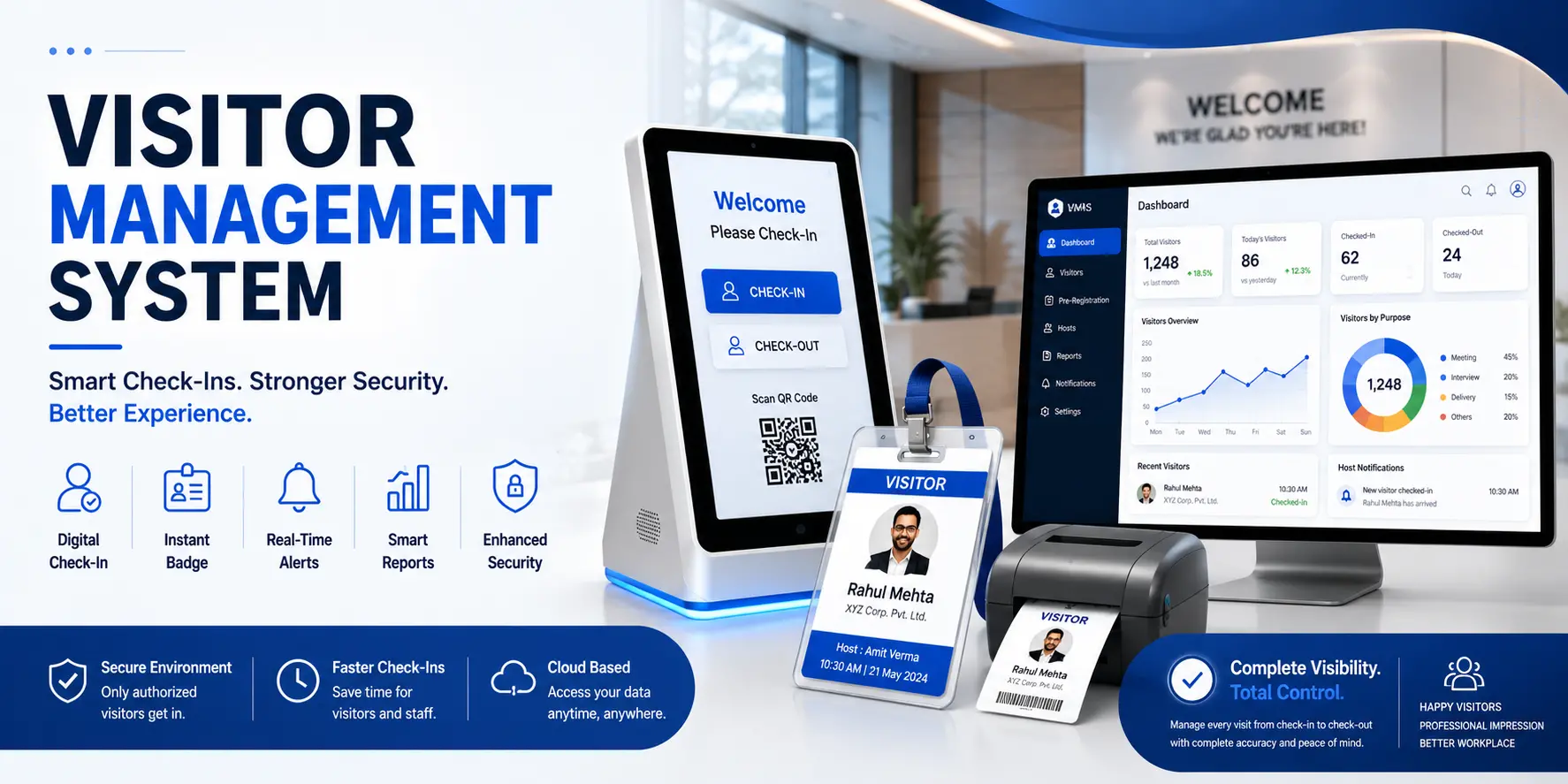
1. Invite or walk-in. A host either pre-invites a guest by email (with a QR code attached) or the visitor arrives unannounced and starts at the kiosk.
2. Check-in. The visitor enters their details on a tablet, scans a QR code, or has their photo taken — usually under two minutes.
3. Screening (if needed). For regulated sites, the system can run an ID check, a temperature check, or an NDA e-signature before allowing entry.
4. Host notification. The moment check-in is complete, the host gets an SMS, email, or app alert saying their guest has arrived.
5. Badge printing. A badge prints with the visitor's photo, name, host, and time of entry, so anyone in the building can identify them at a glance.
6. Checkout and logging. When the visitor leaves, they check out (or the system auto-checks-out after a set time), and the full visit is saved to the cloud log for later.
That's it. No queues, no guesswork, and a complete record the moment it's needed.
Not every visitor management system needs every feature below. But knowing what's available helps you avoid paying for a bare-bones tool that can't grow with you, or an enterprise platform loaded with features you'll never touch.
Not all systems work the same way. Picking the right type matters as much as picking the right vendor.
The most common use case. Client meetings, interviews, vendor visits, and deliveries all flow through one system, with each visitor type getting a slightly different check-in workflow.
Verifying that the person picking up a child is actually an approved parent or guardian is the single biggest reason schools adopt a VMS. Some systems can also screen against local databases before granting entry.
Visitor logs matter for infection control, patient privacy, and compliance. A hospital VMS often restricts which wards a visitor can enter and enforces visiting-hour limits automatically.
Contractor and vendor management is the priority here. Safety induction acknowledgements, PPE compliance checks, and gate-pass records are usually built into the check-in flow.
High visitor turnover with many different host companies under one roof makes self-service, QR-based check-in the natural fit.
Strict identity verification and detailed audit trails, often with tighter data-retention rules than private businesses.
Guard-managed entry for guests, delivery staff, cabs, and domestic help, usually paired with a resident-approval step on a mobile app before the gate opens.
Pricing varies a lot depending on whether you need pure software, dedicated hardware (kiosks, badge printers, biometric scanners), or a fully custom build. Based on current India market data:
| Setup Type | Typical Cost (India) | Best For |
|---|---|---|
| Basic cloud software (no hardware) | Around ₹1,500–5,000/month, sometimes free with limited features | Small offices with under 50 visitors/month |
| Mid-range digital system with hardware | Roughly ₹50,000–1,50,000/year for offices seeing ~200 visitors/day | Mid-size corporate offices |
| Enterprise/custom system with integrations | ₹1,50,000–3,00,000+/year | Multi-location businesses, hospitals, large factories |
Costs go up when you add biometric scanners, self-service kiosks, or integrations with your existing HRMS, ERP, or access control hardware. They come down when you go pure cloud software with BYOD (visitors use their own phone to scan a QR code).
A word of caution: these figures vary by vendor, hardware choice, and number of locations. Always confirm final pricing directly with your chosen provider rather than budgeting off a generic number.
Costs nothing upfront. Works for a handful of visitors a week. But it gives you no real security, no reporting, and it falls apart the moment you're audited or asked "who was in the building on this date." Fine for a two-person office. Risky for anything bigger.
Fast to set up, usually live within a day, and reasonably priced for standard needs. The catch: you're working within whatever workflow the vendor built. If your process needs a specific approval chain, a regional language interface, or integration with an ERP system that isn't on their supported list, you'll either bend your process to fit the software or pay extra for a workaround that may never arrive.
Costs more upfront and takes longer to launch than clicking "subscribe" on a SaaS tool. But it's built around your actual process, not a generic one. This is the right call once you need HRMS/ERP integration, multi-branch control from one dashboard, industry-specific compliance workflows, or you've simply outgrown what off-the-shelf tools offer.
It also means you own the system rather than renting it, with no surprise price hikes when the vendor changes its plans.
Our honest take: if you're a small office with straightforward needs, a ready-made tool will serve you fine and there's no reason to overspend on a custom build. If you're managing multiple locations, need it to talk to your existing software, or keep hitting walls with what packaged tools support, that's when a custom system starts paying for itself.
Run through this checklist before you commit to a vendor:
A mid-size manufacturing client in Jaipur came to us with a familiar problem: a paper register at the gate, a separate Excel sheet the safety officer maintained by hand, and no way to answer "how many contractors were on-site last month" without someone spending an afternoon counting entries.
We built them a custom visitor and contractor management system that ran on a tablet at the gate, synced contractor safety induction records automatically, and sent the shift supervisor an SMS the moment any vendor checked in.
We connected it to their existing attendance software so the same dashboard covered both employees and visitors, something no off-the-shelf VMS on the market offered them out of the box.
Within the first month, gate check-in time dropped from several minutes per visitor to under a minute, and their safety officer could pull a full contractor report for any date range in seconds instead of an afternoon.
That's the kind of problem a packaged tool couldn't fully solve, and exactly the kind of problem a custom build is meant for.
Pre-registration, instant host alerts, badge printing, emergency roll call, and integration with your existing HR or access control software are the features that matter most day to day.
It reduces the manual workload significantly, but most businesses still keep a receptionist for guest experience, handling exceptions, and tasks a kiosk can't do, such as answering questions or managing deliveries.
Reputable systems store visitor data on encrypted cloud servers with access controls and defined retention periods. Always ask your vendor how long data is kept and whether it can be deleted on request.
Yes. Many systems can issue a temporary digital credential that unlocks specific doors for a set time window, tying visitor check-in directly to physical access.
A gate pass system usually focuses on entry/exit logging for vehicles and contractors at industrial sites, while a visitor management system covers the fuller front-desk experience, including host notification and badge printing. Many modern platforms combine both.
Yes, especially for verifying that anyone picking up a child is an approved parent or guardian. Many school systems also allow screening visitors before granting entry.
Yes. Companies like Hyper Software build visitor management systems tailored to your exact workflow and integrated with your existing software, which off-the-shelf tools often can't match.
A ready-made cloud tool can be live within a day. A custom-built system typically takes a few weeks, depending on the integrations and hardware involved.
Corporate offices, schools, hospitals, factories, coworking spaces, government offices, and residential societies see the biggest gains from switching to a digital system.
Yes, this is one of its most valuable features. During a fire drill or real emergency, the system can generate a live list of everyone currently checked in, which a paper register simply cannot do fast enough.
Hyper Software builds visitor management systems around how your business actually works, not the other way around. Since 2020, we've helped businesses across industries move away from paper processes and disconnected tools toward systems that actually talk to each other.
We serve clients globally, so whether you're a single office or a multi-branch operation, we scope the build to match your scale, not a one-size-fits-all template.
Ready to replace your paper register? Call Hyper Software at +91 9079282750 or visit www.hypersoftware.in for a free consultation.
| Factor | Off-the-Shelf VMS | Hyper Software Custom Build |
|---|---|---|
| Setup time | Fast, live in a day | Longer, scoped to your process |
| Workflow fit | Fixed, generic workflow | Built around your exact process |
| Integrations | Limited to vendor's supported list | Built to connect with your existing systems |
| Ownership | Rented, subscription-based | You own the system |
| Long-term cost | Recurring, can rise with vendor pricing changes | Predictable, one-time build plus support |
| Best for | Small offices, standard needs | Multi-location businesses, specific compliance or integration needs |
A visitor management system is software that replaces the paper sign-in register at your front desk. It records visitor details, notifies the host, prints a badge, and stores every visit in a searchable digital log.
Because paper registers offer no real security, no reporting, and no way to know who is actually in the building right now. A VMS gives you accurate, real-time visitor data and an audit-ready record.
Basic cloud plans start around ₹1,500 per month, while mid-size offices typically spend ₹50,000–1,50,000 a year including hardware. Enterprise and custom builds can run ₹1,50,000–3,00,000+ a year depending on integrations and scale.
For most small offices with fewer than 50 visitors a month, a basic cloud-based plan is worth it purely for the host- notification and security benefits, and it costs less than most people expect.
Good systems include an offline mode that queues check-ins locally and syncs once the connection returns. Always confirm this with your vendor before buying, since not every tool supports it.
Have questions or need expert guidance? Our team is ready to help you with the right technology solutions for your business.